

Page 1
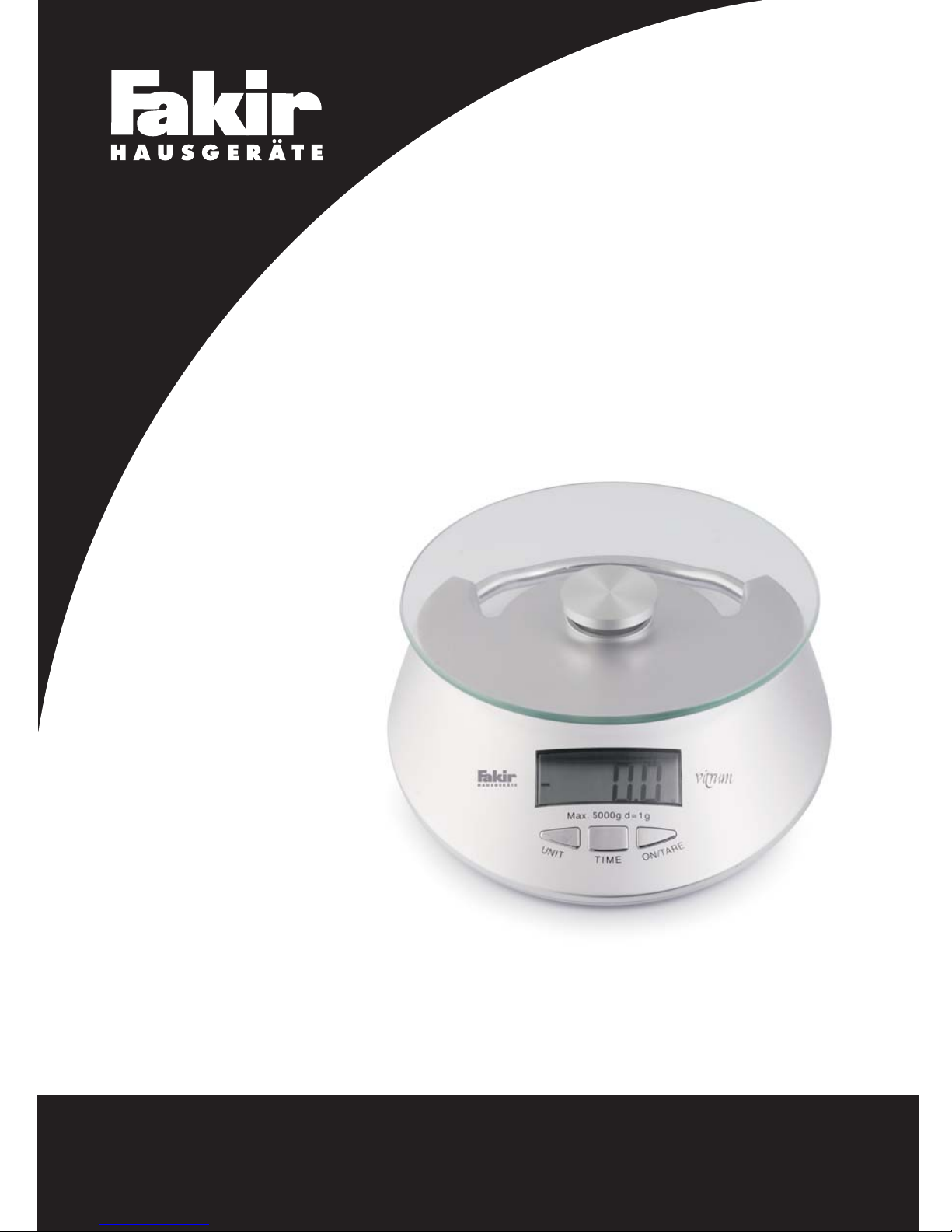
Instruction Manual
Kullan›m K›lavuzu
Electronic Kitchen Scale
VITRUM
Mutfak Terazisi
Page 2

2
Page 3

3
G‹R‹fi
Uzun y›llar sorunsuz çal›flmas› için
tasarlanan ve üretilen Fakir Vitrum Elektronik
Mutfak Tart›s›n› sat›n alm›fl oldu¤unuz için
teflekkür ederiz.
Benzer ürünleri kullanmaya al›fl›k
olabilirsiniz, ancak kullanma k›lavuzunu
okumak için lütfen zaman ay›r›n›z. Bu k›lavuz
sat›n alm›fl oldu¤unuz üründen en iyi
performans› alman›z için haz›rlanm›flt›r.
Güvenlik Önemlidir
Kendi güvenli¤iniz ve di¤erlerinin güvenli¤i
için ürünü çal›flt›rmadan önce kullanma
k›lavuzunu okuyunuz.Bu k›lavuzu ilerideki
kullan›mlar için güvenli bir yerde saklay›n›z.
D‹KKAT
1. Tart›y› kullan›rken temel güvenlik önlemlerini
tüm ofis cihazlar› için kullan›n›z.
2. Tart›n›n su s›zd›rmazl›k özelli¤i yoktur.Cihaz›
ya¤mur ya da neme ma¤ruz b›rakmay›n›z.
3. Tart›y› sökmeyiniz.Tart›n›n kullan›c›
taraf›ndan tamir edilebilecek herhangi bir
parças› bulunmamaktad›r.
4. Tart›y› kullanmadan önce tüm kullanma
k›lavuzunu okuyunuz.
5. Tart›y› yaln›zca tasarlanan amac› için
kullan›n›z.
6. Lütfen tart›n›n ticari ya t›bbi kullan›mlar için
üretilmedi¤ine dikkat ediniz.
ÖZELL‹KLER
- Do¤ru ölçüm yapabilmeyi sa¤layan yüksek
duyarl› hassas ölçüm sensörü ile
donat›lm›flt›r.
- 5 kg kapasite
- Tartma ve saat fonksiyonu
- Dara fonksiyonu
- Birim: g & oz
- 40x20 mm / 0.8’ LCD Ekran
- Otomatik kapanma
- Zayıf batarya göstergesi / Fazla yükleme
göstergesi
ÖNEML‹ FONKS‹YONLAR
- On / Tare (Açma / Dara) tuflu:Bu tufla
basarak saat modundan tartma moduna
geçebilirsiniz; yine bu tufla basarak tartma
modundan dara fonksiyonuna
geçebilirsiniz.
- Time (Zaman) tuflu:Zaman ayar›
yapabilirsiniz.
- Unit (Birim) tuflu: g & oz birim ayar›
yapabilirsiniz.
KULLANIM ÖNCES‹
1. Tart›y› çeviriniz ve batarya kapa¤›n› aç›n›z.
Batarya kapa¤›na bataryay› yerlefltiriniz.
2. Tart›y› düz bir zemine koyunuz ve sabit
oldu¤undan emin olunuz.
ZAMAN AYARI
1. A¤›rl›k moduna geçmek için “On / Tare”
tufluna bas›n›z.
2. Tart› a¤›rl›k modunda oldu¤unda, zaman
ayar›na geçmek için “Time” tufluna bas›n
ve bir süre bas›l› tutun.
3. Ayr› ayr› “On / Tare” ve “Unit” tufluna
basarak saat ve dakikay› ayarlayabilirsiniz.
Zaman ayar› ifllemi bitti¤inde “Time” tufluna
basarak a¤›rl›k moduna geçebilirsiniz.
4. “On / Tare” tufluna bas›l› tuttu¤unuzda, tart›
tekrar saat fonksiyonuna geçecektir.
A⁄IRLIK ÖLÇME
1. Saat modunda iken “On / Tare” tufluna
bast›¤›n›zda, tart› tekrar a¤›rl›k moduna
geçecektir. Ekranda önce HELLO daha
Page 4
4
sonra “0g” yaz›s› gözükecektir.
2. “Unit” tufluna basarak, “g” ya da “oz” tart›
birimini seçebilirsiniz.
3. A¤›rl›k modunda iken, kab› tablaya koyunuz,
ekranda kab›n a¤›rl›¤› gözükecektir. “On /
Tare” tufluna bast›¤›n›zda, tart› tekrar s›f›r
rakam›na dönecektir. Daha sonra g›da ya
da s›v›y› kaba koydu¤unuzda ekranda a¤›rl›k
gözükecektir.
4. Saat moduna geçmek için “On / Tare”
tufluna bas›l› tutunuz.
YANLIfi EKRAN BAfiLANGICI
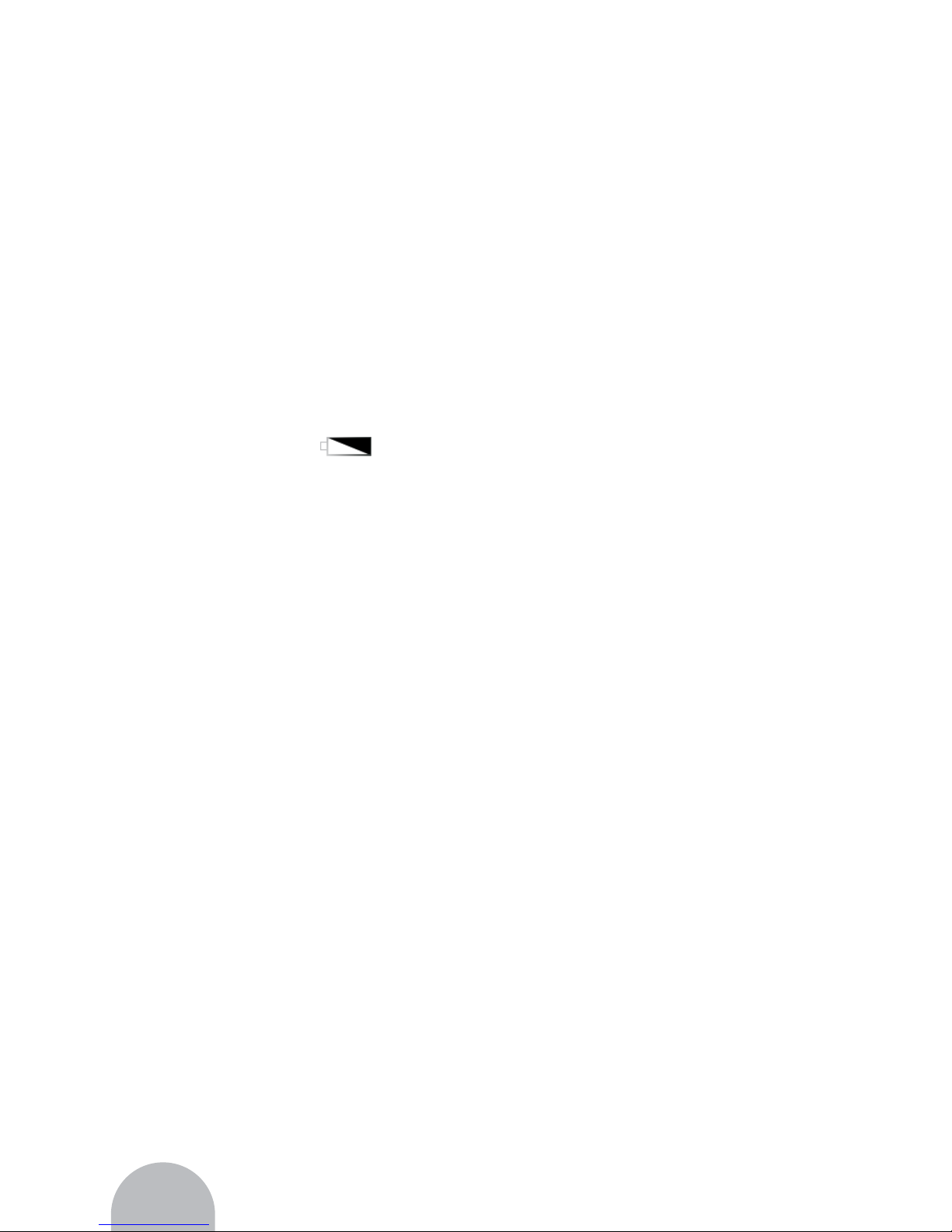
- Ekranda batarya simgesi olarak
gözükürse, bu batarya gücünün yeterli
olmad›¤›n› ve bir an önce yeni bataryan›n
tak›lmas› gerekti¤ini gösterir.
- E¤er nesnenin a¤›rl›¤› tart›n›n maximum
kapasitesinden fazla ise, ekranda “EEEE”
yaz›s› gözükecektir.Yük hücresine zarar
vermemek için nesneyi bir an önce
platformdan al›n›z.
KULLANIM VE BAKIM
TAVS‹YELER‹
- Tart›y› temiz ve sabit bir yere koyunuz.
- Tart›y› kullan›rken maximum a¤›rl›¤›n›
aflmay›n›z.
- Tart›y› sudan, s›cak, so¤uk ve ›slak
zeminlerden uzak tutunuz.
- Cihaz yüksek duyarl› elektronik ölçüm
düzene¤ine sahiptir.Lütfen cihaz›
zorlamay›n›z ya da cihaz› düflürmeyiniz,
aksi taktirde cihaz zarar görecektir.
- Cihaz sadece ev kullan›mlar› içindir,
herhangi baflka bir yerde kullanmay›n›z.
- ‹lk kullan›mda ya da bataryay›
de¤ifltirdi¤inizde, lütfen saati yeniden
ayarlay›n›z.
Page 5

7
INTRODUCTION
Thank you for purchasing Fakir Vitrum
Electronic Kitchen Scale which has been
designed and manufactured to give you
many years of trouble-free service. You
may already be familiar with using a similar
product, but do please take time to read
these instructions – they have been written
to ensure you get the very best from your
purchase.
SAFETY IS IMPORTANT
To ensure your safety and the safety of
others, please ensure you read the
instruction manual before you operate this
product. Keep this information in a safe
place for future reference.
ATTENTION
1. Follow the basic safety precautions for all
office equipment when using this scale.
2. The manufacturer does not represent this
unit to be waterproof. Do not expose this
product to rain or moisture.
3. Do not disassemble this scale.The scale
does not contain any parts that can be
repaired by the user.
4. Read all instructions before operating the
scale.
5. Use the scale only for its intended purpose.
6. Please take care that this scale is not
designed for commercial or medical use.
FEATURES
- Equipped with a high precision ‘straingauge’ sensor and high capability CPU to
ensure the weighing accuracy.
- Capacity: 5 kg.
- Weighing and Clock function
- Tare function
- Unit: g & oz
- LCD display 40x20mm / 0.8’
- Auto - switch off
- Low - battery indication / Overload indication
KEY FUNCTIONS
- On/Tare key: Press this key to change to
the weight mode from the clock mode;
press this key to do the tare function on the
weigh mode.
- Time Key: You can adjust time with this
key.
- Unit Key: You can choose g & oz.
BEFORE USING
1. Turn over the scale and open the battery
door. Insert the battery to the battery case.
2. Put the scale on a flat table and ensure it
steady.
TIME SETTING
1. Press the “On / Tare” key to enter the weight
mode.
2. When the scale is in the weight mode, press
and hold “Time” key to enter the time setting.
3. Separately press the key of “On/Tare” and
“Unit” to adjust the hour and minute. And
press “Time” return to the weighing mode,
at the same the time setting is finished.
4. Press and hold the key of “On/Tare”, the
scale will come back to the clock function.
WEIGHING MODE
1. In the clock mode press the key of
“On/Tare”, the scale will enter the weighing
mode. The display will show “Hello”, and
then show “0g”.
2. By pressing the key of “Unit”, you can
choose the weight unit: “g” or “oz”.
5
Page 6

6
3. In the weight mode, put the container on
the platform, the display will show the weight
of container. When you press the key of
“On/Tare”, the scale will return to zero. Then
put the food or liquid into the container, the
display will show the weight.
4. Press and hold the key of “On/Tare”, the
scale will enter the clock mode.
ERROR DISPLAY
INTRODUCTION
- If the display shows the icon of battery
, it means the power of battery is
not enough and need to replace the battery.
as soon as possible.
- If the weight of object is over the max.
capacity of scale, the display will show
“EEEE”. To avoid hurting the load cell,
remove the object from the platform ASAP.
ADVISE FOR USE AND CARE
- Put the scale on the clean and flat table.
- Do not over the max. weight of scale in
using.
- Keep the scale from water, hot cold and
wet place.
- The product is high precision electronic
weighing apparatus. Please do not press
or drop it otherwise the scale will be
damaged.
- The product is for family only, do not use
for elsewhere.
- If the first time using or change new battery,
please re–setup the local time.
Page 7

7
7
Page 8

SHINE OVERSEAS MARKETING LIMITED
Unit 1, 14/F., Yue Xiu Building, 160-174 Lockhart Road,
Wanchai, HONGKONG
 Loading...