

Page 1
Informational sheet
Find Quality Products Online at: [email protected]
Model HDV-WTX
Wireless Transmitter
For use with the HDV600 Borescope only
The wireless transmitter is intended for use in areas that are difficult
to access or in situations when is hard to maneuver the probe with
the display attached. The probe can also be connected directly to
the monitor using the patch cord.
Note: The battery must be fully charged for wireless operation. A
www.GlobalTestSupply.com
weak battery may result in meter shut down.
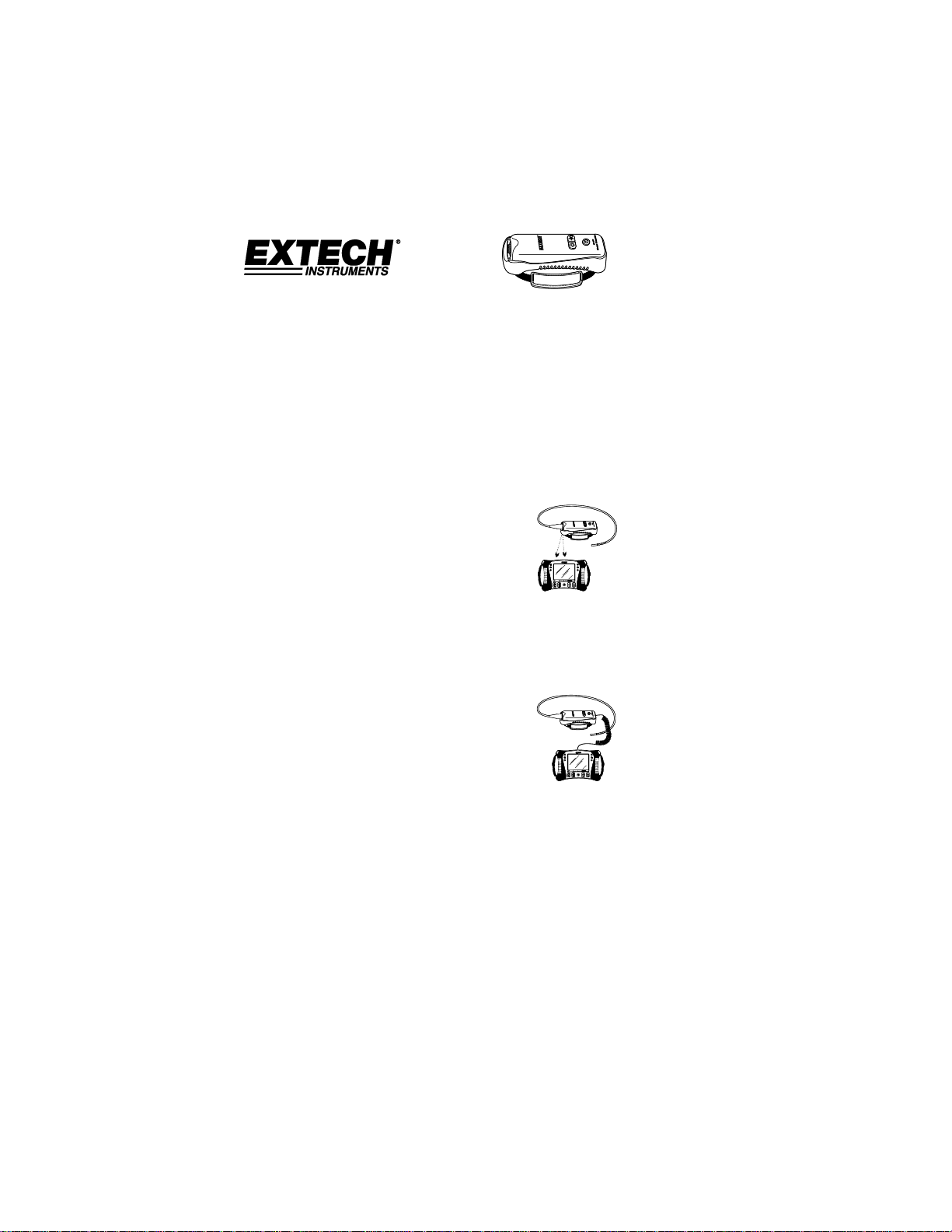
Wireless Mode
1. Connect the AC adaptor to the transmitter
and charge the battery.
2. Attach the probe to the transmitter.
3. Press and hold the Power button for 4
seconds to turn the monitor on, then select
“WIRELESS” under the INPUT SOURCE selection in the
MENU screen.
4. Press and hold the Power button for 4 seconds to turn the
transmitter on. The camera video will be transmitter to the
monitor display.
Direct Mode
1. Connect the AC adaptor to the transmitter
and charge the battery.
2. Attach the probe to the transmitter.
3. Connect the patch cord between the
transmitter and the monitor probe input connector
4. Press and hold the Power button for 4 seconds to turn the
transmitter on.
5. Press and hold the Power button for 4 seconds to turn the
monitor on, then select “DIRECT” under the INPUT
SOURCE selection in the MENU screen.
6. In the direct mode, light intensity is controled by the buttons
on the monitor, not by the buttons on the transmitter.
This is product is warranted for one year.
 Loading...