

Page 1
6 5
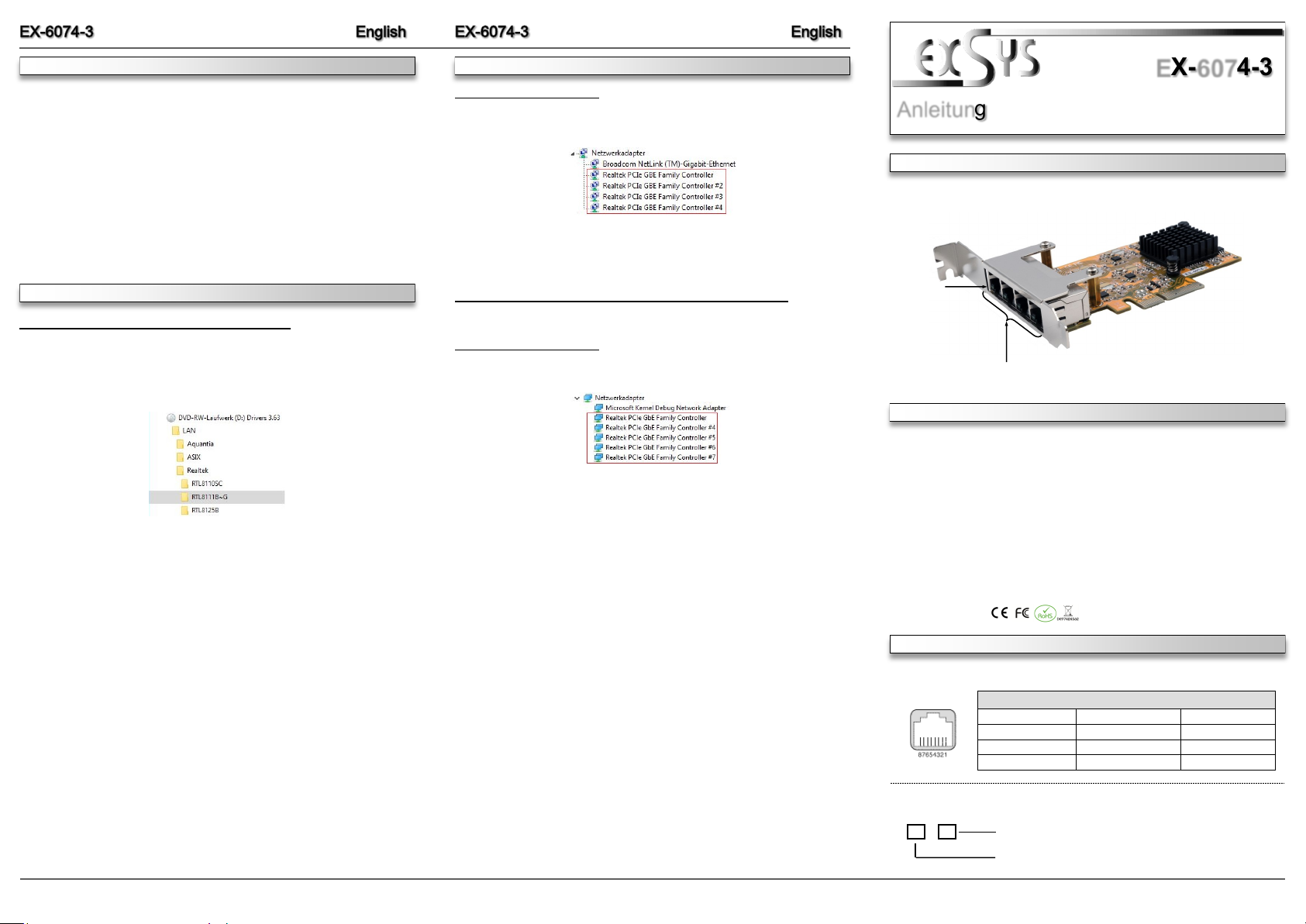
Die EX-6074-3 ist eine High-Speed Gigabit Ethernet PCI-Express Karte. Sie ist mit vier externen Ports ausgestattet. Jeder Port hat einen eigenen Realtek Chip für eine optimale und
schnelle Datenübertragung. Sie unterstützt alle PCI-Express Slots von x4 bis x16. Der PCIExpress Bus unterstützt optimal die Leistung des schnellen Realtek Chipsatz. Die EX-6074-3
gewährleistet so eine sichere Datenübertragung und exzellente Performance von bis zu 1Gbit/s!
Im Lieferumfang der EX-6074-3 ist ein Low Profile Bügel enthalten, welcher Ihnen auch einen
Einbau in schmale PC-Gehäuse bis maximal 8cm Bauhöhe ermöglicht.
1
ANSCHLÜSSE & LED‘S
BESCHREIBUNG & TECHNISCHE DATEN
AUFBAU
Anleitung
Vers. 1.0 / 28.04.22
EX-6074-3
Kompatibilität: PCI-Express x4 bis x16
Betriebssysteme: Windows 98SE / ME / 2000 / XP / Vista / 7 / 8.x / 10 / 11 / Server 20xx
Mac / Linux / UNIX / Novell
Anschlüsse: 4x RJ45 Gigabit Ethernet Anschluss
Lieferumfang: EX-6074-3, Low Profile Bügel, Treiber CD, Anleitung
Zertifikate:
HARDWARE INSTALLATION
DRIVER INSTALLATION
Please note the following installation instructions. Because there are large differences between the
PC’s, we can give you only a general installation instructions for the EX-6074-3. Please refer your
computer’s reference manual whenever in doubt.
1. Turn off the power to your computer and any other connected peripherals.
2. Remove the mounting screws located at the rear and/or sides panels of your Computer and
gently slide the cover off.
3. Locate an available PCIe expansion slot and insert the card. Make sure that the card is
plugged in correctly.
4. Then attach the card with a screw to the rear panel of the computer.
5. Gently replace your computer’s cover and the mounting screws.
Windows XP / Vista / 7 / Server 2003 & 2008R2
After starting Windows is recognizes a new “Ethernet-Controller“. Please insert the Driver CD
into your CD-Rom drive (e.g. Drive D:) and open the folder „LAN/RTL8111B-G“. Please select
the folder with your operating system and install the driver (see Picture). Follow the hardware
assistant and finish the installation. Important! Restart your PC in any case after installing the
drivers.
Follow the installation instructions and complete the installation.
Windows will now install automatically you right driver for your particular operating system. After
the installation the operating system detects the card and automatically install them.
CHECK INSTALLED DRIVER
Open the >Device manager<. Now you should see at „Networkadapter“ the following new
entry's:
If you see this or a similar information the device is installed correctly.
Windows 8.x / 10 / 11 / Server 2012R2 / 2016 / 2019 / 2022
After the hardware installation, the operating system will recognize the device automatically and
install the drivers.
CHECK INSTALLED DRIVER
Open the >Device manager<. Now you should see at „Networkadapter“ the following new
entry's:
If you see this or a similar information the device is installed correctly.
DRIVER INSTALLATION
4x RJ45 Anschluss
Status LED‘s
RJ45 Anschluss:
LINK / Connected
ACT LAN DATA
Status LED´s:
RJ45 Anschluss
Pin Signal Pin Signal Pin Signal
1 BI_DA+ 4 BI_DC+ 7 BI_DD+
2 BI_DA- 5 BI_DC- 8 BI_DD3 BI_DB+ 6 BI_DB-
Page 2
2 3
4
LAYOUT
Manual
Vers. 1.0 / 28.04.22
EX-6074-3
ÜBERPRÜFEN DES INSTALLIERTEN TREIBER
Öffnen Sie den >Geräte-Manager<. Jetzt müssten Sie unter „Netzwerkadapter“ folgende
Einträge sehen:
Sind diese oder ähnliche Einträge vorhanden, ist die Karte richtig installiert.
TREIBER INSTALLATION
Windows 8.x / 10 / 11 / Server 2012R2 / 2016 / 2019 / 2022
Nach Abschluss der Hardwareinstallation erkennt das Betriebssystem den EX-6074-3 automatisch und installiert diesen.
ÜBERPRÜFEN DES INSTALLIERTEN TREIBER
Öffnen Sie den >Geräte-Manager<. Jetzt müssten Sie unter „Netzwerkadapter“ folgende
Einträge sehen:
Sind diese oder ähnliche Einträge vorhanden, ist die Karte richtig installiert.
HARDWARE INSTALLATION
TREIBER INSTALLATION
Beachten Sie bitte die folgenden Installationshinweise. Da es große Unterschiede zwischen
PC‘s gibt, können wir Ihnen nur eine generelle Anleitung zum Einbau der EX-6074-3 geben. Bei
Unklarheiten halten Sie sich bitte an die Bedienungsanleitung Ihres Computersystems.
1. Schalten Sie Ihren Rechner und alle angeschlossenen Peripheriegeräte aus und ziehen
Sie bei allen Geräten den Netzstecker.
2. Lösen Sie die Schrauben des Gehäuses auf der Rückseite Ihres Computers und entfernen
Sie vorsichtig das Gehäuse.
3. Suchen Sie jetzt einen freien PCIe Steckplatz und stecken Sie die EX-6074-3 vorsichtig in
den ausgewählten PCIe Steckplatz ein. Beachten Sie, das die EX-6074-3 korrekt eingesteckt ist und das kein Kurzschluss entsteht.
4. Danach befestigen Sie die EX-6074-3 mit einer Schraube am Gehäuse.
5. Jetzt das Computergehäuse mit den Schrauben wieder schließen.
Windows XP / Vista / 7 / Server 2003 & 2008R2
Windows erkennt beim Start einen neuen “Ethernet-Controller“. Legen Sie nun die Treiber CD
in Ihr CD-ROM Laufwerk (z.B. Laufwerk D:) ein und öffnen Sie den Ordner „LAN/RTL8111B-G“.
Nun wählen Sie den Ordner Ihres Betriebssystems aus und installieren Sie die Treiber (siehe
Abbildung). Folgen Sie den Installationsanweisungen und schließen Sie die Installation ab.
Wichtig! Starten Sie Ihren PC nach der Installation neu.
Folgen Sie den Installationsanweisungen und schließen Sie die Installation ab.
Windows installiert jetzt automatisch den richtigen Treiber für das jeweilige Betriebssystem.
Nach der Installation der Treiber erkennt das Betriebssystem automatisch die Karte und installiert diese.
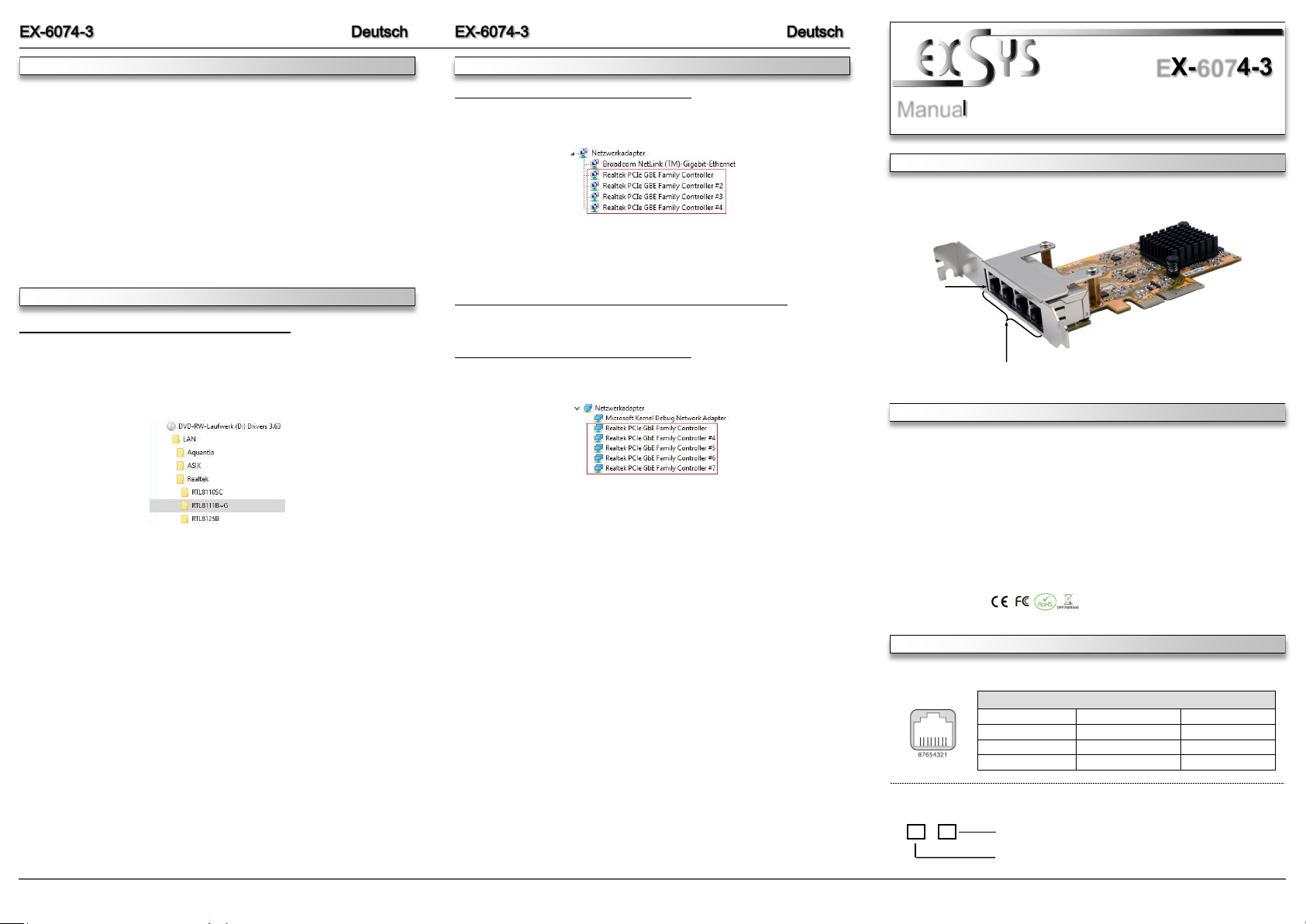
The EX-6074-3 is a high-speed Gigabit Ethernet PCI Express card. It is equipped with four
external ports. Each port has its own Realtek chip for optimal and fast data transmission. It
supports all PCI-Express slots from x4 to x16. The PCI-Express bus optimally supports the
performance of the fast Realtek chipset. The EX-6074-3 thus guarantees secure data transfer
and excellent performance of up to 1Gbit/s! The EX-6074-3 comes with a low profile bracket,
which also allows you to install it in narrow PC cases up to a maximum height of 8cm.
CONNECTORS & LED‘S
DESCRIPTION & TECNICAL INFORMATION
Compatibility: PCI-Express x4 to x16
Operating System: Windows 98SE / ME / 2000 / XP / Vista / 7 / 8.x / 10 / 11 / Server 20xx
Mac / Linux / UNIX / Novell
Connectors: 4x RJ45 Gigabit Ethernet Port
Extent of delivery: EX-6074-3, Low Profile Bracket, Driver CD, Manual
Certificates:
4x RJ45 Port
Status LED‘s
RJ45 Port:
LINK / Connected
ACT LAN DATA
Status LED´s:
RJ45 Port
Pin Signal Pin Signal Pin Signal
1 BI_DA+ 4 BI_DC+ 7 BI_DD+
2 BI_DA- 5 BI_DC- 8 BI_DD3 BI_DB+ 6 BI_DB-
 Loading...