

Page 1
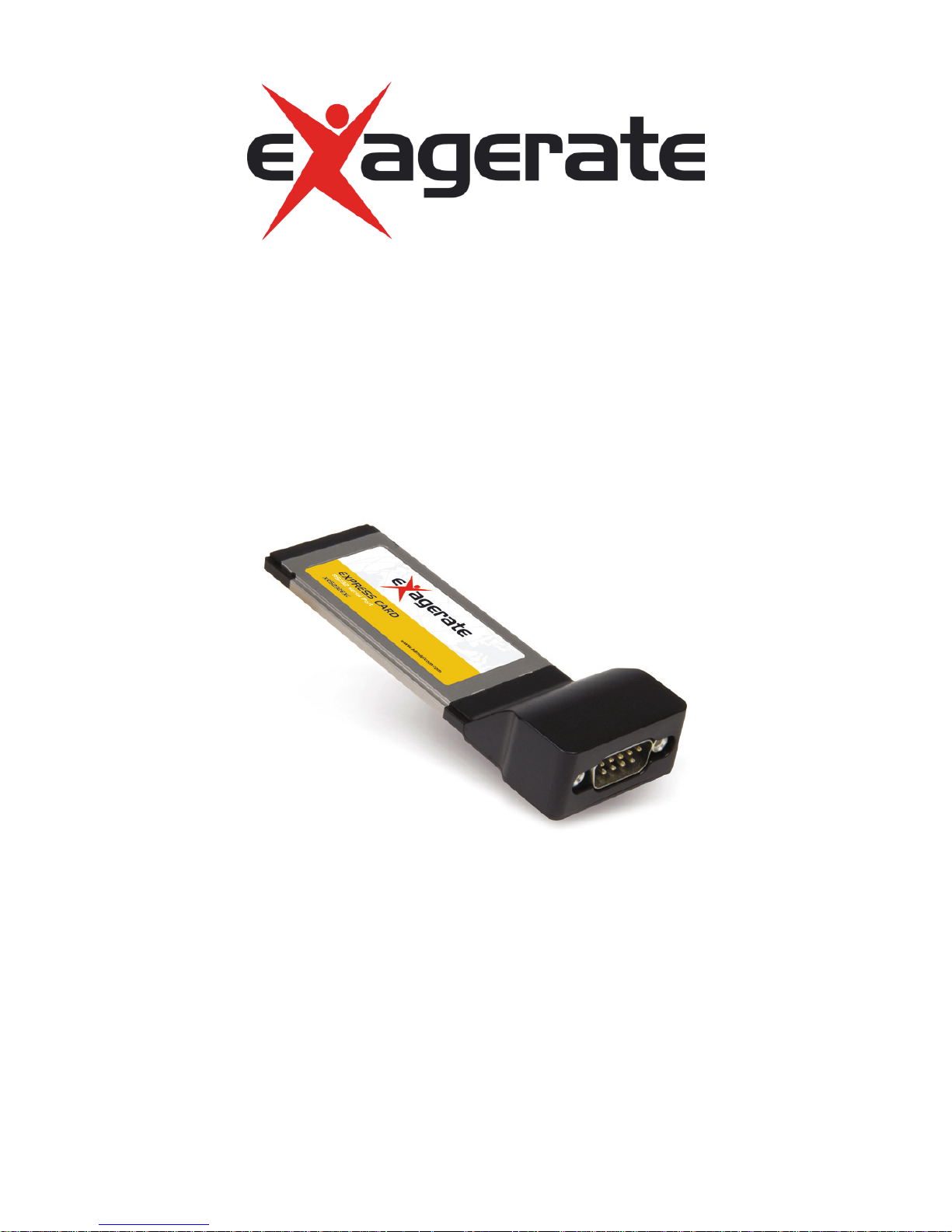
SERIAL EXPRESS CARD
1 Port RS-232 ExpressCard/34
USER MANUAL
XRS232EXC
www.hamletcom.com
Page 2

Dear Customer,
thanks for choosing an Hamlet product. Please carefully
follow the instructions for its use and maintenance and,
once this item has run its life span, we kindly ask You to
dispose of it in an environmentally friendly way, by
putting it in the separate bins for electrical/electronic
waste, or to bring it back to your retailer who will collect it for free.
We inform You this product is manufactured with materials and
components in compliance with ROHS directives: 2002/95/CE; with
RAEE Directives: 2003/96/CE, Italian Legislative Decree 2005/151
and below EEC Directives: EN 55022: 2006+A1: 2007, EN 55024:
1998+A1: 2001+A2: 2003, EN 61000-3-2: 2006, EN 61000-3-3:
1995+A1: 2001+A2: 2005.
Trademarks
All trademarks and company names mentioned in this manual are
used for description purpose only and remain property of their
respective owners.
Changes
The material in this document is for information only and subject to
change without notice. Hamlet reserves the right to make changes
or revisions in the product design or the product manual without
reservation and without obligation to notify any person of such
revisions and changes.
Page 3

Introduction
System Requirements
• Windows 2000/XP/Vista/7
• Computer with an available ExpressCard slot
Package Contents
• RS-232 Serial ExpressCard
• 9pin male-female cable
• Resource CD
• User Manual
Installation
1. Insert the card into an available ExpressCard slot.
2. The system will detect the new device and the Add New
Hardware Wizard will start.
3. Insert the Resource CD and proceed to the installation of the
required driver.
Verifying the installation
Follow the instructions in this section to verify that the controller was
installed correctly.
1. Right click on My Computer icon, then click Manage and select
Device Manager.
2. Click on “+” (plus sign) in front of “Ports (COM & LPT)” and
“Multi-port serial adapters”.
3. If there is no yellow “!” or “?” in front of “PCI Express UART
Port” and “PCI Express Multiport Serial Adapter”, the driver has
been installed correctly.
 Loading...