

Page 1
10
3.4.3 Ring Volume
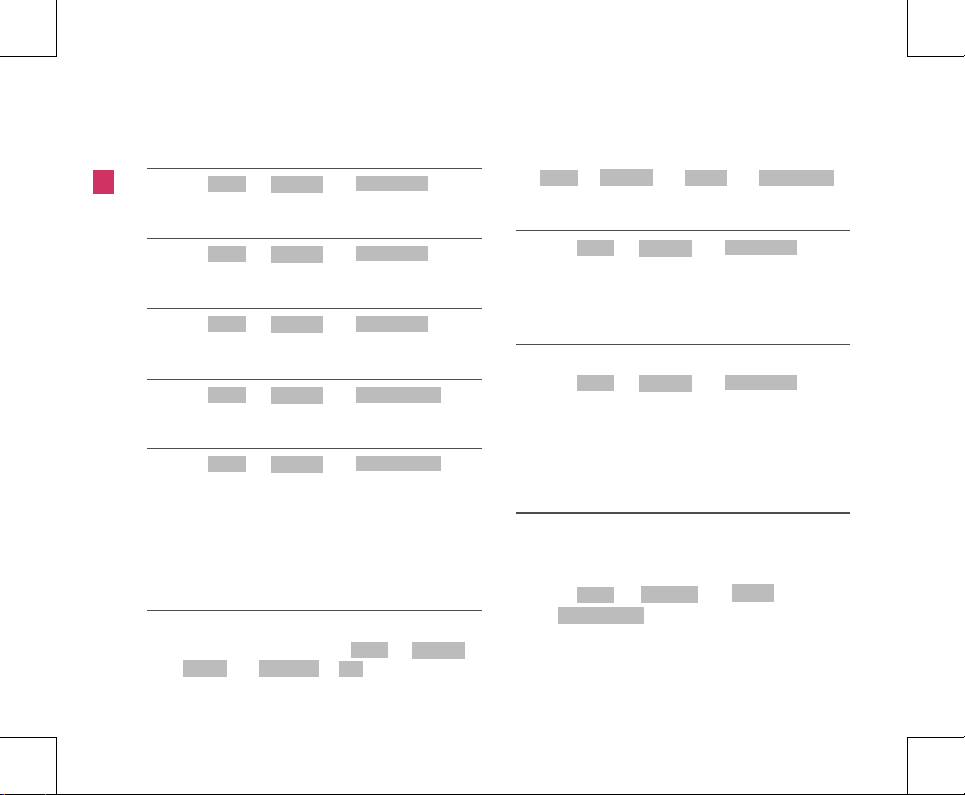
1. Press + 4( ) + 3( ) in
on-hookstate.
Menu
SOUND
Ring Volume
Menu Tree
Me nu Tre e
3.4.4 Ear Volume
1. Press + 4( ) + 4( ) in
on-hookstate.
Menu
SOUND
Ear Volume
3.4.5 Key Volume
1. Press + 4( ) + 5( ) in
on-hookstate.
Menu
SOUND
Key Volume
3.4.6 Speaker Volume
1. Press + 4( ) + 6( ) in
on-hookstate.
Menu
SOUND
Speaker Volume
3.4.7 Message Alert
1. Press + 4( ) + 7( ) in
on-hookstate.
2. Select from Alert Type : (Ring/One--Beep/Light/Off)
AlertTone : (SMS Alarm 11~55) MSG Reminder : (Once/
Every 2Min/Off).
Menu
SOUND
Message Alert
3.5 DISPLAY
3.5.1 Banner
Allow you to choose the settings of the LCD banner.
1. If you want to edit banner, press + 5( ) +
1( ) + 1( ) + key in on-hook state.
Menu
DISPLAY
Banner My Banner
OK
2. If you want to activate or deactivate the banner, press
+5( ) + 1( ) + 2( )
in on-hook state.
Menu
DISPLAY
Banner Banner On/Off
3.5.2 Clock Type
1. Press + 5( ) + 2( ) in
on-hookstate.
2. Select from Type-A_AM/PM, Type-A_24Hour, Type-
B_AM/PM, or Type-B_24Hour.
Menu
DISPLAY
Clock Type
3.5.3 Backlight
Allows you to choose the settings of the LCD backlight
1. Press + 5( ) + 3( ) in
on-hookstate.
2. Select from Always Off / For 10 Seconds / For 30
Seconds / Always On,
Menu
DISPLAY
Backlight
3.6 SETTINGS
3.6.1 Phone
Auto Time-Out
Setting the length of time the phone waits before
automaticallydialing a number.
1. Press + 6( ) + 1( )+
1( ) in on-hookstate.
Speed Dialing
To speed dialing press the memory number (1 through
300)corresponding to the appropriate memory location
Menu
SETTINGS
Phone
Auto Time-Out
Page 2
11
and hold for afew seconds.
This function can be used when the speed dialing is set
to Enable.
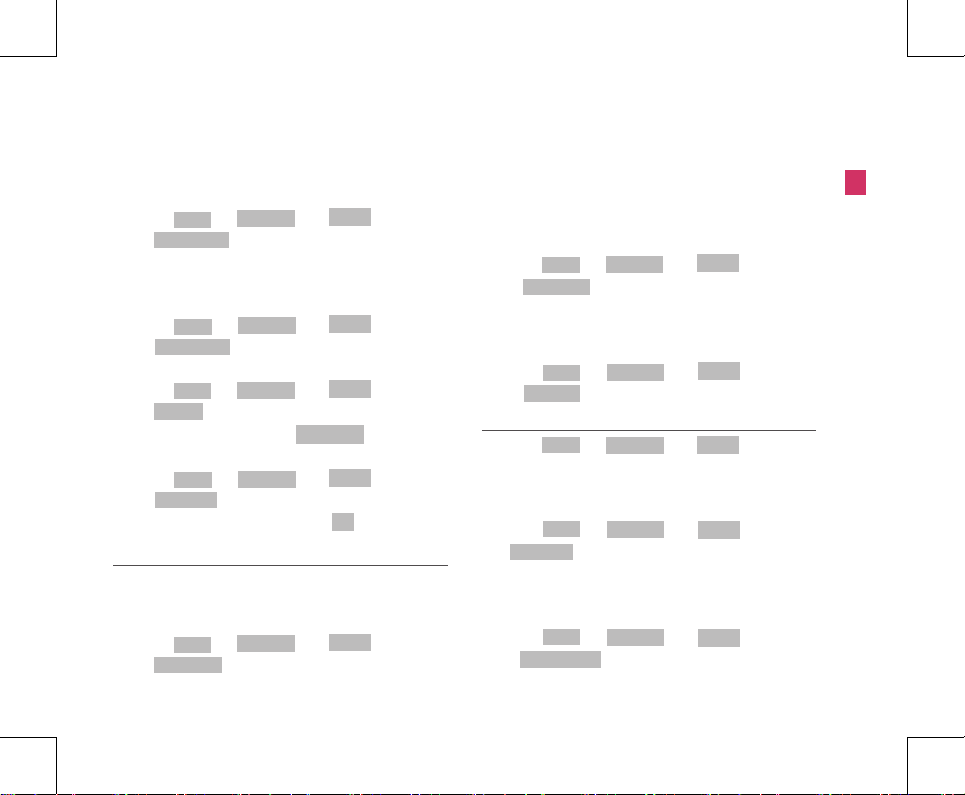
1. Press + 6( ) + 1( )+
2( ) in on-hook state.
DTMF Length
This function allows you to the setting of Key beep playback
length.
1. Press + 6( ) + 1( )+
3( ) in on-hook state.
Version
1. Press + 6( ) + 1( )+
4( ) in on-hook state.
2. To confirm next page, press key
My Number
1. Press + 6( ) + 1( )+
5( ) in on-hook state.
2. To modify your phone number, press key.
Menu
SETTINGS
Phone
Speed Dialing
Menu
SETTINGS
Phone
DTMF Length
Menu
SETTINGS
Phone
Version
Menu
SETTINGS
Phone
My Number
OK
3.6.2 Calling
Call Forward
Call Forward lets you forward your incoming calls to another
number.
1. Press + 6( ) + 2( )+
1( ) in on-hook state.
Menu
SETTINGS
Calling
Call Forward
2. Select from Immediate / When Busy / No Reply.
▶ You would need to call “121” to get this service activated.
Call Waiting
When call wait is enabled, you can put the activate call on
hold whileyou answer the other incoming call.
1. Press + 6( ) + 2( )+
2( ) in on-hook state.
▶ You would need to call “121” to get this service activated.
Call Timer
This function allows you to select call timer indication.
1. Press + 6( ) + 2( )+
3( ) in on-hook state.
Menu
SETTINGS
Calling
Call Waiting
Menu
SETTINGS
Calling
Call Timer
3.6.3 Security
1. Press + 6( ) + 3( ) in on-hook
wstate.
2. Enter Lock Code. (Default “0000”)
Lock Phone
1. Press + 6( ) + 3( ) +
1( ) in on-hook state.
Emergency No
Emergency number can store up to three numbers.
(Default 100, 101, 102)
1. Press + 6( ) + 3( ) +
2( ) in on-hook state.
Menu
SETTINGS Security
Menu
SETTINGS Security
Lock Phone
Menu
SETTINGS Security
Emergency No
Menu Tree
Me nu Tre e
Redial/Flash
Page 3
12
Menu Tree
Me nu Tre e
New Lock Code
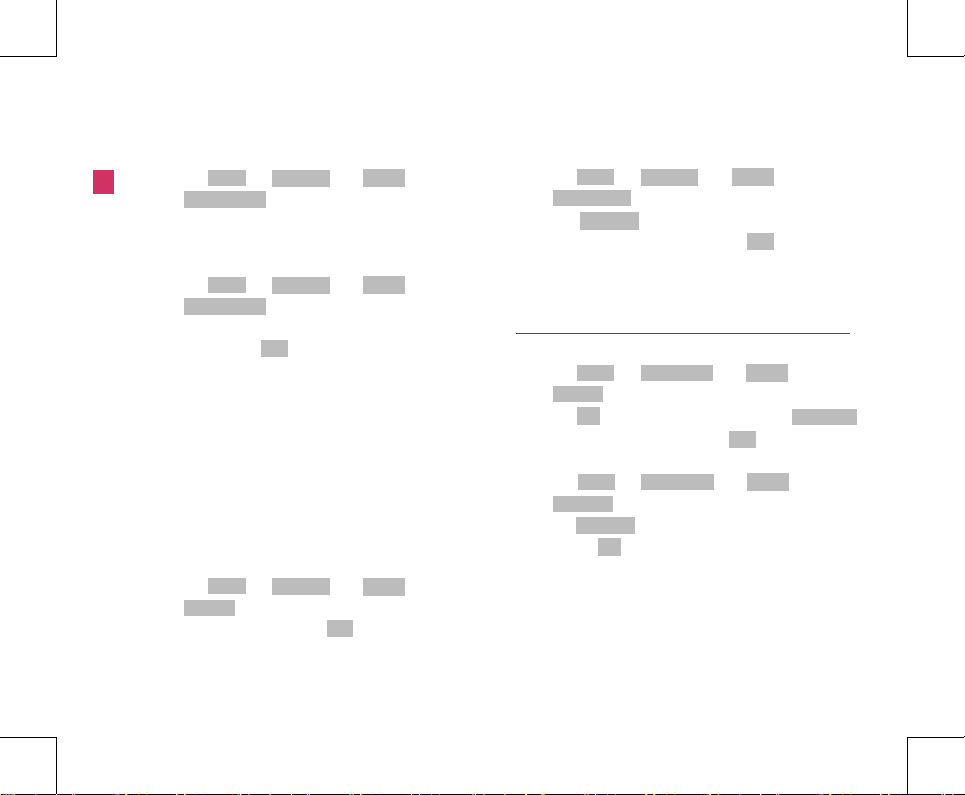
1. Press + 6( ) + 3( ) +
3( ) in on-hook state.
Restrict Call
You can restrict your outgoing calls including numbers /
numbersbeginning with specified digit in the Black List.
1. Press + 6( ) + 3( ) +
4( ) in on-hook state.
2. Select among No Restriction, Restriction or Emergency
Only and press key.
3. If Restriction is selected,
• Enter the numbers / starting digit of specific numbers to
berestricted in the Black List.
• Enter the number / starting digits of the numbers to be
allowedin the White List.
4. If Emergency Only is selected, your phone is enabled
for onlyemergency numbers.
Hot Line
Hot Line automatically calls to registered number by passing
setuptime in off-hook state.
1. Press + 6( ) + 3( ) +
5( ) in on-hook state.
2. If Enable is selected, press key and enter the Hot
Line number.
Menu
SETTINGS Security
Restrict Call
Menu
SETTINGS Security
Hot Line
Hot Line Time
1. Press + 6( ) + 3( ) +
6( ) in on-hook state.
2. Press button to select Hot line connection
time (immediate, 2~9 Sec) and press key.
Up/Down
OK
3.7 ORGANISER
3.7.1 Alarm
Set Time
1. Press + 7( ) + 1( ) +
1( ) in on-hook state.
2. Press key to enter alarm time and press
key to select AM or PM and press key.
Set Ringer
1. Press + 7( ) + 1( ) +
2( ) in on-hook state.
2. Press button to select from Alarm Ring 1~5
and press key.
Menu
ORGANISER
Alarm
Set Time
OK
OK
Redial/Flash
Menu
ORGANISER
Alarm
Set Ringer
Up/Down
OK
Menu
SETTINGS Security
Hot Line Time
Menu
SETTINGS
Security
New Lock Code
OK
OK
Page 4
13
Troubleshooting
Trou ble sho ot ing
4. Troubleshooting
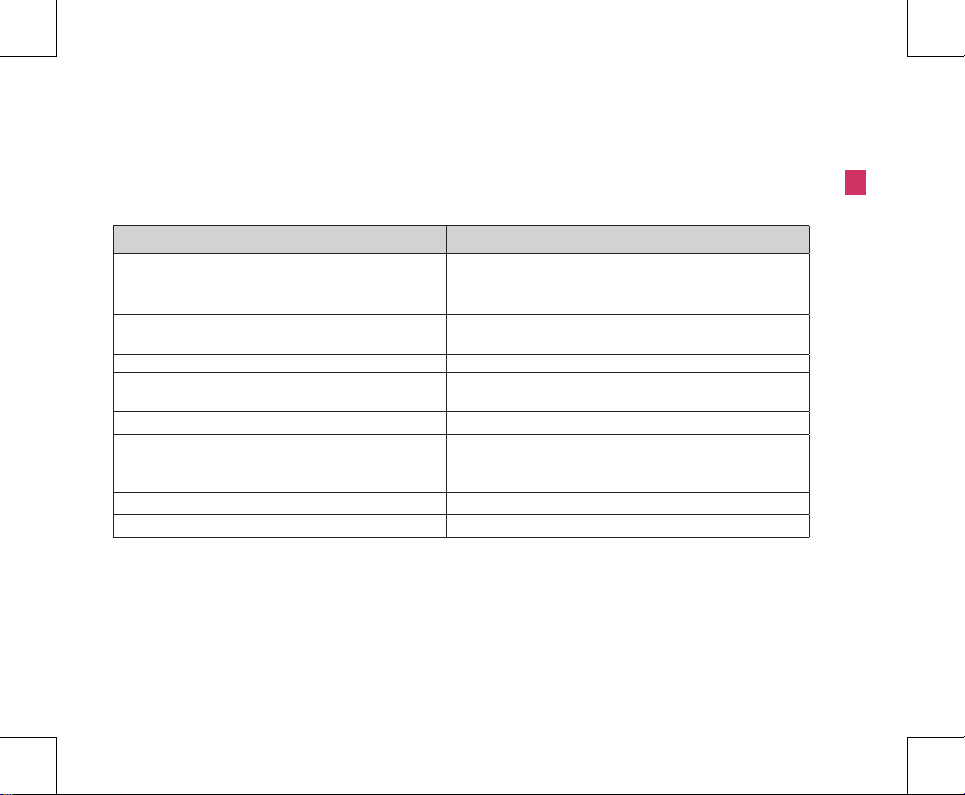
Please check the following items before contacting service center.
Item Remedy
Phone doesn’t operate at all.
• Check that the phone is installed correctly.
• Check that the battery is fully charged.
• Check that the power is on.
Because of noise and cross talking, call status is bad.
Keep away from electrical application such as TV, computer,
radio and so on
When I press button to call, can’t hear the dial tone. Check that phone cord or power is connected correctly.
Phone does not switch on.
Check that the battery is fully charged and correctly connected
to the phone.
Calls cannot be received.
Check incoming calls may be barred.
Emergency calls cannot be made.
Check that the antenna symbol is displayed- Move to the
coverage area andoperate your phone when the antenna
symbol is displayed.
Battery fails to charge. Ensure that adapter is approved LSP-450 adapter.
Bell sound isn’t heard. If bell sound is low, please adjust the volume level.
Page 5

14
Important Information
Im por tan t In for mat io n
5. Important Information
5.1 Safety Instruction
WARNING / CAUTION
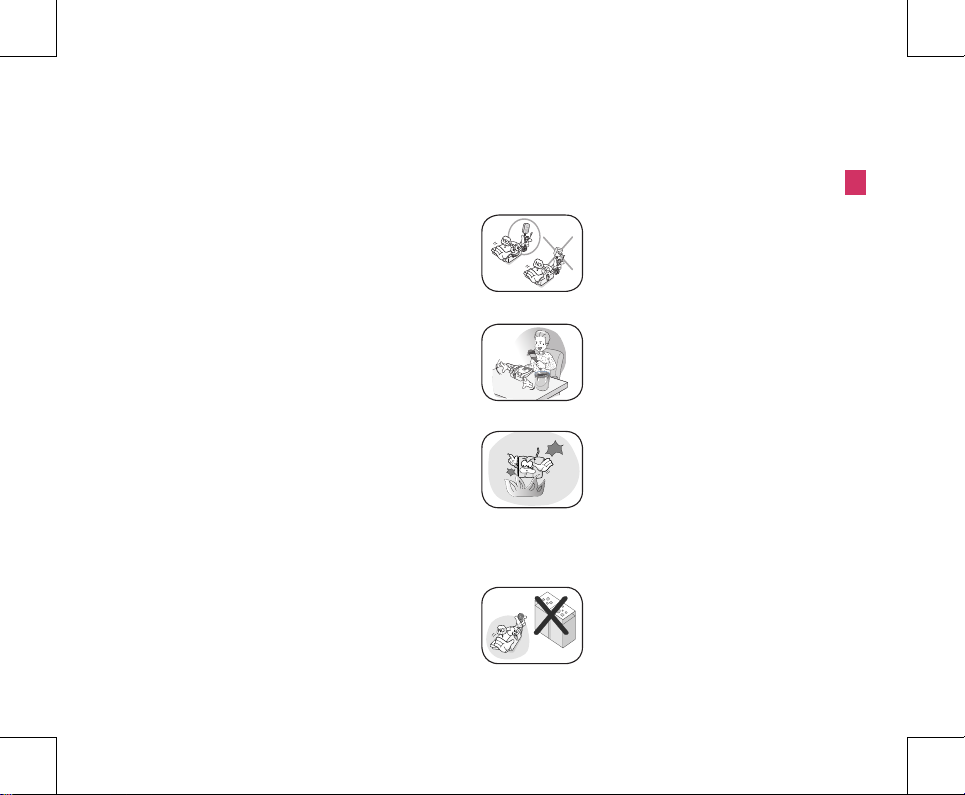
To reduce the risk of fire or electric shock, do not expose
this unit torain or moisture. Do not use this unit in
swimming pools or otherwater bodies.
5.2 Optimal Phone Performance
▶Do not hold the antenna when operating the unit, or
operate theunit when someone is within four inches (ten
centimeters) of theantenna. Both cases affect the call quality
and may cause thephone to operate at a higher power level
than required.
▶For the best call quality, keep the antenna free from
obstructionsand position the antenna upright.
▶Do not use the unit if the antenna is damaged. Get the
damagedantenna replaced through a qualified technician.
Use only amanufacturer-approved antenna.Non-approved
antennas, modifications or attachments may impaircall
quality and damage the unit.
▶RF (Radio Frequency) energy may affect improperly
installed orinadequately shielded personal medical devices
such as pace-makers or hospital monitors. Consult the
manufacturer of anypersonal medical devices to determine
whether they areadequately shielded from external RF
energy. Turn your unit OFFin health care centers if any
regulations posted in the area instructyou to do so. Hospitals
or health care centers may be usingequipment that may be
sensitive to external RF energy.
▶If this unit causes harmful interference to radio or
televisionreception, which can be determined by turning the
equipment offand on, the user is encouraged to try to correct
the interferenceby one or more of the following measures:
- Reorient or relocate the receiving antenna.
- Place the radio or television farther away from the unit.
- Connect the equipment to an outlet on a circuit different
from that to which the unit is presently connected.
- Consult the Authorized LGE Dealer for assistance of
anexperienced radio/TV technician.
▶Use battery, antenna and AC power supply provided by
LGE.Using spares made by any other manufacturer may
invalidate thewarranty.
▶Only authorized personnel should service the unit
and itsaccessories. Faulty installation or service can be
dangerous andmay invalidate the warranty.
▶Do not use the unit in any designated “no cellular phone
use” area.
▶Avoid using the unit in high temperature or humidity.
▶Avoid spilling any liquid on the unit. If the unit gets wet,
turn thepower off immediately and remove the backup
Page 6
15
battery and ACpower supply. If the unit doesn’t work, please
contact serviceprovider immediately.
▶Avoid shock or impact.
▶We recommend you to charge the backup battery before
initialuse. The backup battery may be discharged during
delivery.
5.3 Care and Service
Before cleaning, always unplug the unit from the wall
outlet andremove the antenna (or disconnect the antenna
cable). Do not useliquid or aerosol cleaners; use a damp
cloth for cleaning.If the unit doesn’t work, do not attempt
to disassemble it; contactthe phone service agent for
assistance.If any of the following conditions exist, unplug the
unit from the wallplug, remove the battery and call a qualified
technician.
▶The power supply cord is damaged or frayed.
▶Liquid has spilled into the unit.
▶The unit has been exposed to rain or water.
▶The unit has been dropped or damaged.
▶The unit does not function normally even after following
the operating instructions.
5.4 Safety Information
WARNING
Important Information
Im por tan t In for mat io n
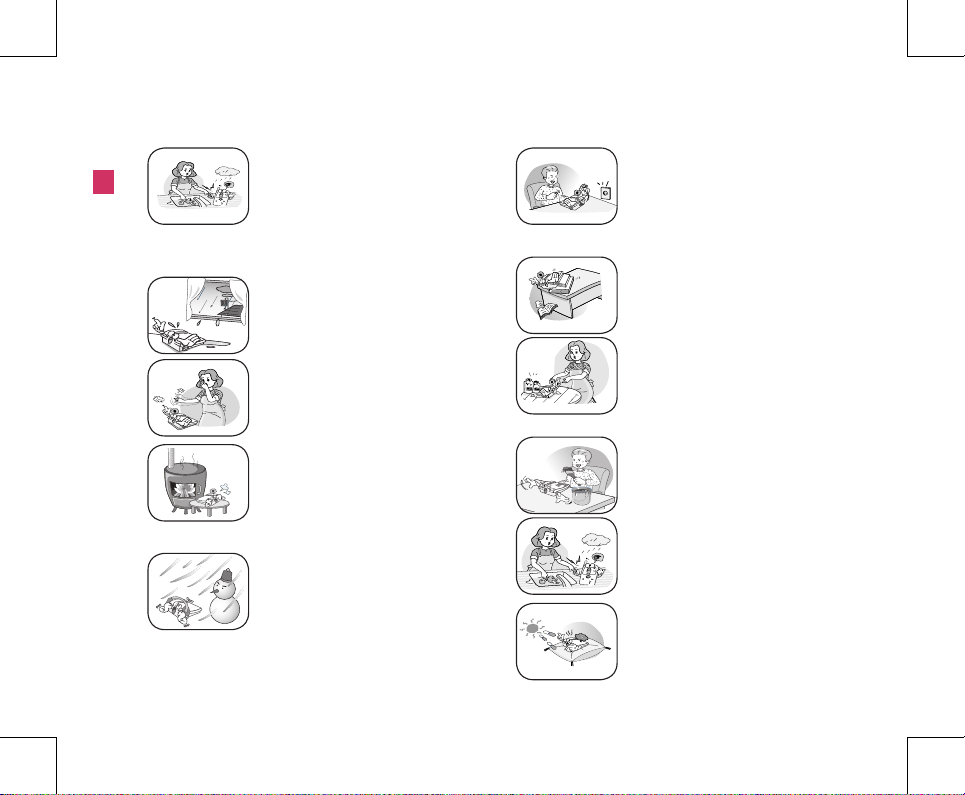
▶ For safety, use only an adapter
approved by LG. LG does not bear
responsibility for any faultsthat may
arise due to non- conformation to
this guide.
▶ Do not, in any way, cause a short-
circuit. It may start a fire or the unit
may explode causing injury.
▶ Do not create a sudden impact
on the batteryby throwing it. Do not
dispose off batteries byputting
them in a fire. They may explode
or catch fire due to the electrolyte
within.
CAUTION
▶ Do not use the unit with a car
battery. It may cause electric
shock, fire, breakdown or
transformation.
Page 7
16
Important Information
Im por tan t In for mat io n
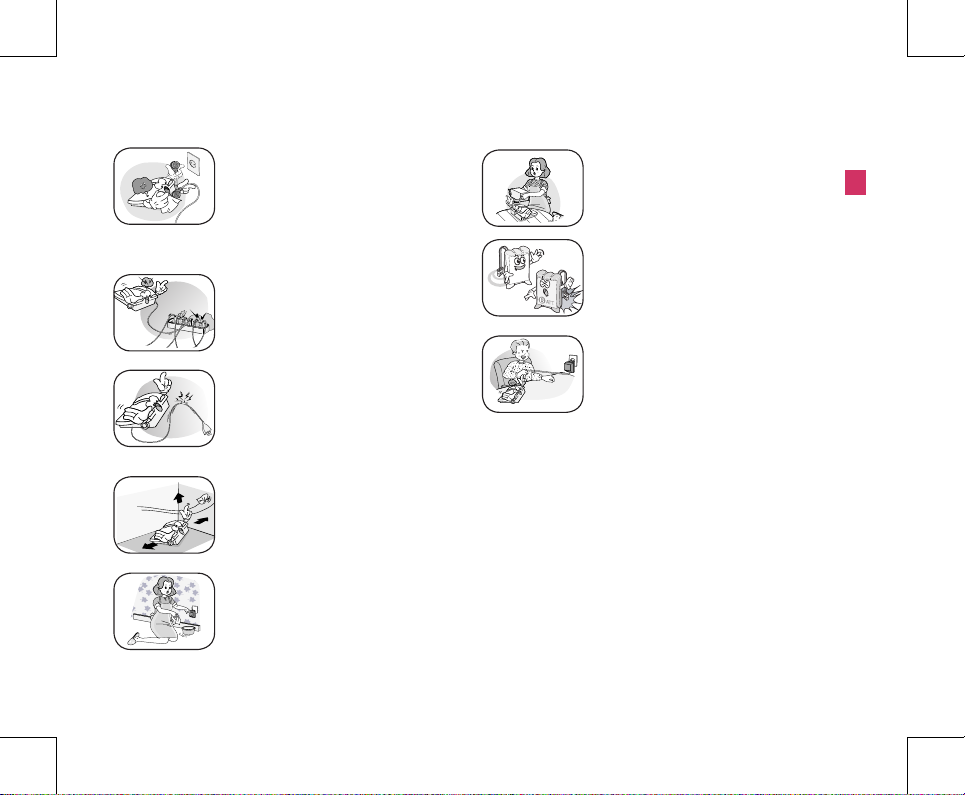
▶Avoid using the unit in high
temperature or humidity. Avoid
spilling any liquid on this unit. If
the unit gets wet, turn the power off
immediately and remove the backup
battery and AC power supply.
▶Keep the unit dry. Submersion,
humidity and liquids containing
minerals may corrode internal
electronic circuits.
▶Do not store or use the unit in dusty
or dirty areas as this can damage
the moving parts.
▶Do not store the unit in hot areas.
Hightemperatures can shorten the
life of electronic devices, damage
batteries, and warp or melt certain
plastics.
▶Do not store the unit in cold areas.
When theunit warms up to its normal
operatingtemperature, moisture
can form inside the unit,which can
damage the internal electronic
circuitboards.
▶Do not attempt to open it. Non-expert
handling of the device could damageit.
It may cause fire, electric shock and
breakdown. Consult your authorized
LG dealerfor assistance.
▶Do not drop, knock or shake the unit.
Rough handling may break the internal
circuit boards.
▶Do not use harsh chemicals, cleaning
solvents orstrong detergents to clean
the unit. Wipe it witha soft cloth that
has been slightly dampened in amild
soap and water solution..
▶Do not paint the unit. Paint can clog
the device's moving parts and prevent
proper functioning.
▶During lightning, do not touch the
power plug or the phone line. It may
result in an electric shock or death.
▶Do not install the unit under direct
sunlight or on an uneven surface.
Page 8
17
Important Information
Im por tan t In for mat io n
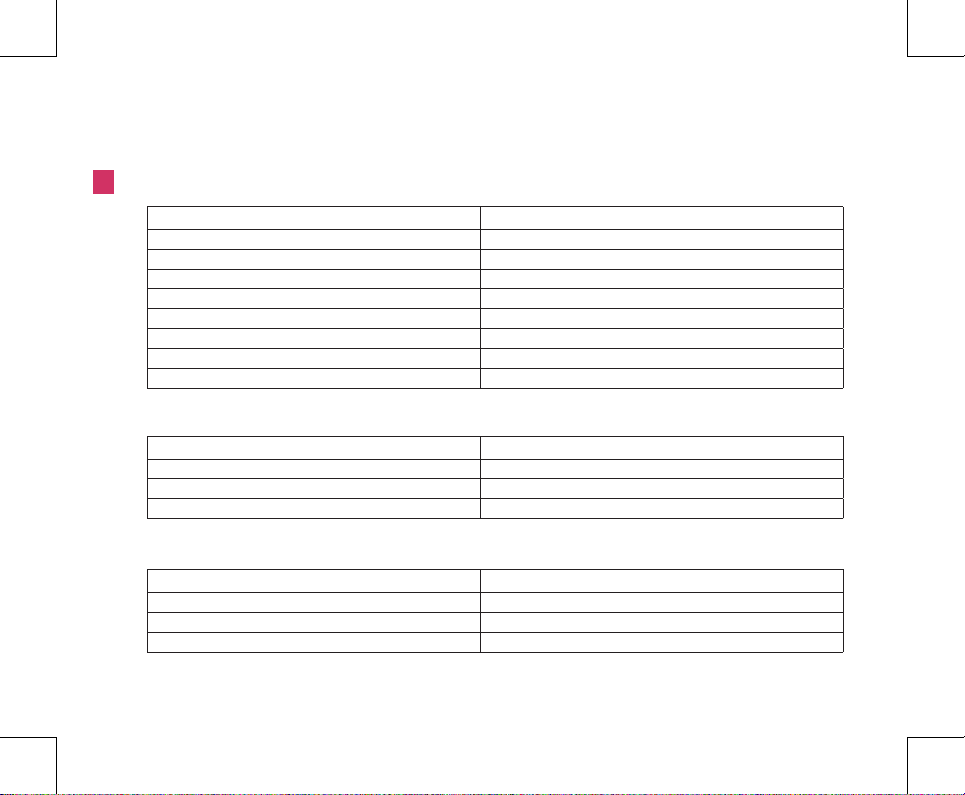
▶Before using the plug, check the
available powervoltage. Inaccurate
power voltage may cause fireand
damage. Example: LSP-450
Input Voltage: 100-240V.
▶Do not plug many power cords into
one outlet. It may cause fire or electric
shock.
▶Do not remodel the power cord or
disassemble it. If the power cord or
plug is impaired, do not use it. It may
cause fire or electric shock.
▶Do not install the unit in an ill-ventilated
place. It may cause fire or a
breakdown.
▶Do not touch the plug with wet hands.
When disconnecting the power cord
of any accessory,grasp and pull out
the plug it self and not the cord. It may
cause fire or electric shock.
▶Do not put heavy objects on the power
cord. Do not bend the power cord too
much. It maycause fire or electric
shock.
▶Do not put heavy objects on the power
cord. Do not bend the power cord too
much. It may cause fire or electric
shock.
▶ When you disconnect the power cord
of anyaccessory, grasp and pull the
plug itself and notthe cord. It may
cause the adapter to breakdown.
Page 9
18
General Information
Ge ner al I nfo rma tio n
6. General Information
6.1 Main Unit
Item LSP-450
Tx Frequency Digital: 824 ~ 849 MHz
Rx Frequency Digital: 869 ~ 894 MHz
Channel Bandwidth 1.25 MHz
Tx Power Digital: LOWER: 0.2W ~ UPPER:1W
Rx Sensitivity -104 ~ -25dBm
Size (mm) 199.6(W) X 122.2(D) X 67.6(H) (with handset)
Weight (gms) 497 gram (with Battery)
Operating Temperature -10 ~50
℃
6.2 AC/DC Adapter
Item SMPS Type Description
Input Voltage AC 100 ~240V
Input Frequency 50 / 60Hz
Output Voltage, Current 5V(DC) / 0.7A
6.3 Battery
Item Description
Capacity 3.6V Ni-MH/1000mAh
Talk time / Standby time 4hours / over than 180hours
Charging time duration less then 5hours
Page 10

Regulatory Statements to be included in the Users Guide for Sputnik
USA-Federal Communications Commission (FCC)
This device complies with part 15 of the FCC Rules. Operation is subject to the following
two conditions: (1) This device may not cause harmful interference, and (2) this device
must accept any interference received, including interference that may cause undesired
operation.
This equipment has been tested an d f o un d t o comply with the limits for a Class B digital
device, pursuant to Part 15 of FCC R ule s. These limits are designed to provi de re asonable
protection against harmful interference in a residential installation. This equipment
generates, uses, and can radiate radio frequency energy. If not installed and used in
accordance with the instructions, it may cause harmful interference to radio
communications. However, there is no guarantee that interference will not occur in a
particular installation.
If this equipment does cause harmful interference to radio or television reception, which
can be determined by tuning the equi pment off and on, the user is encouraged to t ry and
correct the interference by one or more of the following measures:
-Reorient or relocate the receiving antenna
-Increase the distance between the equipment and the receiver.
-Connect the equipment to outlet on a circuit different from that to which th e receiver is
connected.
-Consult the dealer or an experie nced radio/TV technician for help.
Any changes or modifica tions not expressly approved by the pa rty responsible for
compliance could void the user’s authority to operate the equipment.
Caution: Exposure to Radio Frequency Radiation.
To comply with FCC RF exposure compliance requirements, for mobile configurations, a
separation distance of at least 20 cm must be maintained between the antenna of this device and
all persons.
This device must not be co-located or operating in conjunction with any other antenna or
transmitter.
 Loading...