

Page 1
Page 2

THIS PAGE
INTENTIONALLY BLANK
Page 3

TABLE OF CONTENTS
TABLE OF CONTENTS ............... 1
DISCLAIMER ................................. 3
Copyright Notice ........................ 3
Trademark Disclaimer ................ 3
COMPLIANCE ............................... 4
Industrial Canada Emission
Compliance Statements ............ 4
Federal Communications
Commission (FCC)
Statement .................................. 4
Australia and New Zealand
Statement .................................. 5
Japan Statements ...................... 5
European
Union Compliance
Statements ................................ 5
BEFORE YOU START ................... 7
Important Safety
Instructions ................................ 7
THEORY OF OPERATION ............10
MYSTERIUM X® Sensor ...........10
Image Processing .....................10
HDRx™ .....................................11
Magic Motion™ ........................12
Audio Recording .......................12
Microphone Level Analog
Inputs ........................................12
Line Level Analog Inputs ...........13
Video Monitoring Outputs .........13
Bomb EVF ............................13
RED LCD ..............................13
HD-SDI .................................13
HDMI ....................................13
RED LCD / Bomb EVF® ............14
REDMOTE® ...............................15
Digital Magazine (Media) ...........15
Metadata ..............................16
Clip Naming
Conventions .........................16
SMPTE Timecode ................17
Power Consumption ............17
CAMERA OPERATIONAL
CONTROLS ..................................18
Brain .........................................18
Side SSD Module .....................19
Side Handle ..............................21
Top .......................................21
Front .....................................22
Rear ......................................23
Installation / Removal ...........25
Quad Battery Module ...............27
Installation / Removal ...........27
REDMOTE ................................31
BOMB EVF................................33
Touchscreen LCD .....................34
BASIC OPERATION ..................... 35
Power Sources ......................... 35
Side Handle ......................... 35
Quad Battery Module .......... 36
REDVOLT and REDVOLT
XL ........................................ 36
BACKPACK
QUICKPLATE ....................... 37
AC POWER ADAPTOR -
(DSMC) ................................ 38
External DC Power .............. 39
Power UP ............................. 40
Power Down ........................ 41
Graphical User Interface
and Navigation ......................... 42
RED LCD/Touchscreen
LCD, BOMB EVF,
External Monitors ................. 42
Side Handle ......................... 48
REDMOTE ........................... 48
Navigating Menus .................... 49
Using Touchscreen LCD .......... 50
Shortcuts ............................. 50
Power Down ........................ 51
Lock / Unlock
Touchscreen Opreration ...... 52
FIRST TIME USE – SETTING
UP YOUR RED EPIC .................... 53
1. Attach Power Source ........... 53
Battery ................................. 53
Quad Battery Module .......... 54
RED Brick ............................ 55
DC Power ............................ 55
2. Power UP ............................. 55
3. Preparing to Record ............. 55
Connect and Format
Media ................................... 55
Perform a Black Shading
Calibration ........................... 57
Adjust Project Settings ........ 57
4. Recording ............................. 58
Record Indicator .................. 59
5. Playback ............................... 60
MENU CONTROLS ...................... 61
Adjustments ............................. 61
Basic Setting
Adjustments ......................... 61
Advanced Setting Menus..... 62
MAIN MENU ................................. 63
FPS ........................................... 63
Varispeed ............................. 63
Basic Settings ...................... 64
Advanced Settings............... 64
ISO (Sensitivity) ........................ 65
F Stop ....................................... 65
Exposure .................................. 67
Basic Settings ..................... 67
Advanced Settings .............. 68
White Balance .......................... 70
Basic Settings ..................... 70
Advanced Settings .............. 71
Resolution ................................ 73
REDcode .................................. 73
REDcode Options for
Various Frame Rates ........... 74
SECONDARY MENUS ................. 74
HDR Menu ............................... 74
HDR ON / OFF .................... 75
Stops ................................... 75
Focus Menu ............................. 75
Mode ................................... 76
DSMC Canon Mount
Electronically Supported
Lenses ................................. 79
Zones .................................. 80
Lens Information Display ......... 83
RED DSMC Ti PL Mount
+ Lens ................................. 83
DSMC Canon Mount +
Lens ..................................... 83
Exposure Menu ........................ 84
Presets Menu ........................... 84
Create Preset ...................... 84
Export / Import Preset ......... 86
Delete Preset ....................... 88
Media Menu ............................. 89
Select Media ....................... 89
Format Media ...................... 89
Eject Media ......................... 90
Utilities................................. 91
Settings Menu .......................... 92
Display................................. 92
Look .................................. 106
Project ............................... 109
Audio/Video ....................... 112
Setup ................................. 119
Maintenance ...................... 134
Playback ............................ 144
Power ..................................... 153
Power Status ..................... 153
Shutdown .......................... 154
APPENDIX A: UPGRADING
CAMERA FIRMWARE ............... 155
Verify Current Camera
Firmware ................................ 155
Upgrade Procedure ............... 155
APPENDIX B: MANAGING
DIGITAL MEDIA ......................... 156
Media ..................................... 156
Formatting Media ................... 156
Version 3.0
955-0002_v3.0, Rev-B COPYRIGHT © 2012 Red.com, Inc.
1
Page 4

Media Capacity Remaining
Status .....................................158
Eject Media from Camera
(Unmount) ...............................158
Using REDMOTE /
Touchscreen LCD ..............158
Using Side Handle .............159
Using Side SSD ..................159
Copying Media .......................159
Erasing Media .........................160
Macintosh OS X .................160
Windows ............................160
APPENDIX C: INPUT /
OUTPUT CONNECTORS ...........161
Camera Brain Front ................161
MIC-1, MIC-2
(Microphone Audio) ............162
Camera Brain Rear .................163
HD-SDI ...............................164
Headphone.........................165
SYNC (Video Sync) ............165
CTRL (RS232 Control) ........168
GIG-E (Ethernet) .................169
DC IN (Power Input) ...........170
HDMI Out ...........................171
Side SSD Module ...................172
REDMOTE ..............................173
APPENDIX E: REDMOTE
OPERATION ...............................174
Control, Connectors and
Display ....................................174
Controls..............................174
Operation ................................177
Docking and Undocking .....177
Power Up / Down ...............178
Recording .......................... 180
Accessing Camera
Controls / Settings ............. 180
ADVANCED
OPERATION: REDMOTE
Menus ................................ 182
Maintenance ........................... 190
Internal Battery .................. 190
Upgrading REDMOTE
Firmware ............................ 192
APPENDIX F: 3D SETUP /
OPERATION ............................... 193
Overview ................................ 193
Camera Setup ........................ 193
Master Camera .................. 193
Slave Camera .................... 193
Clip Naming Conventions ....... 194
Reel No. / Slate (Camera
ID) / Camera Position ......... 194
Connecting Cameras.............. 195
Operation ............................... 196
Changing Settings ............. 196
Recording .......................... 196
Power Down ...................... 196
APPENDIX G: EXPOSURE –
USING FALSE COLOR AND
ISO .............................................. 197
Underexposure (~ 2 stops) ..... 197
Overexposure (~ 2 stops) ....... 199
Appropriate Exposure ............ 202
Adjusting the ISO Rating ........ 205
APPENDIX H: POST
PRODUCTION ............................ 207
Monitoring .............................. 207
REDCINE-X® PRO ............. 208
APPENDIX I:
MAINTENANCE ......................... 209
Cleaning ................................. 209
Camera And Accessory
Exterior Surfaces ............... 209
Brain .................................. 209
LCD Screen
(Touchscreen / Non-
Touchscreen) ..................... 209
EVF .................................... 210
REDMOTE Screen ............. 210
Lenses ............................... 210
Side Handle LCD ............... 210
Back Focus Adjustment ......... 211
APPENDIX J:
TROUBLESHOOTING ............... 214
No Media Attached ................ 214
Recording Halted: Record
Error - Shutdown ................... 214
Preset Could Not Be
Applied ................................... 214
Camera Cannot Be Paired
to REDMOTE ......................... 214
Cannot See Menus on LCD
Touch Screen ......................... 214
APPENDIX K: TECHNICAL
DATA .......................................... 215
Technical Specifications ........ 215
Camera Brain Dimensions ..... 216
APPENDIX L: RESOLUTION
CHART ....................................... 220
APPENDIX M: MENU MAPS ..... 221
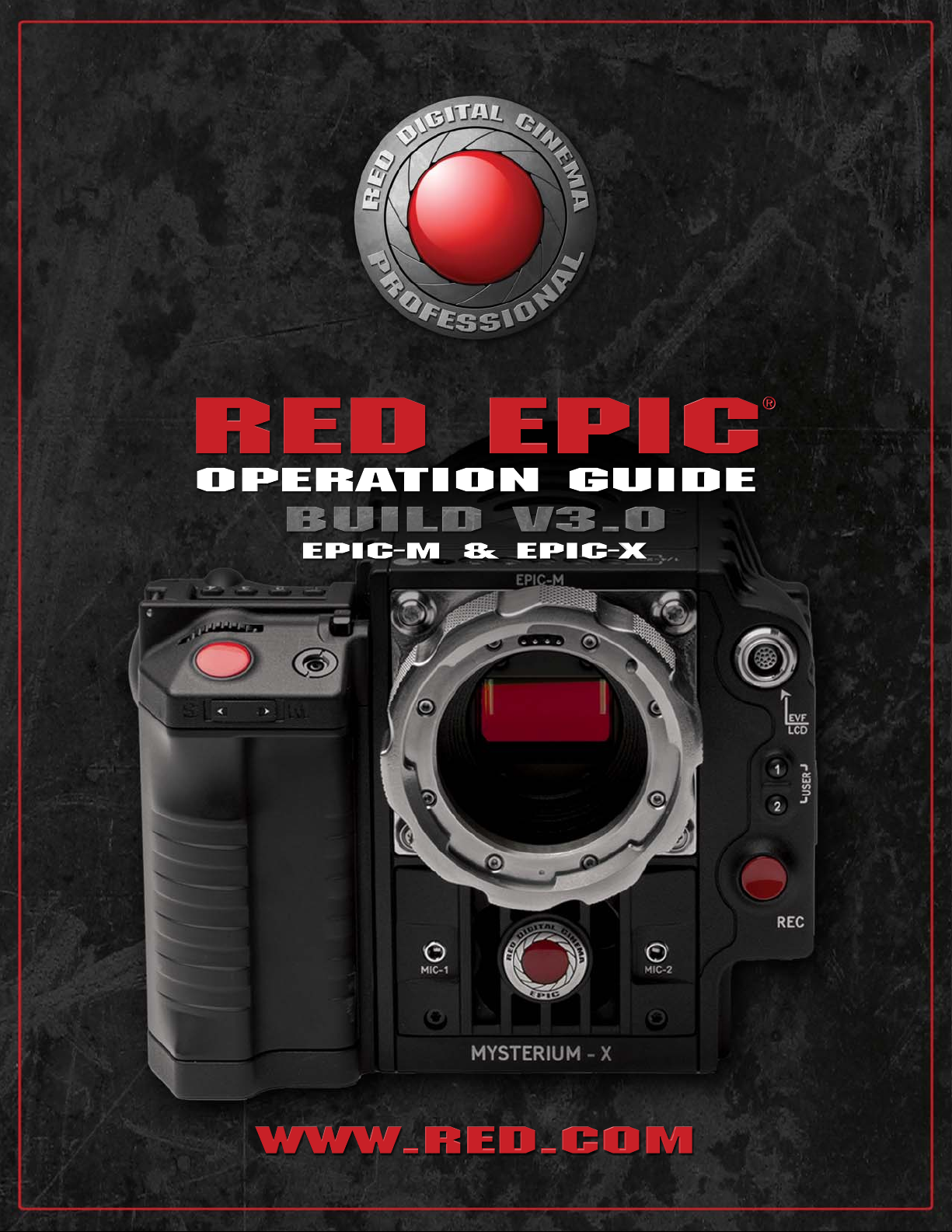
RED EPIC® Operation Guide
EPIC-M / EPIC-X
Version 3.0
955-0002_v3.0, Rev-B
2 2
COPYRIGHT © 2012 Red.com, Inc. 955-0002_v3.0, Rev-B
Version 3.0
Page 5

DISCLAIMER
RED® has made every effort to provide clear and accurate information in this Operation Guide, which is
provided solely for the user’s information. While thought to be accurate, the information in this document
is provided strictly “as is” and RED will not be held responsible for issues arising from typographical errors
or user’s interpretation of the language used herein that is different from that intended by RED. All safety
and general information is subject to change as a result of changes in local, federal or other applicable
laws.
RED reserves the right to revise this Operation Guide and make changes from time to time in the content
hereof without obligation to notify any person of such revisions or changes. In no event shall RED, its
employees or authorized agents be liable to you for any damages or losses, direct or indirect, arising from
the use of any technical or operational information contained in this document.
For comments or questions specifically about the Operations Guide content, please send a detailed
message to [email protected].
COPYRIGHT NOTICE
COPYRIGHT © 2012 Red.com, Inc.
All trademarks, trade names, logos, icons, images, written material, code, and product names used in
association with the accompanying product are the copyrights, trademarks or other intellectual property
owned and controlled exclusively by Red.com, Inc.
TRADEMARK DISCLAIMER
All other company, brand and product names are trademarks or registered trademarks of their respective
holders. RED has no affiliation to, is not associated or sponsored with, and has no express rights in thirdparty trademarks. MAC
trademark of Intel Corporation. Windows
trademarks of Microsoft Corporation. AVID
trademark of The Foundry Visionmongers Ltd. Torx
®
EOS
are registered trademarks of Canon Kabushiki Kaisha Corporation. Torx® is a registered trademark
of Textron, Inc.
®
and QuickTime® are registered trademarks of Apple, Inc. Intel® is the registered
®
, Microsoft Windows® and Windows Vista® are the registered
®
is a registered trademark of Avid Technology, Inc. NUKE is a
®
is a registered trademark of Textron, Inc. Canon® and
Version 3.0
955-0002_v3.0, Rev-B COPYRIGHT © 2012 Red.com, Inc.
3
 Loading...