

Page 1
For Technical Support:
Call our Technical Service Department
Monday through Friday, 9 a.m. to 5 p.m. (EST)
1-800-832-8697
Battery Operated Scissors #9080
USER’S GUIDE
50 Broadway
Hawthorne, NY 10532
Tel. 914.747.3070 / Fax 914.747.3480
Toll Free 800.832.8697
www.enablingdevices.com
Page 2
Join in arts and crafts!
These easy-to-use switch-adapted scissors allow you to participate
in art and other classroom or home activities. Just activate your
switch and your scissors will easily cut through paper. Easy to
remove from special mounting. Base size: 6"L x 8"W x 2"H. Scissor
size: 10¼"L x 5"H. Requires Capability Switch and 2 AA Batteries.
Weight: 1¼ lbs.
Operation:
1. Scissors requires 2 AA batteries. Use alkaline batteries only (e.g.
Duracell or Energizer brand). Do not use rechargeable, heavyduty or any other type of batteries because they supply lower
voltage and the unit will not perform properly. Never mix old and
new batteries together or different brands or types together.
Follow the installation diagram below.
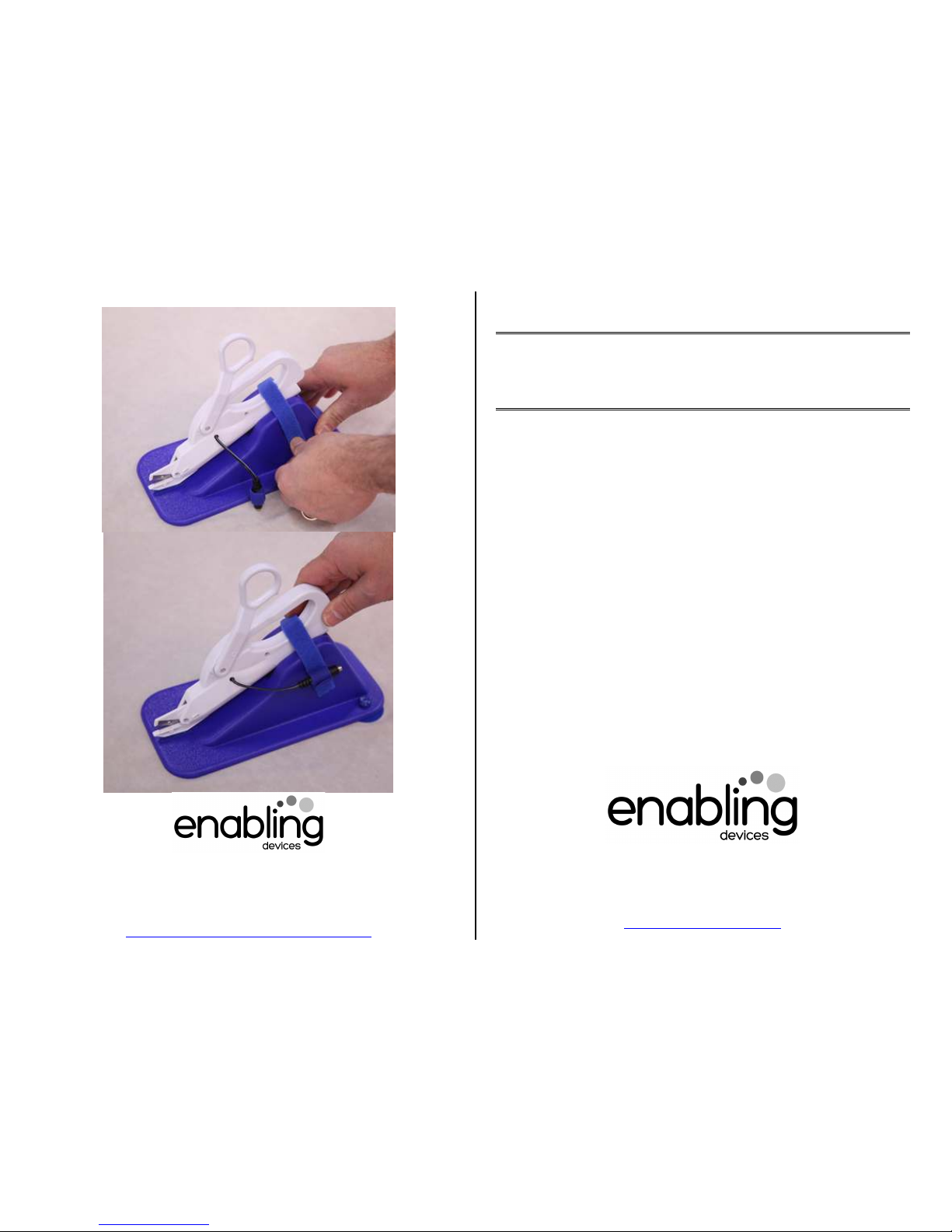
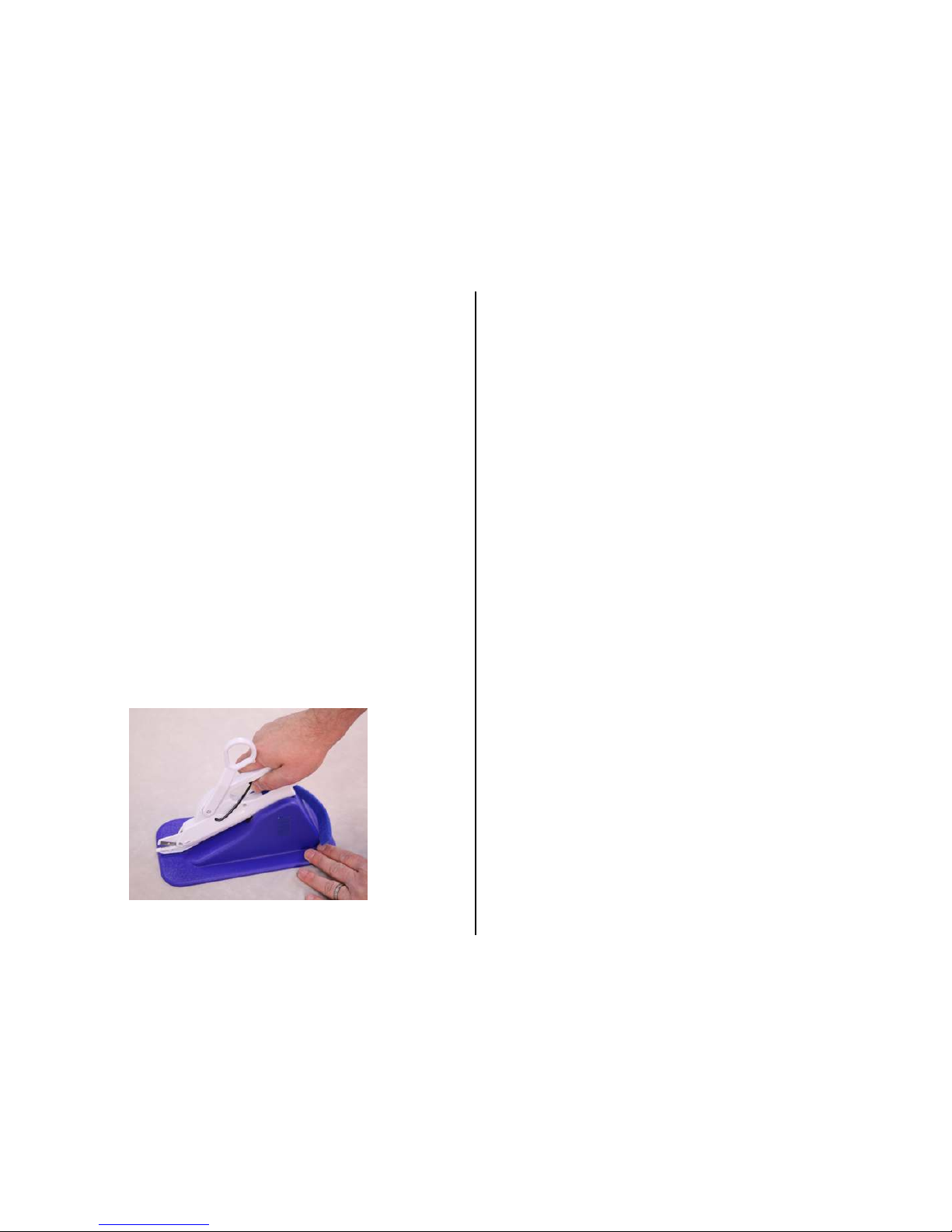
2. To install the AA batteries, you must first remove the scissors
from the base. Next carefully pull the bottom handle of the
scissors down to reveal the battery compartment. Once the
compartment is open install the batteries paying close attention
to proper (+) and (-) polarity. Replace cover. Place the scissors
back into the base as shown in the photo here and additional
photos on the back page of this guide.
3. Plug any capability switch into the jack the scissors; make sure it
is a tight fit with no gaps.
4. Activate your switch and the scissors will run for as long as your
switch is activated, once you release your switch the scissors will
stop.
5. The scissors can be used with or without the base unit. For those
without upper extremity use place the scissors into the base unit,
then a therapist, teacher or parent can pass what you want to
cut in front of the scissors, while the user activates his or her
switch to start cutting
Troubleshooting:
Problem:
The scissors do not activate.
Action #1: Make sure that all batteries are installed following proper
(+) and (-) polarity. Batteries must be fresh, if weak or dead
replace.
Action #2: Make sure that the disk is seated flat against the (-) side
of the battery it comes in contact with, as described in operation
No.1.
Action #3: Make sure the connection between the scissors and
switch are tight with no gaps.
Action #4: Check your switch with another device that you know
works to rule out the scissors as the source of the problem.
Care of Unit:
The scissors can be wiped clean with any mild household multipurpose, non-abrasive cleaner and disinfectant. We recommend
Simple Green, which is a non toxic biodegradable all-purpose
cleaner.
Do not submerge the unit in any fluids, as it will damage the
contents and the electrical components.
Do not use abrasive cleaners, as they will scratch the surface of
the unit. Rev 1/6/17
 Loading...