

Page 1
TECHNICAL BULLETIN TB-6586
ESD Glove Test Fixture
Installation, Operation and Maintenance
The EMIT 50755 ESD Glove Test Fixture is to be used with
the following items:
Brand Item Description
EMIT 50766 SmartLog V5™, North America
EMIT 50767 SmartLog V5™, Asia
EMIT 50768 SmartLog V5™, Europe
EMIT 50769 SmartLog V5™, Europe, with 10mm
Adapter
Desco 19278 Combo Tester X3, North America
Desco 19279 Combo Tester X3 with Stand, North
America
NOTE: The 50755 ESD Glove Test Fixture is also compatible
with the following discontinued EMIT items:
50760, 50761, 50762, 50763
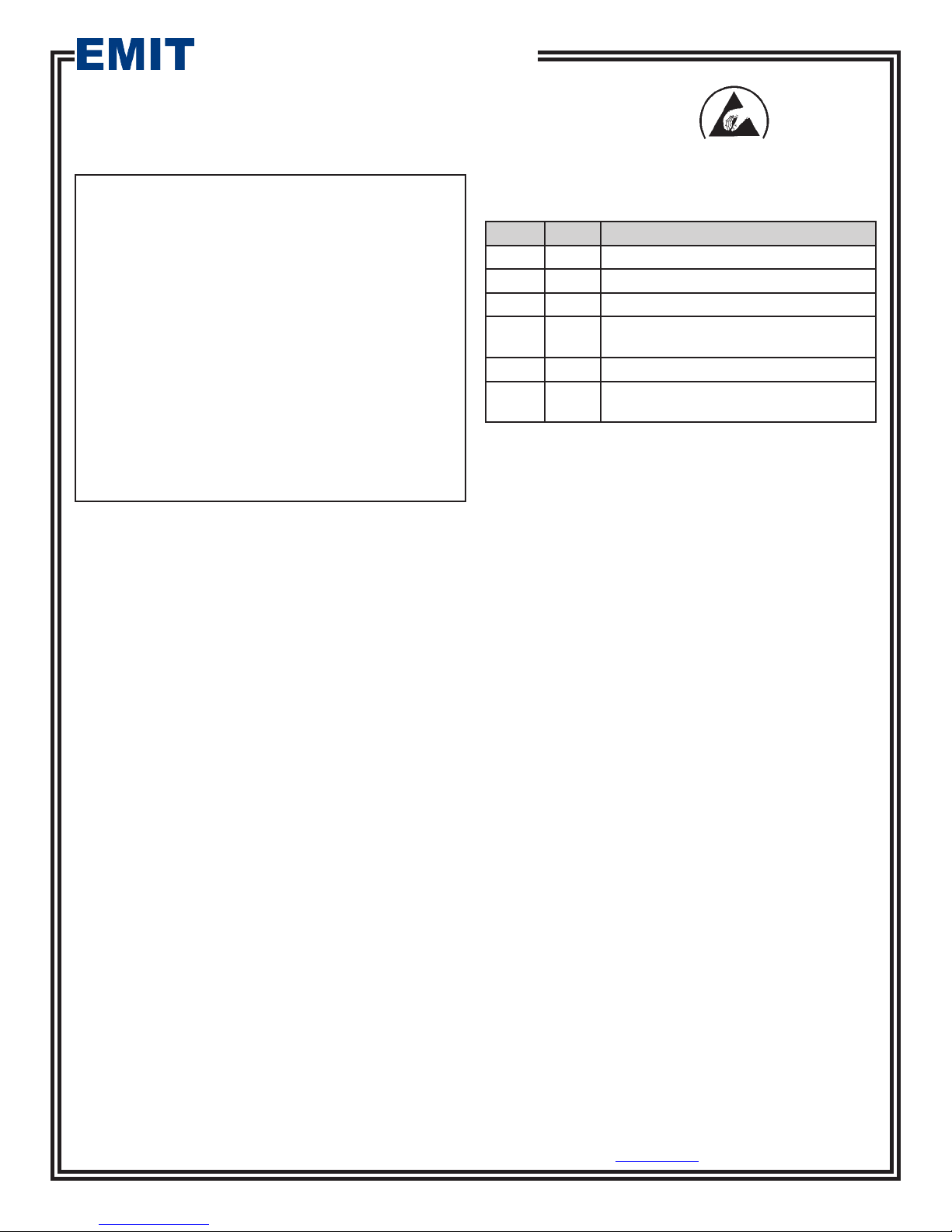
Figure 1. EMIT 50755 ESD Glove Test Fixture
Description
The EMIT ESD Glove Test Fixture is designed to be
used with the SmartLog V5™ and Combo Tester X3 to
test operators that wear ESD gloves or finger cots per
Compliance Verification required by ESD TR53. The Test
Fixture is made with a stainless steel electrode that creates
a larger test surface area allowing the path-to-ground of the
operator wearing gloves or finger cots to be measured. An
infrared sensor activates the ESD Glove Test Fixture when
the operator grips the electrode and overrides the test switch
on the personnel tester.
Packaging
1
ESD Glove Test Fixture
1 Communication Cable
2 Mounting Screws
Made in the
United States of America
ESD Control Programs which include measures to prevent
Charge Device Model (CDM) ESD damage will often require
the use of finger cots or Static Dissipative Gloves. Operators
handling ESD sensitive items wearing gloves or finger cots
should be tested using a wrist strap or footwear tester while
wearing the gloves or finger cots. The test is in accordance
with Compliance Verification ESD TR53.
EMIT - 3651 Walnut Avenue, Chino, CA 91710 • (909) 664-9980 • Website: DescoEMIT.com
TB-6586 Page 1 of 3
January 2014
© 2014 DESCO INDUSTRIES, INC.
Employee Owned
Page 2
Installation
SMARTLOG V5
1. Mount the ESD Glove Test Fixture next to the SmartLog
V5™ using its mounting tabs located at the top and
bottom.
2. Connect the included communication cable to
the jack located at the bottom of the ESD Glove
Test Fixture.
3. Connect the other end of the communication cable
to the External Reader port located on the right-side
of the SmartLog V5™. No power adapter is needed
for the ESD Glove Test Fixture. It will draw its
power from the tester.
™
Bottom View
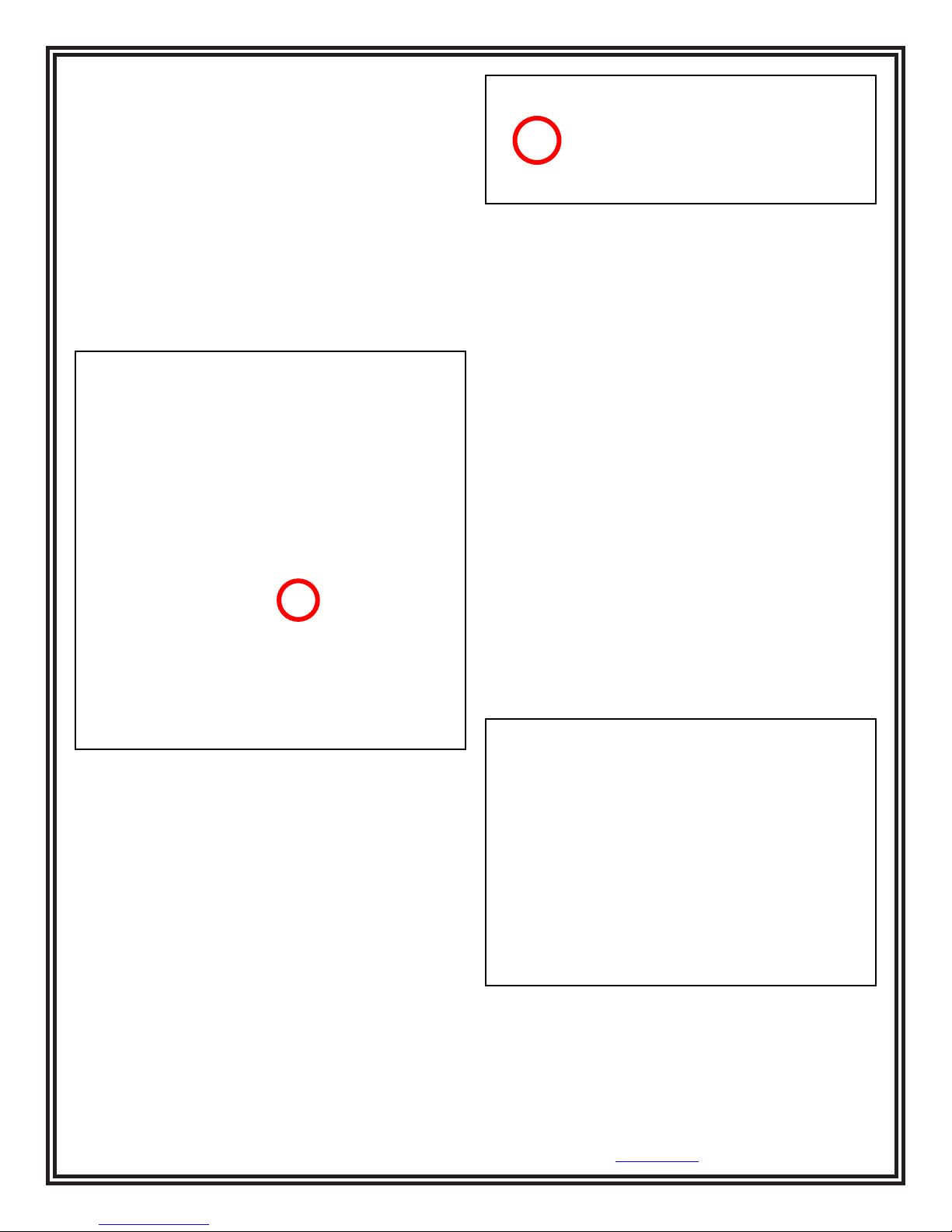
Figure 3. Locating the External Reader port on the
Combo Tester X3
Operation
SMARTLOG V5
1. Initiate the test procedure by identifying yourself to
the SmartLog. This may be done using the keypad,
barcode badge scanner or proximity badge reader (if
supplied).
2. Follow the prompt on the SmartLog’s display.
3. When performing a footwear test, be sure to place
both feet on the dual foot plate (one foot per plate).
When performing a wrist strap test, be sure to
completely plug in the wrist cord into the tester’s
jack.
™
Right Side View
Figure 2. Locating the External Reader port on the
SmartLog V5™
COMBO TESTER X3
1. Mount the ESD Glove Test Fixture next to the Combo
Tester X3 using its mounting tabs located at the top and
bottom.
2. Connect the included communication cable to
the jack located at the bottom of the ESD Glove
Test Fixture.
3. Connect the other end of the communication cable
to the External Reader port located on the bottom of
the Combo Tester X3. No power adapter is needed
for the ESD Glove Test Fixture. It will draw its
power from the tester.
4. Grab the ESD Glove Test Fixture’s electrode to
perform a test. Hold the electrode until the results of
the test are displayed on the SmartLog.
If performing a wrist strap test, and the wrist strap
status LEDs do not illuminate, verify that the wrist
cord is correctly inserted into the tester.
5. The relay terminal will activate if the defined tests
are passed (if applicable).
Figure 4. Using the ESD Glove Test Fixture with the
SmartLog V5™
EMIT - 3651 Walnut Avenue, Chino, CA 91710 • (909) 664-9980 • Website: DescoEMIT.com
TB-6586 Page 2 of 3
© 2014 DESCO INDUSTRIES, INC.
Employee Owned
Page 3
COMBO TESTER X3
1. When performing a footwear test, be sure to place
both feet on the dual foot plate (one foot per plate).
When performing a wrist strap test, be sure to
completely plug in the wrist cord into the tester’s
jack.
2. Grab the ESD Glove Test Fixture’s electrode to
perform a test. Hold the electrode until the results of
the test are displayed on the Combo Tester X3.
If you are performing a wrist strap test, and the wrist
strap status LEDs do not illuminate, verify that the
wrist cord is correctly inserted into the tester.
3. The relay terminal will activate if the defined tests
are passed (if applicable).
Specifications
Operating Voltage 12 VDC
Operating Temperature 32°F to 104°F (0 to 40°C)
Dimensions 8.3" x 4.0" x 3.2"
(21.1 cm x 10.2 cm x 8.1 cm)
Weight 0.9 lbs (0.4 kg)
Communication Cable 2' Long (61 cm)
Limited Warranty, Warranty Exclusions, Limit of
Liability and RMA Request Instructions
See EMIT’s Warranty -
http://emit.descoindustries.com/Warranty.aspx
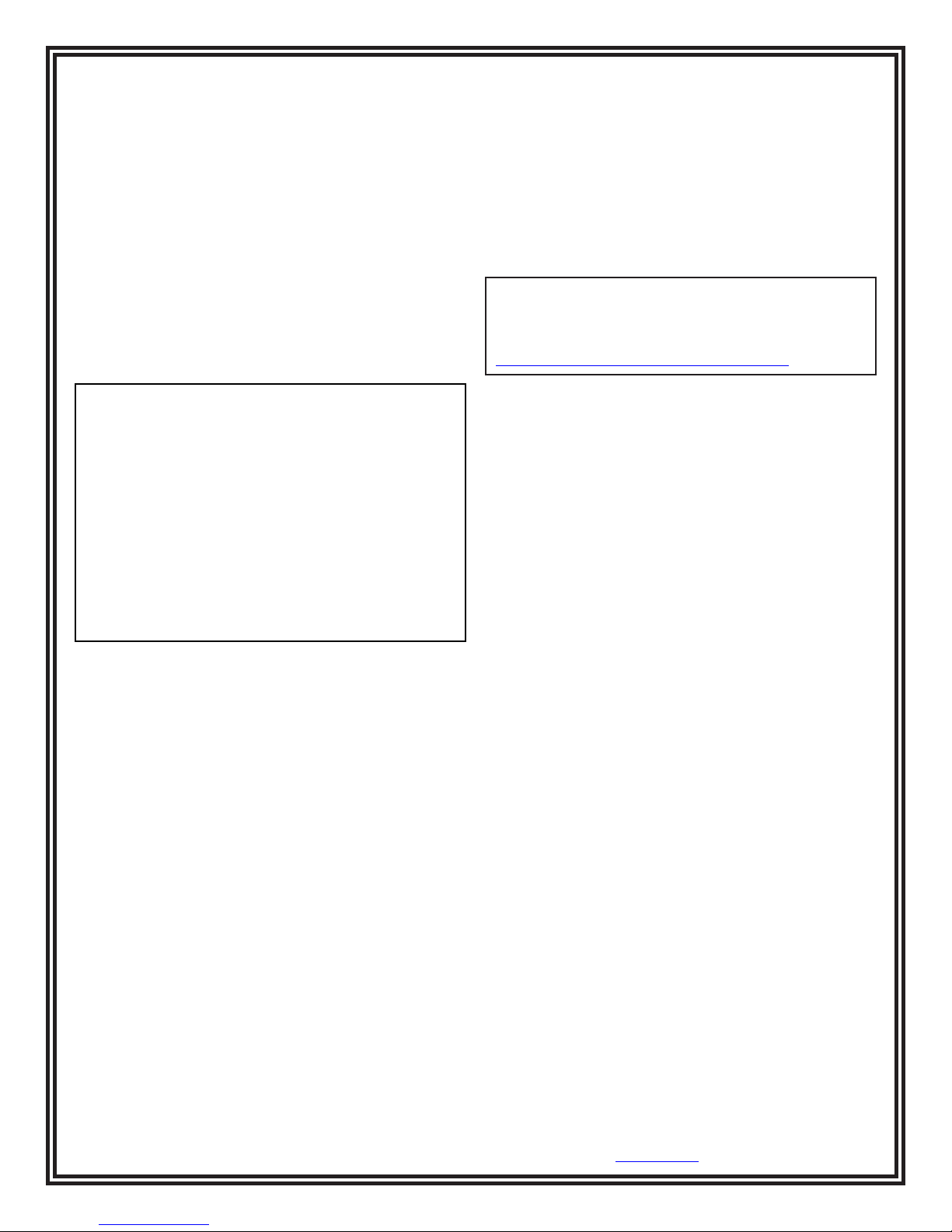
Figure 5. Using the ESD Glove Test Fixture with the
Combo Tester X3
EMIT - 3651 Walnut Avenue, Chino, CA 91710 • (909) 664-9980 • Website: DescoEMIT.com
TB-6586 Page 3 of 3
© 2014 DESCO INDUSTRIES, INC.
Employee Owned
 Loading...