

Page 1
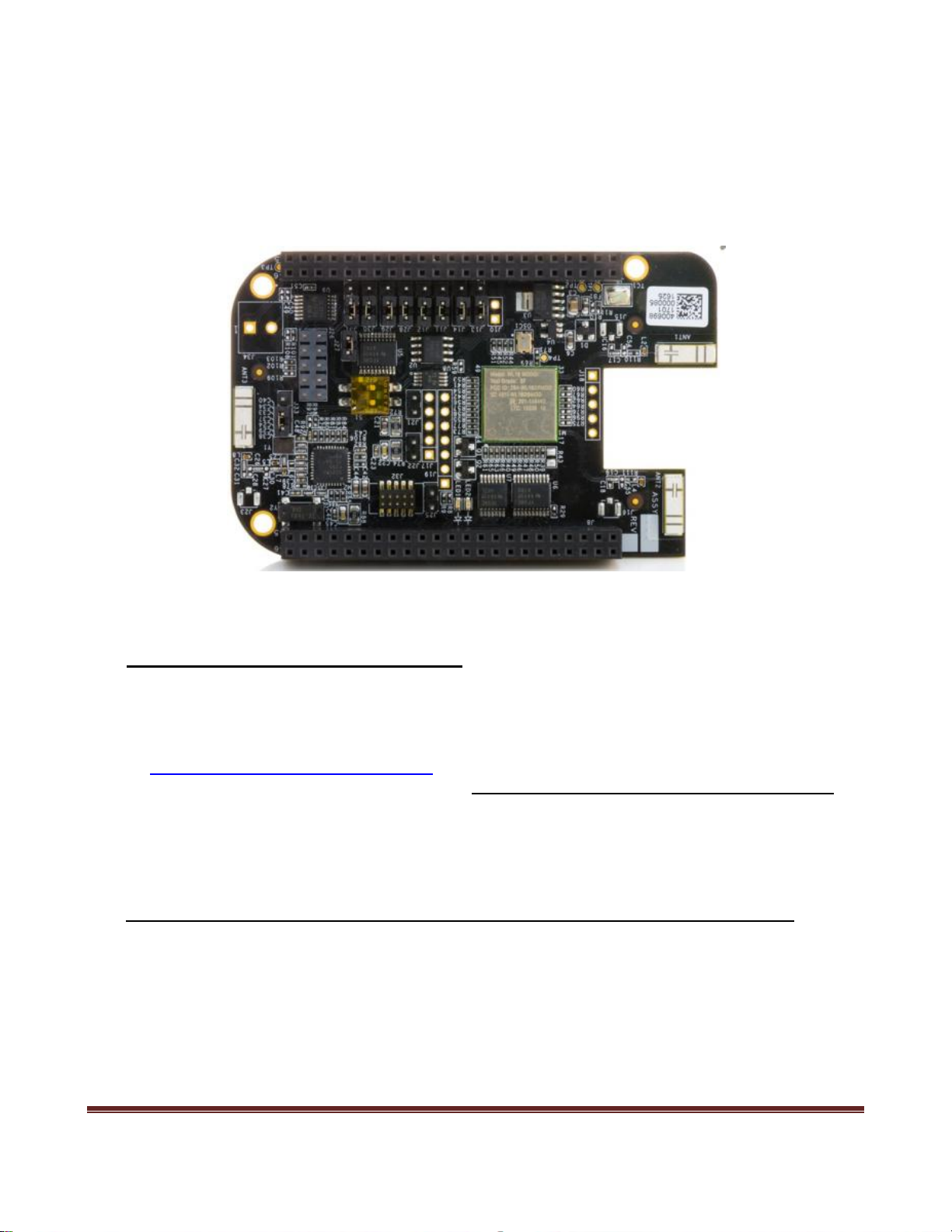
README file for BBONE-GATEWAY-CAPE
(Firmware image support for use with Wireless Connectivity Cape)
BeagleBone Black firmware compatibility
This cape product is intended to be used with a BeagleBone Black host board. Support for use
with other compatible BeagleBoard variants will be provided at a later time.
Please ensure your BeagleBone Black is using the latest supported firmware image – available
at: https://beagleboard.org/latest-images. Instructions for imaging your BeagleBone Black are
provide at the end of this document – section BeagleBone Black firmware imaging instructions
Follow the Instruction Steps detailed below to fully enable use of your Wireless Connectivity
Cape.
Instruction Steps to configure & use Wireless Connectivity Cape with BeagleBone Black:
1. Boot the BeagleBone Black without the Wireless Connectivity Cape attached.
2. Launch a terminal window connection.
Run an SSH Client (e.g., PuTTY) over USB. Connect using IP address: 192.168.7.2
(Port 22). (Username of root with no password.)
3-wire Serial Port (J5) connection with terminal settings 115200, 8, 1.
BB-BONE-GATEWAY-CAPE README
11/28/2016 Page 1
Page 2

3. Edit /boot/uEnv.txt
$> sudo nano /boot/uEnv.txt
# Enable the overlay dtb (eMMC/hdmi/etc are disabled)
dtb=am335x-boneblack-overlay.dtb
# Enable the gateway/connectivity cape overlay:
cape_enable=bone_capemgr.enable_partno=BB-BONE-WL183
Write out & save edits.
4. Shutdown. Attach the Wireless Connectivity Cape to the BeagleBone Black and re-boot.
5. Again, launch and open up a terminal window session (as described above).
6. Issue the following commands to establish WiFi connection:
$> sudo connmanctl
#connmanctl
#connmanctl> tether wifi disable
#connmanctl> enable wifi
#connmanctl> scan wifi
#connmanctl> services
#connmanctl> agent on
#connmanctl> connect wifi_*_managed_psk
#connmanctl> quit
Release Notes:
The directive of this README document may be temporary only. The intention is to provision
and release an official beagleboard.org supported firmware image that will more fully and more
automatically configure and support the Wireless Connectivity Cape. At a future date, the
contents of this README may become obsolete.
BB-BONE-GATEWAY-CAPE README
11/28/2016 Page 2
Page 3

BeagleBone Black firmware imaging instructions
Firmware imaging instructions are provided by beagleboard.org at the following link:
https://beagleboard.org/getting-started
Scroll down to the section that begins, “Update board with latest software”
Complete steps #1 thru #8.
PN: BBONE-GATEWAY-CAPE
The element14 Wireless Connectivity Cape is manufactured in
PRC by Premier Farnell UK Limited,
150 Armley Road, Leeds, LS12 2QQ, United Kingdom
www.premierfarnell.com
BB-BONE-GATEWAY-CAPE README
11/28/2016 Page 3
 Loading...