

Page 1
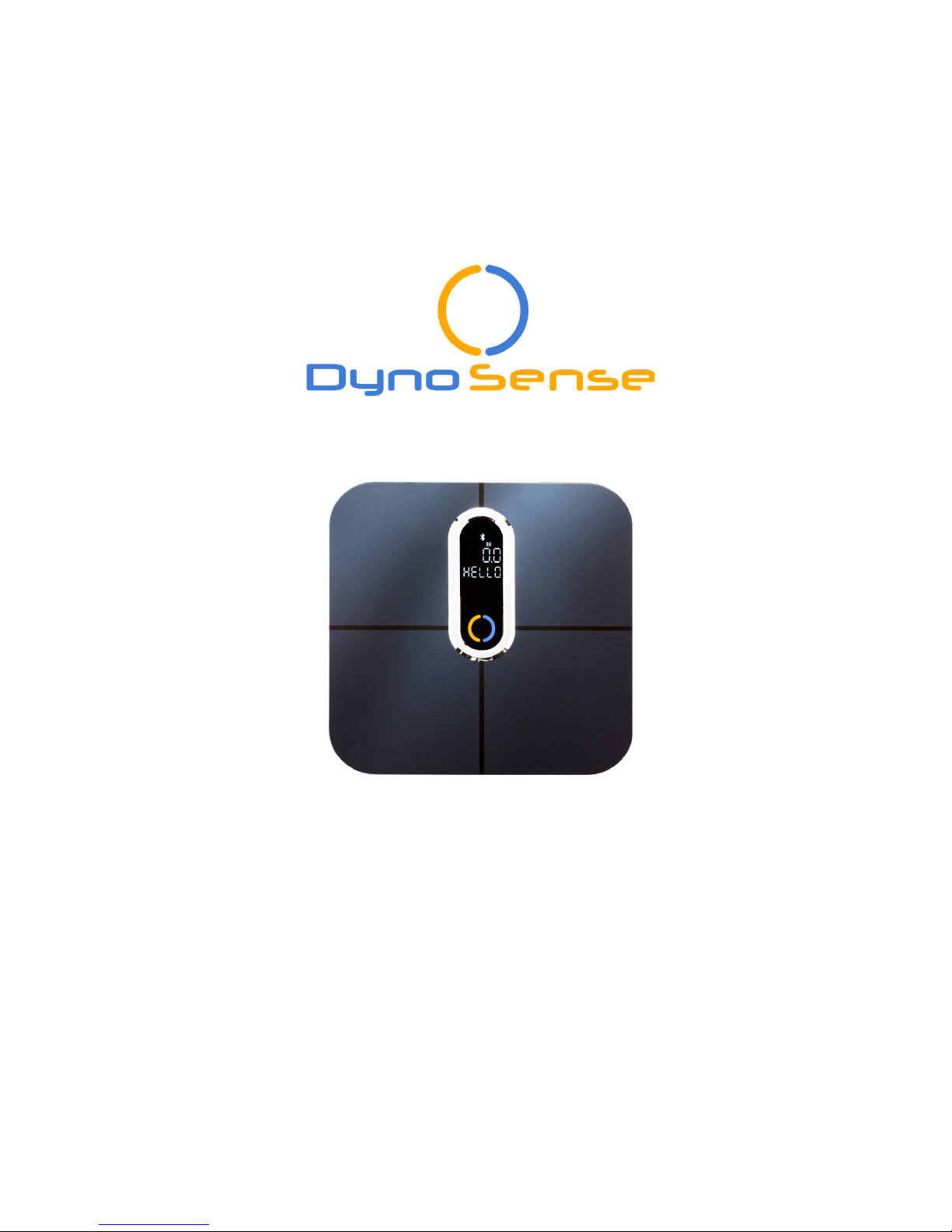
Quick Start Guide
Adore
Welcome to DynoSense Family
“Smarter Me”
Page 2
For support, visit www.dynosense.com/support or in-app help For support, visit www.dynosense.com/support or in-app help
2 3
Welcome
Please read this manual carefully before you use the product, and keep this
manual for future reference. For service or repair - do not return this unit to
the retailer. Contact www.dynosense.com/support or in-app help.
Indication For Use
This system is intended for users 5 years and older in the home environment.
This system makes no specific diagnosis. Users with implanted pacemaker,
pregnant, and/or implanted cardio-defibrillators (ICD) are not recommended
to use this product.
Inside The Box
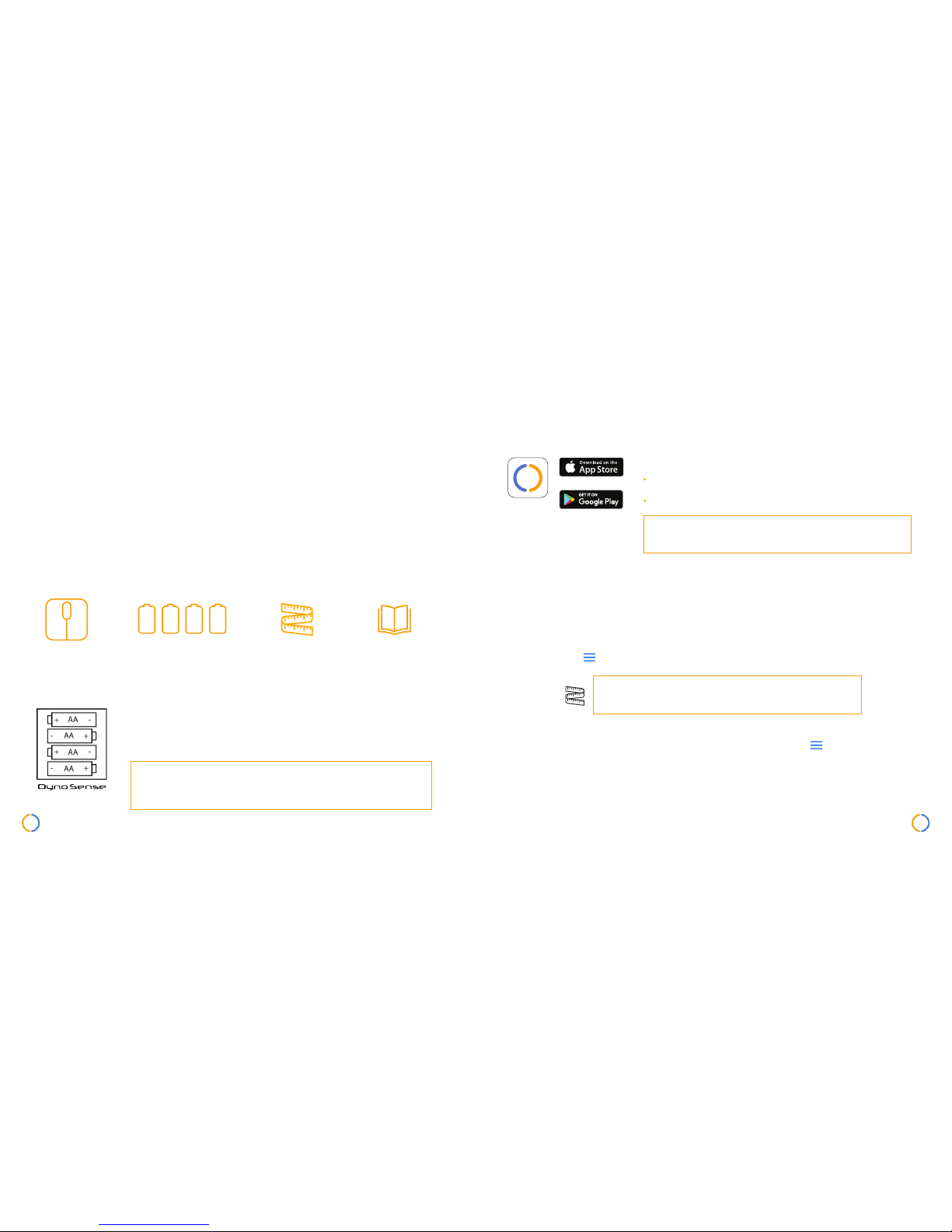
Adore Scale 4x AA Batteries Measuring Tape User Guide Manual
Preparation Before Use
Insert batteries into the compartment on the back of
Adore. See picture on how to insert the batteries.
Step on Adore to activate and see if LED light is ON.
Auto Power Off – Adore will automatically power off
after 30 seconds of no operation or when exceeding the
weight limit (375lbs/170kg).
1.
2.
App Requirement
DynoLife
Download and install DynoLife from App Store or
Google Play.
iPhone5 and above with iOS 10 or later,
Android 5.0 and above with “Lollipop” or later
NOTE: Weight is the only function visible without
the use of the AI powered app.
Add Adore & Complete Prole
1.
2.
3.
4.
Measuring tape is provided for height and body
shape in-app profile data.
If you already have an account, continue the process by clicking “Login”. If
you do not have an account, click “Join” to set up a new account.
Follow the instruction to add Adore and complete the profile information. You
may go to Menu > Help for more support.
Choose your preferred measurement unit (Lbs/Kg) when entering your profile
information or you may change measurement unit under Menu > Account
> Units.
Press “New Action” to start your first measurement.
Page 3
For support, visit www.dynosense.com/support or in-app help For support, visit www.dynosense.com/support or in-app help
4 5
Proper Adore Use
Capture & Store
Multiple Users
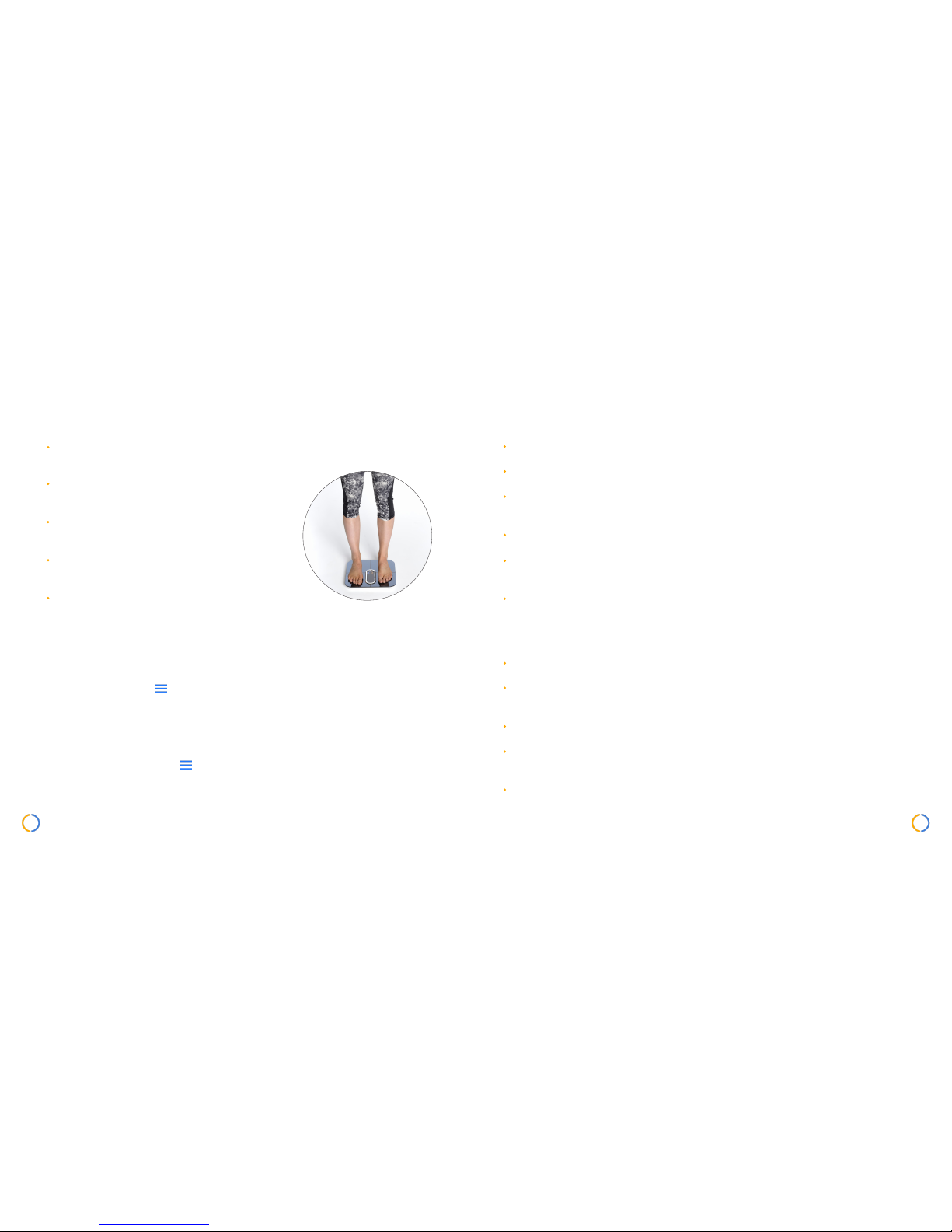
Step on Adore barefoot. Adore will not able to measure complete body
composition if you are wearing shoes or socks.
Place Adore on hard, flat surface for accurate
results.
Balance your weight evenly between both feet
while standing on Adore for accurate results.
Measure yourself at the same time each day to
see consistent trends.
Ensure your feet and glass surface are dry before
stepping on Adore for best results.
Adore has internal memory to store data that can be synced to DynoLife
after multiple measurement without connecting to a mobile device for
each session. Go to Menu > Help for offline syncing setup.
Adore can track multiple users. Each user is required to have a separate
DynoLife account. Go to Menu > Help for multiple users setup.
Warnings
Cautions
For safety, do not disassemble.
This product is not intended for use by children under the age of 5.
This product passes low-level electrical signal through the body. It is not suitable
for people with a pacemaker or other cardiac stimulator.
Do not use if you are pregnant.
Do not use if you are in dialysis, have edemas on your legs, suffer from osteoporosis, or if you have dysmorphia.
The product makes no diagnosis interpretation or treatment. Always consult your
physician for any health concerns or questions.
Do not use on slippery surfaces such as wet floor.
Do not use Adore for any purpose other than measuring weight and body
composition.
Remove the batteries if the product will not be used for a long period of time.
Do not dispose the product in a household trash bin. Please return Adore to
DynoSense for disposal.
Do not drop the product.
Page 4
For support, visit www.dynosense.com/support or in-app help For support, visit www.dynosense.com/support or in-app help
6 7
Care & Maintenance
The four feet bumpers of Adore are made of rubber, do not keep Adore
loaded for a prolong period of time. This may damage the weight sensors and
results will not be accurate.
Do not leave anything on Adore when it is not in use. This will consume power
and reduce the life of the batteries.
Wipe the surface with a soft damp cloth. Never use detergent to clean Adore
or immerse in water as it may damage the electronic.
Avoid the risk of damaging Adore or breaking the glass surface.
Troubleshooting
Problem Possible Cause Solution
Adore will not turn on when
step on it or tap with foot
Batteries are not inserted
correctly or batteries are
drained
Make sure the batteries are aligned
correctly or replace with new batteries.
If the problem persists, please contact
support.
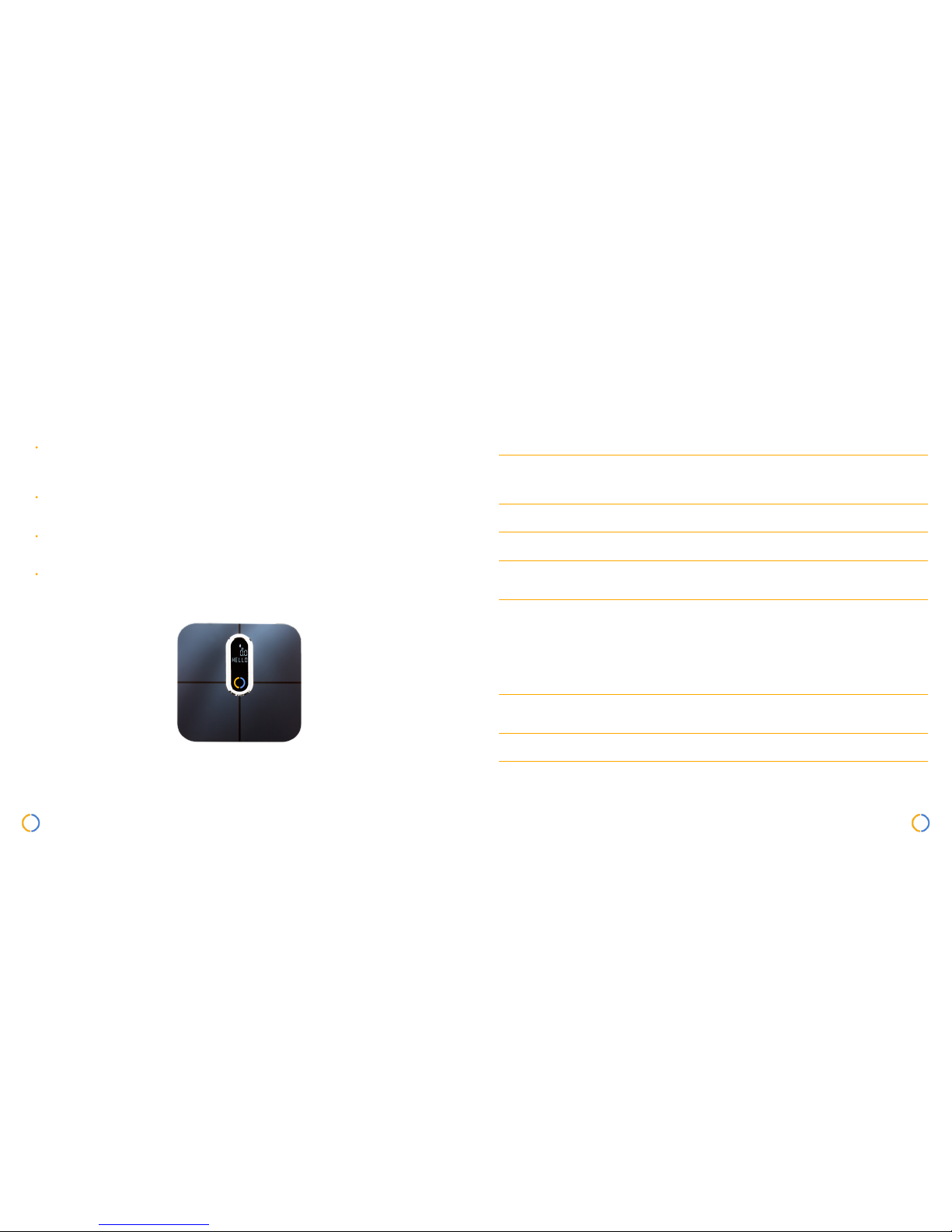
The screen shows “LO” on
LED display
Low Battery Replace with new AA batteries.
Weight measurement is not
appearing
Excessive movement is detected during measurement
Stand still during the measurement.
Some metrics show “--” on the
DynoLife App
User is not standing barefoot Make sure to dry your feet, do not wear
socks or shoes during the measurement.
Weight measurement is not
reliable
User is not standing straight Balance your weight evenly between
both feet.
Excessive water on feet Make sure your feet and glass surface
are dry.
Uneven or unstable surface Position Adore on a hard surface. If
the problem persists, please contact
support.
The App cannot nd the
product when trying to add
new device
Adore is not ON or batteries
are drained
Tap on the glass surface to activate
Adore or replace batteries. If the problem persists, please contact support.
Bluetooth connection failed Mobile device Bluetooth
problem
Turn off and on the Bluetooth of your
mobile device.
“Can’t connect to Cloud” No server/ No internet
connection
1. Make sure you are connected to the
internet.
2. If the internet connection is not
good, please try later.
Page 5

Specications
Materials Tempered Glass Slab
Display Unit Lbs/Kg
Unit Dimension
12.8in W x 12.8in L x 1.38in H
325mm W x 325mm L x 35mm H
Unit Weight 4.6lbs (2.1kg)
Max. Weight Capacity 396lbs (180kg)
Weight Accuracy 0.2lbs/0.1kg
Power Source Four 1.5V Batteries, Size AA
Connectivity BLE Bluetooth 4.1
Operating Temperature -10 C, +50 C
Relative Humidity <90%
What Adore Measures
Weight, Body Fat, Body Water, Bone Mass, Visceral
Fat, Muscle Mass, Protein, BMR, BMI
Copyright 2017 DynoSense Corp. All right reserved.
P/N: 370-00108- 01
Version: B February 2018
 Loading...