

Page 1
Upgrade manual
Radio Hotspot upgrade instructions
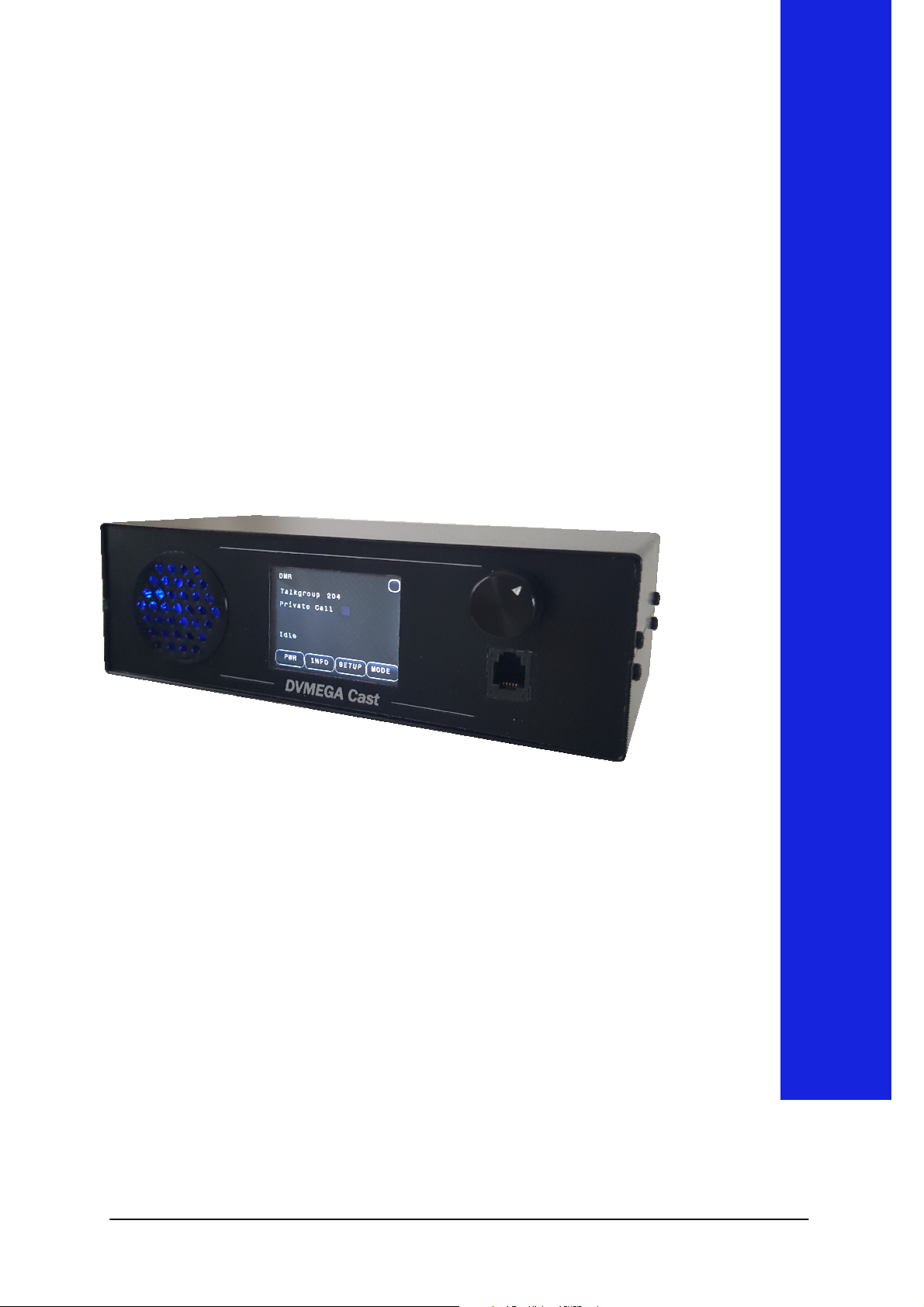
DVMEGA Cast
The Swiss army knife for Digital Voice
1
Page 2

Table of contents
Author
General .……………........………..…………… 3
Preparation …………............………………….. 4
Intstallation ………….......................………….. 5
Configuration ……....……..…………………….. 6
Date : 12-03-2019
Version : 1.00
2
Page 3
General
General
which a Radio Hotspot can be connecte
The user manual is part of the product and contains important
The DVMEGA Cast is equipped with an option connector to
d.This manual
explains you how this option is placed and configured.
Read the user manual completely and carefully before use.
information for correct use.
Keep this user manual. The user manual must be available
for uncertainties and passing the product.
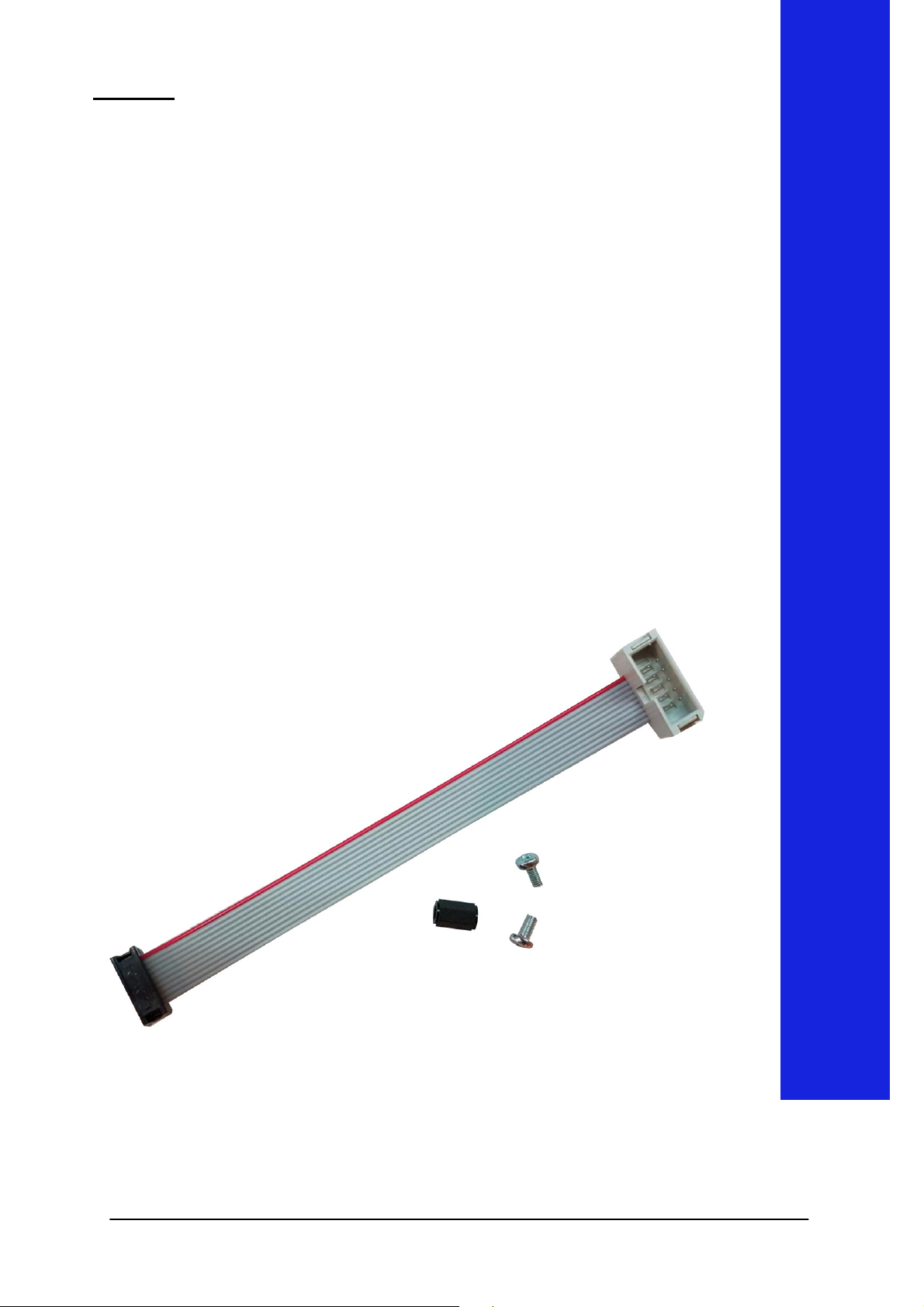
The upgrade kit contains the next parts :
- Flatcable
- M3 X 10 Spacer
- 2 pcs screw M3 X 6
3
Page 4
Preparation
Preparation
Attention !
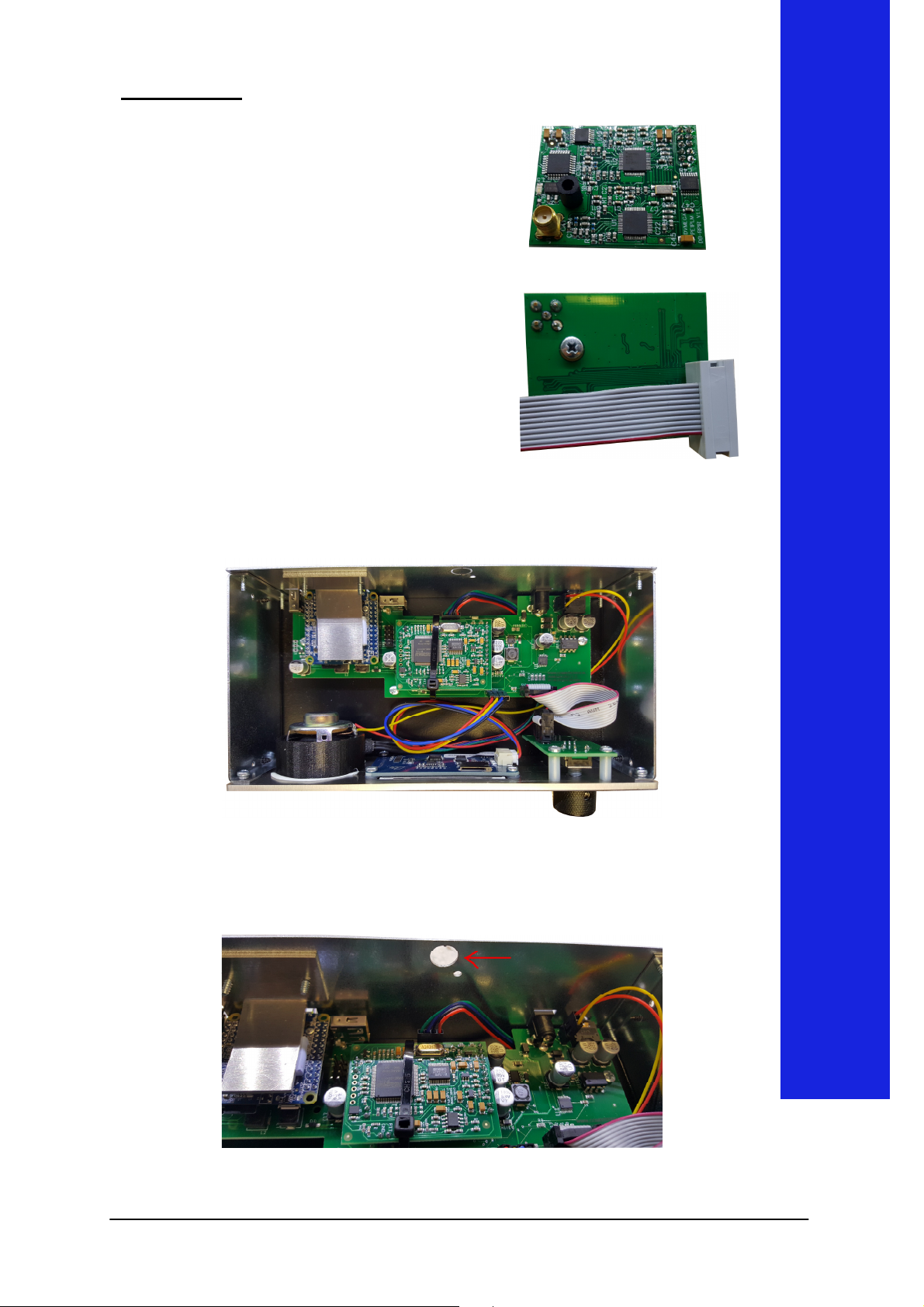
Mount spacer on Radio board.
Connect ribbon cable to Radio
board.
Orientation of ribbon
cable. Red wire must be towards
Remove the top cover, remove 2 screws on each side of the
device.
Remove knock out on back of the device.
4
Page 5
Inst
allation
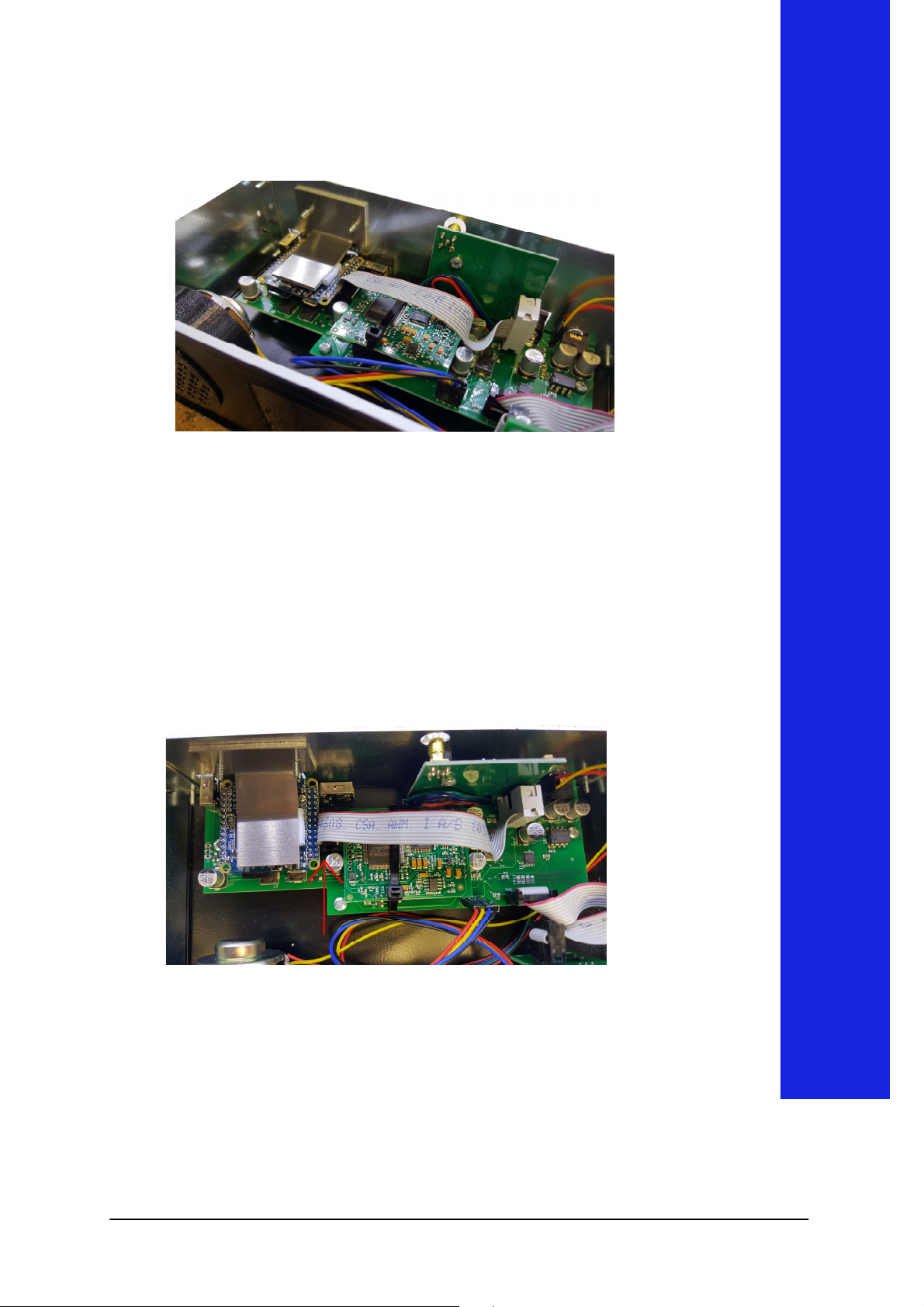
Mount Radio board in the device.
Attention ! Red wire must be towards the back of the device.
Pleace ribbon bable on option connector as shown on next
photo.
Now you can replace the top cover.
5
Page 6
C
onfiguration
Configuration
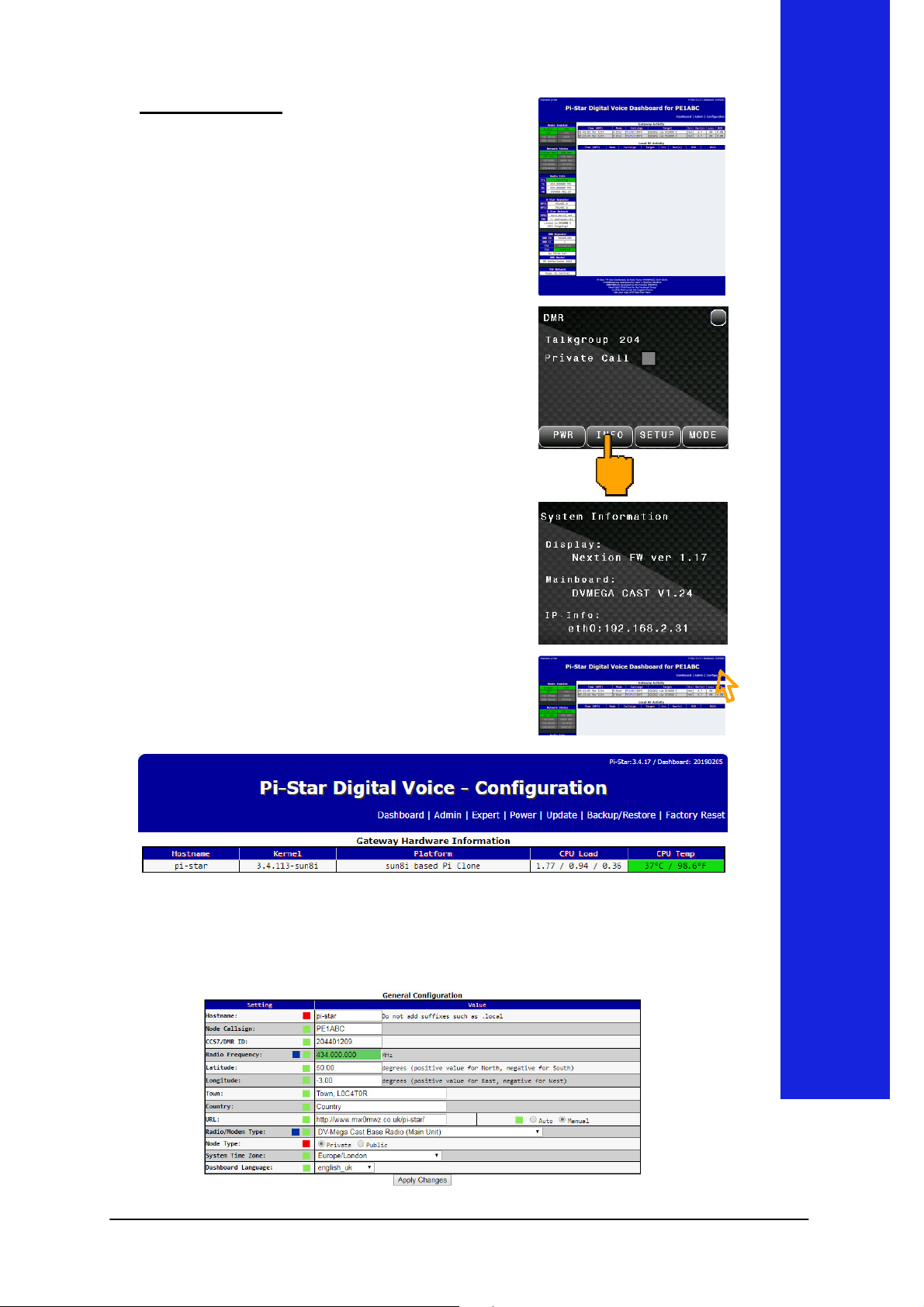
configuration is easy accessible
with a standard browser. Just enter
address on the INFO screen on your
The
"pi-star" in your URL bar.
the next screen will be shown.
It is possible that the hostname can
not be resolved in your network.
Then you have to go via the IP
address.
You can find the assigned IP
DVMEGA Cast.
Press INFO to show IP Info.
Now enter the shown IP
(192.168.2.31 as an example) in
your URL bar.
Click Configuration to go to the
Configuration page.
The Configuration page is devided in configuration blocks per
function. Scroll down to General Configuration.
6
Page 7
C
onfiguration
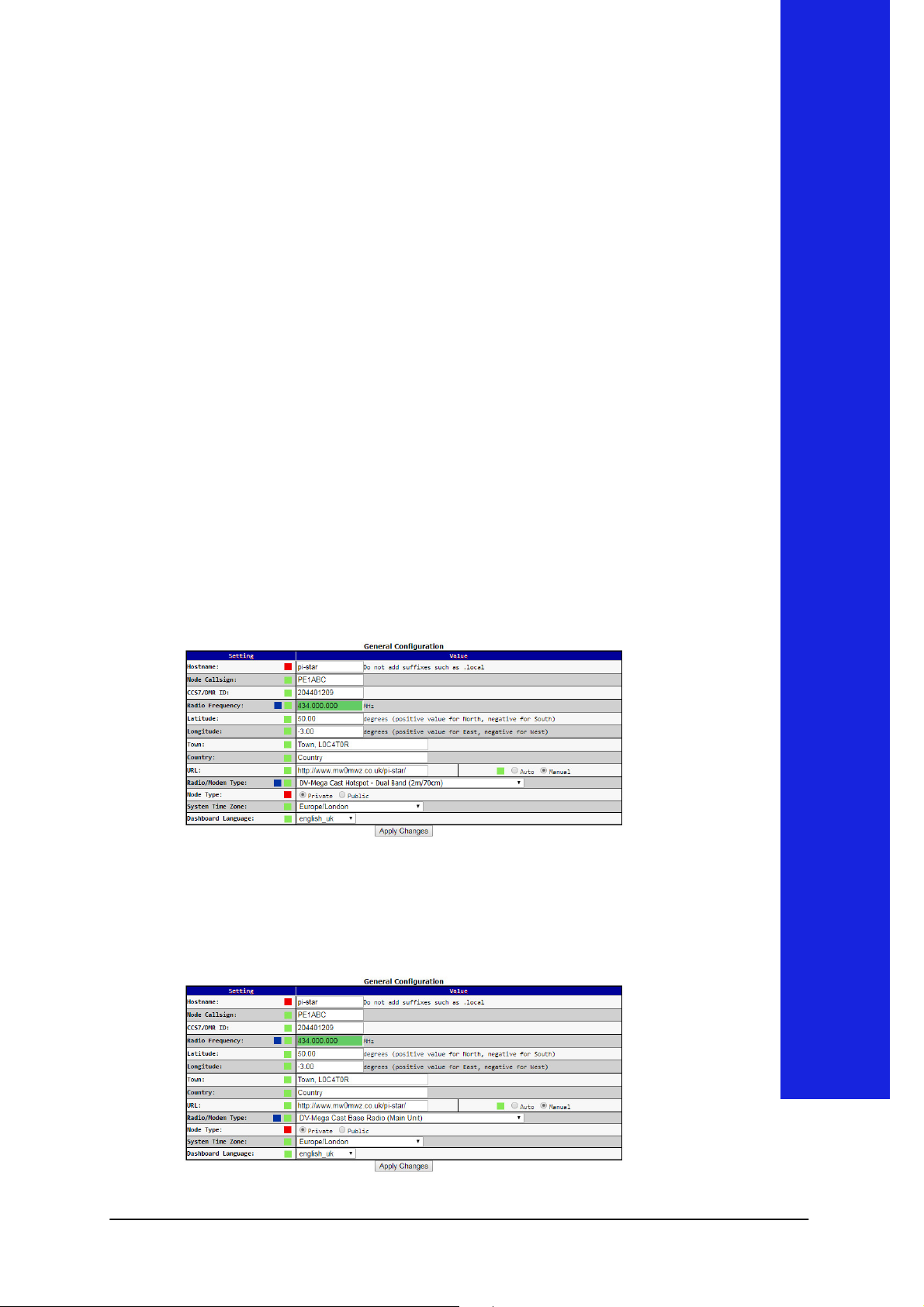
Settings marked with a Blue dot are important for this
cannot be active at the same time. So you opperate the
Attention !
upgrade.
Radio Frequency : Set desired frequency
The Radio Hotspot Mode and the standard DVMEGA Cast
Mode
DVMEGA Cast or activate the Radio Hotspot function.
I f you acivate Radio Hotspot Mode :
Radio/Modem Type : select DV-Mega Cast Hotspot - Dual
Band or DV-Mega Cast Hotspot - Single Band (depends on
your Radio Board). Click Apply Changes.
Now the DVMEGA Cast Mode is disabled and the Radio
Hotspot function Enabled.
For D-Star, be sure that RPT1 and RPT2 setting
are matching your D-Star radio.
If you like to revert to DVMEGA Cast Mode just change
Radio/Modem Type to : DV-Mega Cast Base Radio (Main
Unit) and click Apply Changes.
7
 Loading...