

Page 1
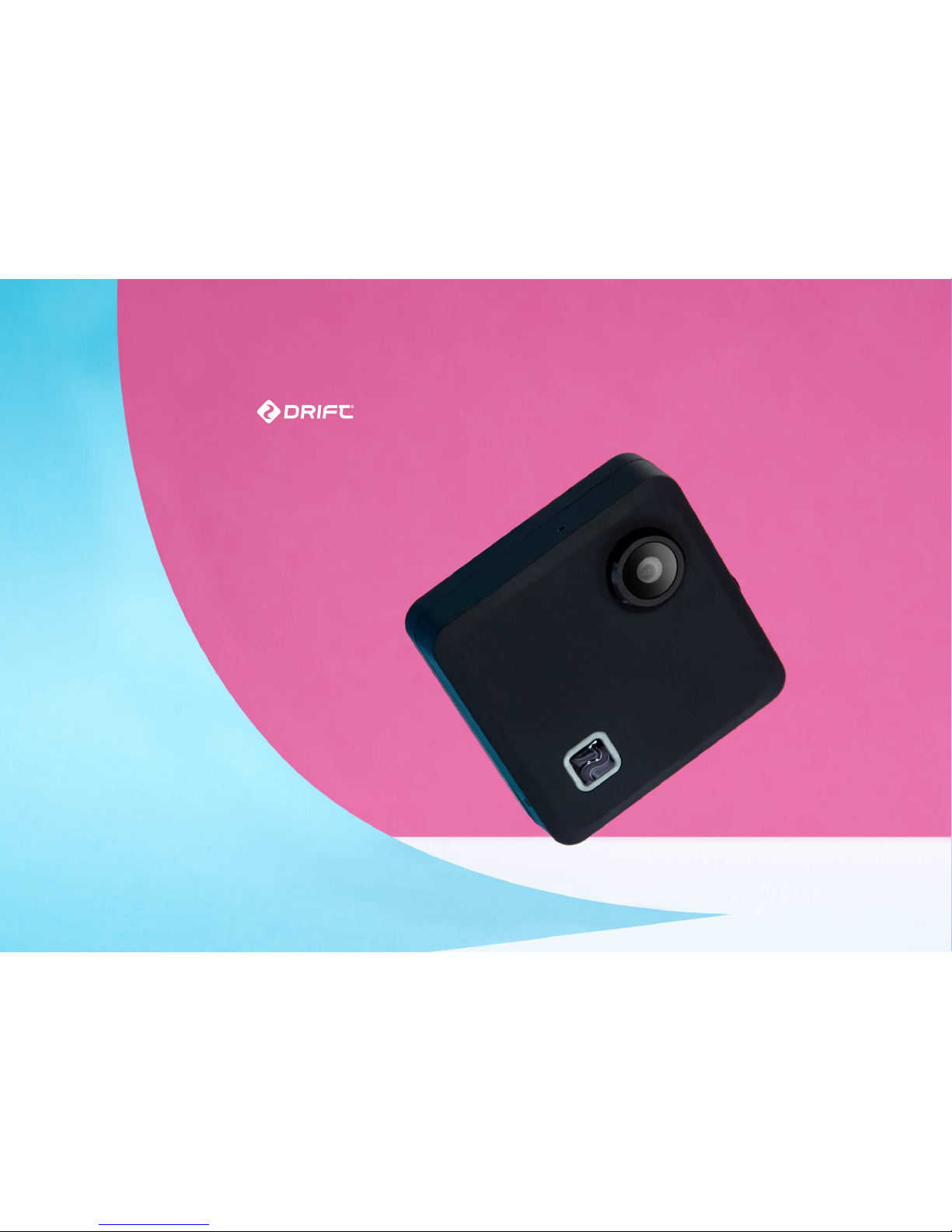
compass
getting started
Page 2
getting started
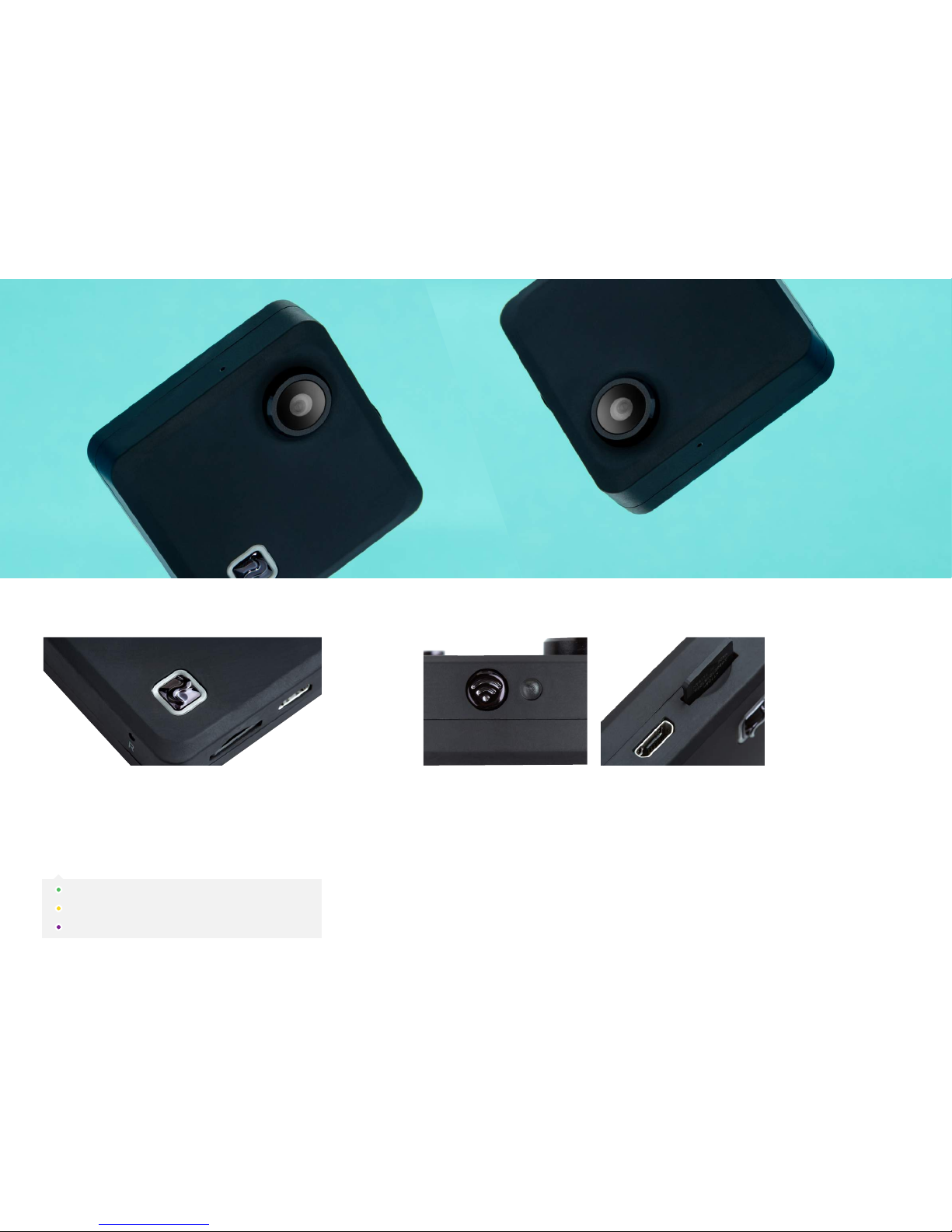
Press and hold the front power button to start the device. The light will
turn red while starting and green when ready for use.
You can switch camera mode by pressing the front power button. The
indicator light will change depending on the mode.
To take a photo or to start/ stop a video or timelapse, simply double tap
the front surface of the Compass.
POWERING ON WIFI INDICATOR & CONNECTIONS
Your Compass device can connect to your smartphone through a direct WiFi
connection. To begin the process, press the WiFi button and follow the in-app
directions.
You can charge your Compass, and transfer your content to your computer using
the Micro USB port.
To remove your Micro SD card, gently press the card further into the SD card slot,
the card will then be ejected.
Video
Photo
Timelapse
Page 3

CONNECTING TO YOUR PHONE
The Drift Life application is available on iOS and Android. Once
installed you can use the application to connect and control
your Compass.
STEP 1
Pressing the Wi-Fi button once, the side indicator will flash red
while the Compass searches for your smartphone on it’s WiFi
network.
STEP 2
Through your phone settings, directly connect to the Compass
WiFi. It will appear as an available network in your settings.
STEP 3
The front power button and the side indicator light will turn
green. This indicates your Compass and your smartphone are
now connected.
From the Drift Life home screen you will find a PLUS SYMBOL in
the bottom right corner. Tapping this icon will open the option
to BEGIN BROADCAST, this requires you to connect your
Compass to an internet-enabled WiFi signal. Follow instructions
within the Drift Life application to begin.
USING THE DRIFT LIFE APP TO CONTROL
YOUR COMPASS
LIVE STREAMING
Default Wi-Fi Password: 1234567890
CONNECTING TO YOUR PHONE
Page 4

DRIFT LIFE APP
(NEW APP COMING JUNE 2016)
Page 5

contact us
matt@driftinnovation.com
+44 (0) 20 3286 4309
www.driftinnovation.com
Matthew Ryan
 Loading...