

Page 1
Bluetooth Keyboard K7218B
Quick Start Guide
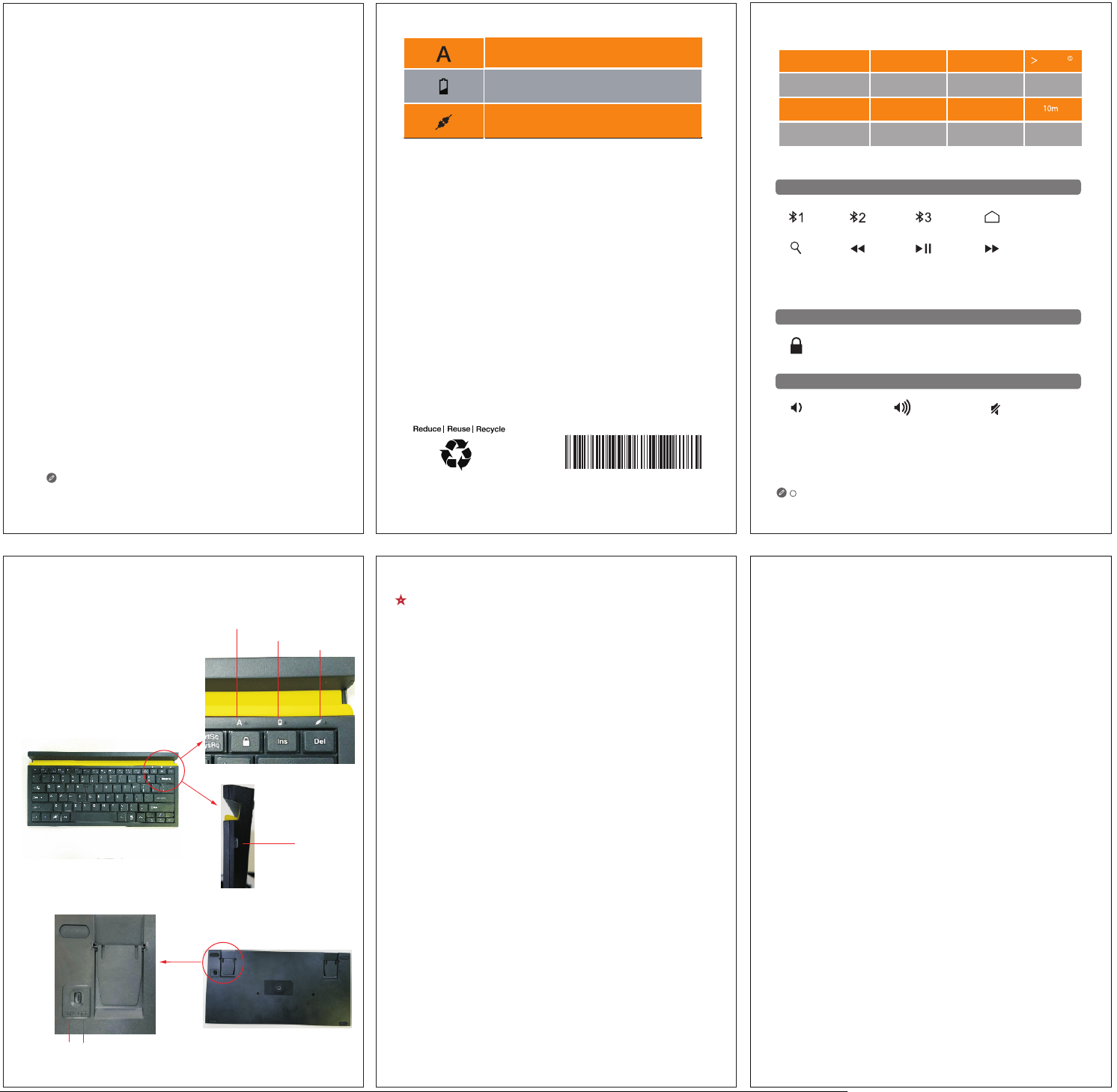
■ LED Indicator
Capital Lock LED
Low Voltage/Charging status LED
Pairing status LED
■ Caution
This product contains a built-in battery. Do not take out for replacement.
Product parameters
Bluetooth version
Battery capacity
Charging voltage
Operating temperature
3.0
620mAh
DC 5V
-10 °C to 55 °C
Special function keys
Application & Access
Blu etoot h
Dev ice1
sea rch
Screen display
Lock the screen
Volume
Blu etoot h
Dev ice2
Pre vious
Trac k
Operating time
Charging current
Wireless range
Operating humidity
Blu etoot h
Dev ice3
Pla y/Pau se
Hom e
scr een
Nex t
Trac k
50
Days
200mA
10% to 85%
For reference only. Please refer to our actual product.
Introduction
The Keyboard can be used to control a tablet with different hot keys. For details, see the
special function keys. The keyboard and the tablet can be combined for easy carrying.
Capital Lock LED
Low Voltage/Charging status LED
Pairing status LED
Micro USB
Connector
V1.0_20180516
DK-21-67218-10-60-00
★
Before using the keyboard for the first time, please connect it to the tablet.
Step 1 : Turn on the Bluetooth keyboard, press the Fn+[F1/F2/F3] more than 2 seconds.
The pairing status LED blinks rapidly and the keyboard turns discoverable.
Step 2 : On your tablet, make sure the Bluetooth is on. Select "Settings">"Bluetooth">On.
Select "Bluetooth 3.0 Keyboard" from the Devices menu.
★
If your keyboard has successfully connected to more than one tablets. It will automatically
connect to the last tablet after turn-on.
★
Switching mode:
According to the above two steps, it can be connected with 3 devices simultaneous. If you
want to switch between three devices, you can switch the corresponding device by pressing
the combination key such as [Fn+F1]/[Fn+F2]/[Fn+F3].
Printed in China
Volu me–
Calculated by 2 hours of normal daily use with a new fully charged battery.
1
★
FCC Statement:
This equipment has been tested and found to comply with the limits for a Class B digital
device, pursuant to part 15 of the FCC Rules.
These limits are designed to provide reasonable protection against harmful interference
in a residential installation.
This equipment generates uses and can radiate radio frequency energy and, if not
installed and used in accordance with the instructions,may cause harmful interference to
radio communications. However, there is no guarantee that interference will not occur in
a particular installation. If this equipment does cause harmful interference to radio or
television reception, which can be determined by turning the equipment off and on, the
user is encouraged to try to correct the interference by one or more of the following
measures:
—Reorient or relocate the receiving antenna.
—Increase the separation between the equipment and receiver.
—Connect the equipment into an outlet on a circuit different from that to which the
receiver is connected.
—Consult the dealer or an experienced radio/TV technician for help.
This device complies with FCC radiation exposure limits set forth for an uncontrolled
environment.This device complies with Part 15 of the FCC Rules.Operation is subject to
the following two conditions: (1) this device may not cause harmful interference, and (2)
this device must accept any interference received, including interference that may cause
undesired operation.Caution! Any changes or modifications not expressly approved by
the party responsible for compliance could void the user's authority to operate the
equipment.
Volu me+
Mut e
On/Off Switch
 Loading...