

Page 1
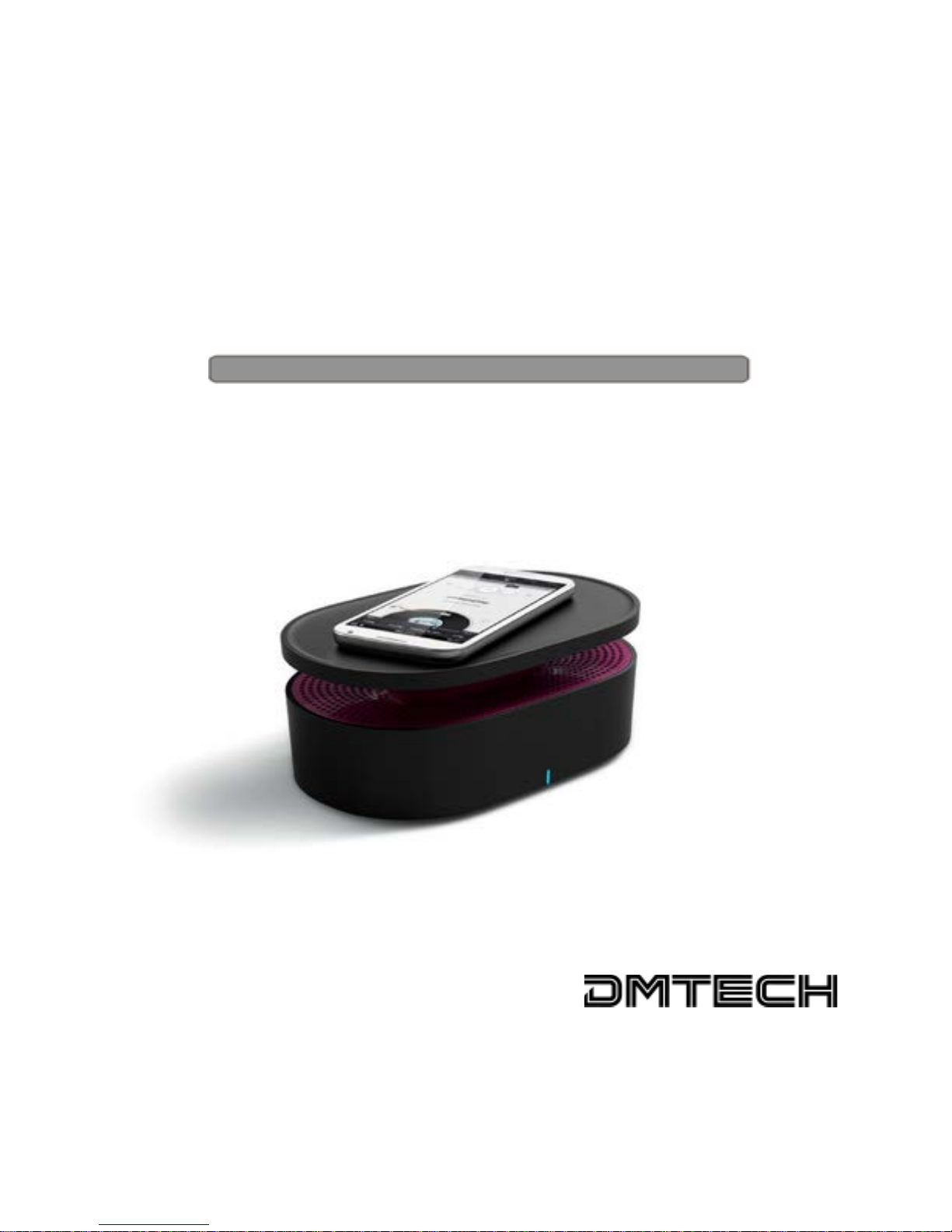
Close Contact Magical Speaker
NF-210B / NF-210W
Manual
Page 2
NF-210 Users manual
All the information, design and specifications contained in this manual were
correct at the time of publication. However, as the product is under continuously
upgrading, the final device may have a slightly difference in appearance or
modified functionality than presented in this manual.
Safety precautions
• Never subject speaker to extremes of light, temperature, moisture or vibration.
• Do not use or store speaker in a location subject:
A. Extreme high temperature, such as in a sun-heated car
B. Direct sunlight
C. High humidity or places with corrosive substances
D. Sub-zero condition, especially during winter.
• Clean only with a dry cloth.
• Don't block any of the ventilation openings, install according to the
manufacturer's instructions.
• Refer all servicing to qualified service personnel. Servicing is required when the
unit has been damaged in any way.
The symbol means that the unit complies with European safety and
electrical interference directives.
Page 3
NF-210 Users manual
1
Parts and Control
Page 4

NF-210 Users manual
2
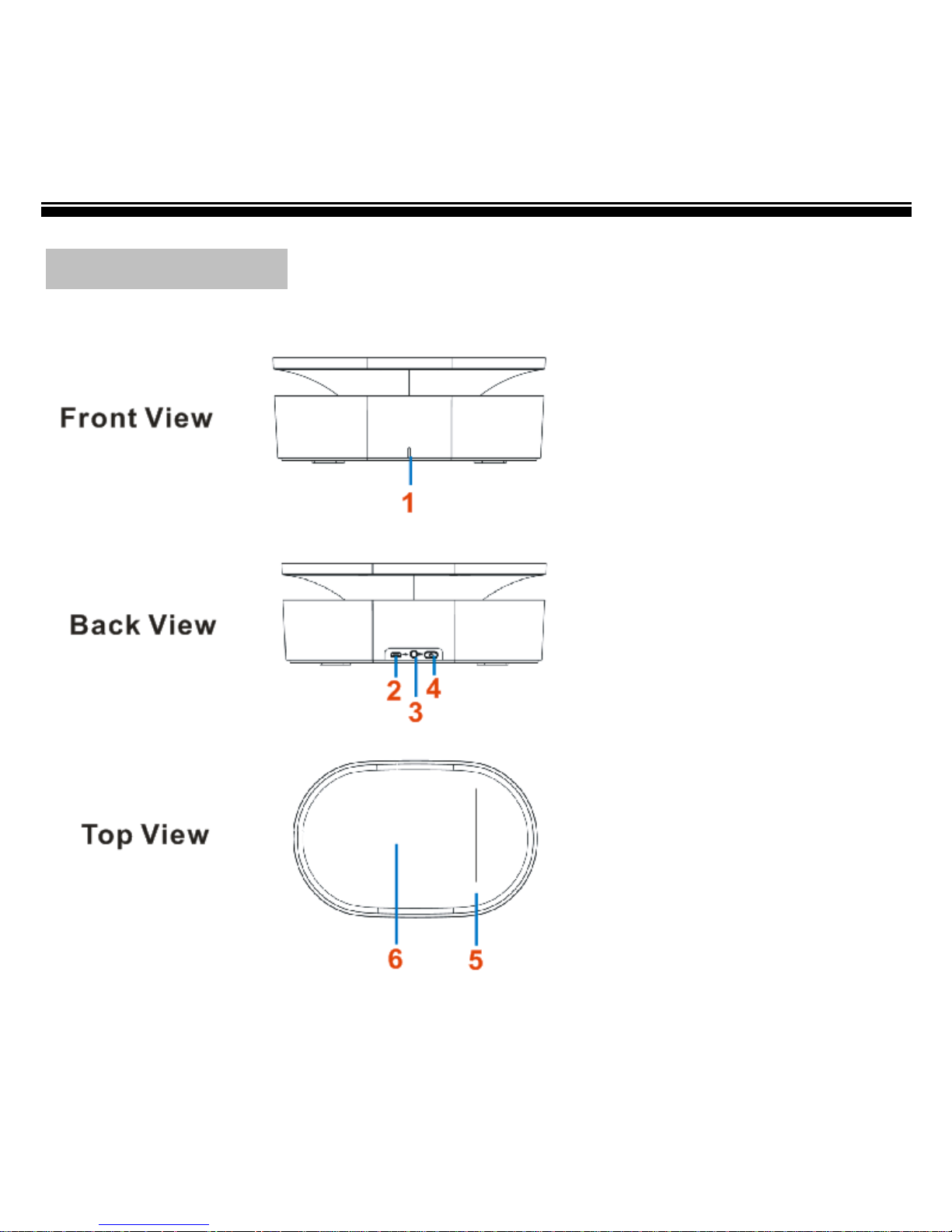
1. Status indicator
Power on mode: light in blue Line-in mode: light in blue
Charging mode: light in red Fully charged: red light is off
Close Contact mode: quick blink in blue
2. Micro USB jack – for connecting to a computer or USB power adapter via USB
cable to charge the NF-210 Speaker.
3. Line-in jack – for connecting to music source device.
4. Power button – Press the Power button to turn the NF-210 speaker on/off;
5. Close Contact symbol – represents the Close Contact sensitive area, touch the
NF-210 Close Contact symbol and mobile media device together or place them
into closely to amplify the sound from media device.
6. Close Contact Base – for placing mobile media device in Close Contact mode.
Accessories
1 X NF-210 portable speaker
1 X USB cable
1 X Line-in cable
1 X Quick start guide
Page 5
NF-210 Users manual
3
Charging the NF-210 speaker
• Charge the NF-210 by connecting to a computer or USB power adapter via the
supplied USB cable.
• Charge it for 3 hours, till the Status indicator turn from Red to Off. The speaker
can play up to 6 hours after fully charged.
Turning On/Off NF-210
• Press the Power button to turn on/off NF-210 speaker, then the Status
indicator will light in blue.
Playing the music from media device
1. Plug the Line-in Connector cable to the media device, e.g. mobile phones,
PCs/laptops, MP3 players or radios.
2. Turn on the NF-210 portable speaker.
3. Start playing the selected music or radio from the media device.
4. Control the music playback by operating on your mobile device.
Note: In Line- in mode, the Status indicator always lights in blue.
Page 6
NF-210 Users manual
4
Amplifying the audio from mobile device
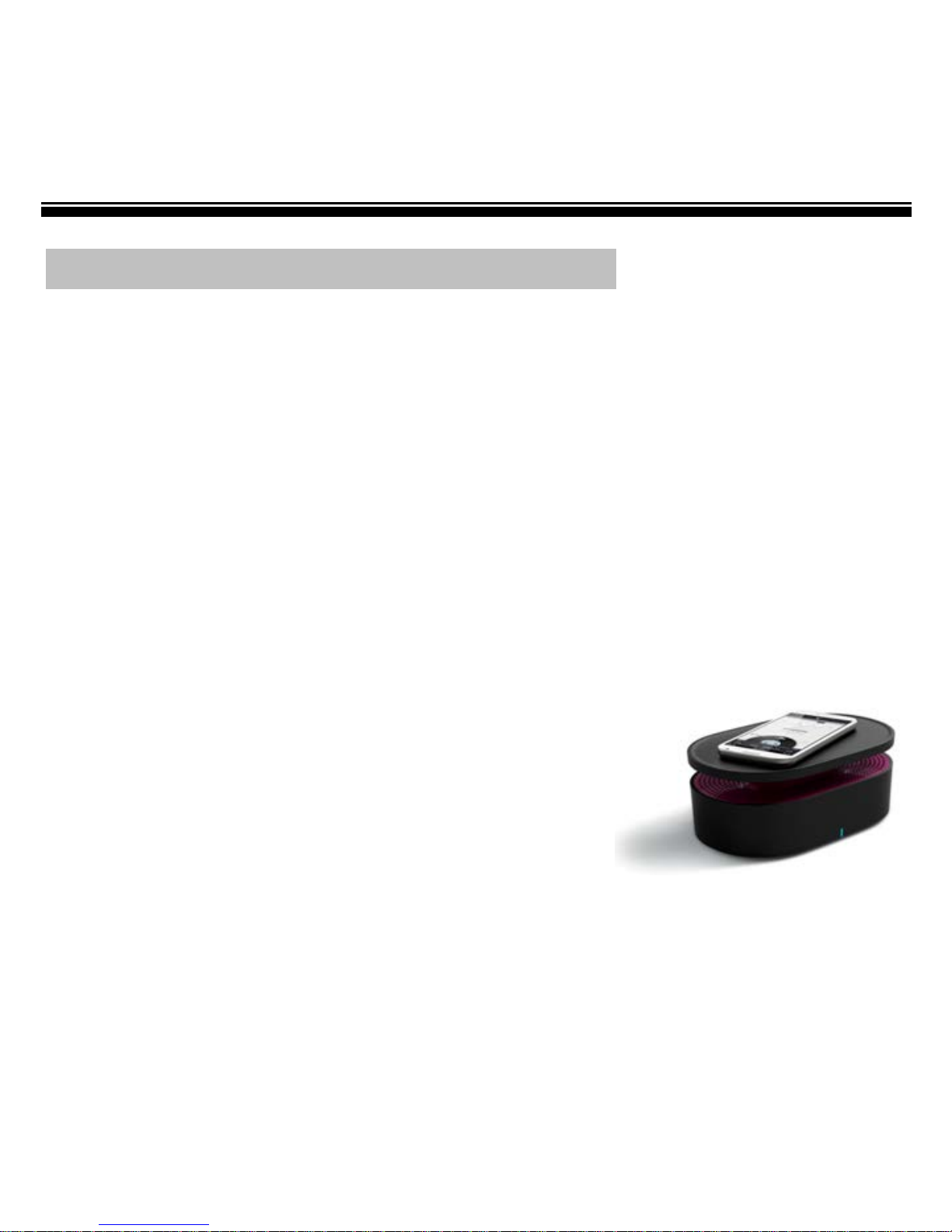
NF-210 is a Close Contact speaker, which can magically amplify the sound of your
mobile devices by just placing it next to the NF-210 speaker without any
configuration.
• The NF-210 speaker works with most mobile media devices with external
speakers
• Most existing mobile devices such as iPhone, iPod, iPad and Android devices
are supported by Close Contact.
Follow the below steps to begin enjoying and share your music.
1. Turn the NF-210 on until the Status indicator lights in blue.
2. Playing the selected music or radio from your mobile media device.
3. Place your mobile media device nearly on the NF-210 Close
Contact sensitive Base, and with the external speaker of
mobile device facing towards the Close Contact symbol,
then the status indicator quickly blinks in blue.
4. Continually move your media device on NF-210
Close Contact sensitive area until the amplifying sound is at optimal level.
5. Control the music playback by operating on your mobile device.
Page 7

NF-210 Users manual
5
Technical Specifications
Function Description
Function: Line-in, Close Contact
Connectivity
Audio: 3.5 mm audio jack
Power: Micro USB jack
Power
Battery Type: Built-in Li-ion (1000 mAH)
Battery Cycle Life: 300 cycles
Playback Time: Up to 6 hrs (Varies with different volume level)
Charging Power: 5V, 500mA
Charging Time: 3hrs
Environmental Condition
Storage: -20°~50°, 5% to 95%(Relative Humidity), non-condensing
Operation: -10°~40°(Temperature), 5% to 95% (Relative Humidity),
non-condensing
Optional: AC adapter (5V, 1A)
Certifications
CE, RoHS
Page 8
NF-210 Users manual
6
Recycling
Your Speaker must be disposed of properly according to local laws and regulations.
Because this product contains a battery, the product must be disposed of
separately from household waste. When your speaker reaches its end of life,
contact your local authorities to learn about recycling options.
Battery Replacement:
The rechargeable battery in it should be replaced only by an authorized service
provider.
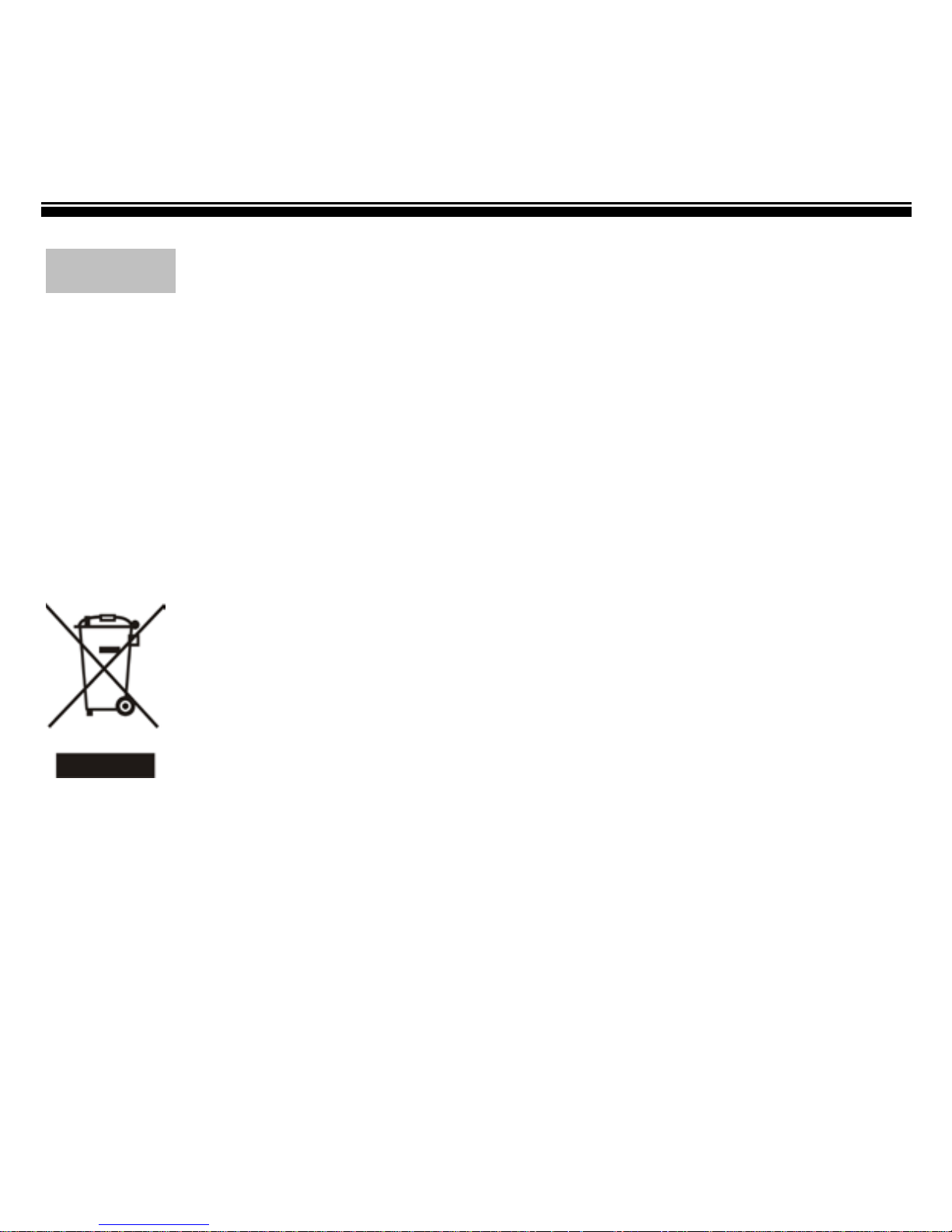
This symbol on the product or in the instruction means that your
electrical or electric equipment should be disposed at the end of its
life separately from your household waste. There are separate
collection systems for recycling in the EU, For more information,
please contact the local authority or your retailer where you
purchased the product.
 Loading...