

Page 1
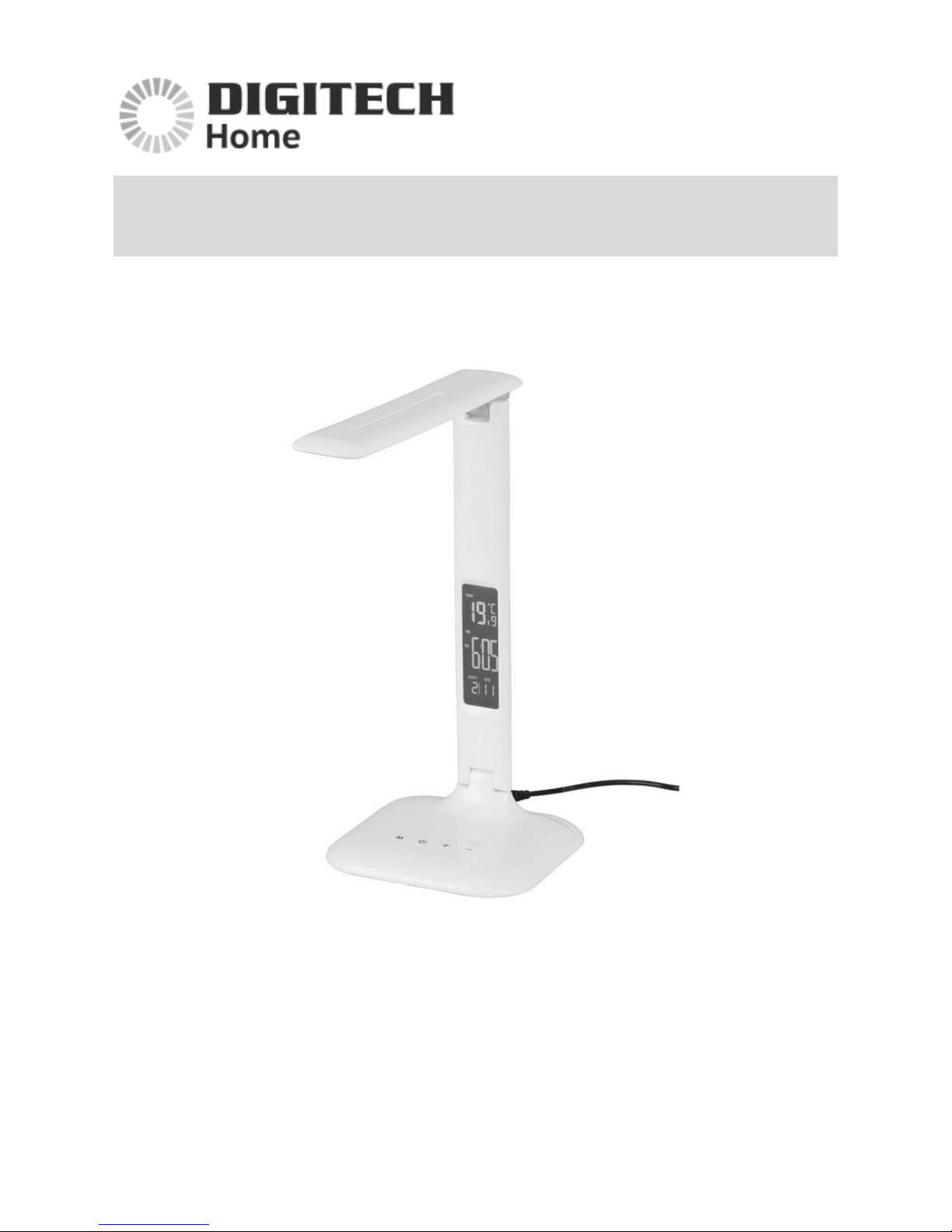
User Manual
Adjustable Colour Temperature Lamp
SL-3142
Distributed by:
TechBrands by Electus Distribution Pty. Ltd.
320 Victoria Rd, Rydalmere
NSW 2116 Australia
Ph: 1300 738 555
Int’l: +61 2 8832 3200
Fax: 1300 738 500
www.techbrands.com
Page 2

Features:
- 3 light modes: warm white, cool white and natural
- 14 x LED lights
- Zero UV light output
- Touch sensitive buttons for each operation
- LCD display with calendar, alarm clock, snooze and thermometer functions
- Foldable structure (Lamp head 180° and lamp arm 90°) makes it portable
Specifications:
Power: 5V, 1000mA
LED lifetime: 40,000 hours
Dimensions: 330(H) x 145(L) x 145(W)mm
Weight: 690g
Operation Instructions:
Connect the power adapter into the rear of the
lamp base.
Press the power button to turn on the lamp.
Please hold the lamp arm when adjusting the
angle of the lamp head. Note that excessive
adjustment can lead to functional damage.
Please hold the lamp base when adjusting the
angle of the lamp arm. Note that excessive
adjustment can lead to functional damage.
Page 3

Button Explanation:
Mode: Adjust the colour temperature, 3 modes:
- Warm light
- Cold light
- Natural light
Power: Turn the lamp on and off
Strengthen: Increase the lamp brightness
Weaken: Decrease the lamp brightness
LCD Settings:
Date and Time setting:
1. Under standby mode, press the SET key to enter date and time setting
mode. Press SET again to enter the next setting. The sequence of setting is:
Hour-Minute-Year-Month-Day.
2. Press the UP and DOWN keys to vary the selections for each setting.
3. When under the setting mode, press the MODE key to exit from setting
mode and return to standby mode. Note: When no buttons have been
touched for 60 seconds, the LCD will return to standby mode automatically.
4. Under standby mode, press the UP key to toggle between 12 and 24-hour
format. (Under standby mode, press the DOWN key to toggle between
Celsius and Fahrenheit temperature formats).
Snooze function:
1. Under standby mode, press MODE to enter the alarm mode.
2. Under the alarm mode, press the SET key to enter alarm setting, press SET
again to enter the next setting. The sequence of setting is: Hour-MinuteSnooze-Music.
3. Press the UP and DOWN keys to vary the selections for each setting in this
sequence: Alarm On-Snooze On-Alarm Off-Snooze Off.
4. The alarm will sound for 1 minute at the alarm time. If the alarm is not
turned off, it will sound again after a short time. Press the SET key to stop
the alarm.
 Loading...