

Page 1
TECHNICAL BULLETIN TB-2039
Calibration Unit for Testers
Installation, Operation and Maintenance
Packaging
1 Calibration Unit
2 Test Leads with Banana Plug Terminals
1 Certificate of Calibration
Operation
WRIST STRAP TESTER
1. Plug one of the included test leads into the black
banana jack labeled “E” on the Calibration Unit.
Connect the opposite end of the test lead into the
yellow banana jack located on the 19240 Wrist
Strap Tester.
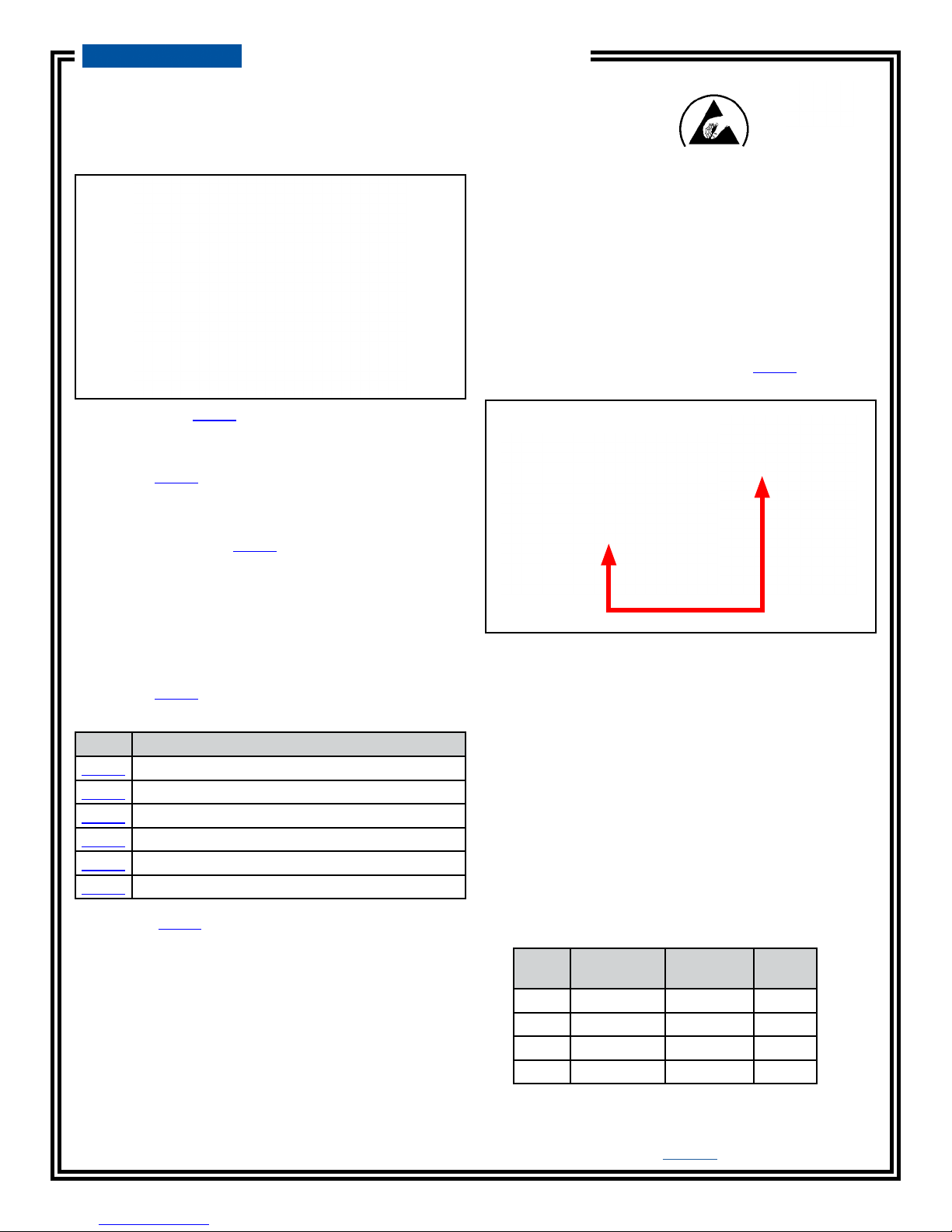
Figure 1. Desco 07010 Calibration Unit
Description
The Desco 07010 Calibration Unit is designed to verify
whether a tester is operating within specifications.
This product can be used as one of the tools to fulfill
the ANSI/ESD S20.20 paragraph 6.1.3.2 “Compliance
Verification Plan.” The 07010 Calibration Unit is a
passive device and requires no power source. The
Calibration Unit is manufactured with industry accepted
test ranges for both wrist straps and foot grounders.
The wrist strap pass range is set at 750K - 10M, while
the foot ground test range is set at 750K - 100M. The
Desco Calibration Unit is calibrated to NIST traceable
standards.
The Desco 07010 Calibration Unit is to be used with the
following items:
Item Description
19240 Wrist Strap Tester
19280 Combo Tester
19282 Combo Tester with Stand and Foot Plate
19283 Combo Tester with Stainless Steel Foot Plate
19350 Wrist Strap Touch Tester, 120VAC
19351 Wrist Strap Touch Tester, 220VAC
NOTE: The 07010 Calibration Unit also calibrates the
following discontinued items:
19250, 19252, 19253
Figure 2. Connecting the test lead from banana jack “E”
on the Calibration Unit to the banana jack on the Wrist
Strap Tester
2. Connect the second test lead to the red 675K
banana jack labeled “A” on the Calibration Unit.
Touch the opposite end of the test lead to test
plate on the Wrist Strap Tester and press down to
activate the test. Be sure not to touch the banana
plug or test plate with your skin.
3. Observe the response from the Wrist Strap Tester.
The alarm should sound, and the LOW LED should
illuminate red.
4. Repeat the procedure for test points B (825K), C
(8.5M) and D (11.5M). The expected test results can
be found in the following table:
Test
Point
Resistance
Value
A 675K FAIL LOW ON
B 825K PASS OFF
C 8.5M PASS OFF
D 11.5M FAIL HIGH ON
Tester
LED
Made in the
United States of America
Buzzer
DESCO EAST - One Colgate Way, Canton, MA 02021-1407 • (781) 821-8370 • Website: Desco.com
TB-2039 Page 1 of 3
March 2018
DESCO WEST - 3651 Walnut Avenue, Chino, CA 91710 • (909) 627-8178
© 2018 DESCO INDUSTRIES, INC.
Employee Owned
Page 2
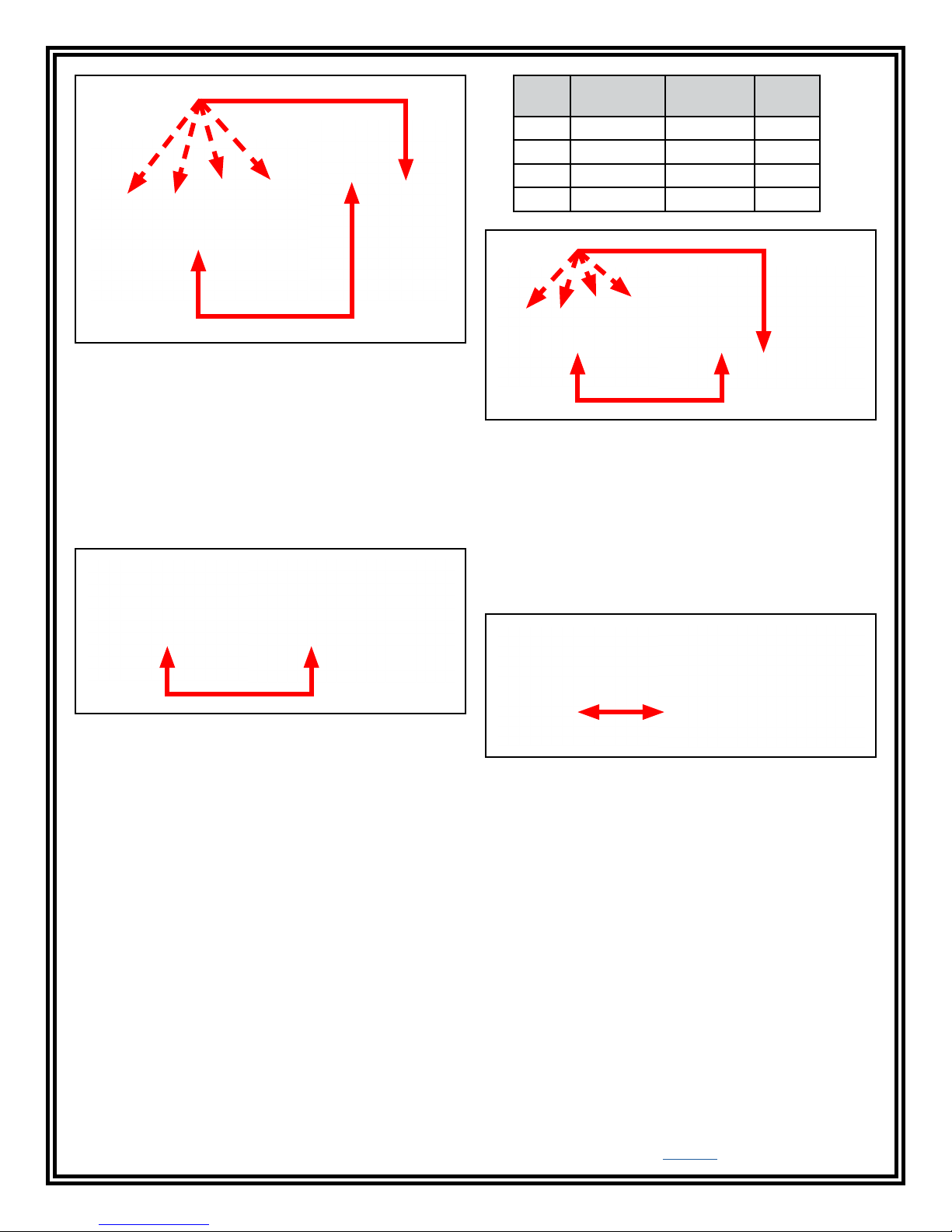
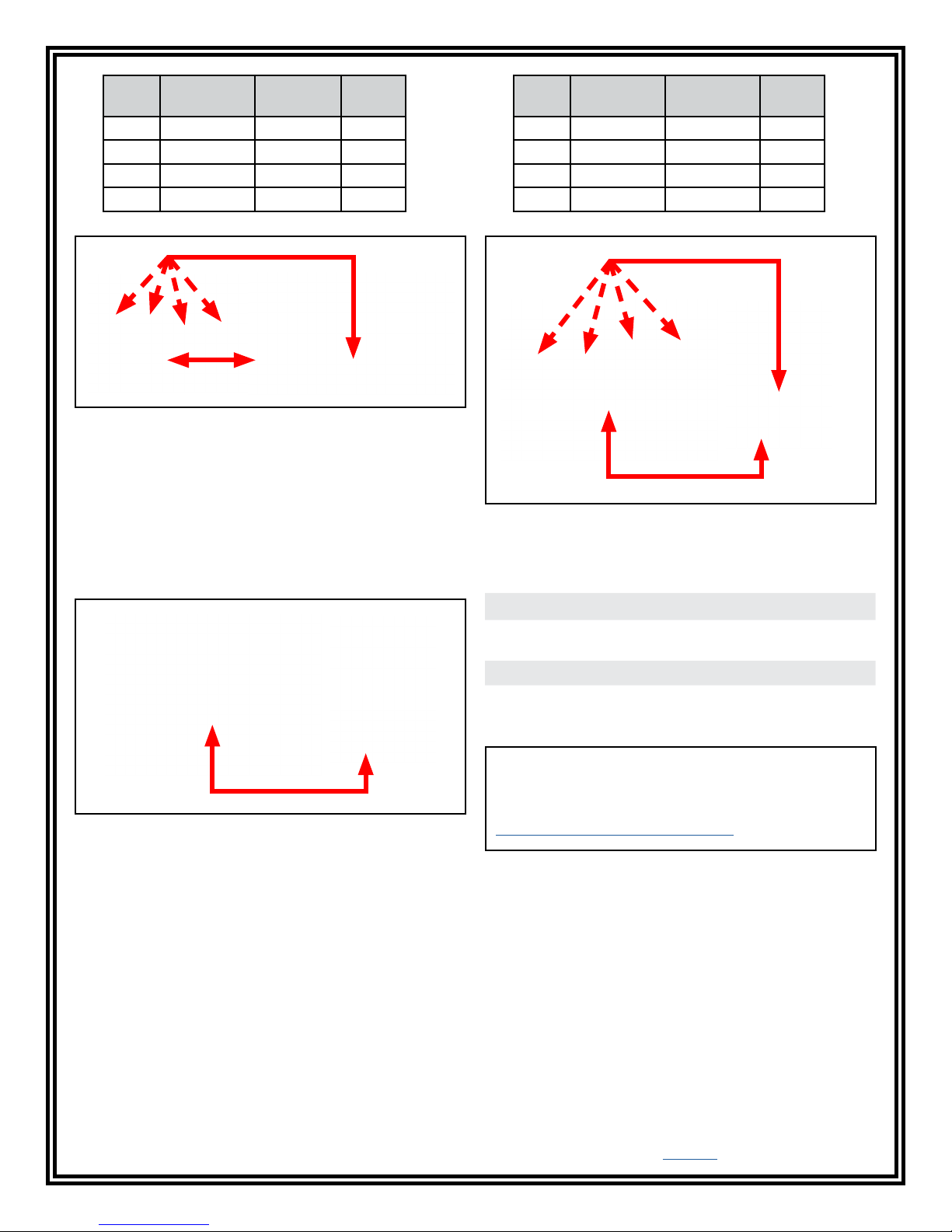
Figure 3. Verifying the calibration of the Wrist Strap
Tester
COMBO WRIST STRAP / FOOTWEAR TESTER
Testing the Wrist Strap Circuit
1. Plug one of the included test leads into the black
banana jack labeled “E” on the Calibration Unit.
Connect the opposite end of the test lead into the
yellow banana jack labeled “WRIST STRAP” on the
Combo Wrist Strap / Footwear Tester. Toggle the
switch to the “WRIST STRAP” position.
Test
Point
Resistance
Value
Tester
LED
Buzzer
A 675K FAIL LOW ON
B 825K PASS OFF
C 8.5M PASS OFF
D 11.5M FAIL HIGH ON
Figure 5. Verifying the calibration of the wrist strap
circuit in the Combo Tester
Testing the Footwear Circuit
1. Plug one of the included test leads into the black
banana jack labeled “E” on the Calibration Unit.
Connect the opposite end of the test lead into the
yellow banana jack labeled “FOOT PLATE” on the
Combo Wrist Strap / Footwear Tester. Toggle the
switch to the “FOOT PLATE” position.
Figure 4. Connecting the test lead from banana jack “E”
on the Calibration Unit to the WRIST STRAP banana
jack on the Combo Tester
2. Connect the second test lead to the red 675K
banana jack labeled “A” on the Calibration Unit.
Touch the opposite end of the test lead to test plate
on the Combo Tester and press down to activate
the test. Be sure not to touch the banana plug or
test plate with your skin.
3. Observe the response from the Combo Tester.
The alarm should sound, and the LOW LED should
illuminate red.
4. Repeat the procedure for test points B (825K), C
(8.5M) and D (11.5M). The expected test results can
be found in the following table:
DESCO EAST - One Colgate Way, Canton, MA 02021-1407 • (781) 821-8370 • Website: Desco.com
DESCO WEST - 3651 Walnut Avenue, Chino, CA 91710 • (909) 627-8178
Figure 6. Connecting the test lead from banana jack “E”
on the Calibration Unit to the FOOT PLATE banana jack
on the Combo Tester
2. Connect the second test lead to the red 675K
banana jack labeled “A” on the Calibration Unit.
Touch the opposite end of the test lead to test plate
on the Combo Tester and press down to activate
the test. Be sure not to touch the banana plug or
test plate with your skin.
3. Observe the response from the Combo Tester.
The alarm should sound, and the LOW LED should
illuminate red.
4. Repeat the procedure for test points B (825K), C
(80M) and D (120M). The expected test results can
be found in the following table:
TB-2039 Page 2 of 3
© 2018 DESCO INDUSTRIES, INC.
Employee Owned
Page 3
Test
Point
Resistance
Value
Tester
LED
Buzzer
A 675K FAIL LOW ON
B 825K PASS OFF
C 80M PASS OFF
D 120M FAIL HIGH ON
Figure 7. Verifying the calibration of the footwear circuit
in the Combo Tester
WRIST STRAP TOUCH TESTER
1. Plug one of the included test leads into the black
banana jack labeled “E” on the Calibration Unit.
Connect the opposite end of the test lead into one
of the yellow banana jacks located on the Wrist
Strap Touch Tester. Power the Wrist Strap Touch
Tester.
Test
Point
Resistance
Value
TEST
GOOD LED
Buzzer
A 675K OFF OFF
B 825K ON ON
C 8.5M ON ON
D 11.5M OFF OFF
Figure 9. Verifying the calibration of the Wrist Strap
Touch Tester
Specifications
Figure 8. Connecting the test lead from banana jack “E”
on the Calibration Unit to one of the banana jacks on the
Wrist Strap Touch Tester
2. Connect the second test lead to the red 675K
banana jack labeled “A” on the Calibration Unit.
Touch the opposite end of the test lead to test plate
on the Wrist Strap Touch Tester to activate the test.
Be sure not to touch the banana plug or test plate
with your skin.
3. Observe the behavior of the Wrist Strap Touch
Tester. The buzzer should not sound, and the TEST
GOOD LED should not illuminate.
Accuracy ±5%
Dimensions 3.2" L x 4.4" W x .9" H
(8.1 x 11.2 x 2.3 cm)
Weight 4 oz (.1 kg)
Country of Origin United States of America
Limited Warranty, Warranty Exclusions, Limit
of Liability and RMA Request Instructions
See the Desco Warranty -
Desco.com/Limited-Warranty.aspx
4. Repeat the procedure for test points B (825K), C
(8.5M) and D (11.5M). The expected test results can
be found in the following table:
DESCO WEST - 3651 Walnut Avenue, Chino, CA 91710 • (909) 627-8178
DESCO EAST - One Colgate Way, Canton, MA 02021-1407 • (781) 821-8370 • Website: Desco.com
TB-2039 Page 3 of 3
© 2018 DESCO INDUSTRIES, INC.
Employee Owned
 Loading...