

Page 1
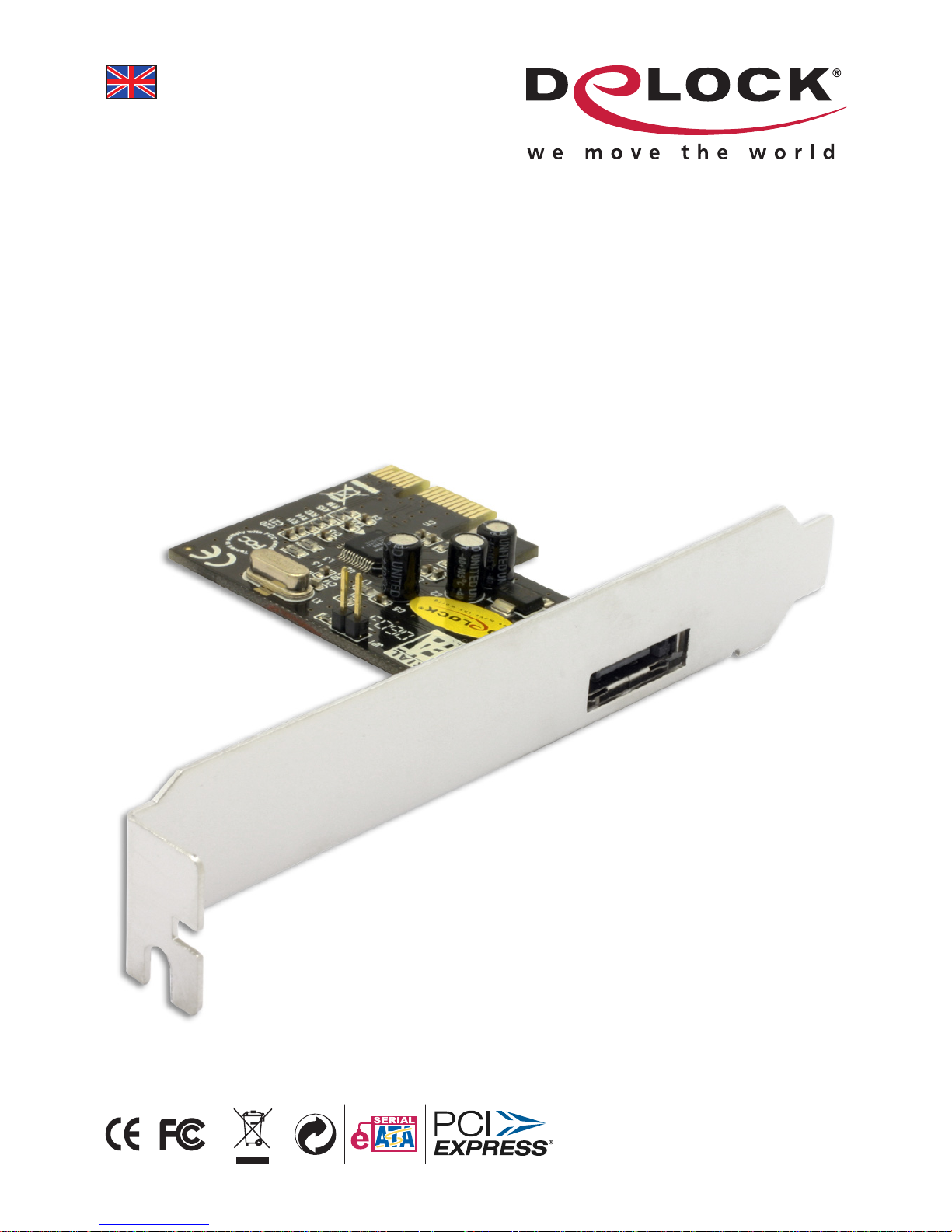
eSATA II PCI Express card, 1 Port
User manual
Product-No: 89119
User manual No: 89119-a
www.delock.com
Page 2

-2-
Description
The DeLock PCI Express card expands your PC by one external eSATA II Port. You
can connect SATA devices like hard drives, adapter etc. to the card.
Specification
• eSATA II specification
• Data transfer rate: SATA II up to 3 Gbps
x1 PCI Express up to 2.5 Mbps
• PCI Express x1 Standard
• Compliant with PCI Express 1.0a specification
• Supports hard disk with Native Command Queue (NCQ) feature
• Supports Serial ATA AHCI specification Rev. 1.0
• Hot Plug
• for Windows 2000/XP/Server 2003/XP-64
System requirements
• PC with one free PCI Express Slot
• Windows 2000/XP/Server 2003/XP-64
Package content*
• PCI Express card
• Driver CD
• User manual
*Make sure that the product package contains all items before operation. If any
item is missing or damaged, then please contact your dealer immediately.
Hardware Installation
Note:
Follow the general instructions for installation of the card. If necessary, read the
manual of your computer, or ask a specialist for help.
1. Turn off your PC, and unplug the power cord.
2. Open the housing.
3. Remove the slot holder from the available PCI Express slot.
4. Insert the card straight and carefully into the free PCI Express slot, until it is
well seated.
5. Use a screw to attach the card to the housing.
6. Reattach the housing, and connect the power cord to the AC adapter.
7. Switch on your computer.
Page 3

-3-
Driver Installation
1. After installation of the device, and after start of Windows the Hardware
wizard appears.
2. Put the driver CD in the CD ROM drive.
3. Choose the option "Install software from a list or from another source" and
click on "next".
4. At the point "Search also the following sources", click "browse" and choose
the path: “CD-ROM\JMicron\JMB360_363\Win 2K_XP\X32“ and click on
"next".
5. The driver will be found and installed. Click on "Finish".
6. Restart your PC.
7. After restart you can start using the device immediately.
Support Delock
If you have further questions, please contact our customer support
[email protected] / www.delock.com or phone
0700 - DELOCKGE (0700 - 335 625 43).
You can contact our service hotline during the following times:
Mon – Fri: 9:00 – 17:30 pm charge 0,12 € / min*
* A connection fee applies according to fee schedule of Deutsche Telekom AG
or your local telephone provider.
All callers outside of Germany dial please 00493081789324
You can find current product information on our homepage:
www.delock.com
Final clause
Information and data contained in this manual are subject to change without
notice in advance. Errors and misprints excepted.
Copyright
No part of this user manual may be reproduced, or transmitted for any purpose,
regardless in which way or by which means, electronically or mechanically,
without explicit written approval of Delock.
Edition: 06/2006
 Loading...