

Page 1
Quick Start Guide
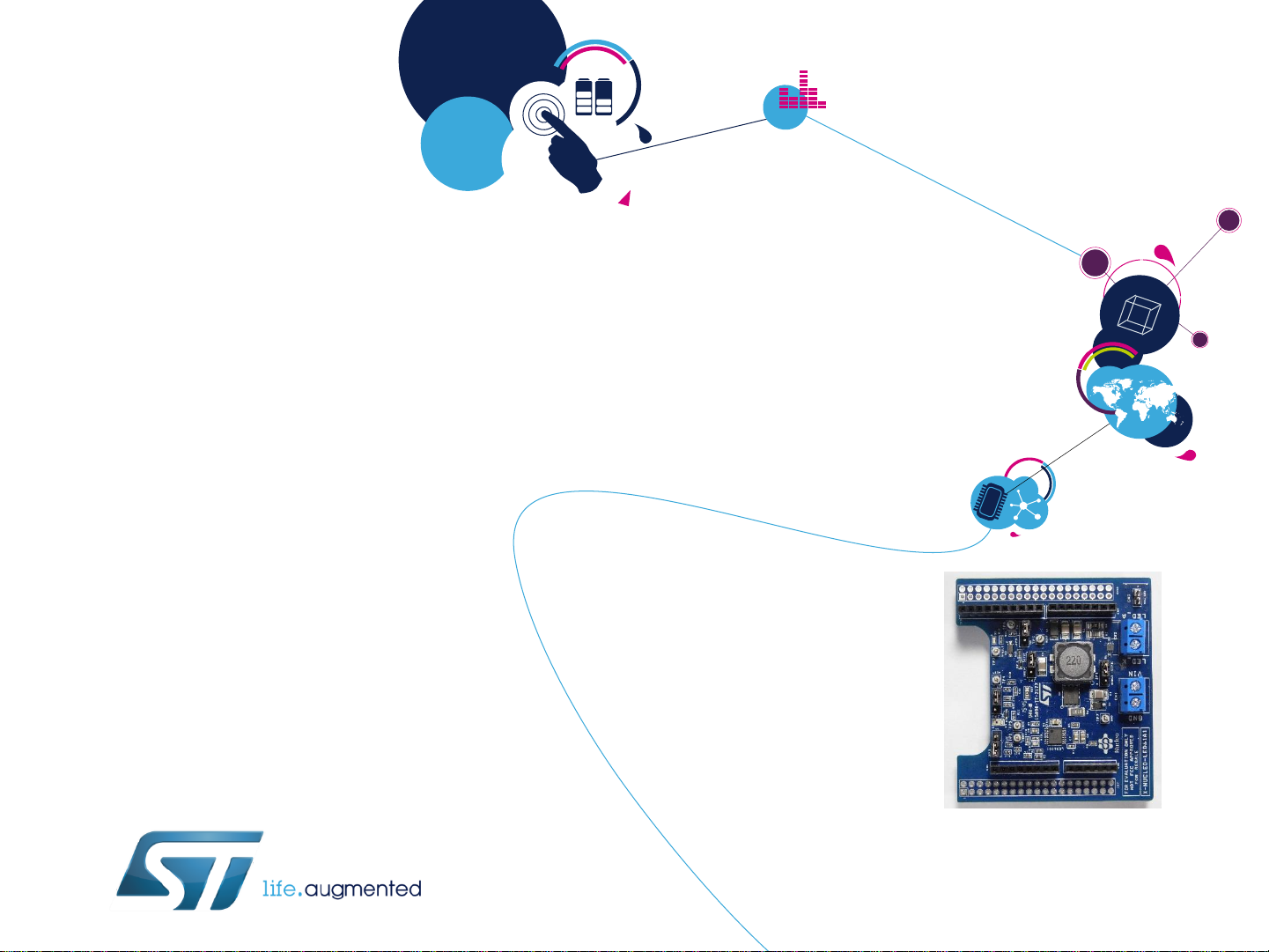
DC-DC LED driver expansion board based on LED6001 for STM32 Nucleo
(X-NUCLEO-LED61A1)
Version 1.0 (December 15, 2015)
Page 2
Overview
2
Introduction to the STM32 Open Development Environment
STM32 Nucleo DC-DC LED driver expansion board
• Hardware overview
• Software overview
Documents & Related Resources
Setup & Demo Examples
1
2
3
4
Page 3
Overview
3
Introduction to the STM32 Open Development Environment
STM32 Nucleo DC-DC LED driver expansion board
• Hardware overview
• Software overview
Documents & Related Resources
Setup & Demo Examples
1
2
3
4
Page 4
STM32 Open Development Environment
Fast, affordable Prototyping and Development
4
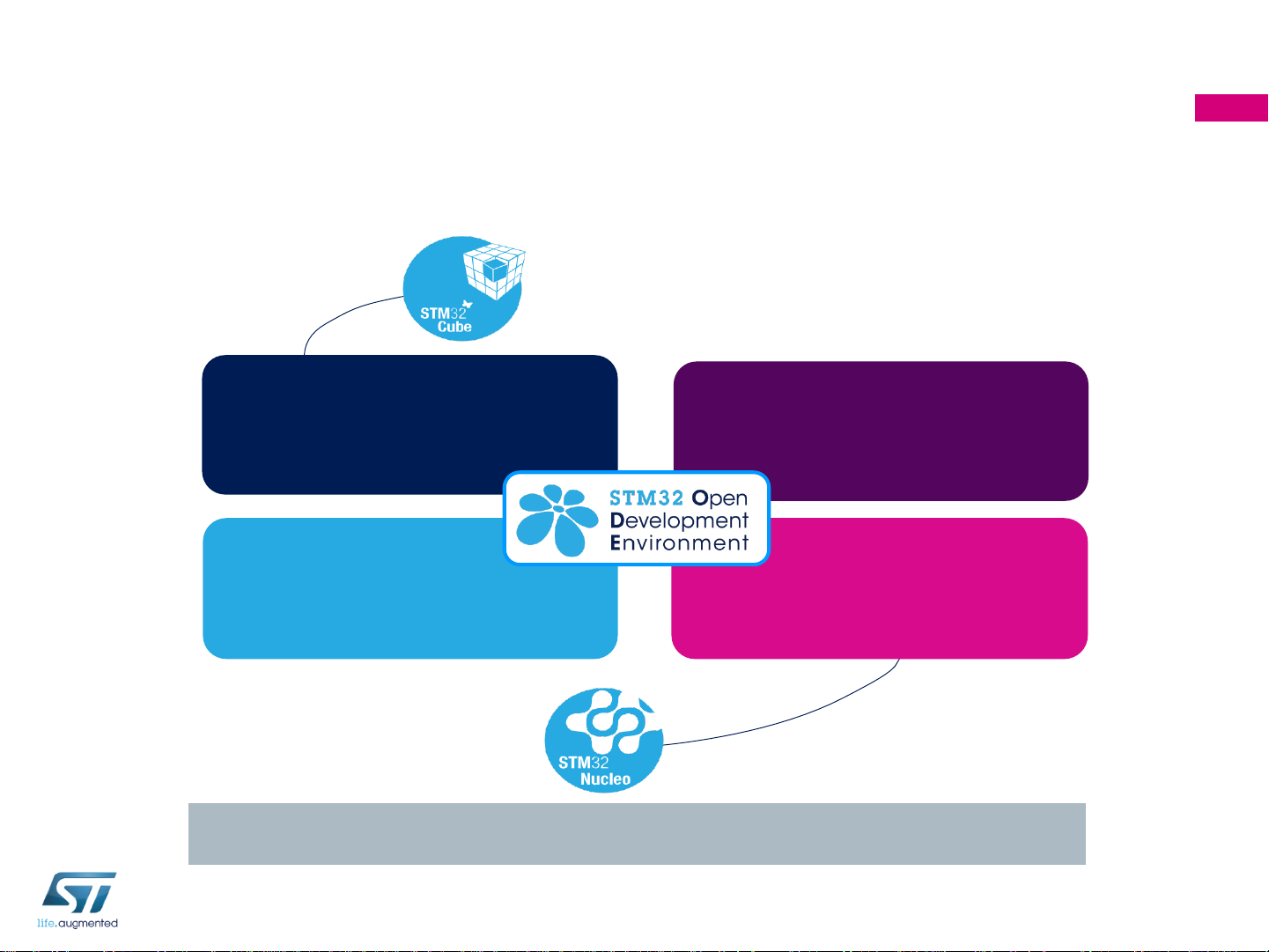
• The STM32 Open Development Environment (ODE) consists of a set of stackable boards
and a modular open SW environment designed around the STM32 microcontroller family.
www.st.com/stm32ode
Compatibility with multiple Development environments
STM32Cube development software
STM32 Nucleo expansion boards
STM32 Nucleo development boards
STM32Cube
expansion software
Page 5

Power supply
through USB or
external source
Integrated debugging
and programming
ST-LINK probe
STM32 microcontroller
Complete product range
from ultra-low power to high-performance
ST morpho extension header
STM32 Nucleo
Development Boards (NUCLEO)
• A comprehensive range of affordable development boards for all the STM32
microcontroller series, with unlimited unified expansion capabilities and integrated
debugger/programmer functionality.
5
www.st.com/stm32nucleo
Arduino™ UNO R3 extension headers
Page 6
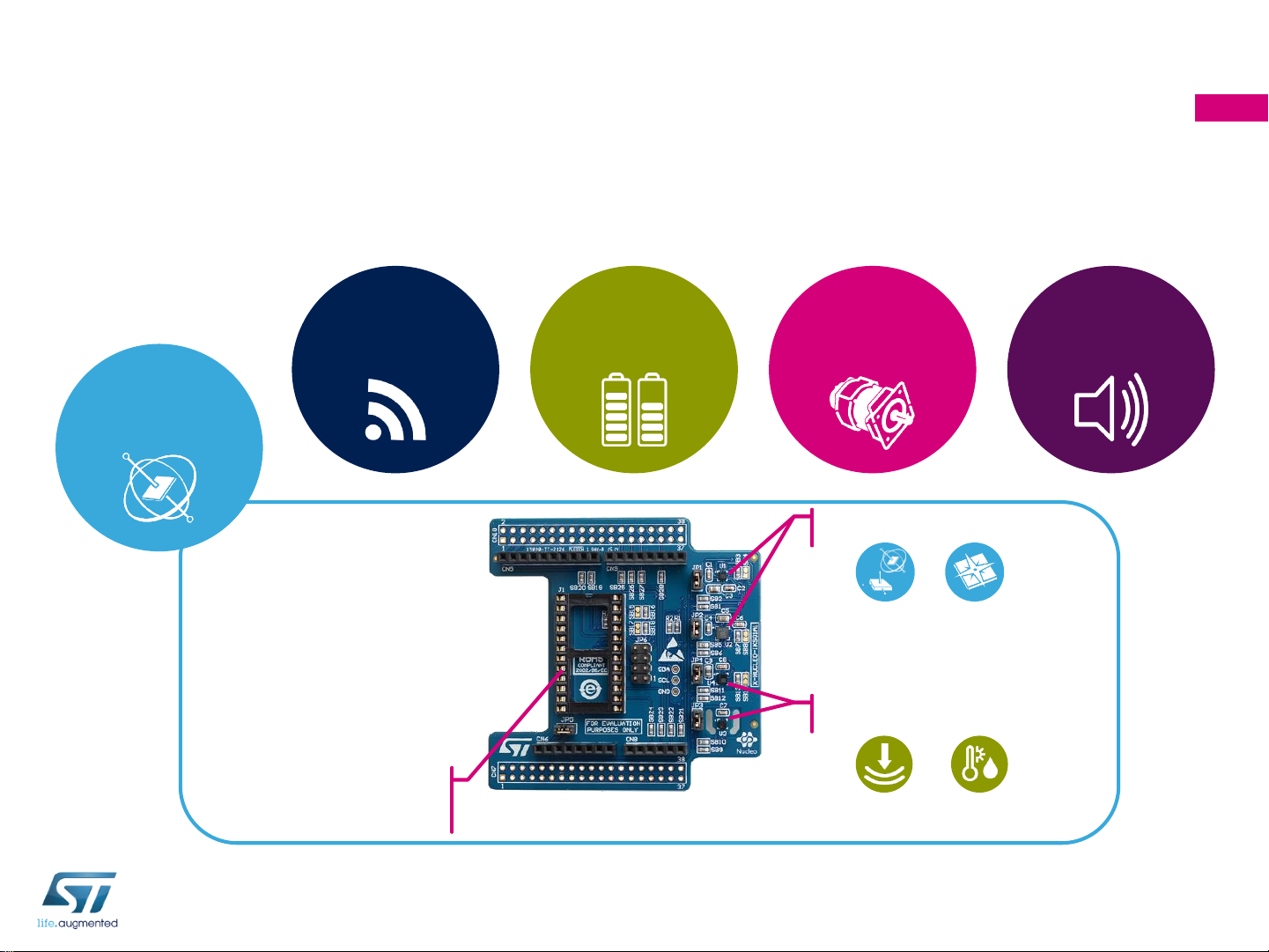
Move/ActuatePower InteractConnect
Sense
STM32 Nucleo
Expansion Boards (X-NUCLEO)
• Boards with additional functionality that can be plugged directly on top of the STM32
Nucleo development board directly or stacked on another expansion board.
6
DIL24 support for
new devices
Motion MEMS sensors
Environmental sensors
www.st.com/x-nucleo
Example of STM32 expansion board (X-NUCLEO-IKS01A1)
Page 7

STM32 Open Development Environment
Software components
• STM32Cube software (CUBE) - A set
of free tools and embedded software bricks
to enable fast and easy development on
the STM32, including a Hardware
Abstraction Layer and middleware bricks.
• STM32Cube expansion software
(X-CUBE) - Expansion software provided
free for use with the STM32 Nucleo
expansion board and fully compatible with
the STM32Cube software framework. It
provides abstracted access to expansion
board functionality through high-level APIs
and sample applications.
7
www.st.com/stm32cube
• Compatibility with multiple Development Environments - The STM32 Open Development
Environment is compatible with a number of IDEs including IAR EWARM, Keil MDK, and GCC-based
environments. Users can choose from three IDEs from leading vendors, which are free of charge and
deployed in close cooperation with ST. These include Eclipse-based IDEs such as Ac6 System
Workbench for STM32 and the MDK-ARM environment.
Tools&IDEs
Applicationexamples
(e.g.basedon ST OpenSoftwareX)
Hardware
SampleapplicationsApplications
IAREWARM,KeilMDK-ARM,GCC-basedIDEs
(e.g.Ac6SystemWorkbenchfor STM32)
STM32CubeHardwareAbstractionLayer (HAL)
STM32Cube
middleware
Upperlevel middleware
(e.g.ST OpenSoftwareX)
Middleware
Hardware
Abstraction
STM32Cubeexpansionmiddleware
STM32 Nucleo expansion boards (X-NUCLEO)
STM32 Nucleo developer boards
OPEN LICENSE MODELS: STM32Cube software and sample applications are covered by a mix of fully open source BSD license and ST
licenses with very permissive terms.
Page 8

STM32 Open Development Environment
Building block approach
8
The building blocks Your need Our answer
Move /
Actuate
Connect
Power
Sense
Process
Inertial modules, magnetometer
Proximity, microphone
Pressure, temperature, humidity
Bluetooth LE, Sub-GHz radio
NFC, Wi-Fi, GNSS
Energy management & battery
General-purpose microcontrollers
Stepper motor driver
DC & BLDC motor driver
Audio amplifier
COLLECT
TRANSMIT
ACCESS
CREATE
POWER
PROCESS
Software
Secure microcontrollers
Touch controller
Operation Amplifier
Accelerometer, gyroscope
Translate
Industrial input / output
www.st.com/stm32ode
Page 9

Overview
9
Introduction to the STM32 Open Development Environment
STM32 Nucleo DC-DC LED driver expansion board
• Hardware overview
• Software overview
Documents & Related Resources
Setup & Demo Examples
1
2
3
4
Page 10

DC-DC LED driver expansion board
Hardware Overview
10
X-NUCLEO-LED61A1 Hardware description
• The X-NUCLEO-LED61A1 is a DC-DC LED driver
expansion board based on LED6001 for STM32 Nucleo.
The expansion board is equipped with a single-channel,
constant-current LED driver for boost or SEPIC topologies
Main Features
• Wide DC input voltage range: 8 V – 24 V
• Single channel LED Driver, 350 mA constant current
• PWM and analog brightness control with the STM32
Nucleo board
• Selectable boost or SEPIC converter topology
• Up to 92% efficiency (boost converter)
• Compatible with Arduino™ UNO R3 connectors
• Compatible with STM32 Nucleo boards
Order Code: X-NUCLEO-LED61A1
LED6001 STL8N10LF3 STL3N10F7
Arduino UNO R3 connector
Key Products on board
LED6001: PWM dimmable single channel LED driver with
integrated boost controller
STL8N10LF3: N-channel 100 V, 25mΩ typ., 7.8 A, STripFETTMIII
Power MOSFET in a PowerFLATTM5x6 package
STL3N10F7: N-channel 100 V, 0.062 Ohm typ., 4 A STripFET F7
Power MOSFET in a PowerFLAT 2x2 package
Latest info available at
X-NUCLEO-LED61A1
Page 11

Latest SW available at
X-CUBE-LED1
DC-DC LED driver expansion board
Software Overview
11
X-CUBE-LED1 Software description
• The software runs on the STM32 microcontroller and includes drivers for controlling a string of high-
brightness LEDs. The expansion is built on STM32Cube software technology to ease portability across
different STM32 microcontrollers.
• The software comes with sample implementations of drivers running on the X-NUCLEO-LED61A1 plugged
on a NUCLEO-F401RE or NUCLEO-L053R8.
Main features
• Complete middleware to build applications using
the LED6001 LED Driver
• Easy portability across different MCU families
thanks to the STM32Cube
• Sample applications that the developer can use
to start experimenting with the code
• Free user-friendly license terms
Overall system architecture
Hardware Abstraction Layer API
Boards Support Packages
Drivers
Board Demonstrations
X-NUCLEO-LED61A1 Expansion BoardSTM32 Nucleo Board
SERIAL UTILITY
Middleware
CMSIS
Utilities
HW Components
STM32
LED6001
Applications
LED6001_Demo
Page 12

Overview
12
Introduction to the STM32 Open Development Environment
STM32 Nucleo DC-DC LED driver expansion board
• Hardware overview
• Software overview
Documents & Related Resources
Setup & Demo Examples
1
2
3
4
Page 13

Documents & Related Resources
X-NUCLEO-LED61A1: Product Webpage (Link)
• Gerber files, BOM, Schematic
• DB2780: DC-DC LED driver expansion board based on LED6001 for STM32
Nucleo – data brief
• UM1999: Getting started with X-NUCLEO-LED01A1, DC-DC LED driver
expansion board for STM32 Nucleo – user manual
X-CUBE-LED1: Product Webpage (Link)
• DB2779: DC-DC LED driver software expansion for STM32Cube – data brief
• UM1998: Getting started with X-CUBE-LED1, DC-DC LED driver software
expansion for STM32Cube – user manual
• Software setup file
13
All documents are available in the Design Resources tab of the STM32 Nucleo DC-DC LED
Driver expansion board webpage
Page 14

Overview
14
Introduction to the STM32 Open Development Environment
STM32 Nucleo DC-DC LED driver expansion board
• Hardware overview
• Software overview
Documents & Related Resources
Setup & Demo Examples
1
2
3
4
Page 15

Setup & Demo Examples
HW prerequisites
• 1 x X-NUCLEO-LED61A1 STM32 Nucleo (DC-DC LED driver expansion board based
on LED6001)
• 1 x STM32 Nucleo development board (NUCLEO-F401RE or NUCLEO-L053R8)
• 1 x Laptop/PC with Microsoft Windows 7 or 8 installed
• 1 x USB type A to Mini-B cable
• 1 x external DC power supply
• 8 – 24 V, 2 A
15
Page 16

Setup & Demo Examples
SW prerequisites
16
• STSW-LINK008: ST-LINK/V2-1 USB driver (Link)
• STSW-LINK007: ST-LINK/V2-1 firmware upgrade (Link)
• X-CUBE-LED1 (Link)
• copy the .zip file content into: “c:\Program Files (x86)\STMicroelectronics\” folder on your PC. The
package will contain source code example (Keil, IAR, True Studio) based on NUCLEO-F401RE or
NUCLEO-L053R8
Page 17

X-CUBE-LED1
Start coding in just a few minutes with X-CUBE-LED1
17
Download & unpack
X-CUBE-LED1
Go to www.st.com/x-nucleo
Open project example
LED6001 Demo
1
2
3
4
5
Select
X-NUCLEO-LED61A1
6
Modify, build application
Download & install STM32
Nucleo ST-LINK/V2-1 USB driver
Generic Nucleo docs & Driver porting
Drivers
Serial Utility
Application examples
X-CUBE-LED1 package
Page 18

X-CUBE-LED1
Evaluate using X-CUBE-LED1
18
1
2
Connect power supply and LED load using input/output connectors
From X-CUBE-LED1
SW resource package
Drag and drop X-CUBE-LED1.bin
on STM32 Nucleo drive
Page 19

www.st.com/stm32ode
 Loading...