

Page 1
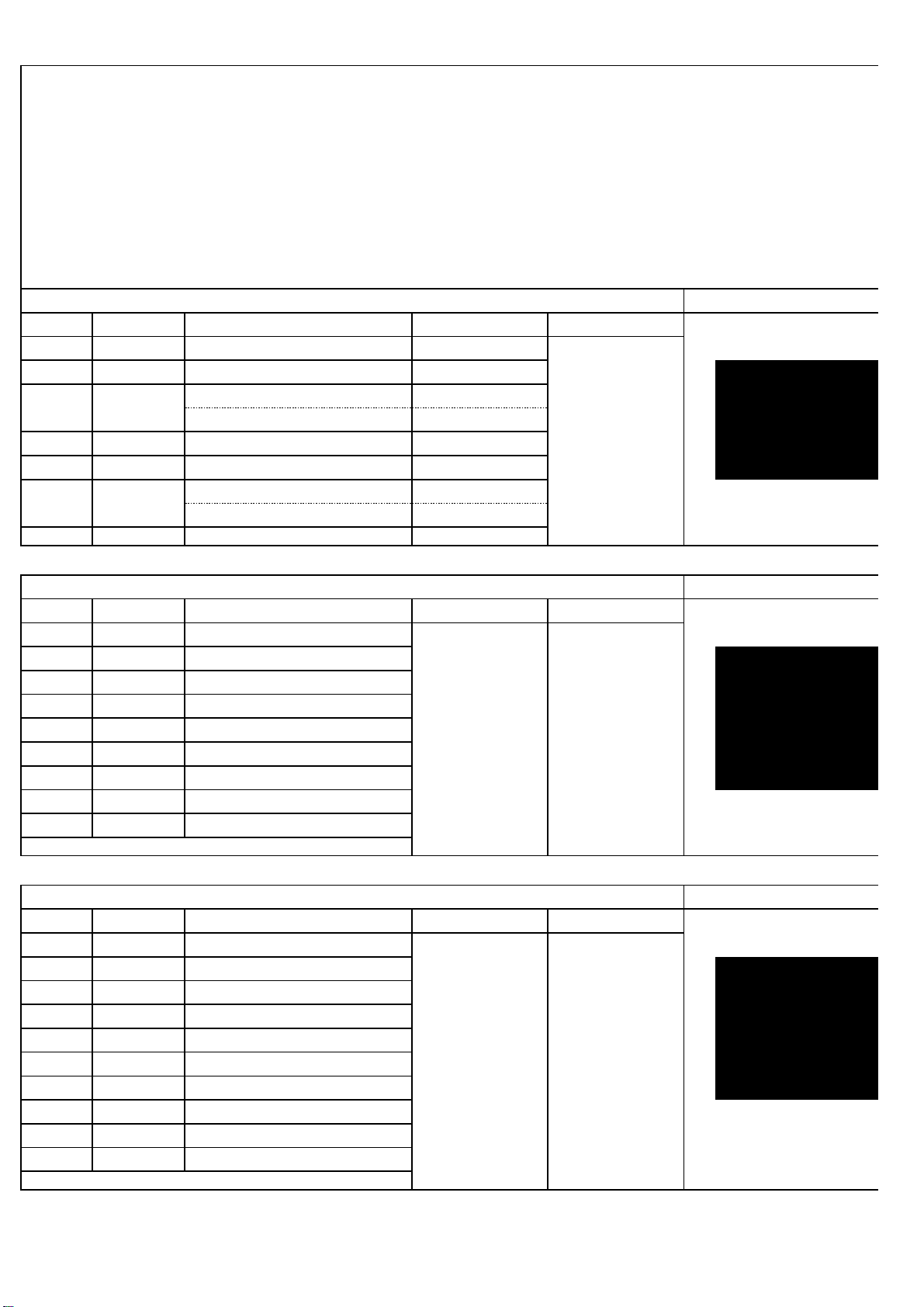
BAND channels
Mode power
EU 40CH AM/FM
CE 40CH FM
AM/FM
FM
PL 40CH AM/FM
I2 36CH AM/FM
AM/FM
FM
IN 27CH AM/FM
BAND channels
Mode power
A 40CH
B 40CH
C 40CH
D 40CH
E 40CH
F 40CH
G 40CH
H 40CH
I 20CH
BAND channels
Mode power
A 40CH
B 40CH
C 40CH
D 40CH
E 40CH
F 40CH
G 40CH
H 40CH
I 40CH
J 40CH
28.315-28.755MHz
28.765-29.205MHz
28.600-28.795MHz
28.800-28.995MHz
29.000-29.195MHz
29.200-29.395MHz
29.400-29.595MHz
26.965-27.405MHz
27.415-27.855MHz
26.965-27.405MHz
26.965-27.405MHz
27.865-28.305MHz
frequency
28.000-28.195MHz
28.200-28.395MHz
28.400-28.595MHz
28.000-29.700MHz
CB mode
10 Meter:28.000-29.700MHz
HF:25.615-30.105MHz
DE
80CH
40CH:26.965-27.405MHz
80CH:27.60125-27.99125MHz
26.960-27.400MHz
26.965-26.865MHz
80CH:26.565-26.955MHz
26.965-27.275MHz
UK
80CH
40CH:26.965-27.405MHz
frequency
AM/FM
4W/8W/15W
LCD display
FREQ: Variable
25.615-30.105MHz
29.215-29.655MHz
VFO
frequency
25.615-26.005MHz
26.065-26.505MHz
26.515-26.955MHz
29.665-30.105MHz
1) Unscrew and open the top cover (cover with LP)
2) Cut the white wire (named L45) behind CTCSS module
3) Reassemble the top cover then turn On the radio
4) Hold [FUNC]+[FP6] to power on radio,when LCD displays frequency band, release keys.
5) turn channel knob to choose band;
6) Long press [PUSH] to confirm ,when LCD displays “RESET MPU PLEASE WAIT”,release
PUSH
ouvrir le poste coté HP, couper le fil blanc L45 , refermer.Maintenir les touches [FUNC]+[PF6]en allumant
la radio, choisir la bande et confirmer en maintenant la touche [PUSH], l'afficheur indique "RESET MPU
PLEASE WAIT" , relacher la touche [PUSH]
LCD display
LCD display
MODE: ALL FRQ
VFO: Enable
AM/FM
4W/8W/15W
CRT 2000 function,frequency expand
29.600-29.700MHz
VFO
MODE: HF FRQ
VFO: Enable
FREQ: Variable
4W
FREQ: Fixed
VFO: Null
MODE: NORM FRQ
 Loading...