

Page 1
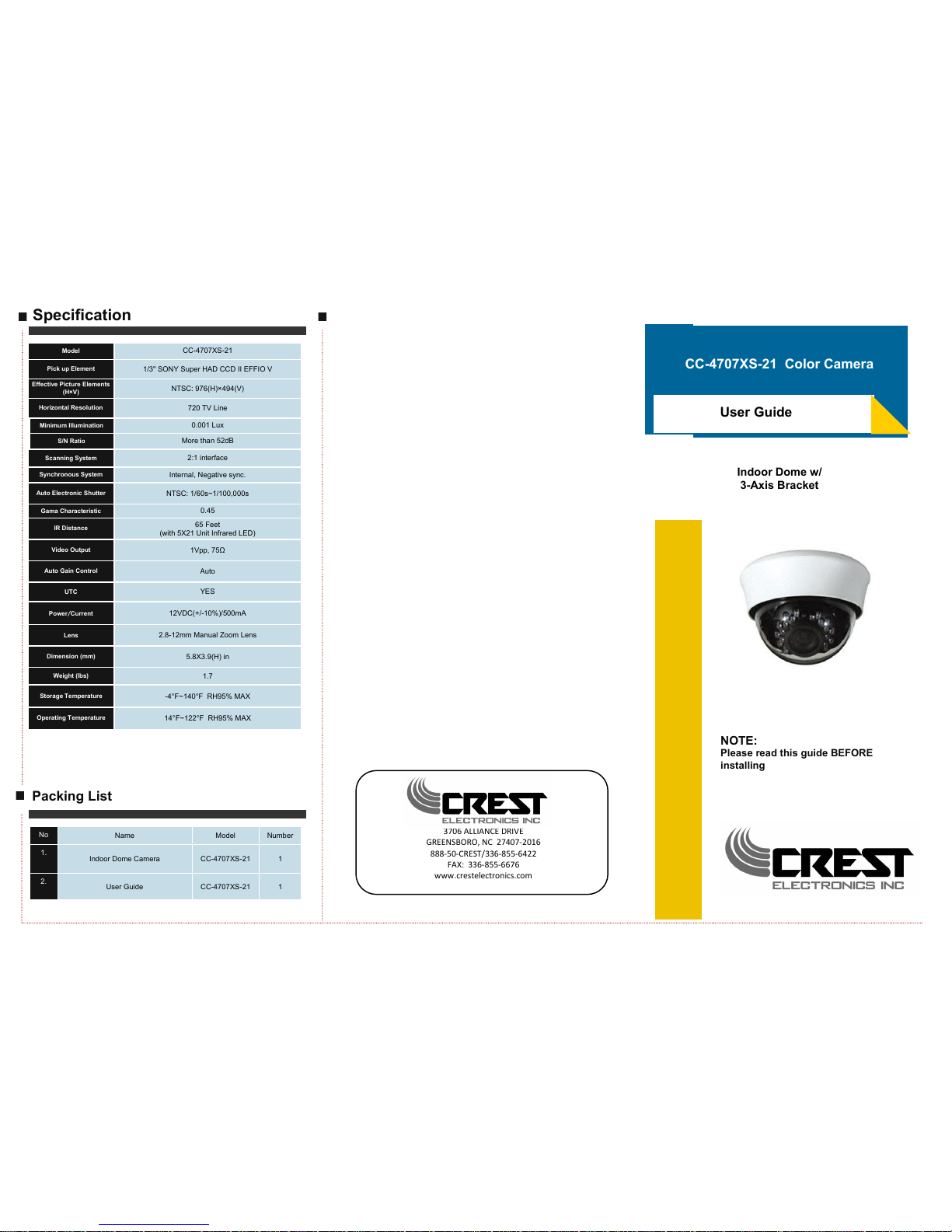
CC-4707XS-21 Color Camera
Indoor Dome w/
3-Axis Bracket
Specification
Packing List
No
Name Model Number
1.
Indoor Dome Camera CC-4707XS-21 1
2.
User Guide CC-4707XS-21 1
ALLIANCE DRIVE
GREENSBORO, NC -
--CREST/--
FAX: --
www.crestelectroics.co
NOTE:
Please read this guide BEFORE
installing
Model
CC-4707XS-21
Pick up Element
1/3" SONY Super HAD CCD II EFFIO V
Effective Picture Elements
(H×V)
NTSC: 976(H)×494(V)
Horizontal Resolution
720 TV Line
Minimum Illumination
0.001 Lux
S/N Ratio
More than 52dB
Scanning System
2:1 interface
Synchronous System
Internal, Negative sync.
Auto Electronic Shutter
NTSC: 1/60s~1/100,000s
Gama Characteristic
0.45
IR Distance
65 Feet
(with 5X21 Unit Infrared LED)
Video Output
1Vpp, 75Ω
Auto Gain Control
Auto
UTC
YES
Power/Current
12VDC(+/-10%)/500mA
Lens
2.8-12mm Manual Zoom Lens
Dimension (mm)
5.8X3.9(H) in
Weight (lbs)
1.7
Storage Temperature
-4°F~140°F RH95% MAX
Operating Temperature
14°F~122°F RH95% MAX
User Guide
Page 2
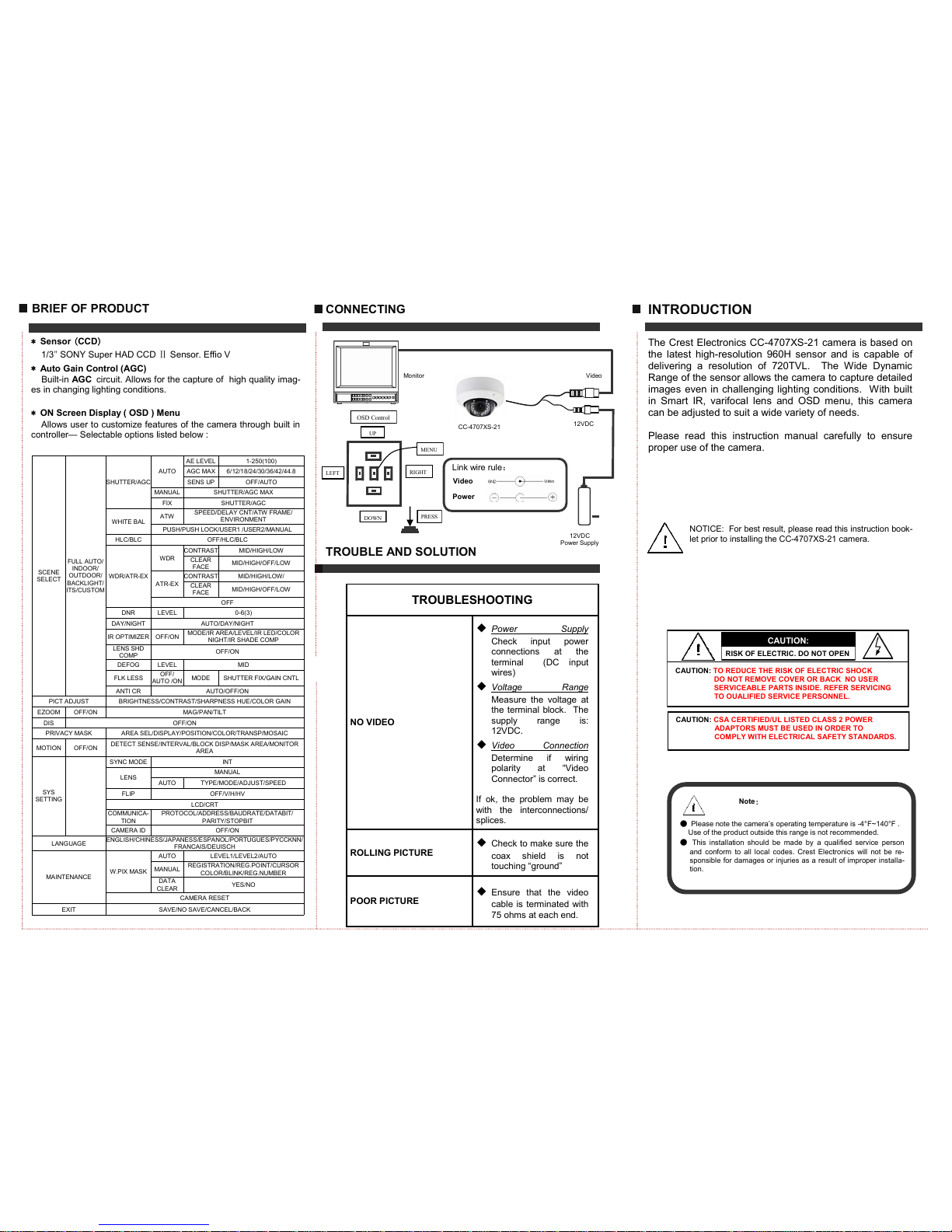
INTRODUCTION
The Crest Electronics CC-4707XS-21 camera is based on
the latest high-resolution 960H sensor and is capable of
delivering a resolution of 720TVL. The Wide Dynamic
Range of the sensor allows the camera to capture detailed
images even in challenging lighting conditions. With built
in Smart IR, varifocal lens and OSD menu, this camera
can be adjusted to suit a wide variety of needs.
Please read this instruction manual carefully to ensure
proper use of the camera.
CONNECTING
BRIEF OF PRODUCT
* Sensor (CCD)
1/3" SONY Super HAD CCD Ⅱ Sensor. Effio V
* Auto Gain Control (AGC)
Built-in AGC circuit. Allows for the capture of high quality imag-
es in changing lighting conditions.
* ON Screen Display ( OSD ) Menu
Allows user to customize features of the camera through built in
controller— Selectable options listed below :
12VDC
Power Supply
Monitor
CC-4707XS-21
TROUBLE AND SOLUTION
Link wire rule:
Power
Video
Note:
● Please note the camera’s operating temperature is -4°F~140°F .
Use of the product outside this range is not recommended.
● This installation should be made by a qualified service person
and conform to all local codes. Crest Electronics will not be re-
sponsible for damages or injuries as a result of improper install a-
tion.
NOTICE: For best result, please read this instruction book-
let prior to installing the CC-4707XS-21 camera.
Video
12VDC
CAUTION:
CAUTION: TO REDUCE THE RISK OF ELECTRIC SHOCK
DO NOT REMOVE COVER OR BACK NO USER
SERVICEABLE PARTS INSIDE. REFER SERVICING
TO OUALIFIED SERVICE PERSONNEL.
RISK OF ELECTRIC. DO NOT OPEN
CAUTION: CSA CERTIFIED/UL LISTED CLASS 2 POWER
ADAPTORS MUST BE USED IN ORDER TO
COMPLY WITH ELECTRICAL SAFETY STANDARDS.
MENU
UP
DOWN
RIGHT
LEFT
PRESS
OSD Control
SCENE
SELECT
FULL AUTO/
INDOOR/
OUTDOOR/
BACKLIGHT/
ITS/CUSTOM
SHUTTER/AGC
AUTO
AE LEVEL 1-250(100)
AGC MAX 6/12/18/24/30/36/42/44.8
SENS UP OFF/A UTO
MANUAL SHUTTER/AGC MAX
FIX SHUTTER/AGC
WHITE BAL
ATW
SPEED/DELAY CNT/ATW FRAME/
ENVIRONMENT
PUSH/PUSH LOCK/USER1 /USER2/MANUAL
HLC/BLC OFF/HLC/BLC
WDR/ATR-EX
WDR
CONTRAST MID/HIGH/LOW
CLEAR
FACE
MID/HIGH/OFF/LOW
ATR-EX
CONTRAST MID/HIGH/LOW/
CLEAR
FACE
MID/HIGH/OFF/LOW
OFF
DNR LEVEL 0-6(3)
DAY/NIGHT AUTO/DAY/NIGHT
IR OPTIMIZER OFF/ON
MODE/IR AREA/LEVEL/IR LED/COLOR
NIGHT/IR SHADE COMP
LENS SHD
COMP
OFF/ON
DEFOG LEVEL MID
FLK LESS
OFF/
AUTO /ON
MODE SHUTTER FIX/GAIN CNTL
ANTI CR AUTO/OFF/ON
PICT ADJUST BRIGHTNESS/CONTRAST/SHARPNESS HUE/COLOR GAIN
EZOOM OFF/ON MAG/PAN/TILT
DIS OFF/ON
PRIVACY MASK AREA SEL/DISPLAY/POSITION/COLOR/TRANSP/MOSAIC
MOTION OFF/ON
DETECT SENSE/INTERVAL/BLOCK DISP/MASK AREA/MONITOR
AREA
SYS
SETTING
SYNC MODE INT
LENS
MANUAL
AUTO TYPE/MODE/ADJUST/SPEED
FLIP OFF/V/H/HV
LCD/CRT
COMMUNICA-
TION
PROTOCOL/ADDRESS/BAUDRATE/DATABIT/
PARITY/STOPBIT
CAMERA ID OFF/ON
LANGUAGE
ENGLISH/CHINESS/JAPANESS/ESPANOL/PORTUGUES/PYCCKNN/
FRANCAIS/DEUISCH
MAINTENANCE
W.PIX MASK
AUTO LEVEL1/LEVEL2/AUTO
MANUAL
REGISTRATION/REG.POINT/CURSOR
COLOR/BLINK/REG.NUMBER
DATA
CLEAR
YES/NO
CAMERA RESET
EXIT SAVE/NO SAVE/CANCEL/BACK
TROUBLESHOOTING
NO VIDEO
◆ Power Supply
Check input power
connections at the
terminal (DC input
wires)
◆ Voltage Range
Measure the voltage at
the terminal block. The
supply range is:
12VDC.
◆ Video Connection
Determine if wiring
polarity at “Video
Connector” is correct.
If ok, the problem may be
with the interconnections/
splices.
ROLLING PICTURE
◆ Check to make sure the
coax shield is not
touching “ground”
POOR PICTURE
◆ Ensure that the video
cable is terminated with
75 ohms at each end.
 Loading...