

Page 1

Coverbind 5000 /
Bindomatic Accel Flex
Professional Thermal
Binding Machine
Instruction Manual
Page 2
OVERVIEW
The Coverbind® 5000 is a manually operated tabletop binding machine that provides quick
turnaround time when you need it. This versatile unit has an open heating element for
binding larger documents, measuring up to 14” long and 2” wide, or multiple smaller
documents at the same time providing exceptional binding capacity.
How to use the Coverbind ® 5000
Making a professional impression is simple. Create a perfect bound or hard cover book
with Coverbind 5000 using these simple steps:
OVERVIEW
The Coverbind® 5000 is a manually operated tabletop binding machine that provides quick
turnaround time when you need it. This versatile unit has an open heating element for
binding larger documents, measuring up to 14” long and 2” wide, or multiple smaller
documents at the same time providing exceptional binding capacity.
How to use the Coverbind ® 5000
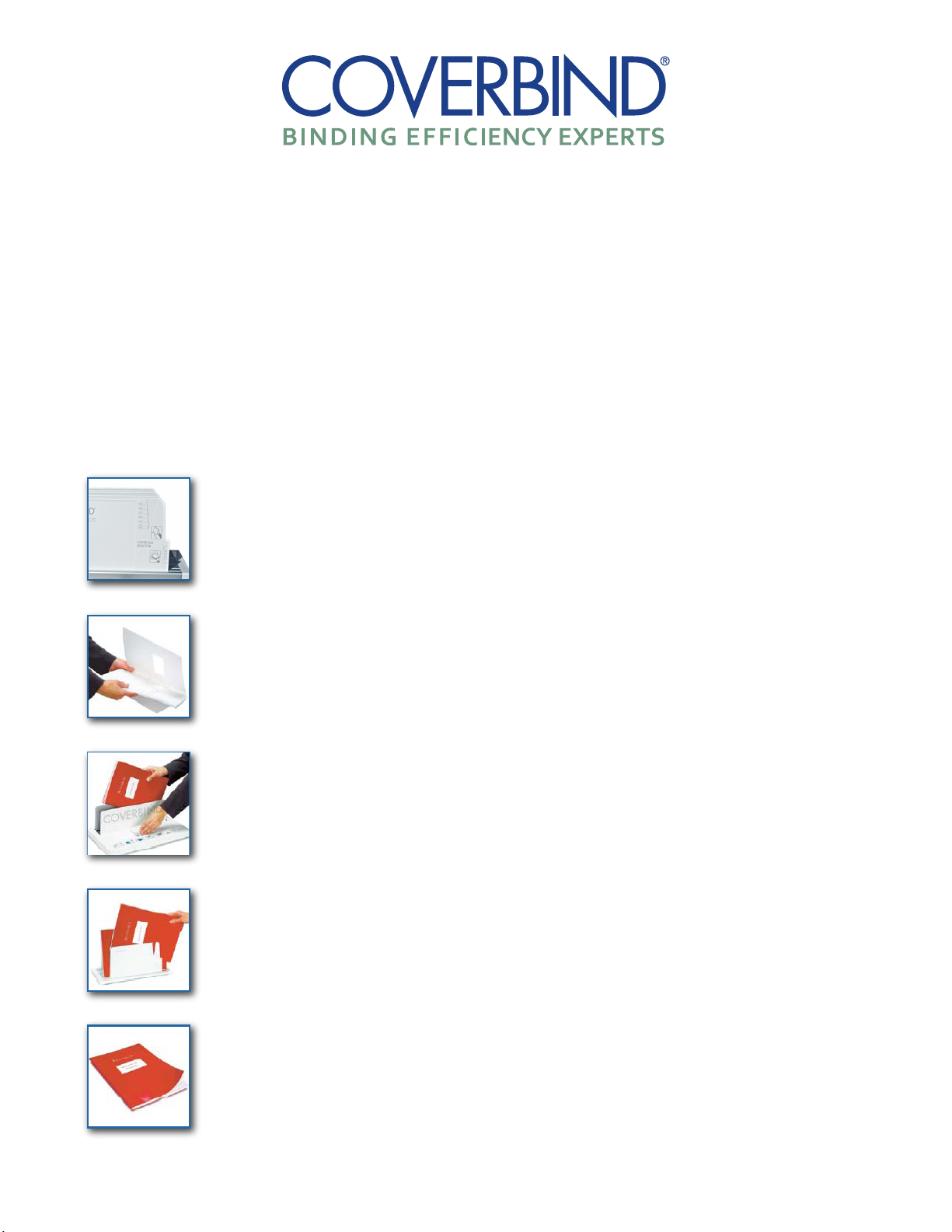
Determine the cover spine width you will need for your document
by placing all pages of the document being bound in the cover size selector.
1.
Insert the document in the appropriate Coverbind cover, making
sure all pages are aligned correctly.
2.
Bind one or several documents at a time by placing the cover
spine side down on the heating plate.
3.
Wait for the machine to signal that the thermal binding process is
complete. Remove the bound books from the heating plate. Allow
the nished books to rest spine side down in the cooling rack for
two minutes before opening.
4.
Congratulations – you have produced a professionally
bound document in a matter of minutes
Making a professional impression is simple. Create a perfect bound or hard cover book
with Coverbind 5000 using these simple steps:
***Please note there is no power switch. Machine will go into a standby mode
until document is inserted into the machine. ***
Overview
The Accel Flex is a manually-operated tabletop binding machine that provides quick turnaround time
when you need it. This versatile unit has an open heating element for binding larger documents,
measuring up to 14” long and 2” wide, or multiple smaller documents at the same time providing
exceptional binding capacity.
How to use the Accel Flex
Making a professional impression is simple. Create a perfect-bound or soft or hard
cover book with the Accel Flex using these simple steps:
1.
Determine the cover spine width you will need for your document
by placing all pages of the document being bound in the cover size selector.
2.
Insert the document in the appropriate Coverbind cover, making
sure all pages are aligned correctly.
Bind one or several documents at a time by placing the cover
3.
spine side down on the heating plate.
Wait for the machine to signal that the thermal binding process is
4.
complete. Remove the bound books from the heating plate. Allow
the nished books to rest spine side down in the cooling rack for
two minutes before opening.
Congratulations! You have produced a professionallybound document in a matter of minutes.
* Please note there is no power switch. Machine will go into a standby mode until document is inserted into the machine.
WWW.MYBINDING.COM
 Loading...