

Page 1
- 1 -
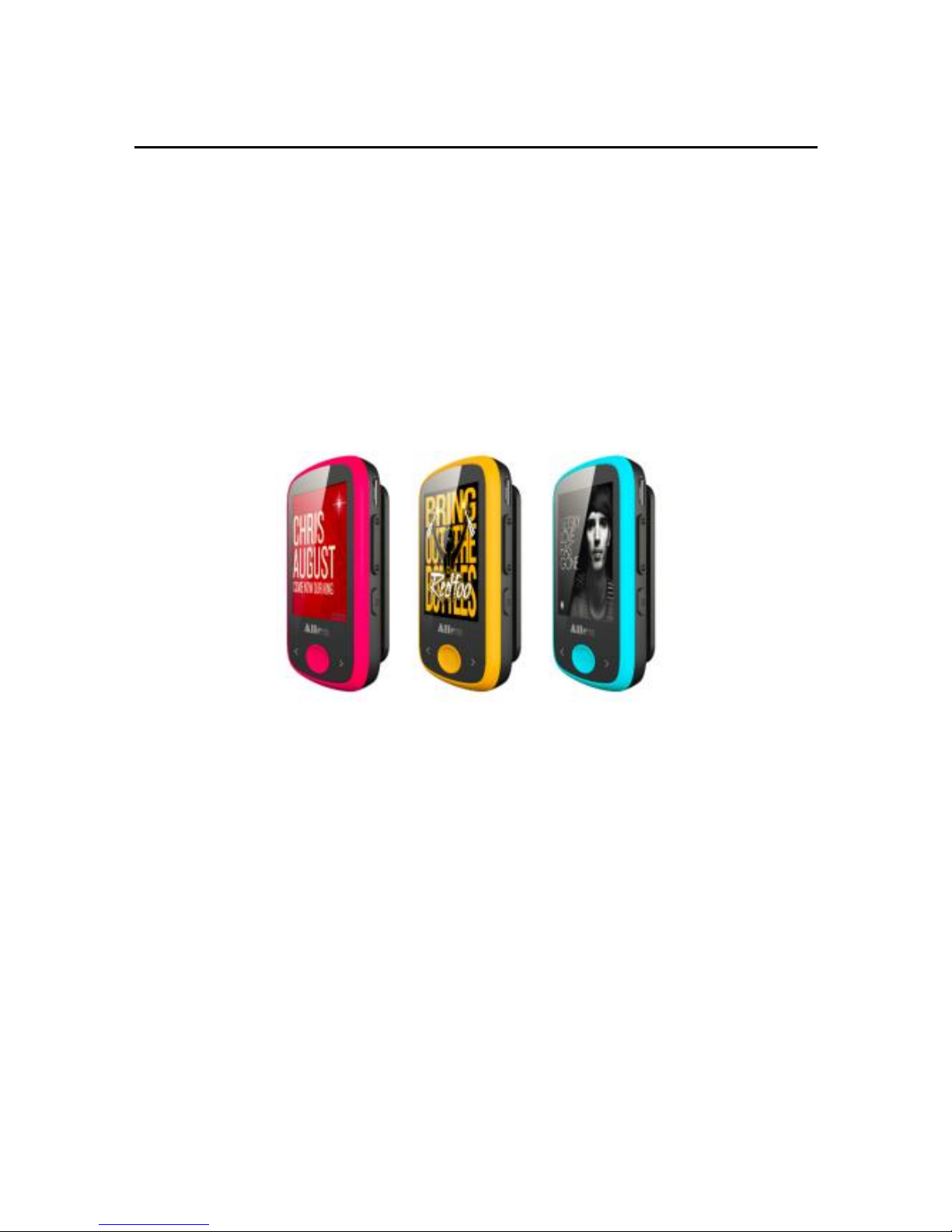
CLIP SPORT MP3 Video Player
M15 USER MANUAL
Ver:1.0
Page 2

- 1 -
Precautions
This manual contains important safety
measurements and correct operational information,
so please read all the information carefully before
you use the device in order to avoid any
unexpected accidents.
◆ Do not put the player in areas with high
temperature, humidity or dust, especially not in the
car with the windows closed in summer.
◆ Do not knock or hit the player, especially the
screen in order to avoid TFT being damaged or
displaying content abnormally.
Select suitable volume, turn down or stop using
when you feel a tingle in ears.
Battery service lift may vary from different usage
conditions, manufacturer and manufacturing time.
◆ Do not disconnect the player abruptly during the
formatting or uploading and downloading,
otherwise, it will cause a program error.
◆ We will not be held responsible for any
obligation for any memory loss caused by product
damage, repair or other reasons. Please operate
correctly as per the manual.
Page 3

- 2 -
◆ The player can be charged whether the device is
on or off by connecting it to a running PC’s USB
port.
◆ Do not dismantle the player personally or use
alcohol, thinner or benzene to clean the surface of
the player.
◆ Do not use the player in the
electronics-prohibited area, such as in the plane.
◆ Do not use the player when driving or walking in
order to avoid traffic accidents.
Features:
1.8 inch 65K full-color TFT display (160X128 pixel)
Music function: MP3、WMA、APE、FLAC、WAV,
excellent sound quality
Movie function: Support AVI format, and conversion
software included*.
High-definition JPEG picture slide show
FM Building-in: 87.5 - 108MHz
Bluetooth transmitter Support
Page 4
- 3 -
Voice recorder support: WAV
Micro- SD Support
Multi-languages: English, German, Italian, Spanish,
French, Danish etc.
TXT-book function
USB2.0 High-speed
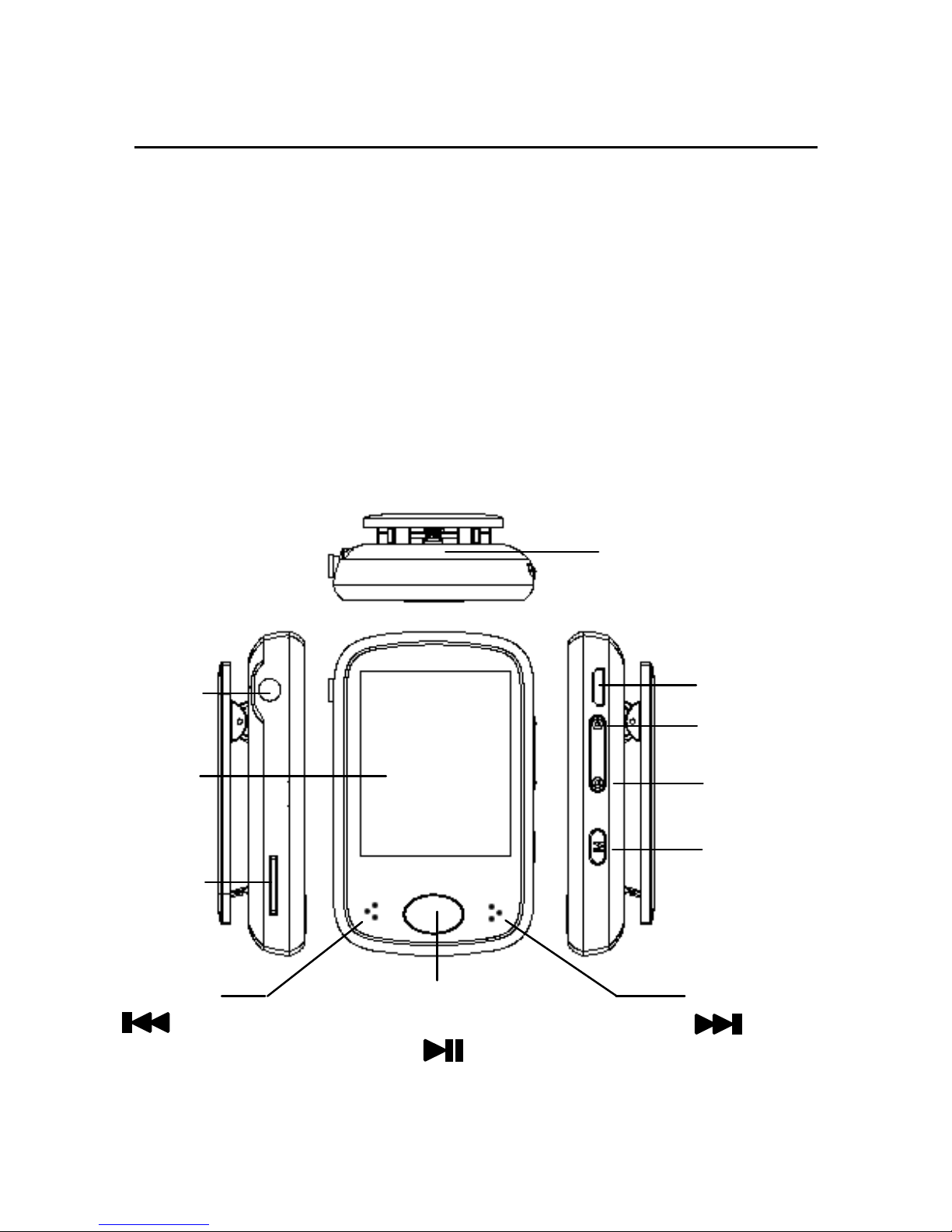
Player Description
PLAY/PAUSE
Previous
Next
Power ON/OFF
Scree
Volume +
Volume -
Mode / M
RESET
Earphone
MICRO USB
TF CARD
Page 5
- 4 -
Player ON/OFF
● Long press “ ” key power ON the player
● Long press “ ” key power OFF the player
Music Play
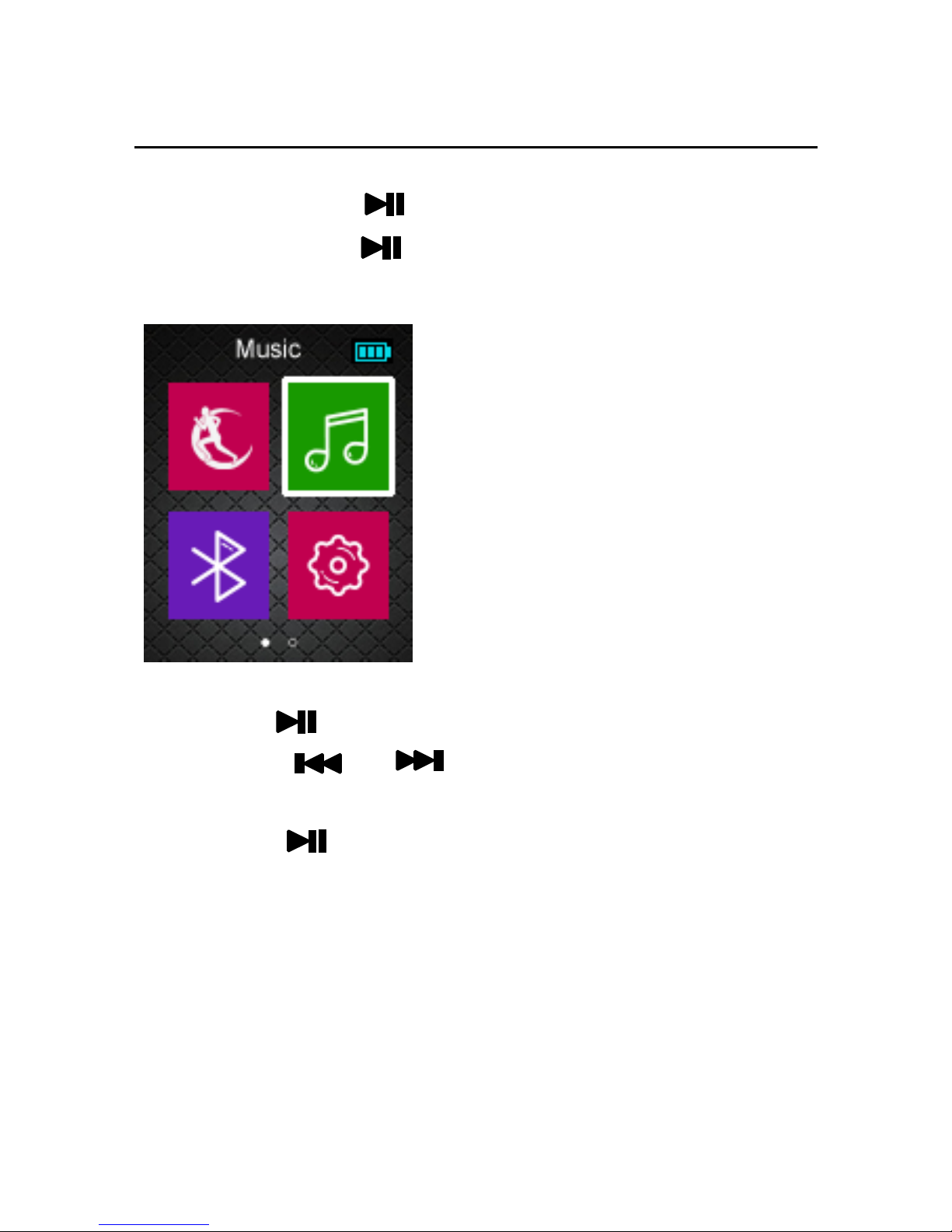
1) Choose “MUSIC” option on the main menu
Press “ ” the entry Playing Music Mode.
2) Press “ / ” to play the previous or
next song.
3) Press “ ” to pause music.
4) Press “Volume +”or“ Volume -” increase or
decrease volume
5) Press “ M ” to back on one level , return the main
menu.
!!!If you select “sound settings”,entry
Page 6
- 5 -
“settings”---“Music“---Repeat Model、 Play
Model 、EQ (equalizer)。
Bluetooth
Bluetooth Connect
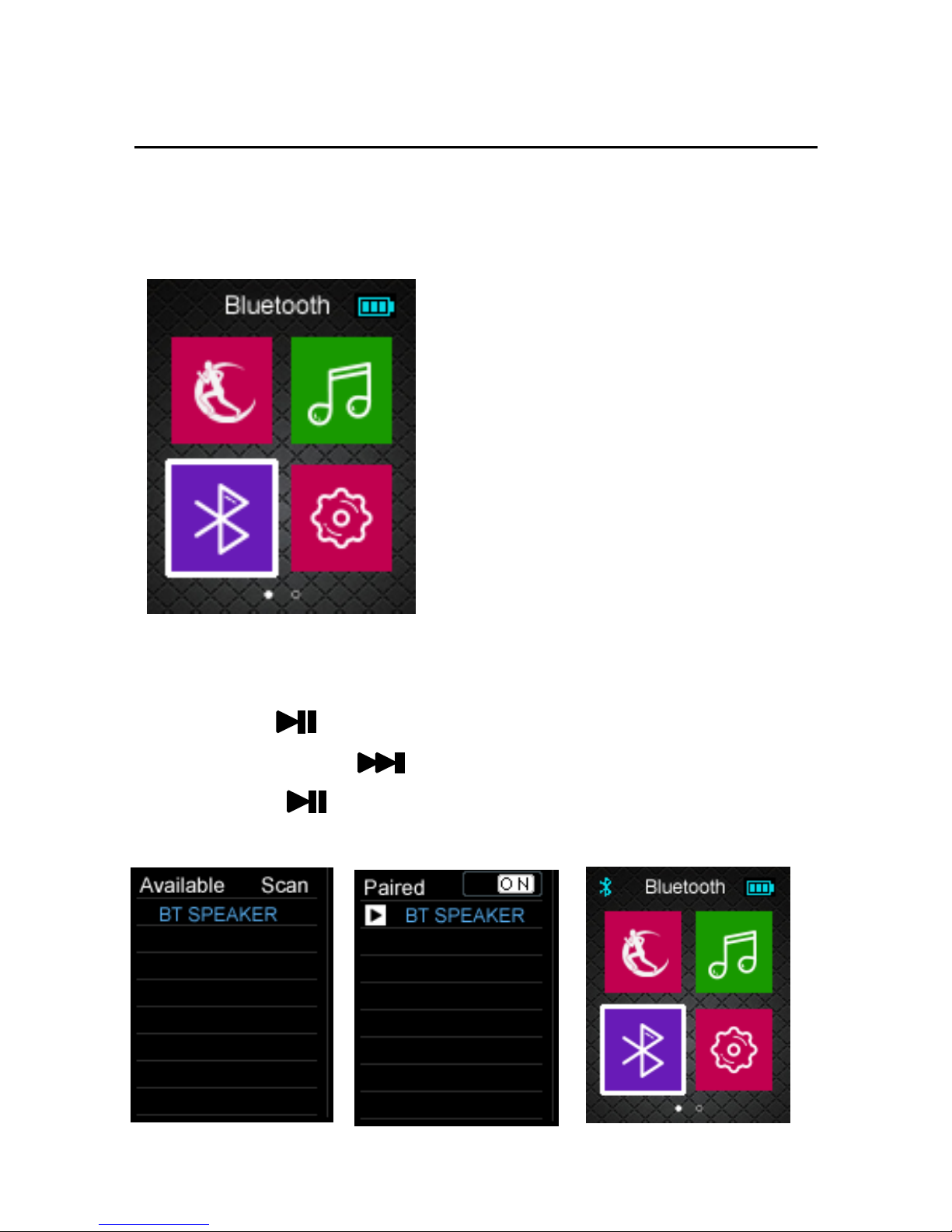
1) Choose “Bluetooth” option on the main menu
Press “ ” the entry Bluetooth Mode.
2) Long Press “ ” to Scan Bluetooth device.
3) Press “ ” to connect the Bluetooth device.
4) Press “ M ” to return the main menu.
Page 7
- 6 -
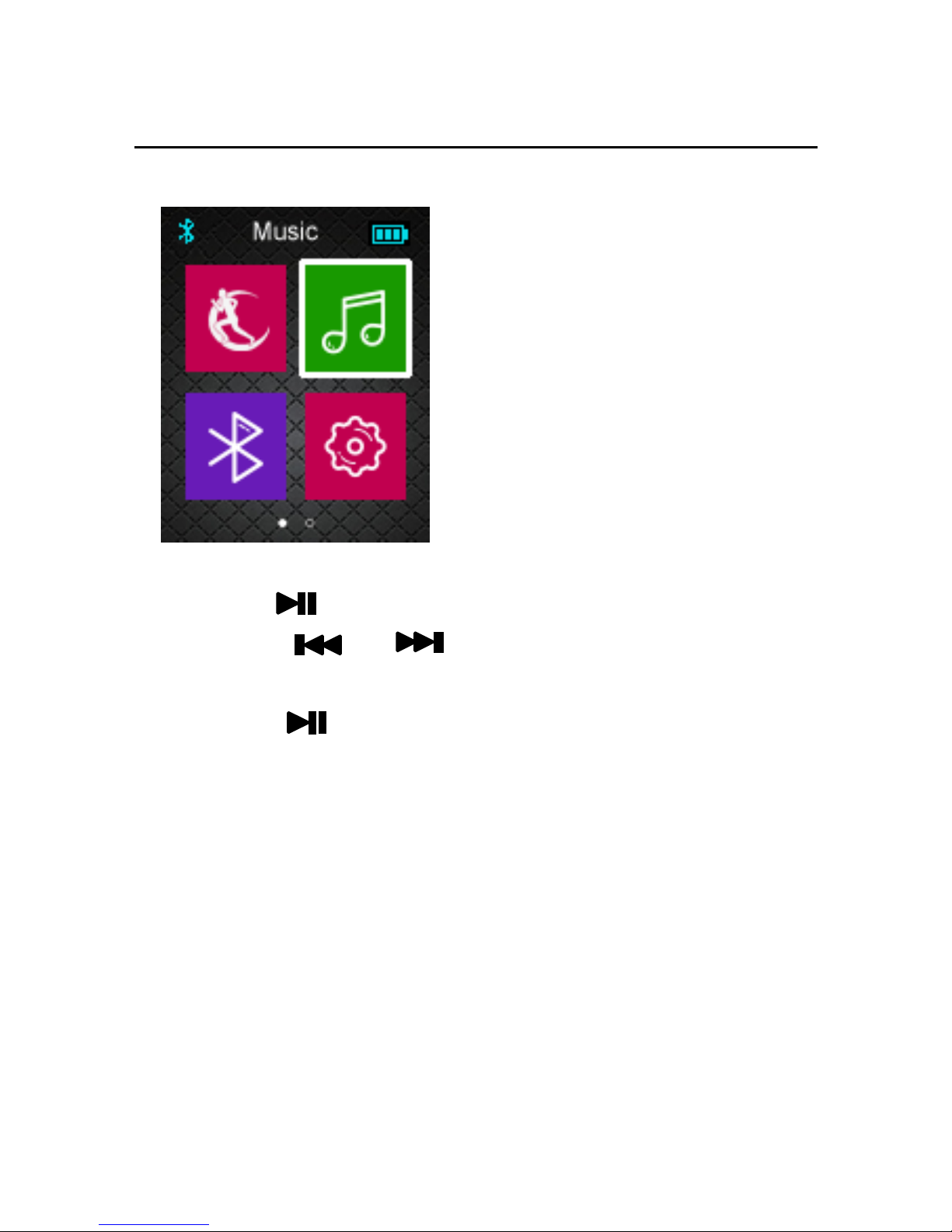
Bluetooth Music Play
1) Choose “MUSIC” option on the main menu
Press “ ” the entry Playing Music Mode.
2) Press “ / ” to play the previous or
next song.
3) Press “ ” to pause music.
4) Press “Volume +”or“ Volume -” increase or
decrease volume
5) Press “ M ” to back on one level , return the main
menu.
Page 8
- 7 -
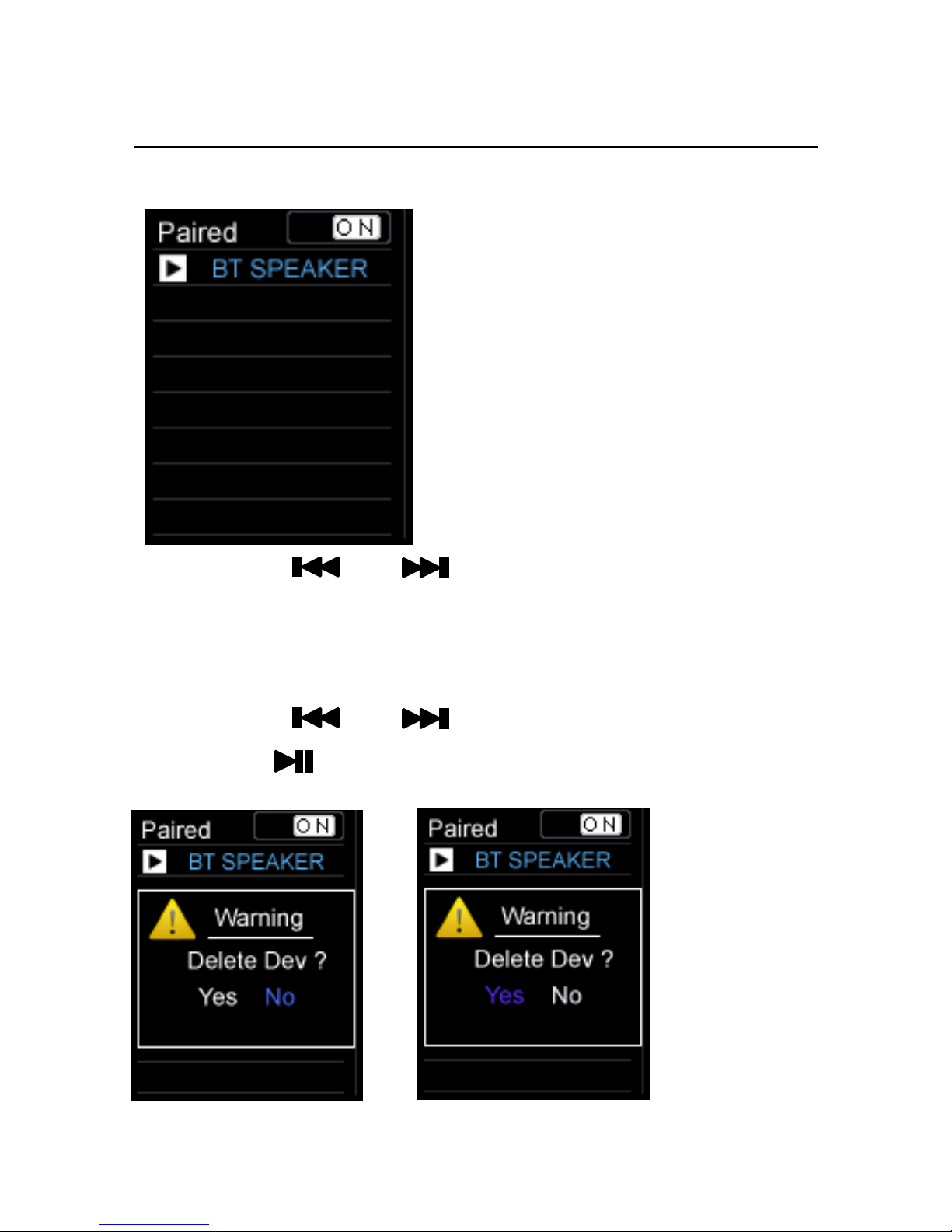
Delete Bluetooth Device
1) Press “ / ” to select Bluetooth
device .
2) Long Press “ Volume - ” to Delete Bluetooth
device .
3) Press “ / ” to select Yes or No
4) Press “ ” to Confirm delete .
Page 9
- 8 -
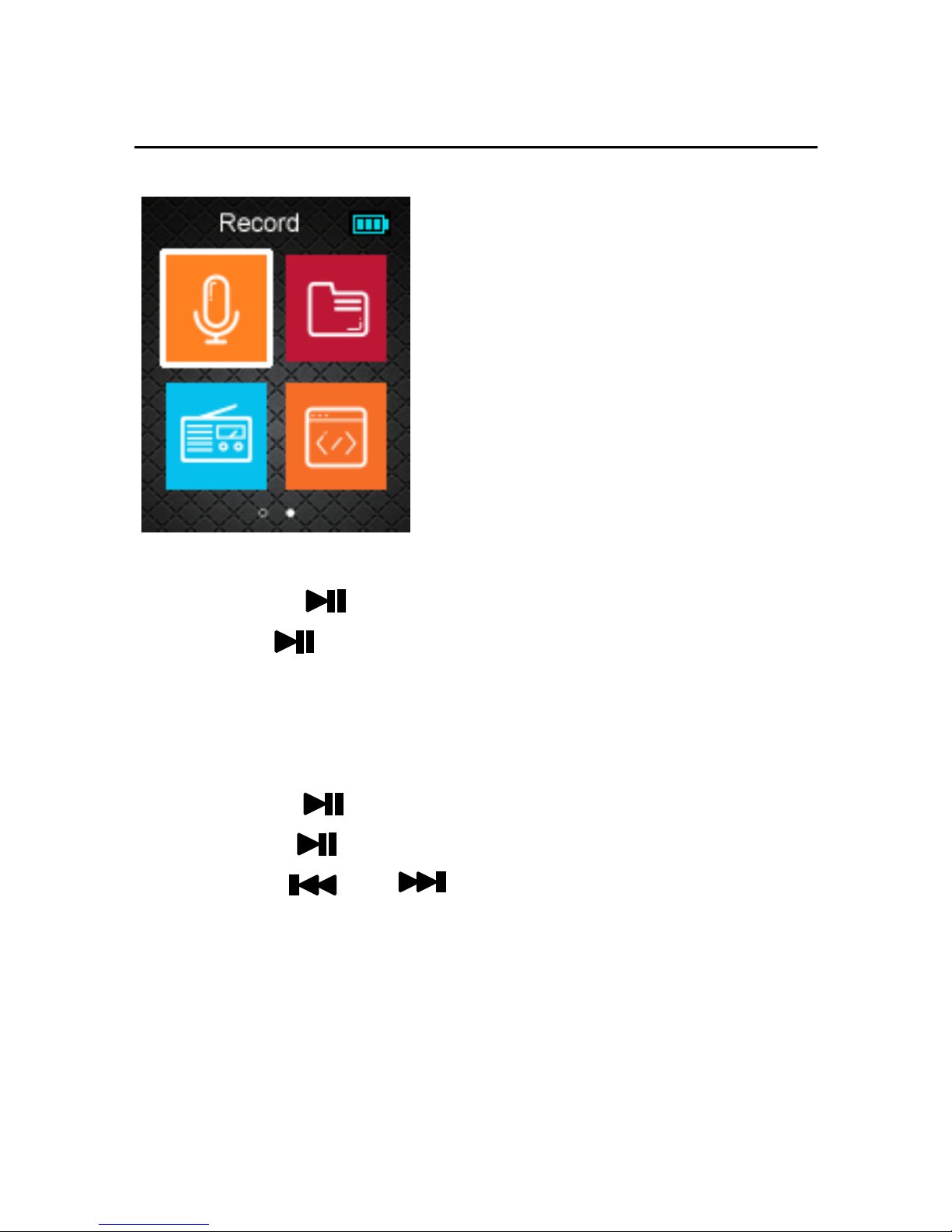
Record
1) Choose “Record” option on the main menu,
Press “ ” to enter recording mode.
2) Press “ ” to start the recording.or pause the
recording
3) Press “ M ” to Save the recording file
4) Choose “Explorer ” option on the main menu,
Press “ ” the entry to “VOICE” folder.
5) Press “ ” to play or pause voice.
6) Press “ / ” to play the previous or
next voice.
7) Press “Volume +”or“ Volume -” increase or
decrease volume
8) Press “ M ” to return the main menu.
Page 10
- 9 -
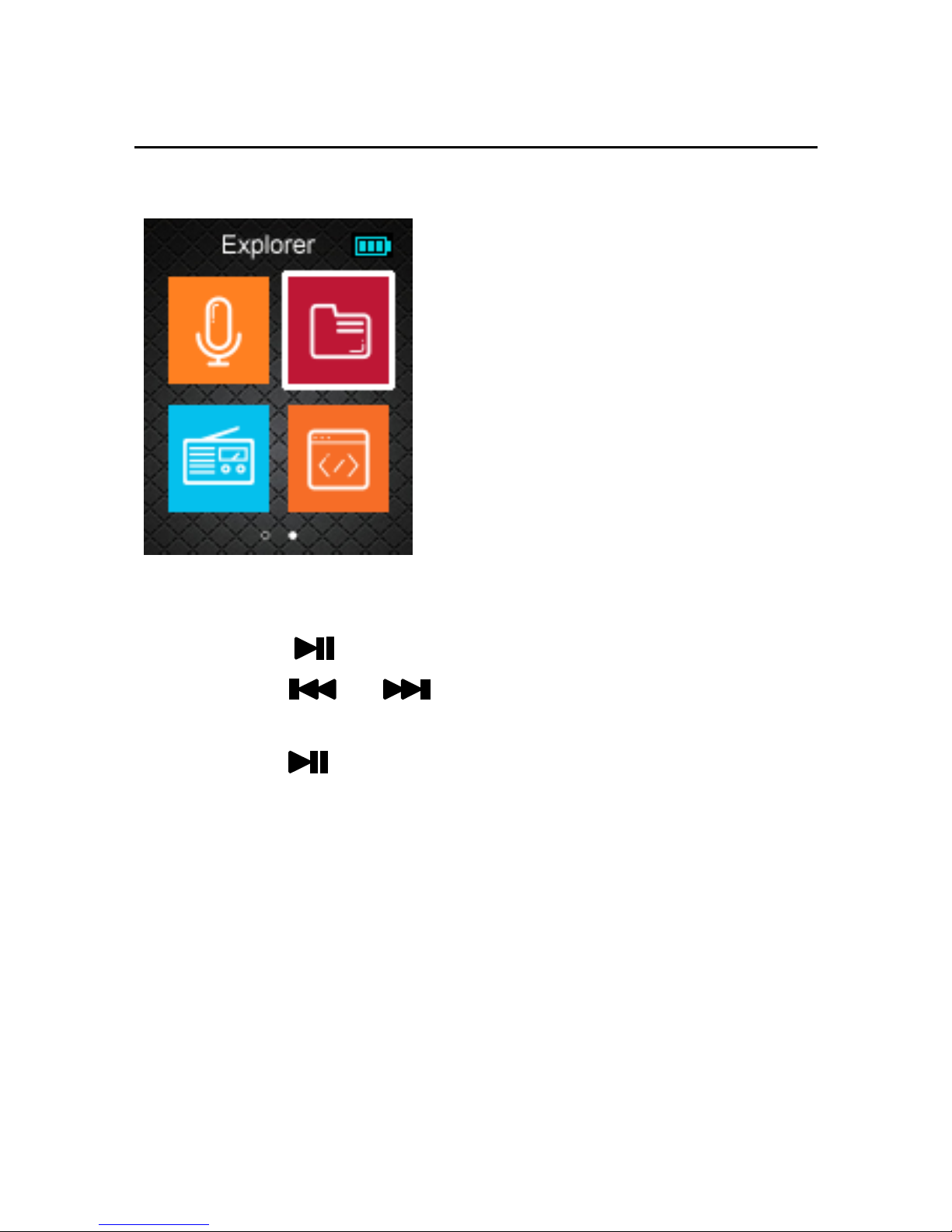
Explorer
1) Choose “Explorer” option on the main menu,
Press “ ” the entry Explorer Mode.
2) Press “ / ” the select Flash or
Micro SD flie option (Insert TF Card Case)
3) Press “ ” to enter it.
4) Press “ M ” to return the main menu.
!!! Explprer is a resources manager which can
help you to know all files in MP3 player for
convenient management. You can select the music,
movie or text file to enjoy it directly.
Page 11
- 10 -
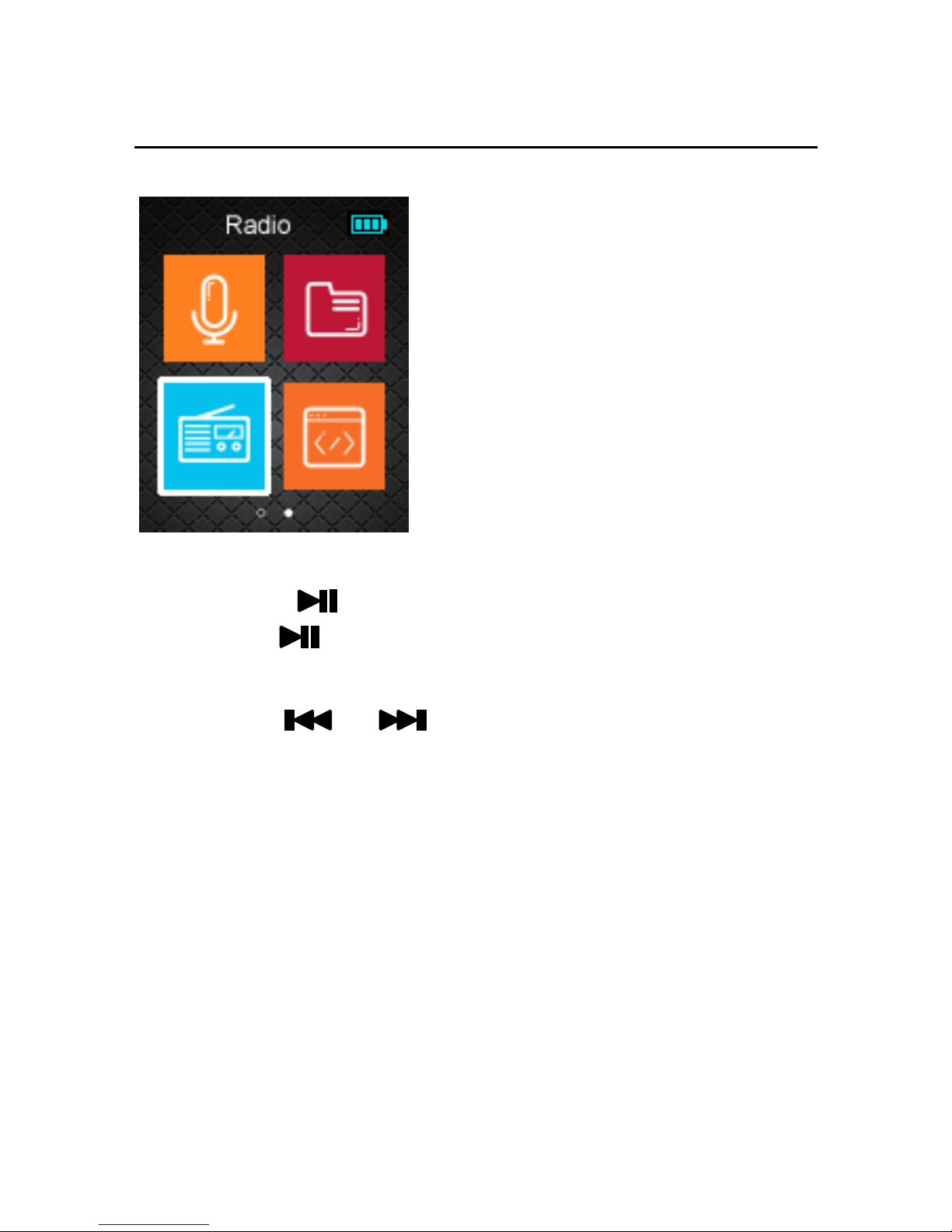
FM Radio
1) Choose “ RADIO” option on the main menu,
Press “ ” the entry Playing Radio Mode.
2) Press “ ” to entry (Manual), (Preset) , (Mem),
(Del)and (Auto),
3) Press “ / ” to start the channel
search in 100 KHz interval upwards or
downwards.
4) Press “Volume +”or“ Volume -” increase or
decrease volume
5) Press “ M ” to return the main menu.
!!! In FM mode, the earphone is used as
antenna, so please keeping the earphone is
connected well.
Page 12
- 11 -
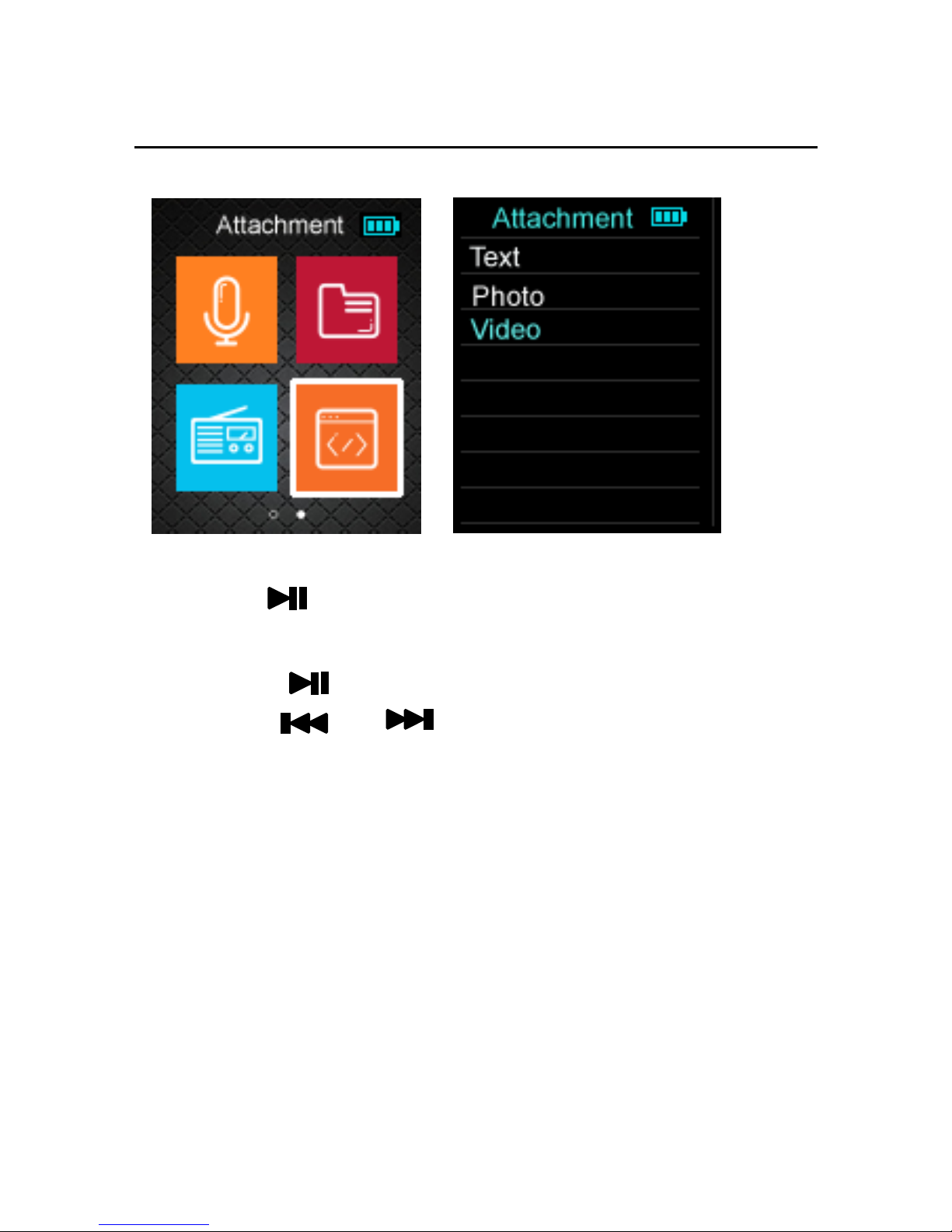
Video Play
1) Choose “Attachment” option on the main menu,
Press “ ” the entry Video option Playing
Video Mode.
2) Press “ ” to pause movie.
3) Press “ / ” to play the previous or
next movie.
4) Press “Volume +”or“ Volume -” increase or
decrease volume
5) Press “ M ” to return the main menu.
!!! Video format : AVI (160*120). Conversion
software (AVI Converter) used to convert source
video file in avi, rm, rmb, mpg, mpeg, mp4...format
to compatible AVI format supported by MP4 Player.
Page 13
- 12 -
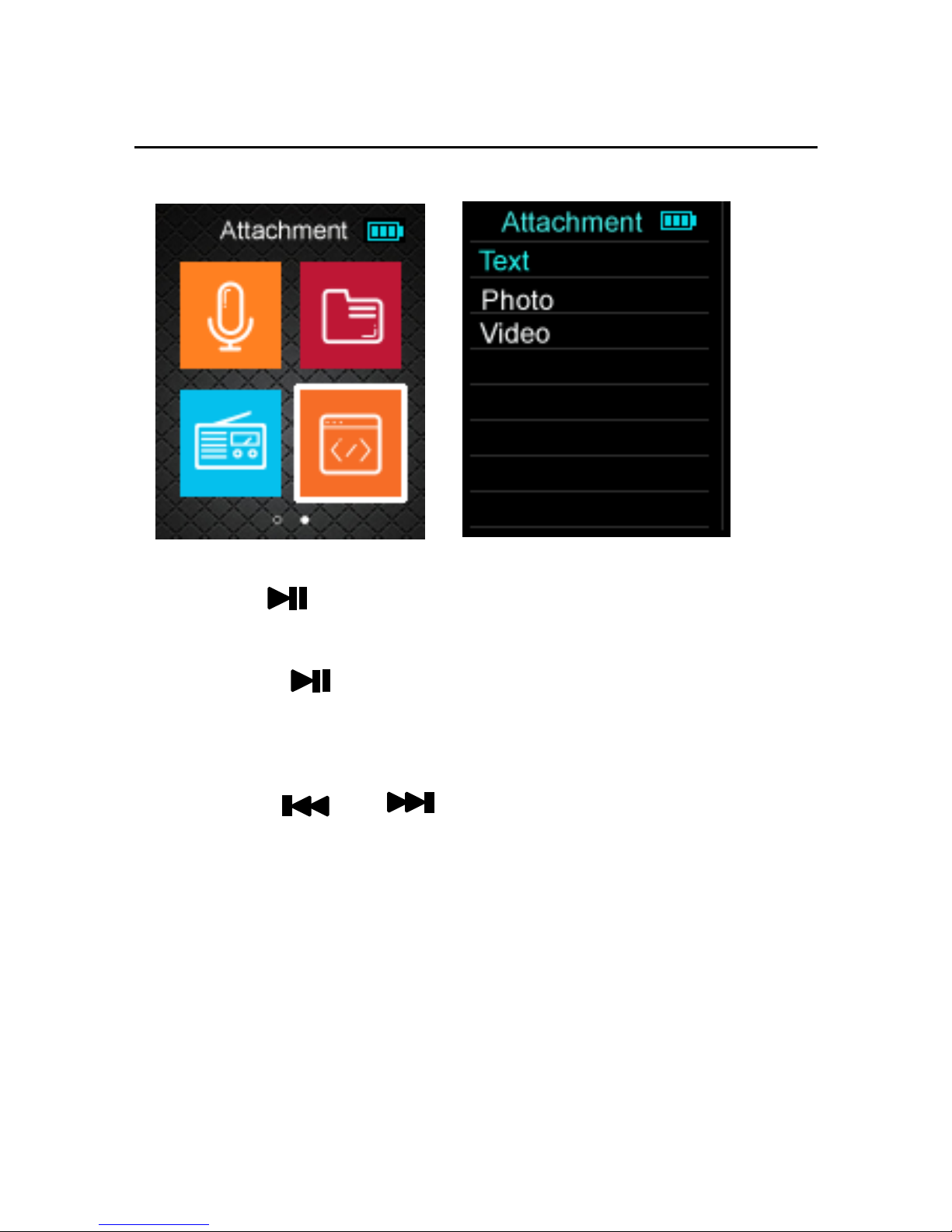
E-book
1) Choose “Attachment” option on the main menu,
Press “ ” the entry Text option Playing
Text Mode.
2) Press “ ” to read it.
3) Press “Volume +”or“ Volume -” button on the next
page
4) Press “ / ” to play the Save
BookMark or Load BookMark
5) Press “ M ” to return the main menu
!!! Text format : TXT
Page 14
- 13 -
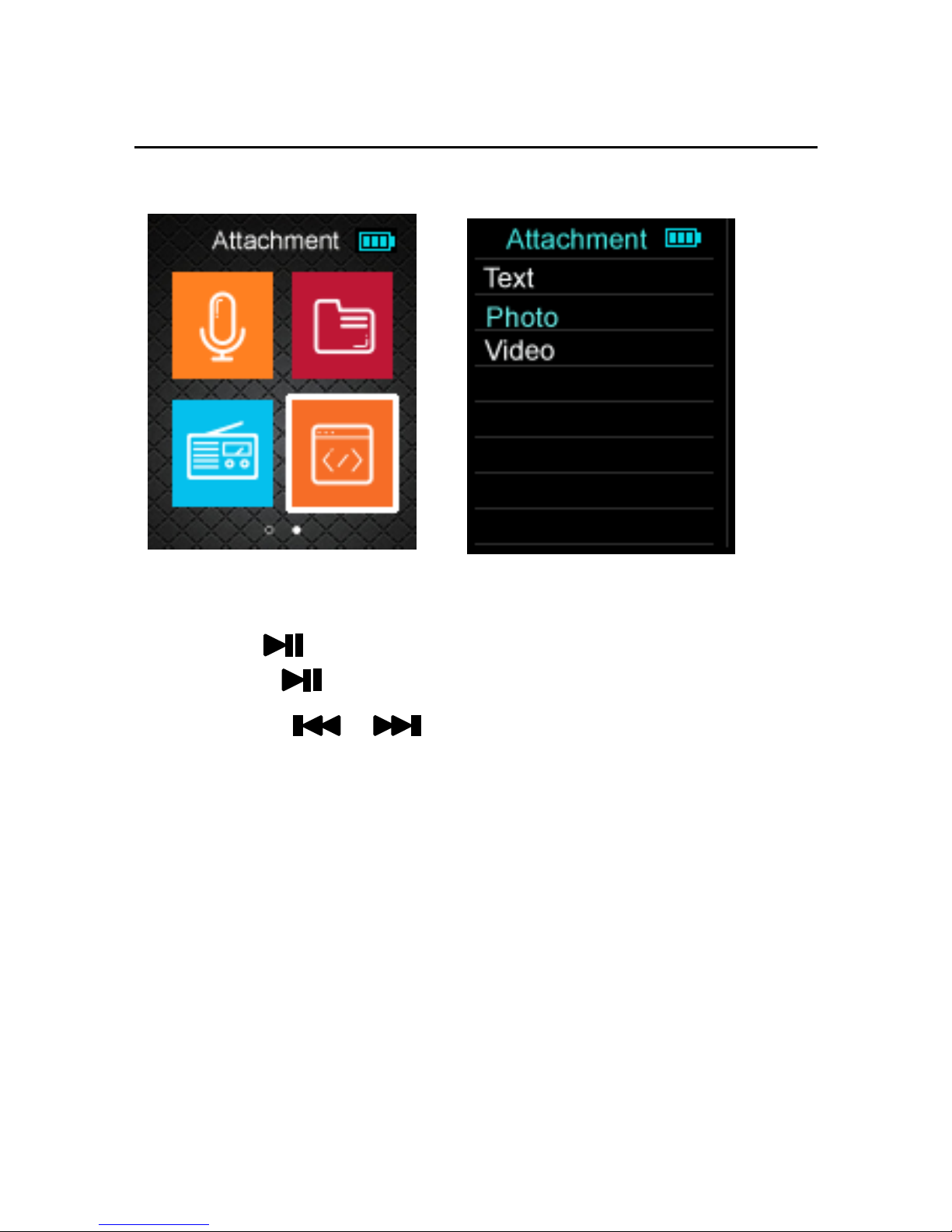
Photo
1) Choose “Attachment” option on the main menu,
Press “ ” the enter into photo option
2) Press “ ” the enter photo browser
3) press “ / ” to see next / previous
photos.
4) Press “ M ” to return the main menu
*photo format : Bmp、JPEG、GiF
Page 15
- 14 -
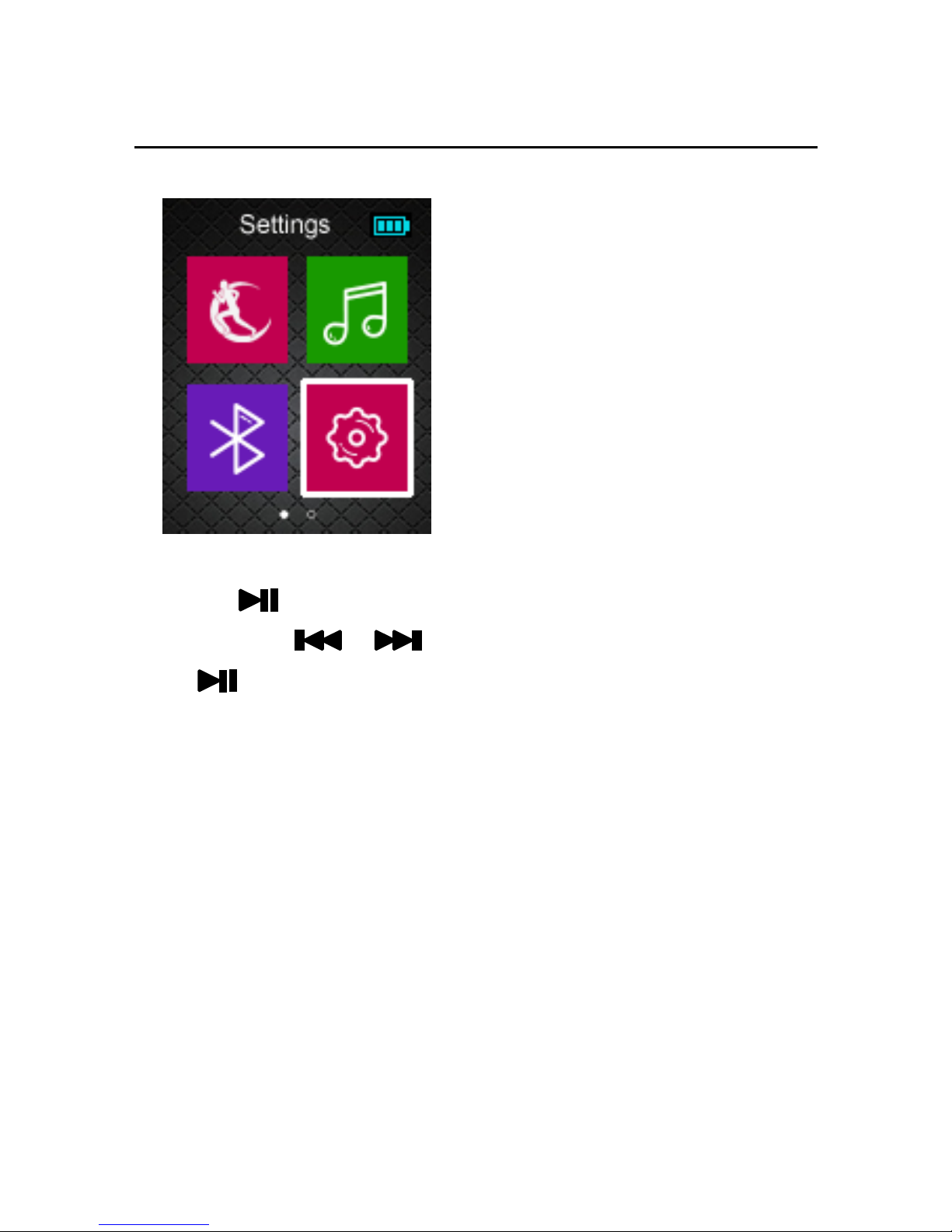
Setting
1) Choose “Setting” option on the main menu,
Press “ ” the entry Setting Mode.
2) Press “ / ” the select option, Press
“ ” to enter it.
3) 4) Press “ M ” to Exit.
Charging the Battery
Battery is full on 3.7V. As time goes on, capacity
indication will monish. Indicator shows blank when
battery almost ran out. You should charge your
battery at that time. Connect the USB cable to the
USB slot on your PC; It takes about 4 hours for the
player with fully charge.
Page 16
- 15 -
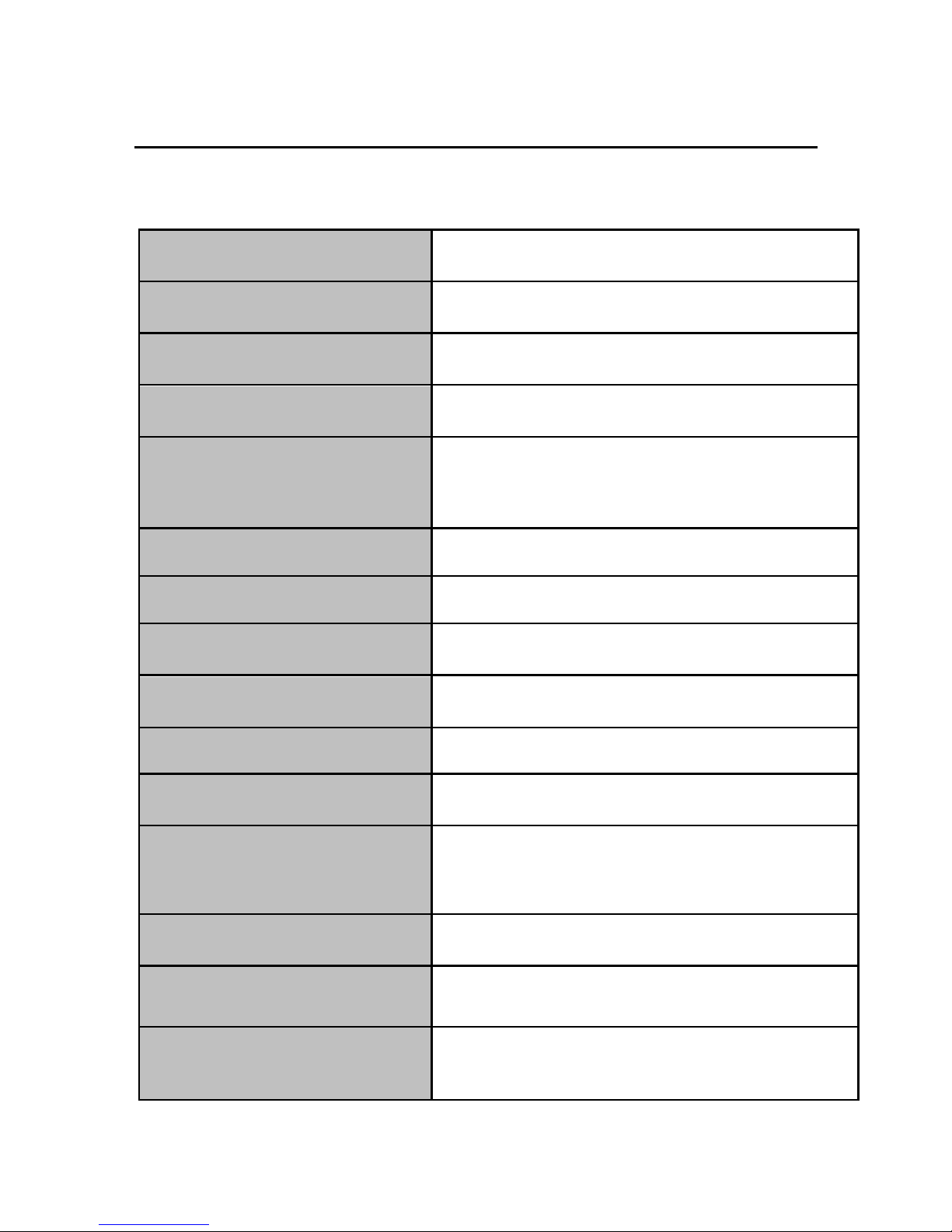
Specifications
Dimensions
63 x 39 x 11mm
TFT colored display
1.8 inch TFT; 65K real color display,
Resolution: 160 x 128 pixel
TF card reader
Support up to 32GB
Data speed
High-speed USB2.0
Read: 4Mbps, Write: 1Mbps
Audio format
MP3: 8K bps – 320K bps
WMA: 32K bps – 320K bps
Voice recorded format: WAV
Video format
The video files should be converted to AVI.
S/N
85dB
Frequency response
20Hz-- 20KHz
Max. output power of earphone
10mW + 10mW
Flash memory
4GB
Power supply
3.7V Polymer Li-ion battery
Playback time of battery
Video: about 5 hours;Music:about 20 hours
Working temperature
5℃ to 40℃
Operating system
WINSE/ME/2K/XP/VISTA
Weight
28.5g
Page 17

- 16 -
 Loading...