

Page 1
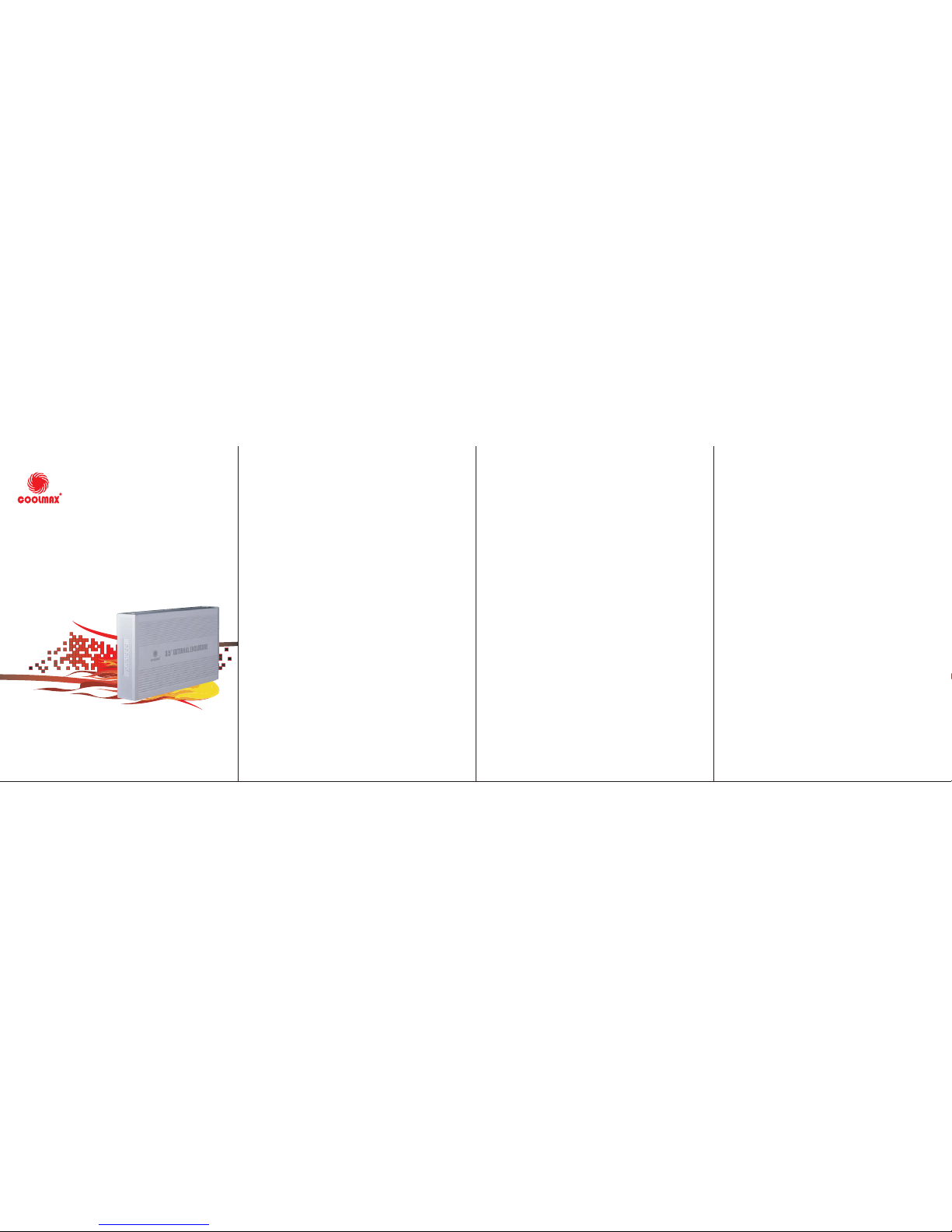
EXTERNAL ENCLOSURE
Model: HD-389-U2
3.5”
USB2.0 EXTERNAL ENCLOSURE
USER MANNUAL
System Requirements
z
Hardware requirement:
a PC, Notebook or Mac system
with free USB interface
z
Operation System:
Windows98/Se/Me/XP, Windows 2000,
MACOS8.6 or above
LED Indicator
z
Twin-color:
green indicate power ready;
red indicate HDD working
Attention
1. Before using, please confirm HDD have been
set as master mode
2. The new HDD should FDISK and FORMAT first.
Features
1. Suitable for 3.5" IDE HDD
2. Compliant with USB 2.0 standard
3. Data transfer rate up to 480Mbps
4. Sleek aluminum case for efficient
heat dissipation
5. Plug and play
6. Hot swappable
Installation under Window
Operating System
1. Start Window Operating System
2. Turn on the power switch at the back panel
3. System will automatically detect USB device
( If Window 98/SE System, please visit
http://www.coolmaxusa.com to download
driver accordingly)
4. System will complete installation and an icon
will appear on the right-bottom area of the
status toolbar
Installation under MAC
Operating System
If your system is Mac OS 9.0 or above, the system
will find the driver directly.
If your system is 8.6,you have to download and
setup “USB MASS STORAGE SUPPORT 1.3.5”
from SOFTWARE SUPPORT
URL:http://www.apple.com/support
Package Contents
Before using this device, please check the package
compliance with below. If any of these items are
missing or damaged, please contact the local
dealers immediately.
z
USB2.0 External Enclosure
z
USB2.0 Connecting Cable
z
User Manual
z
Power Adapter
 Loading...