

Page 1
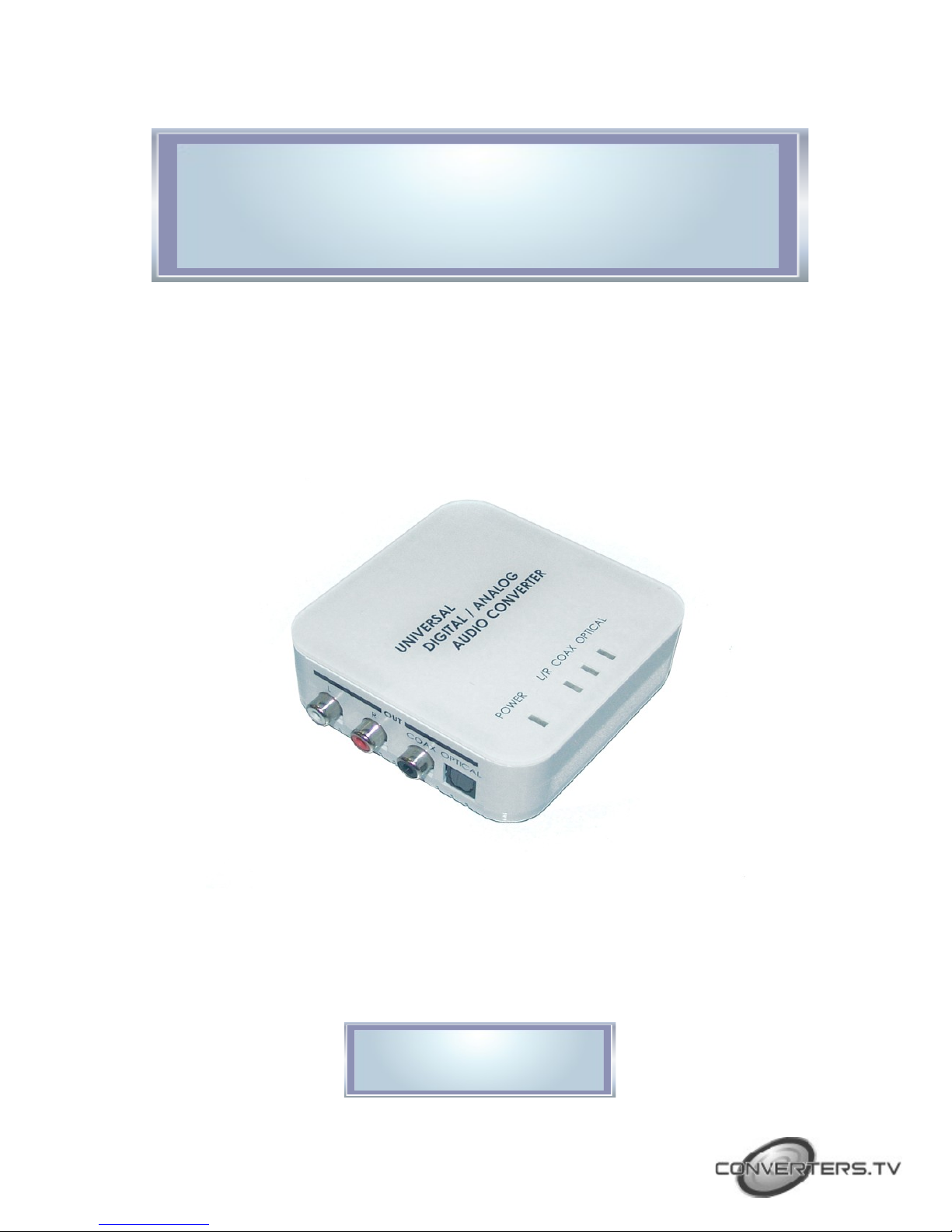
Digital-Analog Two Way
Audio Converter - ID# 710
Operation Manual
Page 2
Introduction
Features
Digital-Analog Two Way Audio Converter. The unit allows you to convert
an Analog L/R audio signal into a Digital output (Toslink Optical or
Coaxial). The unit functions as a two way converter, also allowing you to
convert a Digital Toslink or Coaxial signal into an Analog L/R output.
The Digital to Analog function makes it ideal for the integration of your
older style analog stereo sound system with new digital audio sources
such as Blu-Ray DVD players, Game Boxes, Home Media Centres and full
digital High Definition TV sets, whilst the Analog to Digital function makes
it ideal for use with a digital sound system with analog audio sources
such as VCR players, and Television sets.
The Digital-Analog Two Way Audio Converter also allows you to
simultaneously output both the digital and analog signal. For example
you could output via TOSLink to one receiver, and output via L/R to
another receiver at the same time.
Integrated digital interpolator filter and Digital-to-Analog
Converter (DAC)
Integrated Analog –to-Digital Converter (ADC)
Supports sampling frequencies from 16 to 100kHz
Provides electro-magnetic-noise-free transmission
Easy to install and to operate
Compact size with elegant design
Operating Functions
and
Controls
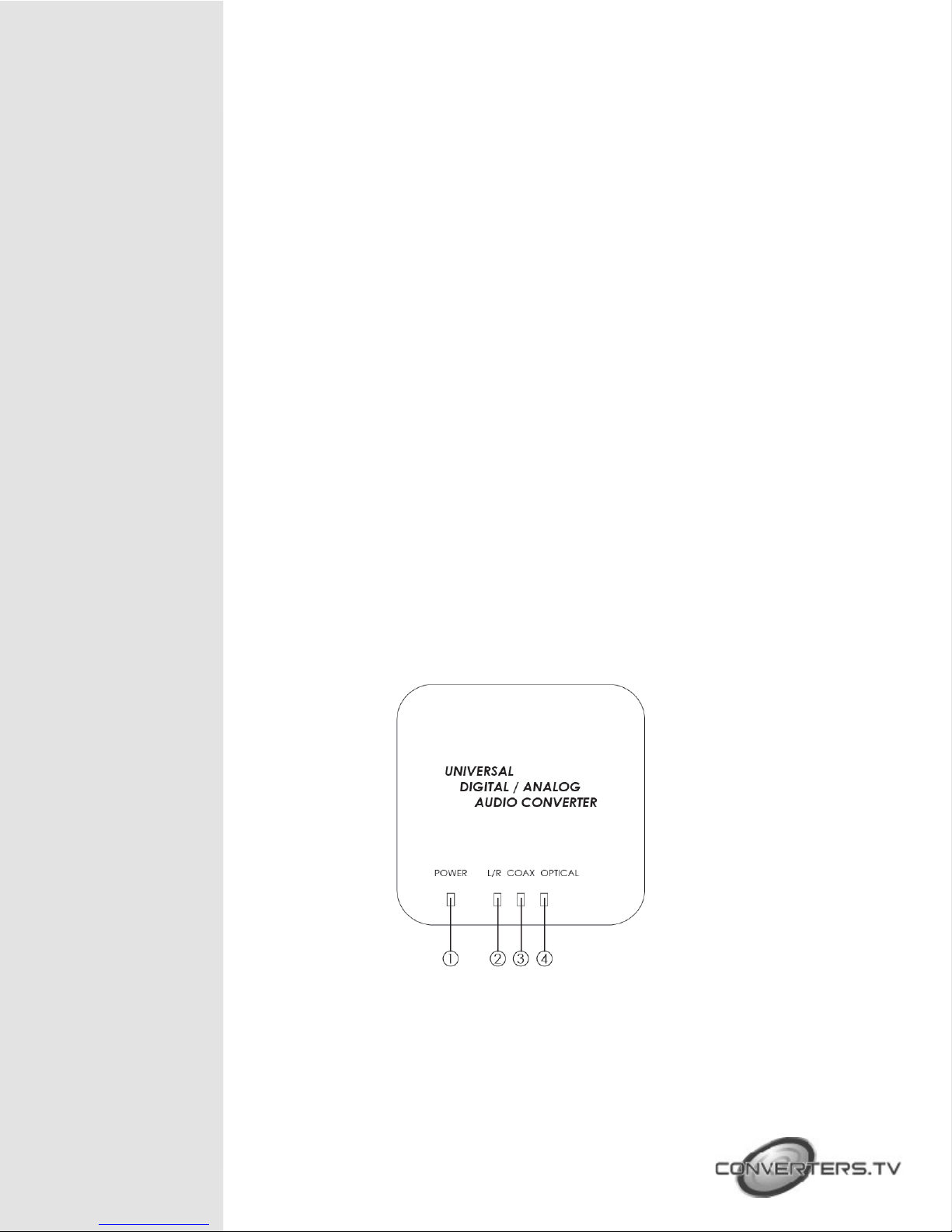
Front Panel
① Power LED indicator.
② Input Analog 2CH LED indicator.
③ Input COAX LED indicator.
④ Input OPTICAL LED indicator.
Page 3

Right Panel
Left Panel
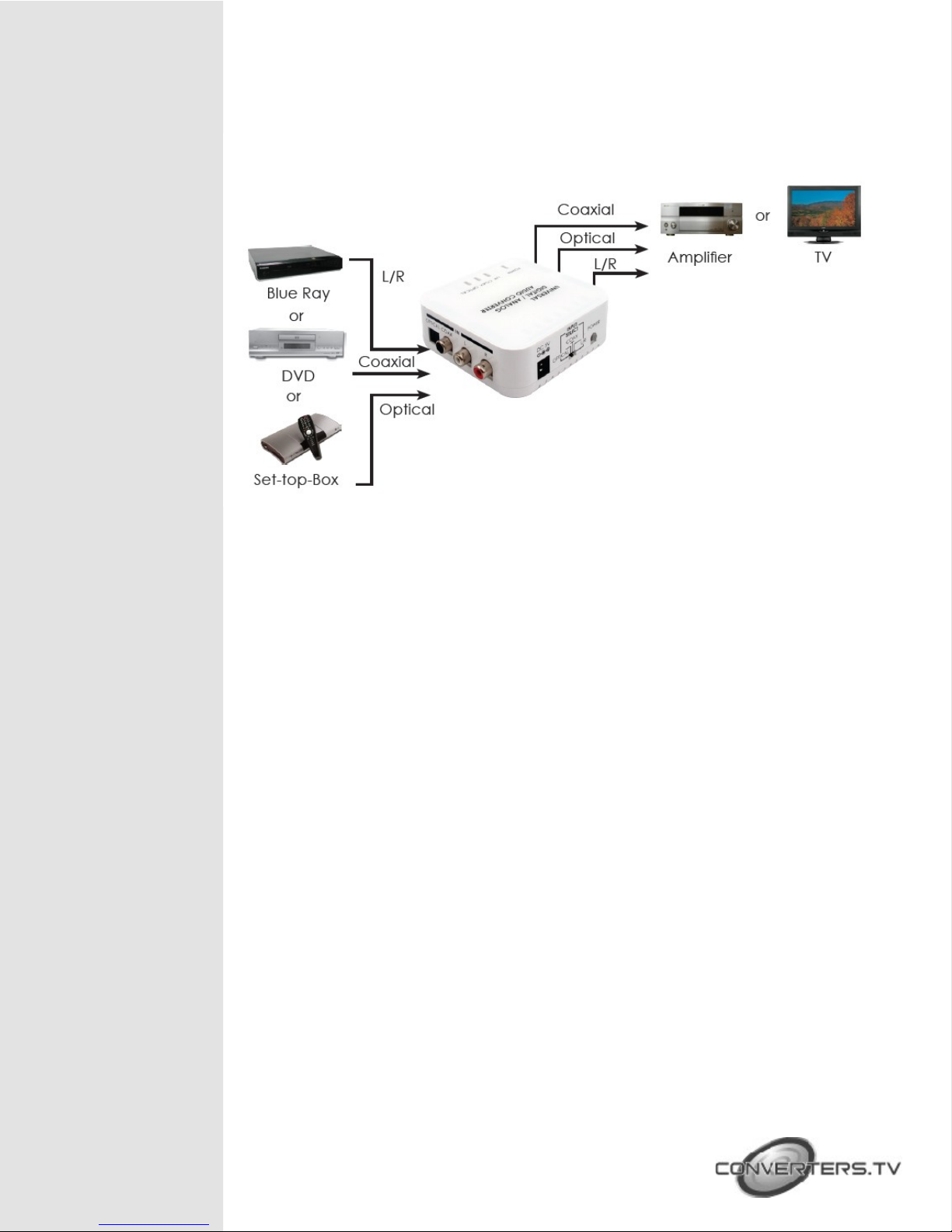
① OPTICAL: Connect from audio source equipment’s optical audio output
with optical cable.
② COAX: Connect from audio source equipment’s coaxial audio output
with coaxial cable.
③ L/R: Connect from audio source equipment’s L/R audio output with L/R
RCA jack cable.
Rear Panel
① L/R: Connect to audio equipment’s L/R input such like TV or amplifier
with L/R RCA jack cable.
② COAX: Connect to audio equipment’s coaxial input such like TV or
amplifier with coaxial cable.
③ OPTICAL: Connect to audio display equipment’s optical input such like
TV or amplifier with optical cable.
① DC 5V Power Jack: Plug 5V 1A DC power supply into the unit and
connect the adaptor to AC wall outlet.
② INPUT SELECT: Use this switcher to select input from optical, coaxial or L/R.
③ Power Switch: Push to button to turn on or switch off the device.
Page 4
Installation
Specifications
Input Port Optical, Coaxial and L/R
Input Format Toslink, SPIDIF and LPCM 2CH
Sample Frequency 32kHz, 44.1kHz, 48kHz and 96kHz
Output Ports Coaxial, Optical and L/R
Output Level 2Vp-p
Output Impedance 100Ω
ESD Protection Human body model: ± 10kV (air-gap discharge)
± 6kV (contact discharge)
Core chipset: ± 2kV
Power Supply 5V / 1A DC (US/EU standard, CE/FCC/UL
certified)
Dimensions(mm) 97(W) x 85(D) x 35(H)
Weight(g) 120
Chassis Material Plastic
Silkscreen Color White
Operating Temperature 0ºC~40ºC / 32 ºF~104 ºF
Storage Temperature -20ºC~60ºC / -4 ºF~140 ºF
Power Consumption 1W
Relative Humidity 20~90% RH (non-condensing)
 Loading...