

Page 1
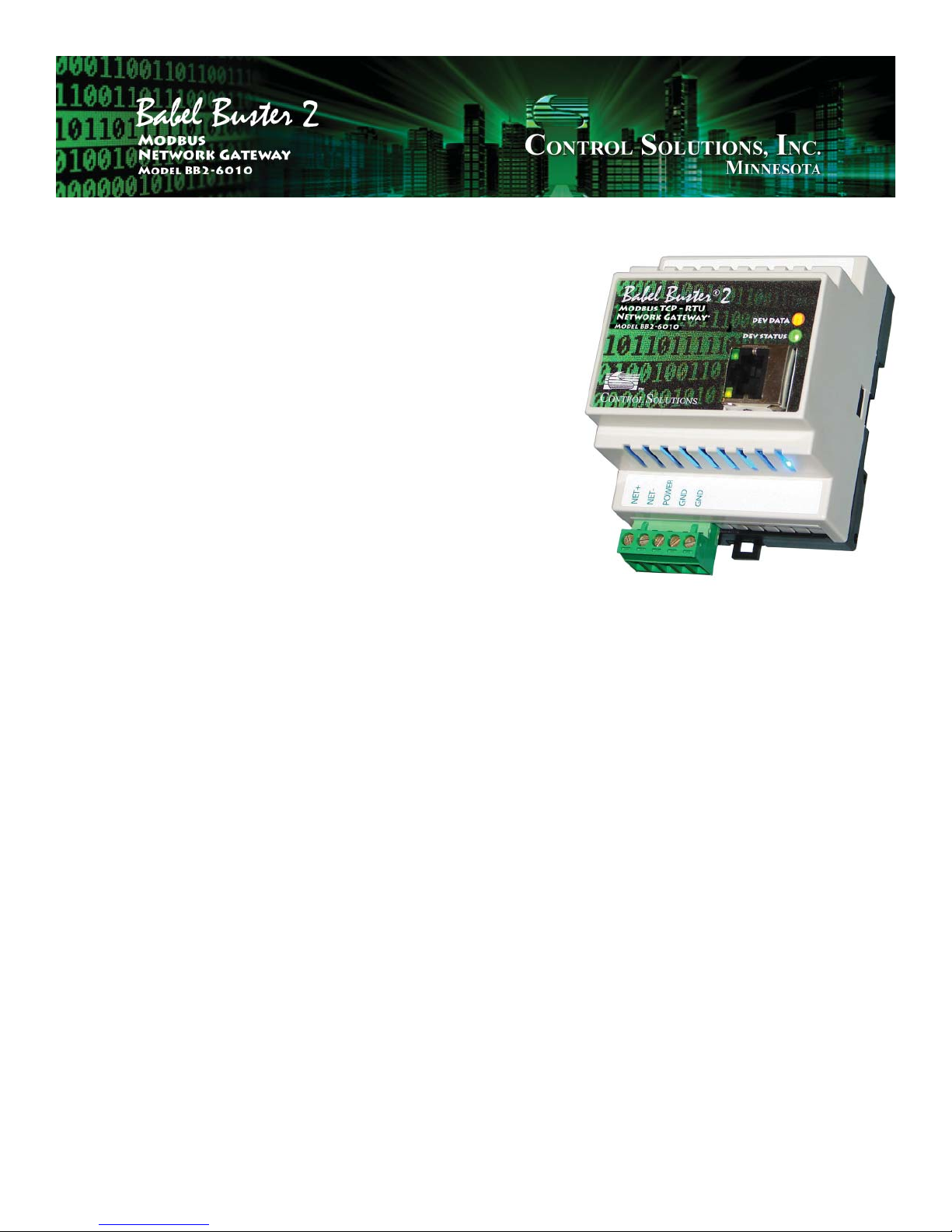
Babel Buster 2
Model BB2-6010 Quick Start Guide
1. Connect power. Apply +12 to +24VDC or 24VAC to the terminal
marked “POWER”, and common or ground the the terminal marked
“GND”.
2. Connect a CAT5 cable between the RJ-45 jack on the top and
your network switch or hub. You cannot connect directly to your PC
unless you use a “crossover” cable.
3. The default IP address as shipped is 10.0.0.101. If your PC is not
already on the 10.0.0.0 domain, you will need to add a route on your
PC. Do this by opening a command prompt. First type “ipconfi g”
and note the IP address listed. This is your PC’s IP address. Now
type the command
but substitute your PC’s IP address for 1.2.3.4.
This generally works. If this fails, you will need to temporarily
change your computer’s IP address to a fi xed address that starts with
10.0.0. and ends with anything but 101.
4. Open your browser, and enter “http://10.0.0.101/” in the address
window. You should see a page with the “Babel Buster” header
shown above. From this point, you will fi nd help on each page in the
web site contained within the product. You can change the IP address on the System -> Setup -> Network page.
5. The default login is user name “system” with password “admin”.
You can also log in as “root” using password “buster”.
route add 10.0.0.0 mask 255.255.255.0 1.2.3.4
NOTE: If the yellow Link LED is not
on, check your cable connections. It
should be on any time power is applied and an Ethernet connection is
present.
The server takes 1-2 minutes to
boot up after power is applied. Your
browser will not connect until fully
booted up.
6. Be sure to save any confi guration changes you made on the
System -> Setup -> Confi g File page
Page 2
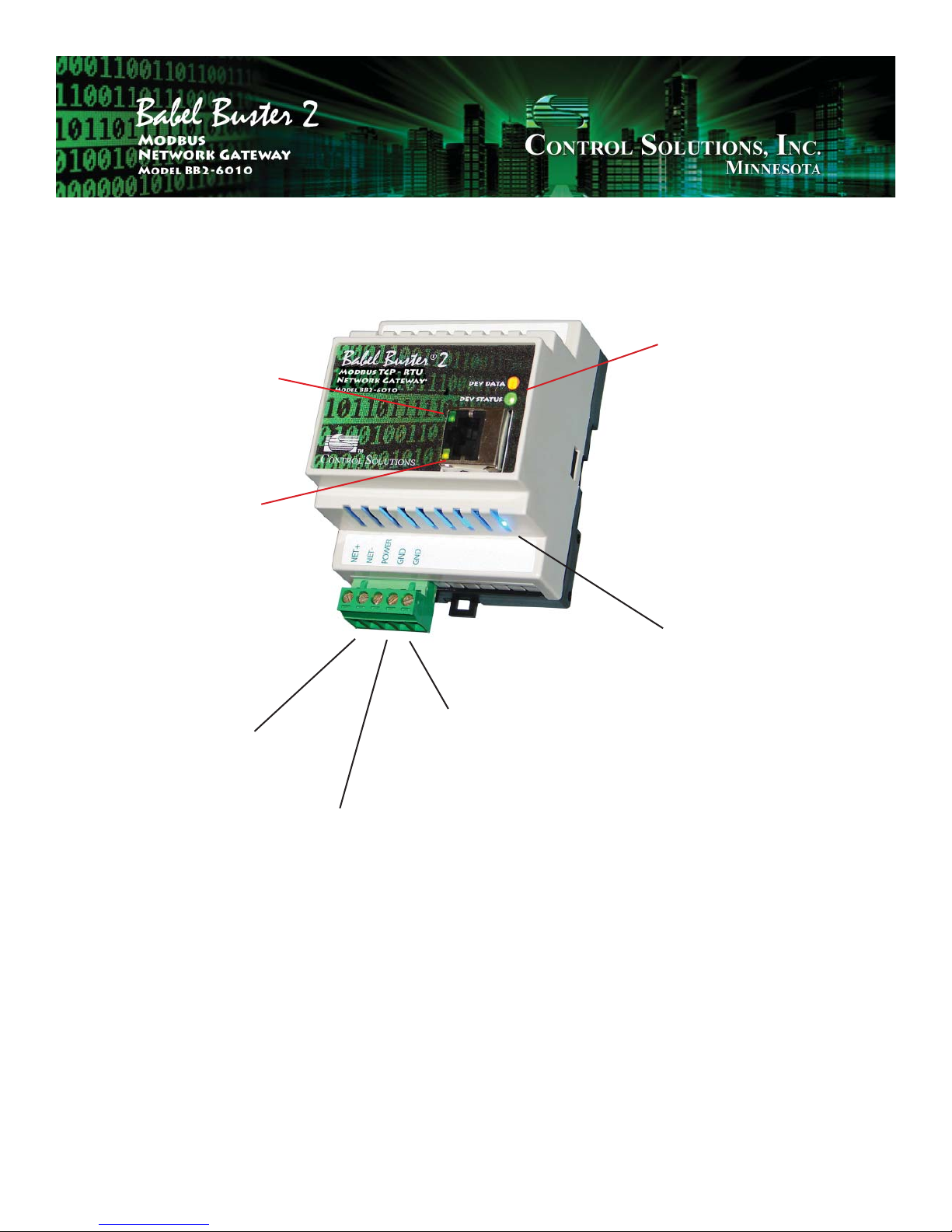
Ethernet activity LED,
normally fl ashes to
indicate network activity (is on solid during
boot-up although there
is no traffi c).
Communications LEDs:
Dev Data (yellow)
fl ashes each time a
packet is sent as master
or received as slave.
Ethernet Link LED,
will always be on if
Ethernet is connected
(may blink during
boot-up)
Modbus RTU RS-485
(EIA-485) network.
Power, +12 to
+24VDC or
24VAC.
Dev Status (red/green)
fl ashes green for good
packet, red for error
detected, also red for
timeout if master.
Power LED - always
on (blue) if power is
present.
Ground, power common.
For additional information, visit www.csimn.com.
 Loading...