

Page 1
Installation Guide
HT 812
Home Phone - VoIP
Page 2
Package Contents
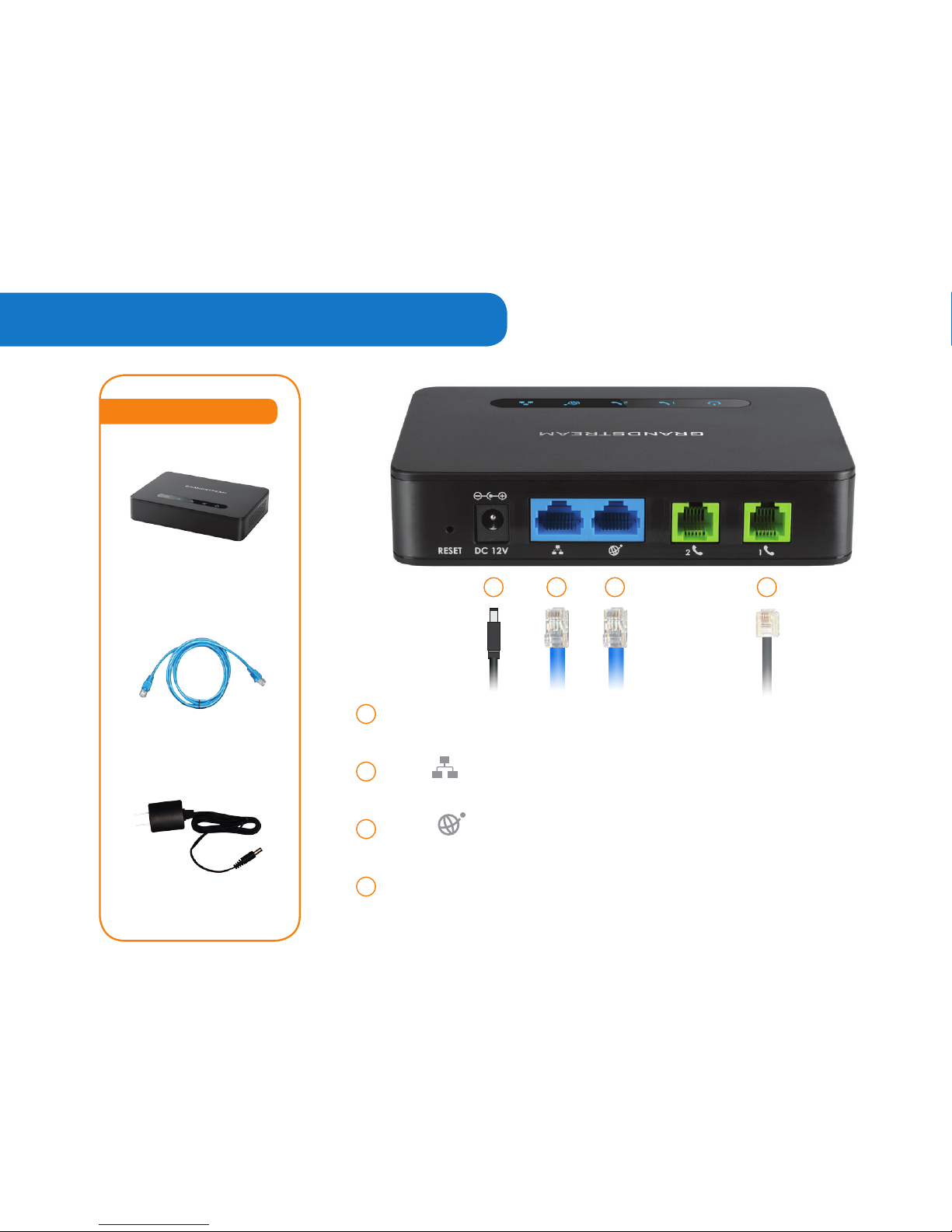
DC 12V Used to connect to a power source (like a wall outlet or
power bar), using the Power Adapter provided in your package.
LAN Used to connect to your computer using an Ethernet
Cable (if you are not using a wireless router).
WAN Used to connect to your Internet Modem using the
Ethernet Cable provided in your package.
PHONE 1 Used to connect to your telephone handset, using
your existing telephone cord. A telephone number will be
assigned to this port.
1
2
3
4
Package Contents
ETHERNET CABLE
GRANDSTREAM HT812
VOIP ADAPTER
POWER ADAPTER
2
3
1
4
Page 3

Step by Step Videos
Watch our step by step
videos at
www.comwave.net/videos
Page 4
Installation
Continue to
1
step
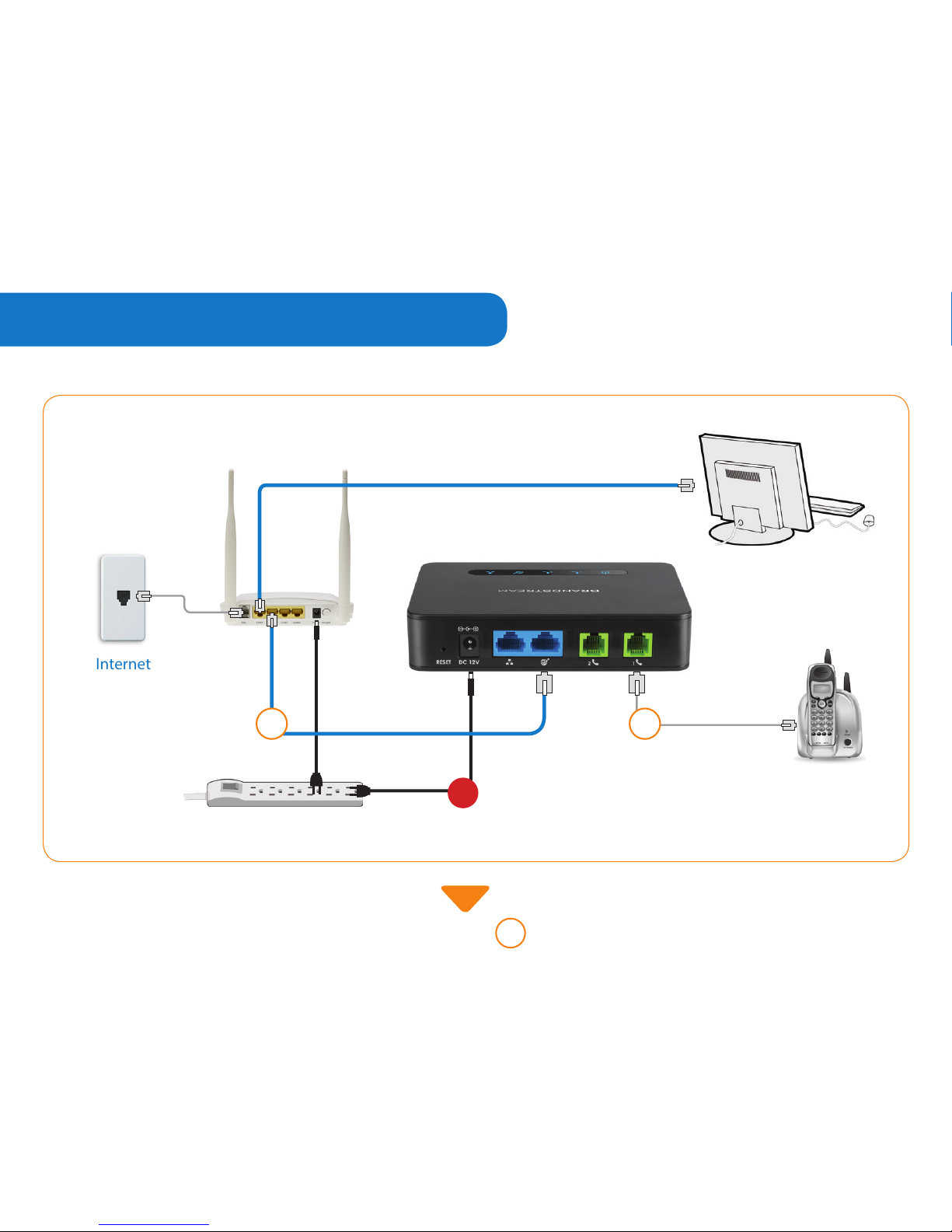
Power Bar
with Surge Protector
Cable or DSL
Internet
line
Internet
Modem
Computer
2
step
Telephone
Comwave
VoIP Adapter
3
step
1
step
Page 5
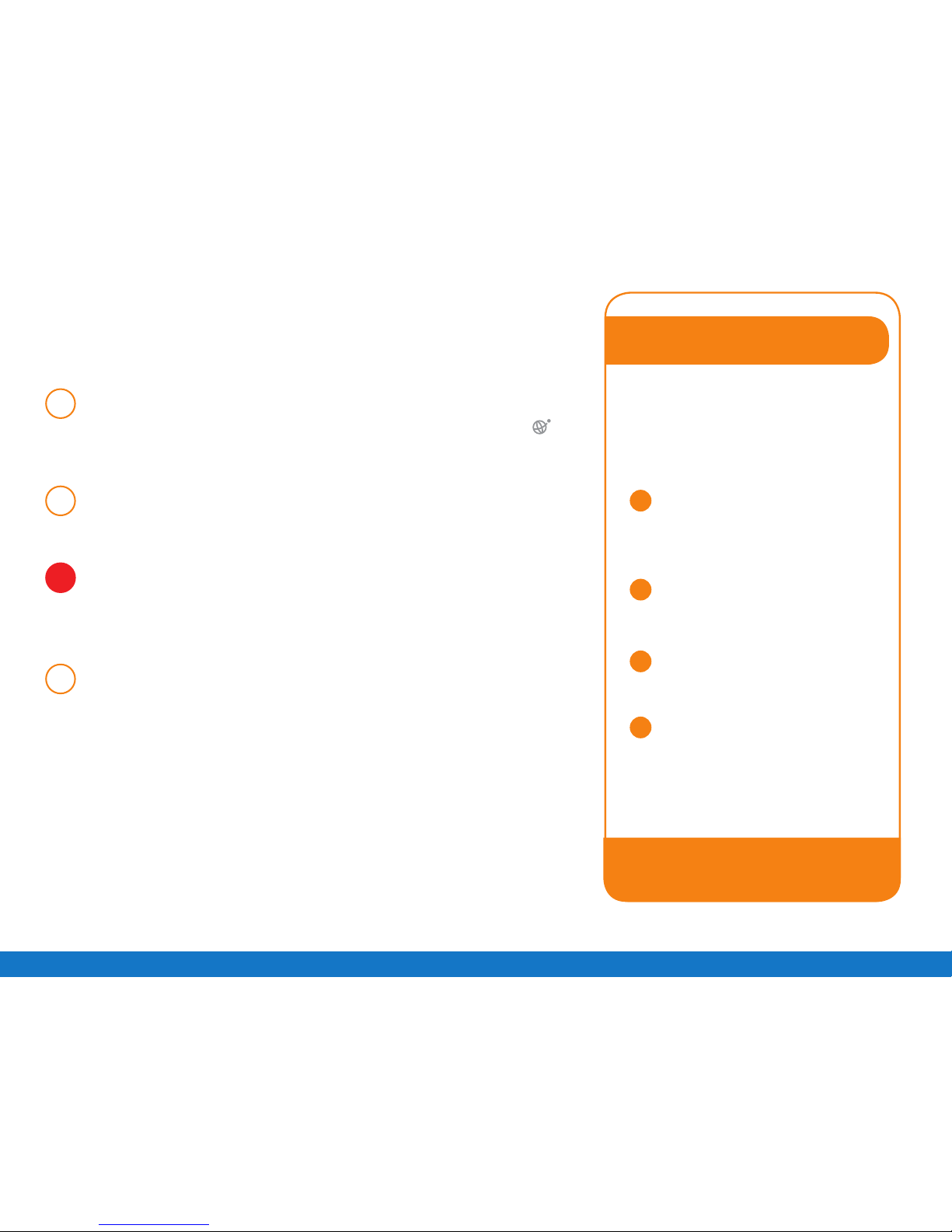
Connect the supplied Ethernet Cable from any
LAN port on your Internet Modem to the WAN
port of the Comwave VoIP Adapter.
Connect your telephone to the PHONE 1 port of
the VoIP Adapter.
Connect the VoIP Adapter to the power bar.
Note: Wait 5 minutes and do not disconnect
as you could cause damage to the VoIP Adapter.
Test your phone line, you should have a dial tone
and be able to make calls.
1
step
2
step
3
step
4
step
Can’t make calls?
1
2
3
4
Disconnect the power from
both the Internet Modem
and VoIP Adapter and
wait 1 minute.
Connect your Internet
Modem to a power bar
and wait 2 minutes.
Connect the VoIP Adapter
to the power bar and
wait 5 minutes.
Still unable to make a call?
Contact us at 1-866-350-5656.
If you do not hear dial tone or are
unable to make or receive calls,
try the following steps to resolve
the issue quickly.
Page 6
VoiceMail
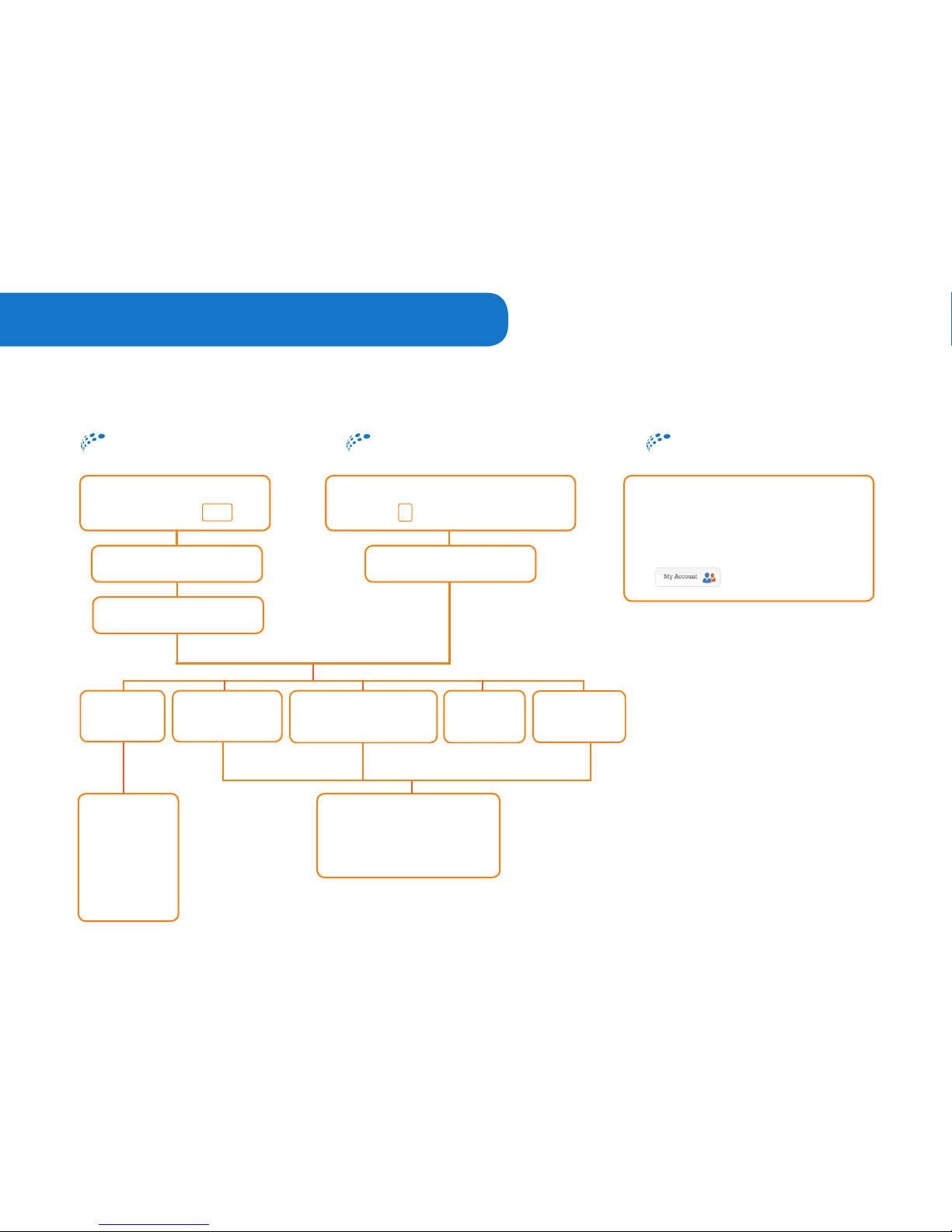
Comwave’s VoiceMail stores 20 messages and allows you to listen to your messages by phone or email.
To access VoiceMail
from your email
The voice messages can be
automatically forwarded to your
email account. Set up this feature by
logging in to My Account at
1 Save
2 Delete
3 Play
4 Previous
5 Date/Time
6 Next
1 Record
2 Listen
3 Use default greeting
To access VoiceMail
when away from home or oce
To access VoiceMail
from home or oce
1
Play
Messages
2
Change
Busy Greeting
3
Change
No Answer Greeting
4
Change
Passcode
5
Personalize
Name
From your Comwave
Phone press *98
Dial your Comwave Phone Number.
Press * during the greeting
Enter your passcode
Refer to your welcome letter
Enter your passcode
Refer to your welcome letter
www.comwave.net
1
Voice Messaging Menu
Page 7
Popular Features
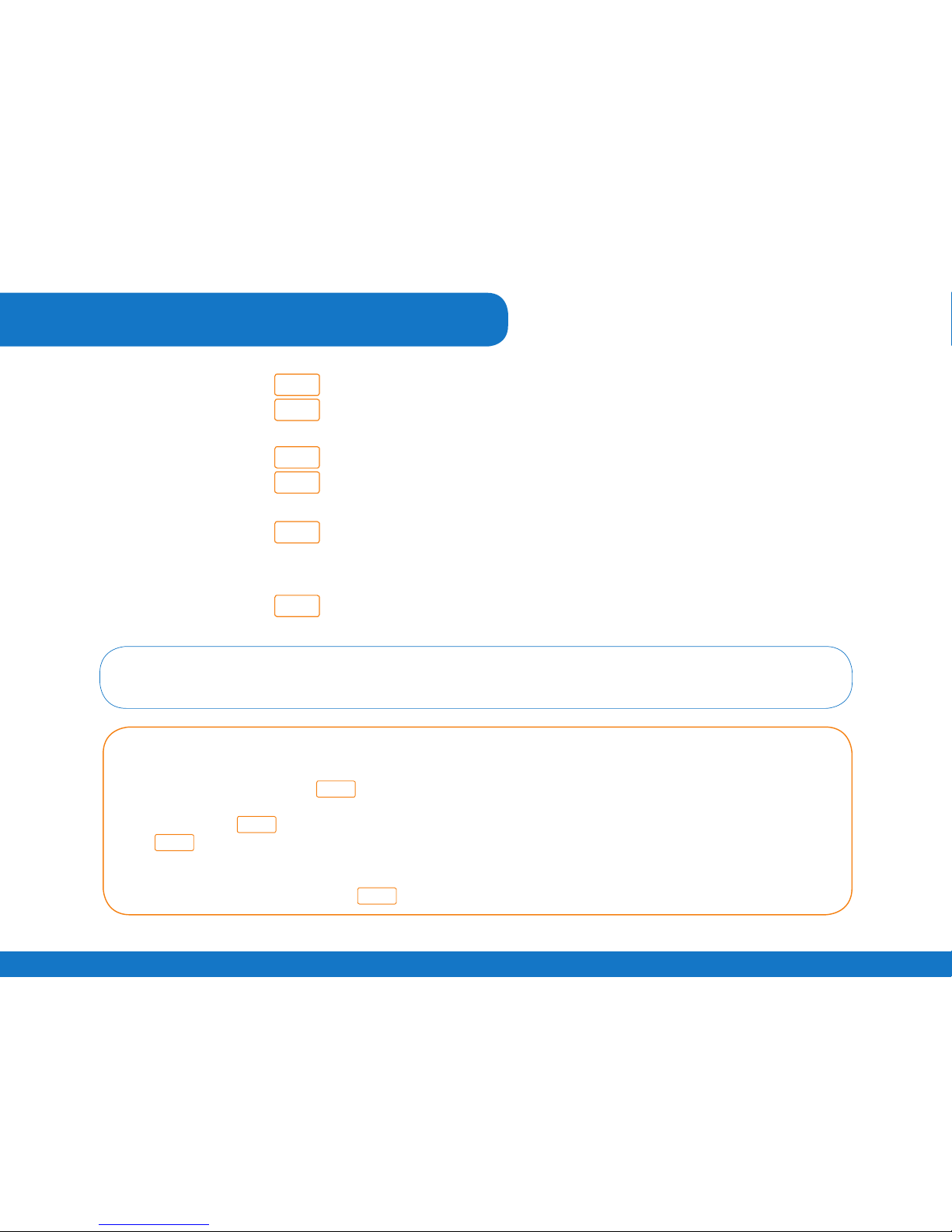
*72
*73
*78
*79
*70
*67
Call Forwarding
Call Forwarding OFF
Do Not Disturb
Do Not Disturb OFF
Call Waiting OFF
Automatically reactivates on next call
Caller-ID Block
9-1-1
Take a moment to review the 9-1-1 terms at www.comwave.net/911.
Be sure that your 9-1-1 address is up to date. Log into My Account at www.comwave.net to verify or update
your 9-1-1 address.
IMPORTANT: Every time you change your billing address or travel with your Comwave VoIP Adapter you will
need to update your 9-1-1 address.
For information on additional features and help using all our features, visit our website.
www.comwave.net
Page 8

Have more questions?
Let us help 1-866-350-5656
HT812
 Loading...