

Page 1
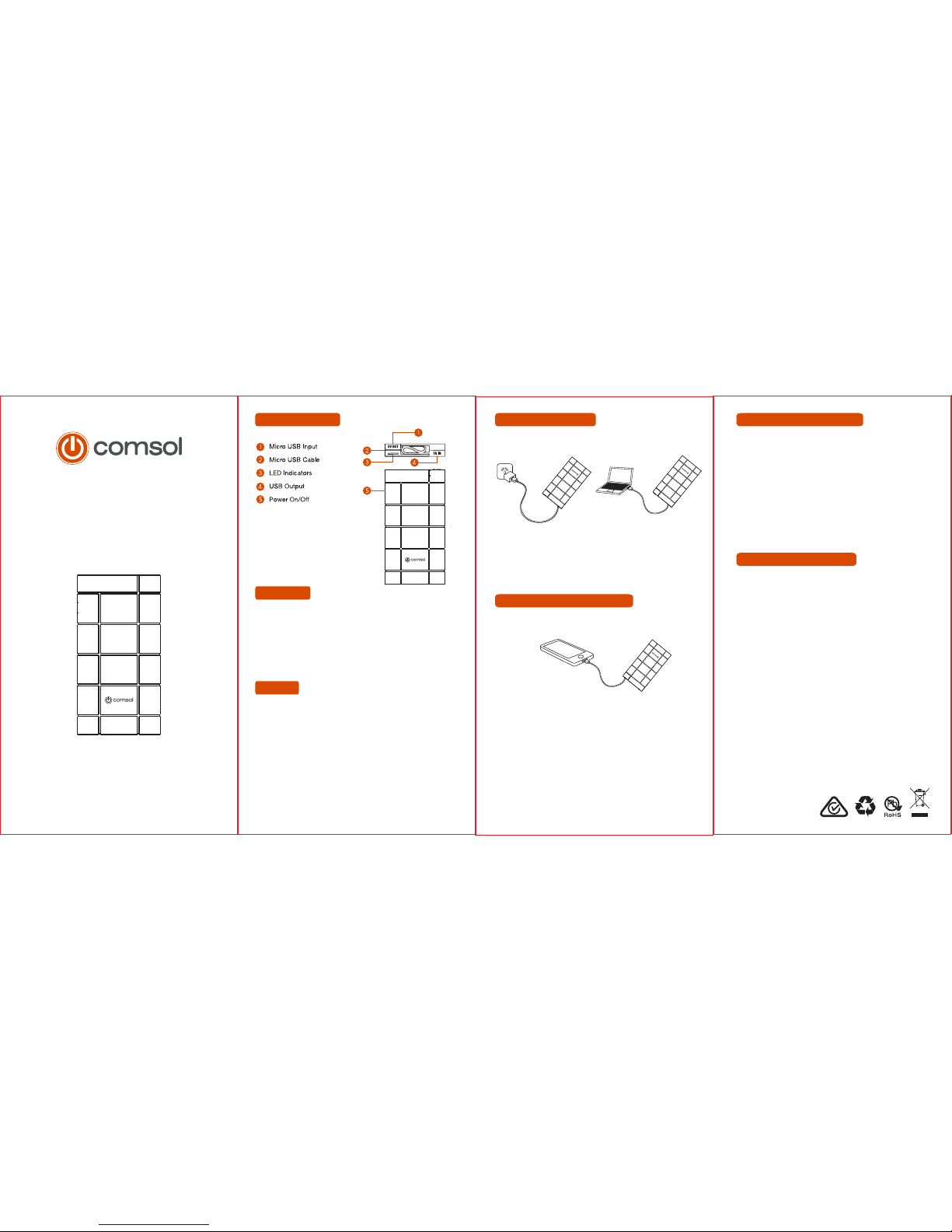
Charge via USB Wall Charger Charge via Computer USB Port
To Charge a Mobile Phone or other USB Device
To Charge Phone or USB Device
Important Safety Instructions
To Check Remaining CapacityTo Charge Power BankPower Bank Layout
Power Bank
10000mAh
User Manual
Version 1.1
Unplug either the connector labelled “5V IN” or the connector
labelled “5V OUT”. It doesn’t matter which one, but one must be
unplugged to check remaining capacity of power bank.
Press the ON/OFF button and the capacity LED’s will come
on. The LED’s will turn off automatically after approx. 15 seconds.
Four LEDs on: 75% to 100% remaining capacity
Three LEDs on: 50% to 75% remaining capacity
Two LEDs on: 25% to 50% remaining capacity
One LED on: 0% to 25% remaining capacity
Suitable for
• iPhone/iPad/iPod
• Most smartphones including Samsung, HTC, Motorola, Nokia,
LG, Sony, BlackBerry, Huawei, Asus, Telstra, Doro & more
• GPS devices, digital cameras
• Portable Bluetooth devices such as headset or hands-free car kit
• Portable hand-held gaming consoles
• eReaders such as Kindle, Kobo & Sony
Features
• 10000mAh can charge an iPhone or average smartphone 4 times*
• Rechargeable more than 500 times
• Unique hidden micro USB cable for charging and re-charging
• Four LED indicators to show remaining capacity
• Built-in over charging and short circuit protection
• Input Connector: 1 x Micro USB female
• Output Connector: 1 x USB Type A female
• Input: DC5V 1.5A
• Output: DC5V 2.1A
• Charging Time: 7 to 8 hours
• Size: 142mm (L) x 74mm (W) x 16mm (H)
• Weight: 220g
• Unplug the connector labelled “5V IN” and leave the connector
labelled “5V OUT” connected
• Connect the USB connector to an AC wall adapter or USB port
on a computer
• During charging the LED’s will flash to show status
• When charging is complete all four LED’s will be permanently on
• Unplug the connector labelled “5V OUT” and leave the connector
labelled “5V IN” connected
• Connect the micro USB connector to your Android or Windows
phone or other USB device that has a micro USB connector
• Charging should commence automatically. If it doesn’t, press the
power button
• When your phone or device is fully charged, the power bank will
automatically turn itself off
Note: To charge an iPhone, unplug the connector labelled “5V IN”
and connect your iPhone cable to the USB port on the power
bank
• To maximize battery life span, fully charge power bank before
first use for 7 to 8 hours
• Store power bank in a cool and dry place.
• Do not store power bank in hot or humid environment
• Operating temperature should be between -10c to 45c
• If power bank is not used for long periods of time, you should
charge and discharge once every three months
• When charging a device, the power bank may feel warm, this
is a normal operating condition and should not cause concern
• In normal conditions, the battery performance will decline
over several years
• Do not dispose of power bank in heat or fire
• Do not clean power bank with harmful chemicals or detergents
• Misuse, dropping or excessive force may cause product damage
All rights reserved. Any information printed here is subject to change
without notice.
iPhone and iPod are trademarks of Apple Inc., registered in the U.S. and
other countries.
iPad is a trademark of Apple Inc.
All other brand names, trademarks, registered trademarks and copyrights
are the property of their respective owners.
Comsol and the Comsol logo are trademarks of Comsol Pty Ltd
* Based on smartphone with a battery capacity of 2000mAh
www.comsol.com.au
10000mAh
10000
mAh
10000
mAh
10000
mAh
10000mAh
 Loading...