

Page 1
MODEL TM8 DIGITAL MEMORY
Timer & Clock
OPERATING INSTRUCTIONS
FEATURES:
• DIGITAL MEMORY makes it easy to retime repetitive events-from playing
games to commercial applications
• Easy to operate. Electronic reliability.
• Mode of operation shows on LCD screen
• Handy, compact size. Makes the timer easy to carry in purse or pocket.
GENERAL:
1. Remove Battery Door by sliding in direction of arrow.
2. Install battery, 1.5 V Eveready #357 or equivalent, with flat (+) side up.
3. Replace battery door.
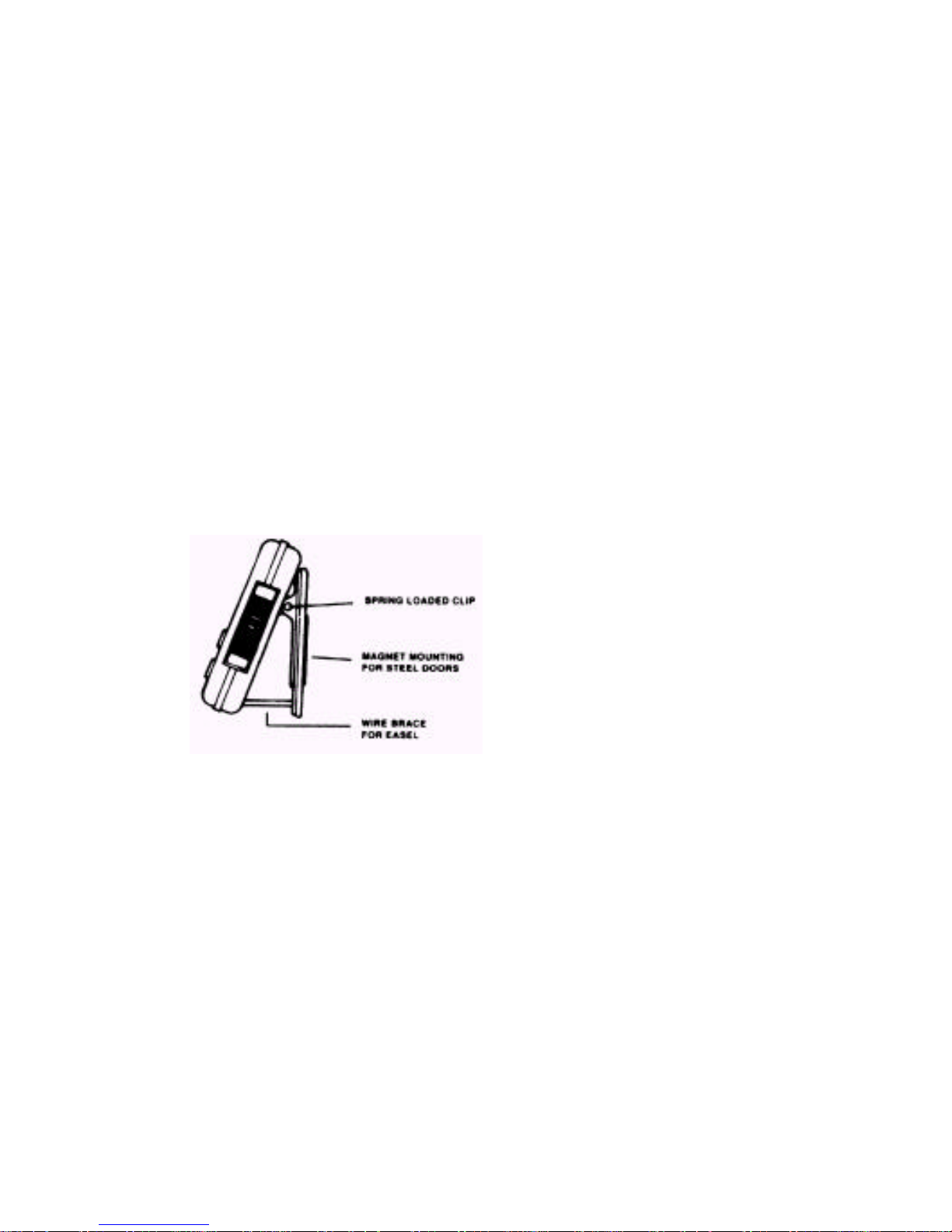
THREE WAY STAND:
• Clip to pocket for “carrying around”
• Magnet for refrigerator/freezer door.
• Easel for standing upright on counter
CLOCK:
To Set and View Time:
1. Move the red slide switch to CLOCK.
2. Set hours and minutes by pressing HR and MIN keys. Press key once to advance
numeral once. Hold key down to advance numerals rapidly.
3. Seconds are set by the SEC key, pressing SEC will reset the displayed seconds to
“00” and will advance the minute figure by 1 minute.
4. To change between 12 hours (AM/PM) and 24 hour (International) time-press the
CLEAR key for 2 seconds. Press CLEAR again, for 2 seconds, to change back to
12 hour (AM/PM).
Page 2

TIMER:
To Count Down:
1. Move red slide switch to TIMER.
2. Press HR, MIN and/or SEC key once to advance numerals once. Hold key down to
advance numerals rapidly.
3. Press START/STOP key to begin the countdown. Count may be interrupted, and
resumed, by pressing START/STOP once to stop-once to resume the count.
4. After reaching zero the alarm will sound for 1 minute, and the display will show
the time elapsed since the alarm first sounded. Press the START/STOP key to
reset the display to 00:00. To reset the display to zero before the time is up-stop
the count, and then press CLEAR.
To use the Digital Memory:
1. Set red slide switch to TIMER.
2. Press MEMORY. Then, press CLEAR to reset MEMORY to zero.
3. Enter desired time: HR, MIN, SEC.
4. Press MEMORY to enter the time into memory.
5. Press START/STOP to start the count.
6. Press MEMORY to recall the time, and press START/STOP to recount the time.
To Count Up:
1. Move red slide switch to COUNT-UP.
2. Press START/STOP key to start count.
3. Count-up may be stopped, and restart by pressing START/STOP. To reset to zero,
stop count and then press CLEAR.
5 Year Limited Warranty: Any instrument that proves to be defective in material or
workmanship within five years of original purchase will be repaired or replaced without
charge upon receipt of the unit prepaid at the address listed below. This warranty does not
cover damage in shipment or failure caused by tampering, obvious carelessness or abuse.
Component Design
Northwest, Inc.
P.O. BOX 10947
Portland, OR 97296
 Loading...