

Page 1
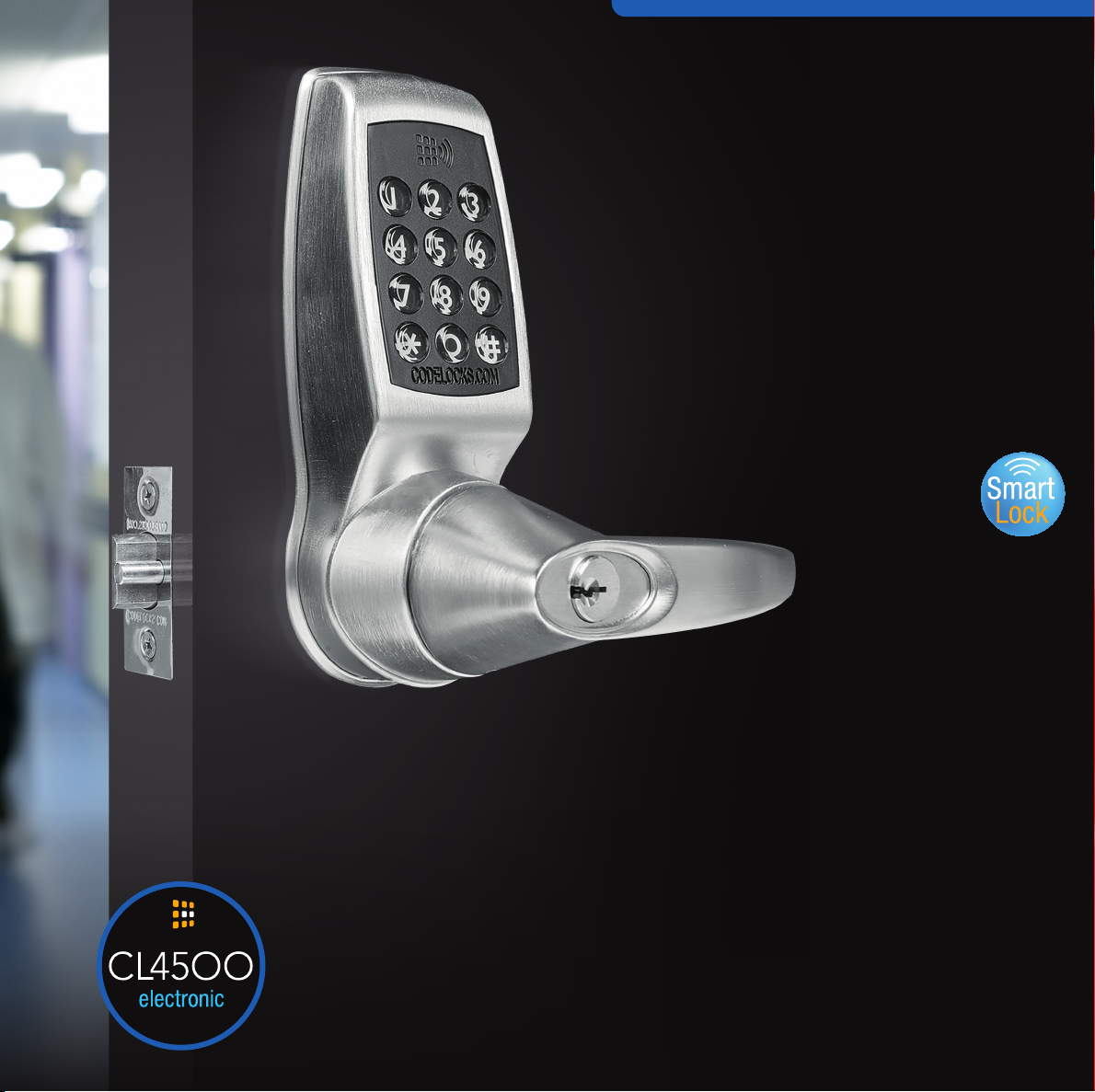
CONNECT
AND
CONTROL
Smart locks get smarter.
The CL4500 range of locks
offers the Codelocks smart
lock features but in a smaller,
sleeker lock model.
The CL4500 lock range combines smart
technology with traditional keypad and card
access options suitable for a wide range
of applications, from building managers to
home rental owners. Utilizing Codelocks
NetCode technology, the locks offer exibility
and convenience that enable businesses to
recognize new levels of convenient access
control without compromising on security.
CL45OO
Easy Operation
Operate and manage locks directly
via the keypad or via any Bluetooth
compatible smartphone by downloading
the K3 Connect App. Program locks via
your smartphone, generate and send
codes for easy access, issue smart cards
for alternative entry, track and control
via audit trail. The App is available on
Apple App Store for Apple devices or
Google PlayTM for AndroidTM devices
by searching for K3 Connect. The lock
does not require Wi-Fi connection for
operation. This signicantly increases its
potential for use in areas where Wi-Fi is
unavailable or intermittent, adding to
the benets of this innovative product
line.
Code Card Phone
The CL4500 range of locks provides exibility and
convenience by providing a range of access methods
allowing you to choose the most suitable entry method for
your application. Allow clients access via a simple code,
allocate and register a MIFARE® compatible card or send an
invitation to their phone.
NetCode
Generate and send time-sensitive codes to end users using
the K3 Connect App or NetCode portal. Set codes for a
specic start date and time and that automatically expire after
a set duration. Additional features include blocking NetCodes
and setting Flexi NetCodes.
Controlled Code Free
Set the lock into Code Free mode (Passage Function) at xed
times of the day, reducing administration time and allowing
users open access.
Audit Trail
Keep track on who, when and where the lock was accessed.
Download and view the lock audit trail data.
Page 2
FUNCTIONS
CL4510
Tubular Latch
Outside lever turns freely without operating
the latchbolt. When a valid code, card or
smartphone is accepted, the keypad lights and
the lever will retract the latchbolt. When the door
closes the spring latch will automatically lock
the door. Set the lock into Code Free (Passage
Function) access period so that anyone can
open the door without using a code.
FEATURES
• Up to 350 Users
• 100 Phone Clients
• 100 Client User Codes
• 150 Client Smart Cards
• 12 button back-lit keypad
• Keyless entry - no lost keys
• NetCode generation technology
• Set up to 10 Code Free access periods
• Suspend and Restore any or all Clients
• Tubular Latch
• Keypad indicates locked / unlocked status
CODE CHANGE METHOD
On door via keypad or via a compatible smartphone by
downloading the K3 Connect App.
AUXILLARY CONNECTIONS
Remote Release: REM1 is intended for push-
button release where the lock will open for the
normal set time. REM2 is intended for use where
the lock needs to be released for a longer period.
When a switch or relay connected to REM2 is
closed, the lock will open for a period of 30 minutes
after which the lock will revert to normal operation.
Sensor Mode: Allows two dry contact switches
or sensors (door status and latch monitoring) to be
connected. Trigger entry will be added to the
audit trail.
CODE FREE ACCESS
Set via the keypad or via smartphone.
Sensor + Alert: A hybrid mode combining the support
for a single dry contact switch or sensor (as per Sensor
Mode) and an output. The output can be connected to
any compatible device, such as CCTV, with an input that
supports the detection of a falling (changing) voltage.
Unlock + Lock Down: Support the connection of two
dry contact switches. Connected to REM1, the switch will
unlock the lock for the period set by the standard re-lock
delay. Connected to REM2, the switch would trigger the
Lock Down Mode of the lock where on the Master and
Sub-Master Code can be used for entry.
• Tamper time out and low battery warning
• Manage and operate locks via smartphone
• Personal wireless connectivity for management
• Simple upgrade from CL4000 range using same xings
• Auxiliary Connections enabling four different modes of operation
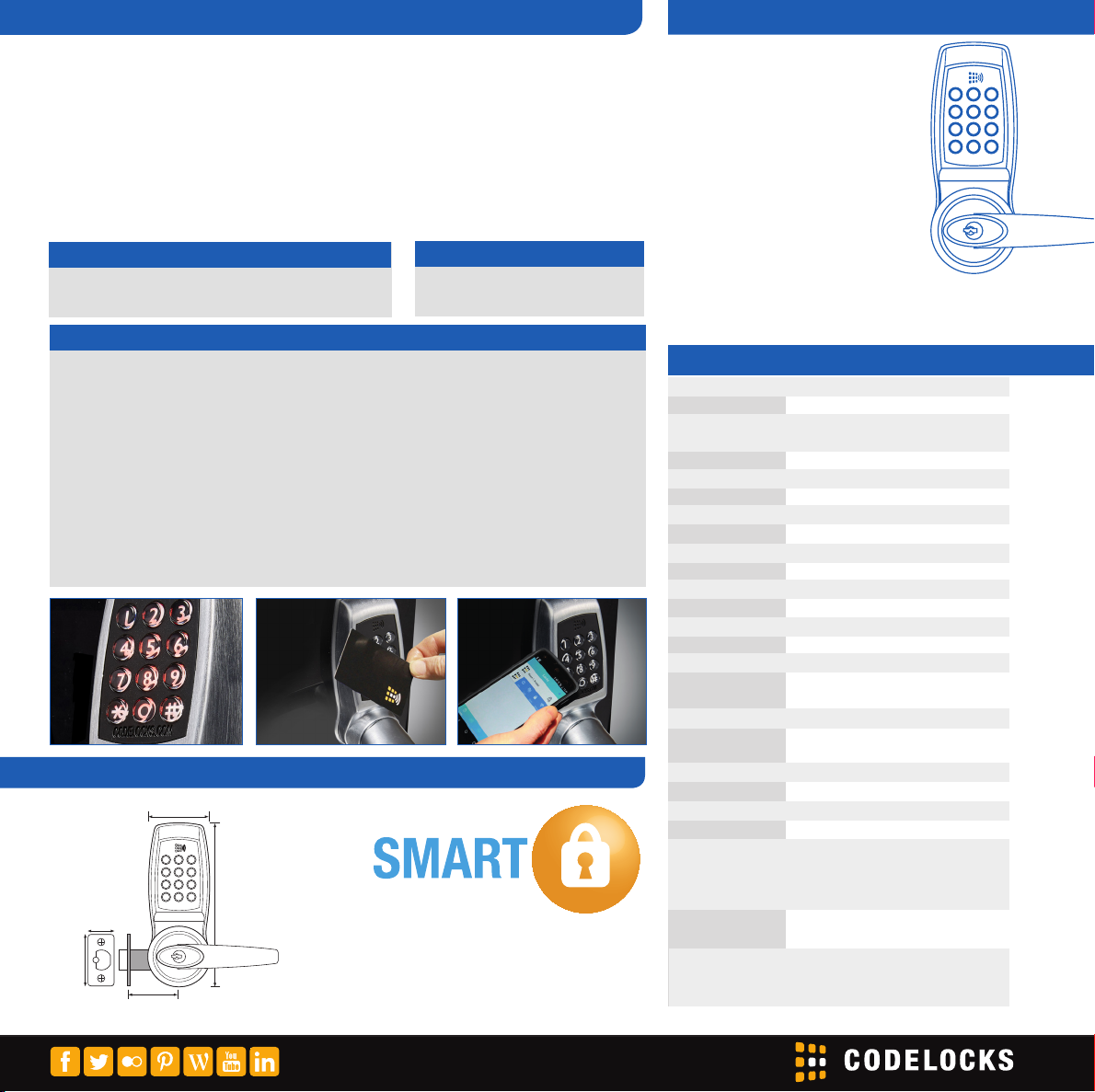
TECHNICAL SPECIFICATIONS
Battery Status Monitor via App
Batteries 4 x AA Cells
Low Battery Warning The keypad will ash red on opening to
indicate batteries need to be changed
Memory Stores 350 different Clients
Client User Codes 100
Client Smart Cards 150
Phone Clients 100
Spindle Type
Material Zinc Alloy
Door Thickness 13/8” – 23/8”
5
/16” spring loaded spindle
Latch Options 23/8” and 2¾”
Buttons 12 button back-lit keypad
Non Handed Locks will t doors hung on the left or right
CODE
CARD
PHONE
Fitting Options Vertical
Finish Brushed Steel
Keying Alike Locks can be supplied as keyed alike
on request
Key Override C Kwy 5-pin standard
Codes 4 digit User Code / 6 digit NetCode / 8 digit
Master Code
PRODUCT DIMENSIONS
9
/16”)
CL4510
65mm (2
Smartphone App K3 Connect App
PC Programming NetCode Function only
NetCode 6 digit NetCode
Audit Trail Function available
Auxiliary Connections Two connectors (REM Ports)
Four modes of operation:
170mm (611/16”)
30mm (13/16”)
”)
4
/
1
57mm (2
60mm (23/8”)
*Codelocks electronic locks offer a two year guarantee and will be repaired, serviced or replaced free of charge if they develop a manufacturing fault. Faults caused by misuse, abuse and/or poor fitting are not covered by the guarantees.
Apple, the Apple logo, and iPhone are
trademarks of Apple Inc., registered in
the U.S. and other countries. App Store
is a service mark of Apple Inc. Android,
Google Play and the Google Play logo
are trademarks of Google Inc.
Remote Release, Sensor Mode,
Sensor + Alert and Unlock + Lock Down
Storeroom Function Fitted with storeroom tailpiece as standard
Latch can be retracted by key when turned
Classroom Function Tailpiece supplied to allow (when tted)
lock to be left in code free mode when
key is removed
clinc2017v1
www.codelocks.com
 Loading...