

Page 1
User Manual
cocos-SIMPLE BLUE MP3-Player
cocos-promotions gmbh | talheimer straße 32-d | 74223 flein, germany | phone 0049 (0) 7131/649 38-0 | fax 0049 (0) 7131/649 38-19
www.cocos-promotions.de | www.cocos-promotions.com | www.usb-sticks.de
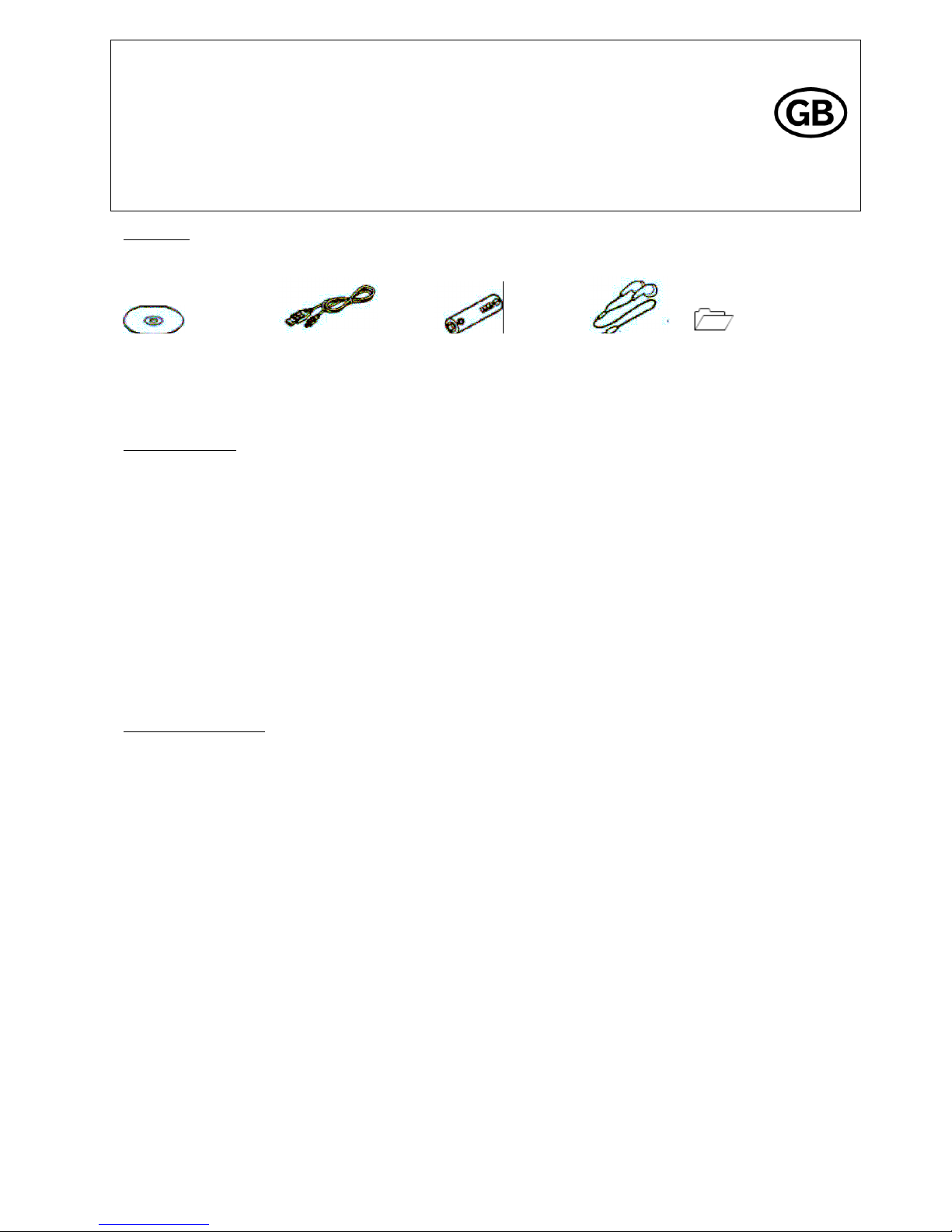
Accessories
Installation CD USB-cable AAA-battery Earphones Quick Start guide
Keys and functions
▶▶+ Next-button: next title / increase volume
-◀◀ Last-button: last title / decrease volume
A-B A-B-button: A-B Replay
▶┃┃ Play-button: Play / Pause / Turn the player on / off
MODE Mode-button: Menu
HOLD: keys are locked
USB-Port
earphone-jack
Playback of MP3-Music
1. Connect the earphones to the earphone jack.
2. Push HOLD towards the position “off”.
3. Long press the Play-button (▶┃┃) to turn the player on.
4. Short press the Play-button (▶┃┃) to start playback.
Short press the Mode-button (MODE) to choose your desired repeat-mode (Normal, Repeat One, Repeat All).
Long press the Mode-button to choose your desired equalizer-mode (Natural, Pop, Jazz, Rock, Classic).
During playback, short press the A-B-button (A-B) to set the starting point “A” of the A-B-replay. Short press the A-B-
button again to set the ending point “B”. The A-B-replay is now set and the player starts playing the A-B-sequence
repeatedly.
Adjust the volume: Long press the Next-button (▶▶+) to turn the volume up.
Long press the Last-button (-◀◀) to turn the volume down.
Pause playback: Short press the Play-button (▶┃┃)
Changing titles: Short press the Next-button (▶▶+) or the Last-button (-◀◀)
To turn the player on: Long press the Play-button (▶┃┃)
To turn the player off: Long press the Play-button (▶┃┃)
Page 2
cocos-promotions gmbh | talheimer straße 32-d | 74223 flein, germany | phone 0049 (0) 7131/649 38-0 | fax 0049 (0) 7131/649 38-19
www.cocos-promotions.de | www.cocos-promotions.com | www.usb-sticks.de
2
Adding/deleting MP3-files
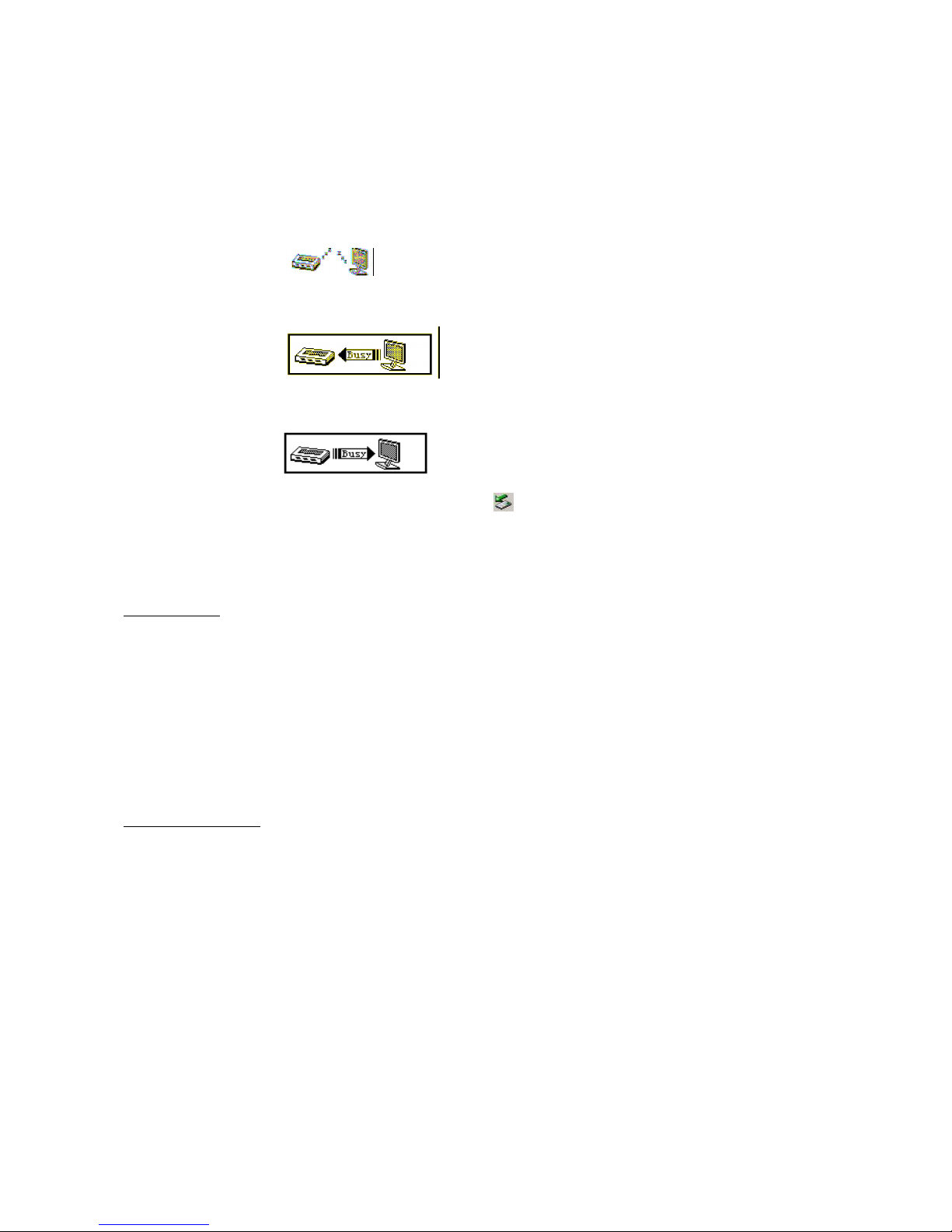
1. Plug the USB-connector into the USB-port of your computer and the player will display the following image:
2. When adding files to the folder of the USB-storage, the following will be displayed:
3. When deleting files from the folder of the USB-storage, the following image will appear on your display:
4. Close the folder of the USB-storage (right click on the symbol ).
5. Follow the guidelines to remove the player safely (remove hardware safely on task bar bellow).
6. Unplug the player
Menu Operation
Mode-button (MODE): Choose repeat-mode or equalizer-mode
Next-button (▶▶+) / Last-button (-◀◀): Change menus
Play-button (▶┃┃): Play, Pause
A-B-button (A-B): A-B replay
Use of the included CD
1. Driver for Windows98SE (installation only for operating system Win98SE)
(1) Insert the CD into the CD-drive.
(2) Right click to start the driver and to run the “CDdisk/driver/MP3/SETUP.EXE” file.
(3) Click on “NEXT” to enter the next picture.
(4) Click on “NEXT” to enter the next picture.
(5) Choose “Finish” to finish the setup. Restart your PC and you will be able to use the MP3-player.
2. Formatting the MP3-player
The format of the MP3-player is “FAT”. If you want to format the MP3-player, right click to choose the right format for your
operating system.
Page 3

cocos-promotions gmbh | talheimer straße 32-d | 74223 flein, germany | phone 0049 (0) 7131/649 38-0 | fax 0049 (0) 7131/649 38-19
www.cocos-promotions.de | www.cocos-promotions.com | www.usb-sticks.de
3
Precautions:
- Before using your MP3-player, please push the „Hold“-switch to the position „off”.
- Can’t identify the third file document and above.
- Remove the battery, if the player is not used for a longer period of time.
- Do not leave the player in wet/moist surroundings or in places with temperatures above 35°C and below –5°C.
- Do not use the earphones while driving an automobile or riding a bicycle; it is not only dangerous, but also against the law.
- Accidents may occur, if the volume is turned up while walking, especially when crossing an intersection.
- Do not turn up the volume too high, because prolonged exposure to high volume can cause damage to the ears.
- Stop using your player or turn down the volume, if you experience a ringing in your ear.
- Follow the local guidelines for waste disposal when discarding packaging material, batteries and old electronic devices.
- Our packaging consists of cardboard and polyethylene.
- Regarding the U-Disk: please put the “Hold”-switch to the position “off”, before you plug this player into the USB-port. After
connection to a PC and the “Hold”-switch is on the position “on”, you will not be able to operate your player until you
unplug the player and connect it again.
Technical Details
Item Description
Memory capacities 256mb / 512 mb / 1 gb / 2 gb
USB-interface USB 2.0 (high speed), Type A
LCD Display Segment LCD
Power supply one 1.5 V (AAAA/LR03) alkaline battery
S/N ratio > 68 dB
Audio frequency range 20 hz – 20 khz
EQ Natural, Pop, Jazz, Rock, Classic
Decoding Format MP2, MP3, WMA
File System FAT
Files total per folder 99 files (max.)
Operating temperature -5°C up to +35°C (41°F – 95°F)
Humidity 10 % - 75 %
 Loading...