

Page 1
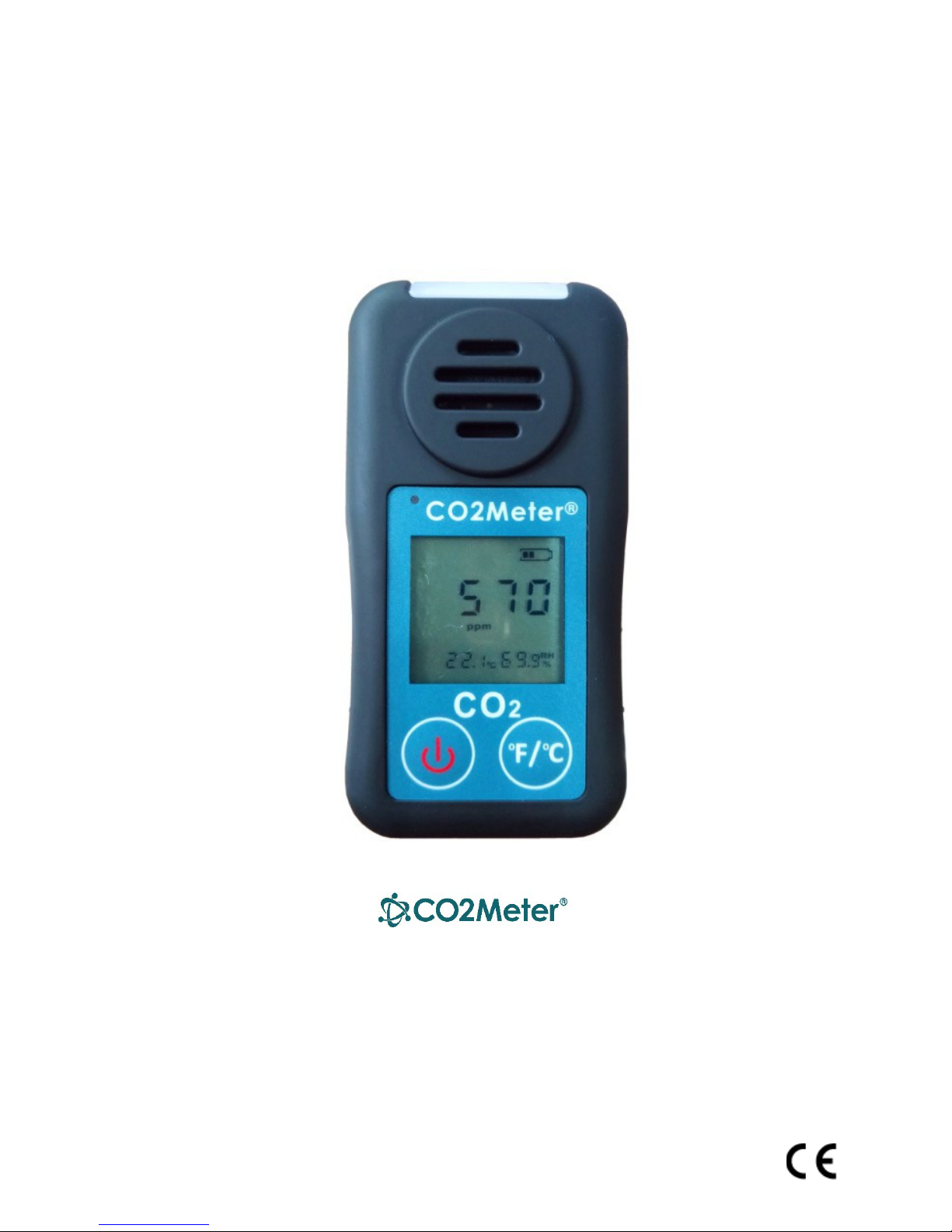
User Manual R1.0
CO2Meter, Inc.
Personal CO2 Monitor SAN-10
Last Revised July 11, 2018
Copyright © 2018 CO2Meter Inc., all rights reserved.
Page 2

2
Contents
INTRODUCTION ..............................................................................................................................3
FEATURES ...................................................................................................................................................3
MONITOR .......................................................................................................................................3
LCD DISPLAY ........................................................................................................................................4
OPERATION ..........................................................................................................................................4
MENU STATUS...............................................................................................................................5
MAINTENANCE ..............................................................................................................................6
Calibration .................................................................................................................................6
Cleaning and Storage ................................................................................................................7
RECOMMENDED CO2 LEVELS AND GUIDELINES ...........................................................................8
ASHRAE Standard 62-1989: 1000ppm ......................................................................................8
Building bulletin 101 (BB101): 1500ppm ..................................................................................8
OSHA:5000ppm .........................................................................................................................8
SPECIFICATIONS .............................................................................................................................9
TROUBLESHOOTING .....................................................................................................................10
WARRANTY ..................................................................................................................................10
CONTACT US .................................................................................................................................10
Page 3

3
INTRODUCTION
Congratulations on your purchase of this CO2Meter SAN-10 Personal CO2 Monitor. CO2Meter
SAN-10 is a smart carbon dioxide (CO2) monitor using NDIR technology to provide long term
stability. The SAN-10 Personal Safety CO2 Monitor is designed for employees who work in
enclosed areas where carbon dioxide buildup may cause personal harm. It is designed to alert
people in the area with excessive carbon dioxide gas. SAN-10 is shipped fully tested and calibrated
and, with proper use, will provide years of reliable service.
FEATURES
• Audible, visual strobe and vibrating alarms
• Large LCD display
• Man down alarm – leveraging accelerometer technology
• Rugged design with protective rubber enclosure
• Heavy duty metal clip
• Front facing sensor unit
• Rechargeable Li-ion Battery 4.2v, 1500mAh – 18+ hours per charge
• Black Micro USB cable and Wall USB charger
• Dual calibration methods: Ambient Air (300-600ppm) and Nitrogen
(0-200ppm)
• Automatic atmospheric pressure compensation for CO2 concentrations
• No over-exposure or negative memory effects
• IP54 housing
• Stable NDIR sensor for CO2 detection
MONITOR
1. Visual alarm/strobe
2. Front facing sensor
3. Charging indicator
4. LCD display
5. Power button
6. Temperature units switching
button
7. USB charging inlet (bottom side)
8. Heavy duty metal clip
9. Factory reset button
Page 4

LCD DISPLAY
1. Low alarm indicator
2. High alarm indicator
3. Battery indicator
4. CO2 concentration
5. CO2 concentration units (ppm or % when >9,999 ppm)
6. Calibration icon
7. Man down alarm
8. Air Temperature
9. Temperature unit (Fahrenheit or centigrade degrees)
10. % Relative Humidity
OPERATION
Note:
LCD backlight will turn off automatically after 5 seconds of inactivity.
When LCD backlight is off, press either button to turn on the backlight. It will not turn
the monitor off or change the °C/°F setting.
1. Power button
1.1 When the Monitor is turned off, press to turn on the unit.
1.2 When the Monitor is turned on, press for 3 seconds to turn off the unit.
When the unit is first turned on, it performs 5 seconds countdown for Monitor warm up, then
enters normal display with current CO2, temperature, and humidity readings displayed. The
monitor starts taking measurements when power on and updates readings every 2 seconds.
The device can’t shut off alarm, if power off will come back in alarm mode and must delay.
2. Temperature Units Switching Button
2.1 Temperature Unit
Press shortly to switch two temperature units: °F and °C.
4
Page 5

2.2 Menu Status
Menu Items
Functional Description
AIR
“AIR” means Ambient Air Calibration. User presses the power
N2
“N2” means Nitrogen Calibration. User presses the power
ppm), and H3.0 (30000 ppm).
L0.5/L0.5T/L1.0/L1.5/L3.0
A ON/ AOFF
Setting Man down alarm function on/off. User presses the
E
By pr
essing the temperature unit switching button for 5 seconds,
the unit enters into
Menu status. There are six menu items by pressing the temperature unit switching button
shortly to loop switching between AIR, N2, HX.X, LX.X, A ON/AOFF and E (exit).
The menu items are described in the following table.
button to implement Ambient Air
Calibration (300~600ppm).
button to implement Nitrogen
Calibration (0~200ppm).
H0.5/H0.5T/H1.0/ High Alarm Threshold setup.
H1.5/H3.0
User presses the power button to switch the high alarm
threshold: H0.5 (5000 ppm), H0.5T (5000 ppm TWA), H1.0 (10000
ppm), H1.5 (15000
Low Alarm Threshold setup. User presses the power button
to switch the low alarm threshold: L0.5 (5000 ppm), L0.5T (5000
ppm TWA), L1.0 (10000 ppm), L1.5 (15000 ppm),
and L3.0 (30000 ppm).
power button to switch “A ON” (allowing Man down
alarm) or “AOFF”
(prohibiting Man down alarm).
User presses the power button
to exit the menu status.
5
Page 6

3. Calibration
There are two calibration methods: Ambient Air (300-600ppm) and Nitrogen (0-200ppm).
By pressing the temperature unit switching button for 5 seconds, the monitor will enter CO2
calibration mode. While in calibration mode, press the temperature unit button quickly to
switch between AIR (Ambient Air Calibration) or N2 (Nitrogen Calibration). Select NO to exit
without calibration and press the power button to confirm.
4. Alarm Threshold
There are 2 fixed alarm thresholds: 5,000 ppm CO2 (low alarm) and 3% CO2 (Short Term Exposure
Limit) (high alarm). The alarm thresholds can be changed dependent on the user, to L0.5 (5000
ppm), L0.5T (5000 ppm TWA), L1.0 (10000 ppm), L1.5 (15000 ppm), and L3.0 (30000 ppm).
If the measured CO2 value exceeds the define Low Alarm threshold, the alarm LED will flash red
at 2Hz and the audio alarm “de de … de de …” will sound. If the CO2 level exceeds the High
Alarm threshold, the LED will flash faster and the audio alarm will increase. To alert users in a
noisy environment, the monitor will also vibrate.
5. Automatic Atmospheric Pressure Compensation
The displayed CO2 level is affected by atmospheric pressure or change in altitude. To
insure maximum accuracy, this monitor has automatic atmospheric pressure compensation
for CO2 concentrations by means of a digital atmospheric pressure sensor integrated in
the unit. No calculations or maintenance is required.
6. Man down alarm
Falling by breathing dangerous gases can cause serious injury and even fatality to workers. If the
Man down alarm function in SAN-10 is set on, SAN-10 can detect falls and send a man down
alert which will activate the audible and visual alarms and alert other people in the area.
The man-down detection uses a three-axis accelerometer to automatically monitor the user’s
movements. If a sudden fall/impact is followed by a lack of movement for 6 seconds, the alarm
will sound. Turn off the alarm by pressing either of the two buttons.
6
Page 7

7. Reset Button
Users can reset the unit by pushing a reset button through a
hole on back of shell.
MAINTENANCE
Calibration
The SAN-10 comes pre-calibrated from the factory. However, the CO2 sensor should be calibrated
at least once a year, or as described in your company’s safety procedures. You can perform the
calibration yourself, or you can return it to CO2Meter for factory calibration at a nominal fee.
CO2 can be zero and/or atmospherically calibrated. Zero calibration requires 100% nitrogen (0%
CO2) calibration gas, a flow regulator and flexible tubing. These can easily be obtained online:
https://www.co2meter.com/collections/accessories/products/demand-flow-regulator
The Atmospheric calibration will not require additional materials but must be performed in
outdoor (300-600ppm fresh air) during the entire procedure.
The temperature and humidity sensors do not require calibration and should remain accurate for
the life of your unit.
Cleaning and Storage
The front cover and case can be cleaned with a mild solution of detergent and water. Apply
sparingly with a soft cloth and allow to dry completely before using. Do not use aromatic
hydrocarbons or chlorinated solvents for cleaning.
7
Page 8

RECOMMENDED CO2 LEVELS AND GUIDELINES
• 250-350 ppm: normal outdoor ambient concentrations
• 600 ppm: minimal air quality complaints
• 600-1000 ppm: less clearly interpreted
• 1000 ppm: indicates inadequate ventilation; complaints such as headaches, fatigue, and
eye/throat irritation will be more widespread. 1000 ppm should be used as an upper limit
for indoor levels.
ASHRAE Standard 62-1989: 1000ppm
CO2 concentration in occupied building should not exceed 1000ppm.
Building bulletin 101 (BB101): 1500ppm
UK standards for schools say that CO2 at averaged over the whole day (i.e. 9am to 3.30pm) should
not exceed 1500ppm.
OSHA:5000ppm
Time weighted average over five 8-hour work days should not exceed 5000ppm.
Germany, Japan, Australia, UK: 5000ppm
8 hours weighted average in occupational exposure limit is 5000ppm.
8
Page 9

SPECIFICATIONS
Operating Environment
Storage
Power Supply
Li-ion battery (4.2V, 1500mAh), Micro USB cable w. Wall USB charger
Dimensions
Weight
CO2 Sensor
Single-beam NDIR diffusion sampling
Measurement Range
Display Resolution
1ppm / 0.01%
Accuracy
±40ppm or ±3% of reading
Repeatability
±20ppm @ 400ppm
Temperature
Dependence
Pressure Dependence
0.13% of reading per mmHg
Response Time
About 2 min for 90% of step change
Warm-up Time
IAQ LED Display
Green: <800ppm • Yellow: 800~1200ppm • Red: >1200ppm
Measurement interval
2 seconds
Temperature Range
Display Resolution
Display Options
Accuracy
Response Time
5~30 seconds (device must equilibrate with environment)
Measurement Range
Display Resolution
1%RH
Accuracy
±4.5%RH
Response Time
<8 seconds for 63% of step change
Device Specifications
CO2 Sensor Specifications
32~122°F (0~50°C), <95% RH non-condensing
14~140°F (-10~60°C), <99% RH non-condensing
3.9 x 2.0 x 1.7 in. (98x50x42mm)
4.76 oz. (135 grams)
5% Vol (0~50,000ppm) display
Typ. ±0.3% of reading per °C or ±4ppm per °C, whichever is
greater, referenced to 25 °C
< 5 seconds at 22°F
Temperature Sensor Specifications
50~140°F (10~60°C) display
0.1°F (0.1°C)
°F/°C switchable
±0.9°F (±0.5°C)
Relative Humidity Sensor Specifications
0~99.9%RH
Out of range of operating conditions will impact the accuracy of the CO2 measurement. A warning
will display when humidity or temperature is above the rated thresholds (>95% RH condensing, >
122°F or < 32°F).
9
Page 10

TROUBLESHOOTING
Cannot power on
Press the Power Button for more than 0.5 seconds.
Check that the Li-ion battery is charged.
If monitor is charged but will not turn on, contact support.
Verify that software and drivers are installed correctly before attaching
monitor to PC.
Verify the software and drivers were installed before the monitor was
plugged into the PC with the USB cable.
Verify that the ftd2xx.dll file is in the same folder as the GasDataLogging
executable program.
Try using a different USB cable.
Go to CO2Meter.com, select the App Notes tab, and follow the
instructions for
The log file stored in the monitor is very large. The monitor needs time
Readings do not
Confirm the monitor is correctly connected to the computer. Make sure
Monitor’s data logs
Monitor memory will fill and be reused after approximately 22 days of
Monitor is not
recognized by
computer or
software
Windows reports
“unknown device”
error
http://www.co2meters.com/Documentation/AppNotes/AN153-GasLab-DriverInstallation.pdf (pdf).
Slow response
to transfer data to your computer.
change
the computer recognizes your monitor and connects with your monitor
successfully.
overwritten
continuous use. Download data logs more frequently.
WARRANTY
The monitor comes with a one (1) year warranty starting from the date the monitor was shipped
to the buyer.
For more information visit our website: www.co2meter.com/pages/terms-conditions
CONTACT US
(386) 256-4910 Technical Support 131 Business Center Drive
Ormond Beach, FL 32174 USA
10
 Loading...