

Page 1
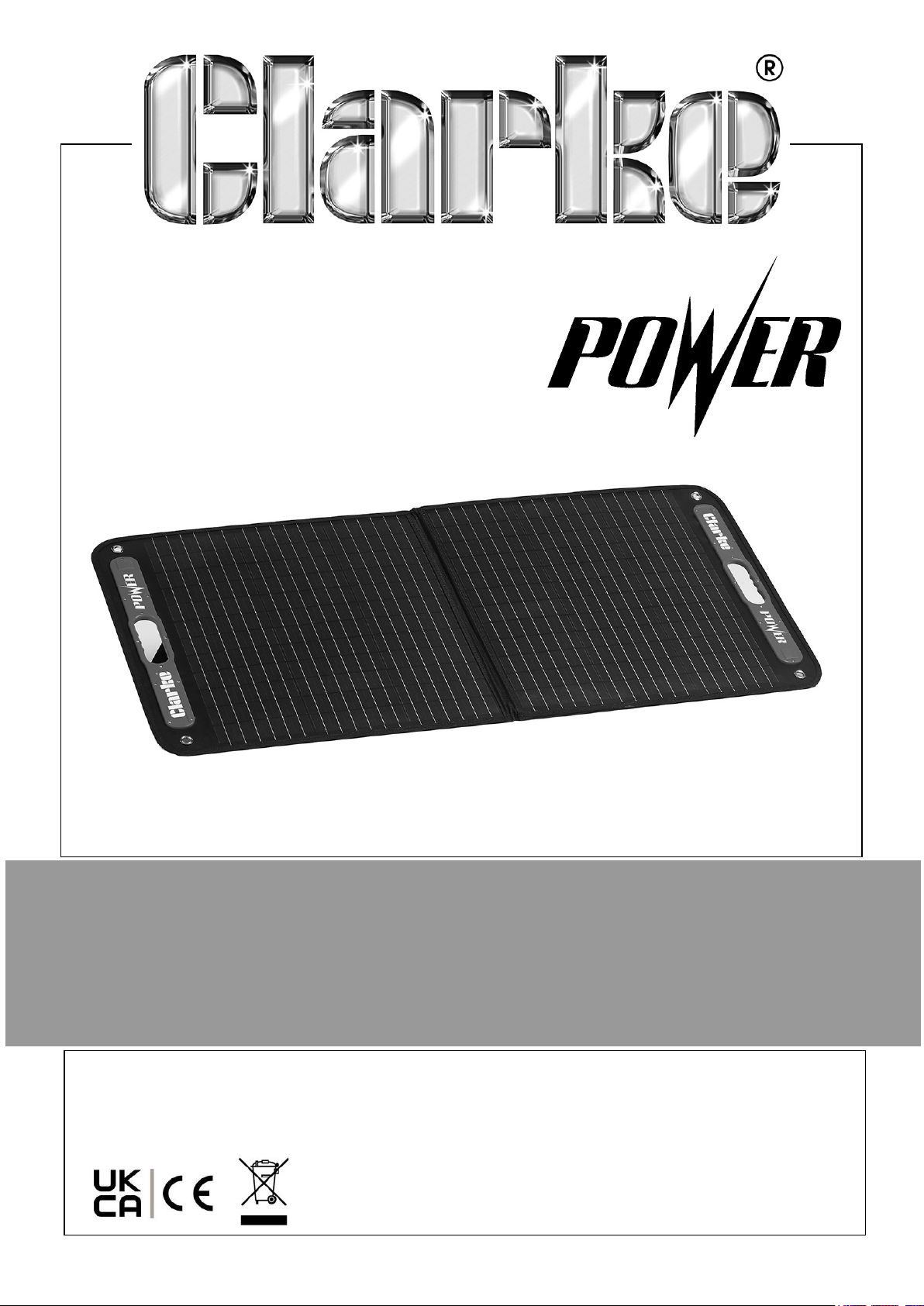
100W FOLDABLE SOLAR PANEL
MODEL NO: SFP1
PART NO: 6487078
OPERATING & MAINTENANCE
INSTRUCTIONS
ORIGINAL INSTRUCTIONS DL1124
Page 2
INTRODUCTION
Thank you for purchasing this CLARKE Foldable Solar Panel. Before attempting to use
this product, please read this manual thoroughly and follow the instructions carefully.
In doing so you will ensure the safety of yourself and that of others around you, and
you can look forward to your purchase giving you long and satisfactory service. Please
keep these instructions in a safe place for future reference.
ENVIRONMENTAL RECYCLING POLICY
Through purchase of this product, the customer is taking on the obligation to deal
with the WEEE in accordance with the WEEE regulations in relation to the treatment,
recycling & recovery and environmentally sound disposal of the WEEE.
In effect, this means that this product must not be disposed of with general
household waste but in accordance with the laws governing Waste Electrical and
Electronic Equipment (WEEE) at a recognised disposal facility.
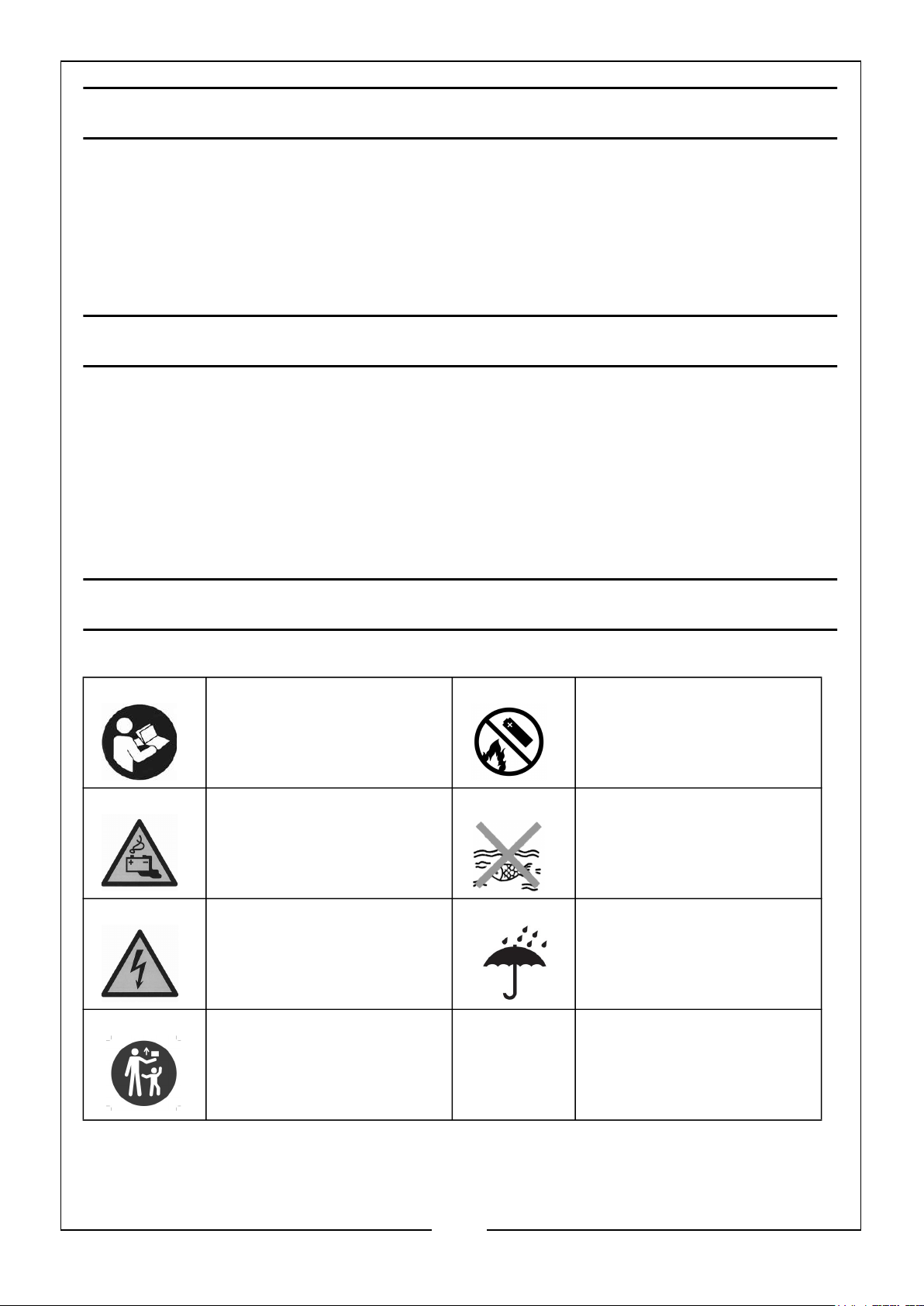
SAFETY SYMBOLS SHOWN ON THE PRODUCT
Read this instruction
manual and the manual
for the device being
charged before use
Warning: Battery
Charging
Warning: Risk of
electrical shock if not
used correctly
Keep out of reach of
children
DO NOT incinerate
Harmful to aquatic life
Protect from rain/
water
2
Parts & Service: 020 8988 7400 / E-mail: [email protected] or [email protected]
Page 3

GENERAL HAZARDS & SAFETY
• Keep your solar panel, junction box & cables away from any liquids at all
times.
• Keep the solar panel and junction box clean at all times (ALWAYS check
connectors to ensure they’re free of grit before plugging them in).
• This appliance is NOT intended to be used by people (including children)
with reduced physical or mental capabilities, or those who are under the
influence of drugs or alcohol.
• DO NOT use the solar panel to charge non-rechargeable batteries. Doing
so may result in harm to the user and/or damage the solar panel and
controller. Only use the provided solar panel, regulator and adaptors/
wiring provided in the kit.
• Explosive gases. The battery/power bank should be mounted in a wellventilated area, as far as possible from any ignition sources.
• DO NOT smoke or have a naked flame in the vicinity of the battery/power
bank under charge.
• NEVER tamper with or pull any component of the solar panel, junction box
or wiring apart. If you do so, you will void the warranty.
• DO NOT flex or bend the solar panels.
• DO NOT step on or place objects on top of the solar panels.
• ALWAYS store the solar panel folded, protected from the weather and
with good ventilation.
• Ensure nothing sharp or heavy could potentially damage the solar panel
during transport or storage.
• It is recommended to charge the storage battery/power bank that has an
input of 18V.
• DO NOT charge a battery/power bank without a built-in voltage regulator.
• DO NOT place solar panel on your vehicle’s bonnet or paintwork during
use.
3
Parts & Service: 020 8988 7400 / E-mail: [email protected] or [email protected]
Page 4
Page 5
OVERVIEW LIST
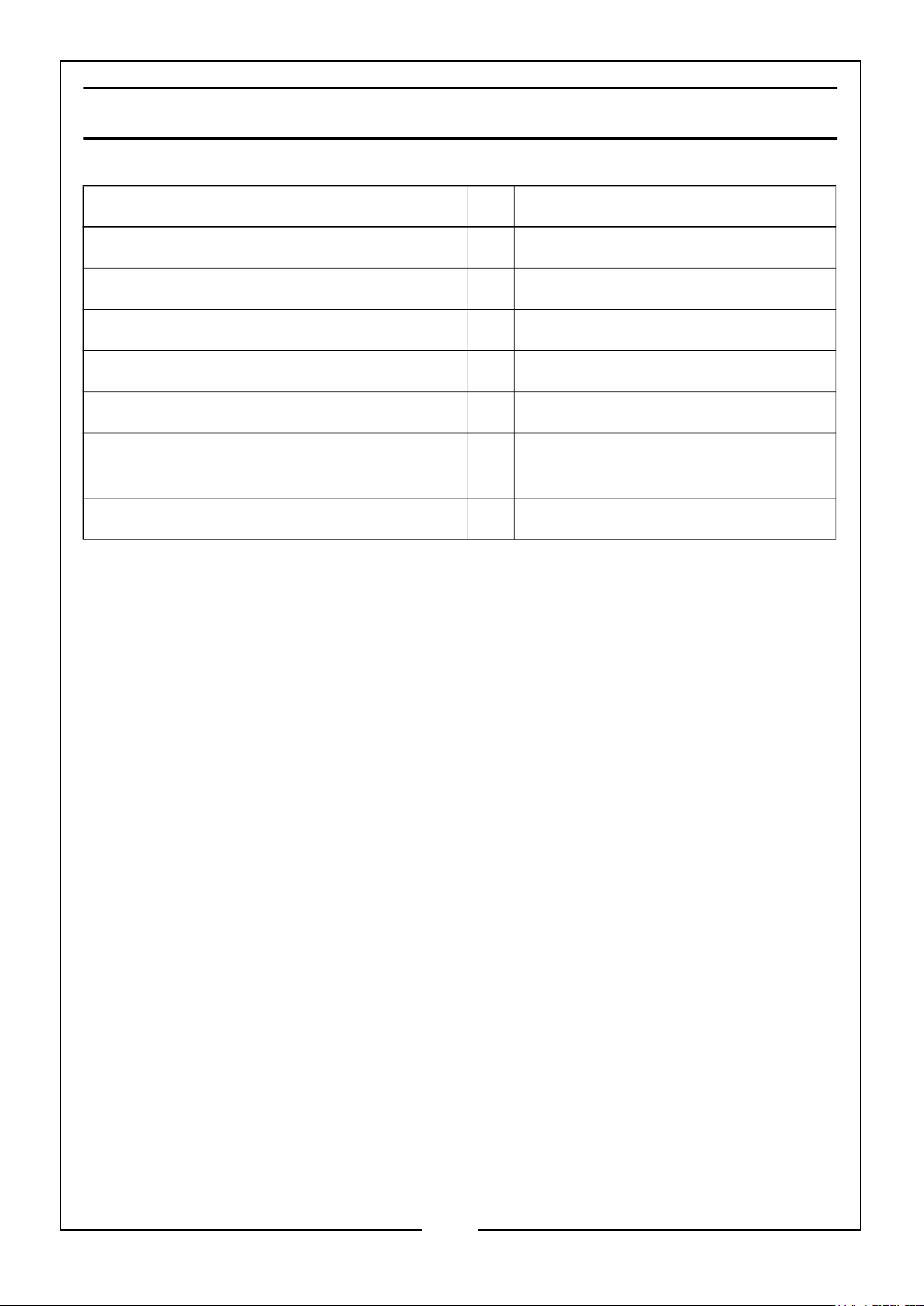
NO DESCRIPTION NO DESCRIPTION
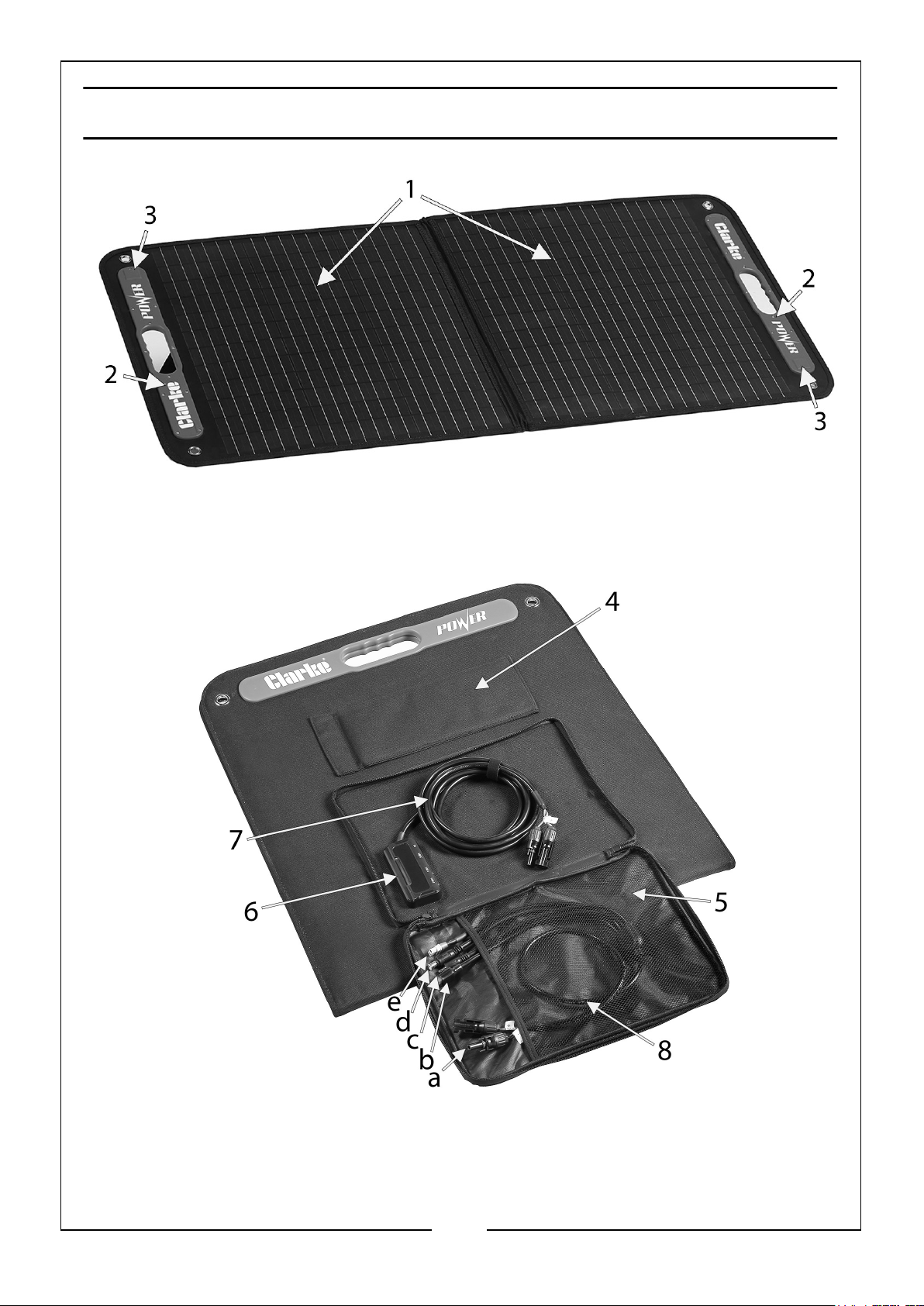
1 PET Solar Panel (x2) 8 4 Way Connection Cable
2 Carrying Handles (x2) 8a MC4 Solar Panel Connector
3 Magnetic Catches (x2) 8b DC5525 Connector
4 Support Arms (x2) 8c DC5521 Connector
5 Storage Pocket 8d DC7909 Connector
6 Multifunction Junction Box (2 x USB,
1 x USB-C, 1 x DC Ports)
7 Hardwired MC4 Connection Cable
8e XT60 Connector
5
Parts & Service: 020 8988 7400 / E-mail: [email protected] or [email protected]
Page 6
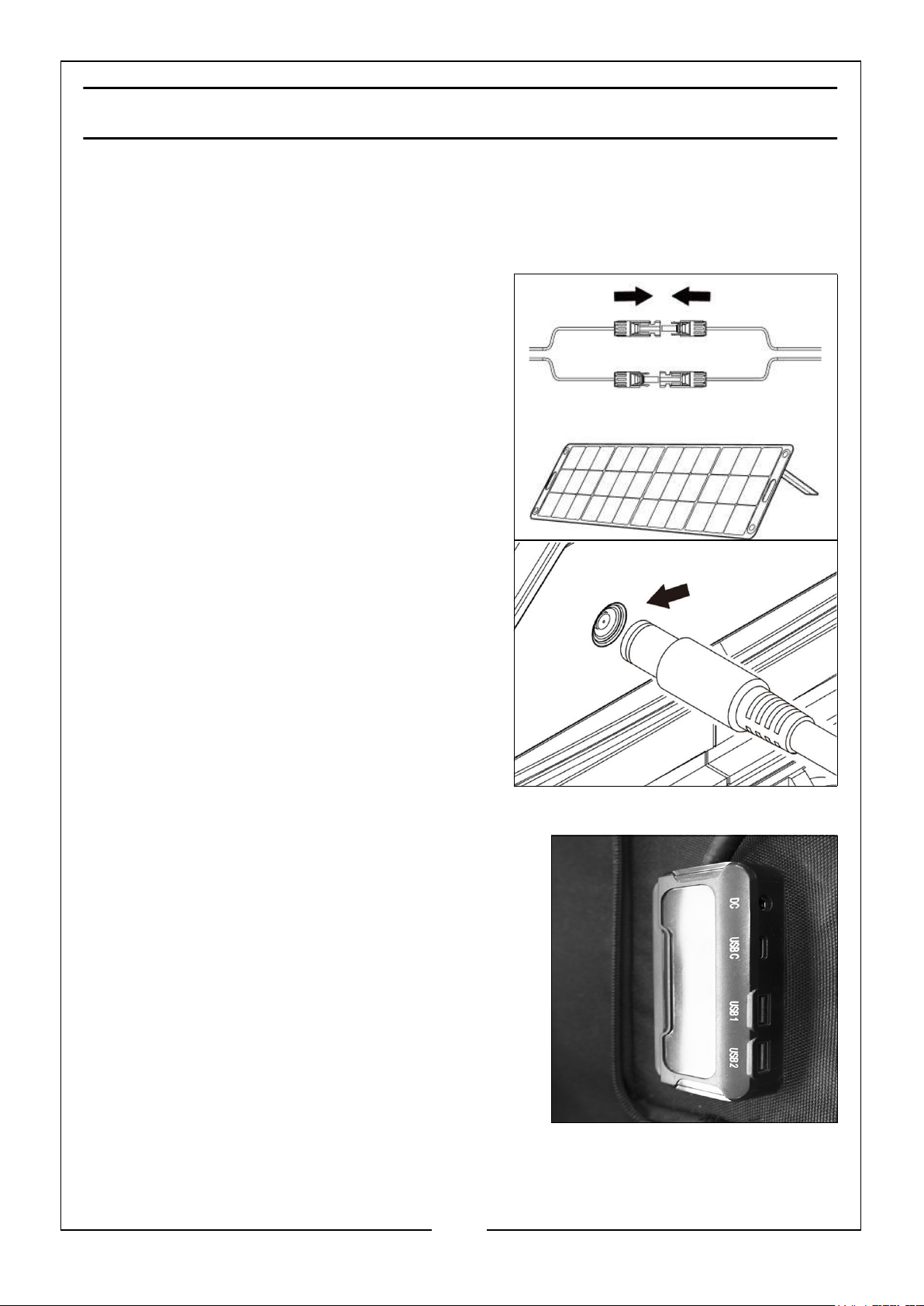
CHARGING THE BATTERY/POWER BANK
The battery power of a power station will be consumed during use. You can charge
the power station as follows:
CHARGING BATTERY/POWER STATION
1. Connect the battery/power stations 4 way
MC4 charging cable to the solar panels
hardwired MC4 cable connection.
2. Open the solar panel so the active cells are
facing towards the sun, using the support
arms if needed.
3. Insert the appropriate DC plug (DC7909
shown) into the charging port of the
battery/power station.
4. The battery/power station should
automatically start charging.
CHARGING OTHER APPLIANCES
The solar panel has a multifunction junction box
with the following cable connection ports:
• 2 x Standard USB ports
• 1 x USB-C port
• 1 x Female DC port
1. Connect the appropriate charging cable to one
of the above ports.
2. Open the solar panel so that the active cells
are facing towards the sun, using the support
arms if needed.
3. Attach the device that needs charging to the charging cable.
4. The device should automatically start charging.
6
Parts & Service: 020 8988 7400 / E-mail: [email protected] or [email protected]
Page 7
STORAGE & MAINTENANCE
1. Store the solar panel at an ambient temperature of 10°C to 30°C, away from
water, heat and other metal objects.
2. For safety reasons, DO NOT store the product in an ambient temperature above
45°C or below -10°C for extended periods of time.
3. To clean, wipe surfaces with a clean damp cloth and wipe dry. DO NOT use any
chemical or abrasive cleaning solutions or materials.
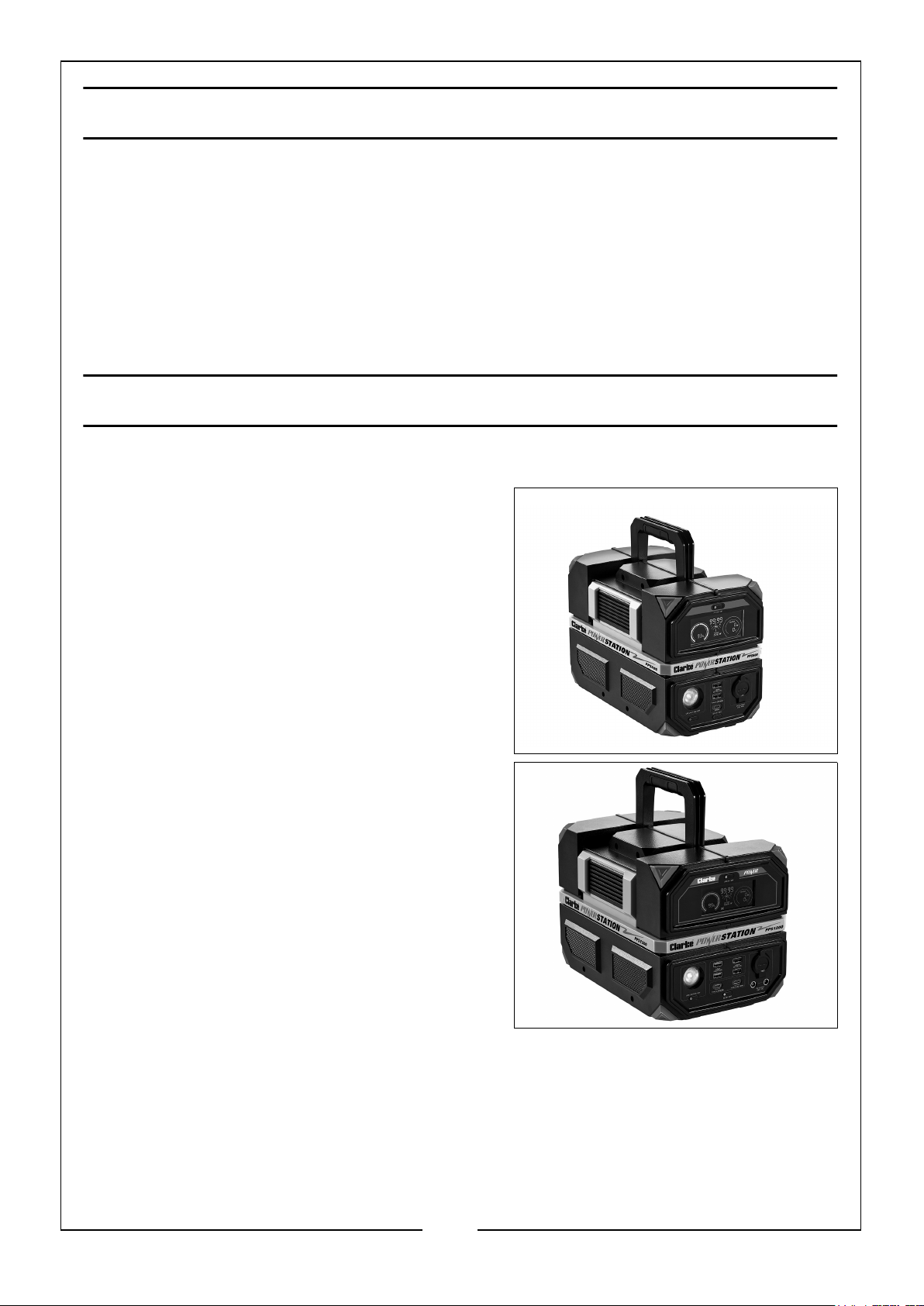
CLARKE POWER STATIONS
CLARKE Portable Power Stations are sold separately, as follows:
1. PPS600 (8877140) 600W Portable Power
Station.
• 1 x AC 230V Outlet Socket
• 2 x USB-A (DC 5V/3.1A) Sockets
• 1 x DC 12V Car Type Socket
• 1 x DC USB-C (PD 60W) Socket
• 1 x 3.5V, 2W LED Worklight
2. PPS1200 (8877145) 1200W Portable
Power Station.
• 2 x AC 230V Outlet Socket
• 2 x USB-A (QC3.0/18W) Sockets
• 2 x USB-A (DC 5V/3.1A) Sockets
• 1 x DC 12V Car Type Socket
• 2 x DC USB-C (PD 60W & PD 100W)
Sockets
• 2 x DC (6.5mm x 1.4mm) Sockets
• 1 x 3.5V, 2W LED Worklight
7
Parts & Service: 020 8988 7400 / E-mail: [email protected] or [email protected]
Page 8
SPECIFICATIONS
Item Specification
Model SFP1
Part Number 6487078
Weight 4.2kg
Size (D x W x H) Open: 580mm x 1250mm x 50mm
Closed: 580mm x 625mm x 50mm
Solar Cell Type Monocrystaline
Solar Cell Quantity 72
Solar Cell Orientation
(Optimal Tilt Angle)
Application Class Class A
Maximum Power 100W
Power Tolerance ±5%
Optimum Operating Voltage 18V
Optimum Operating Current 5.56A
Open Circuit Voltage 21.6V
Short Circuit Voltage 5.88A
Module Efficiency 22%
Maximum System Voltage 1000 VDC (IEC/600 VDC) (UL)
Maximum Series Fuse Rating 10A
Output Connector Types 2 x USB, 1 x USB-C Type, 1 x DC
Operating Temperature Range -40°C - 85°C / -40°F - 185°F
Nominal Operating Cell Temperature 45°C (±2°C)
Winter: Location Latitude + 15°
Summer: Location Latitude - 15°
Temperature Coefficient of Pmax -0.38%/°C
Insulation Protection Class Class III
Ingress Protection Rating (IP) IP20
Please note that the details and specifications contained herein, are correct at the
time of going to print. However, CLARKE International reserve the right to change
specifications at any time without prior notice.
8
Parts & Service: 020 8988 7400 / E-mail: [email protected] or [email protected]
Page 9
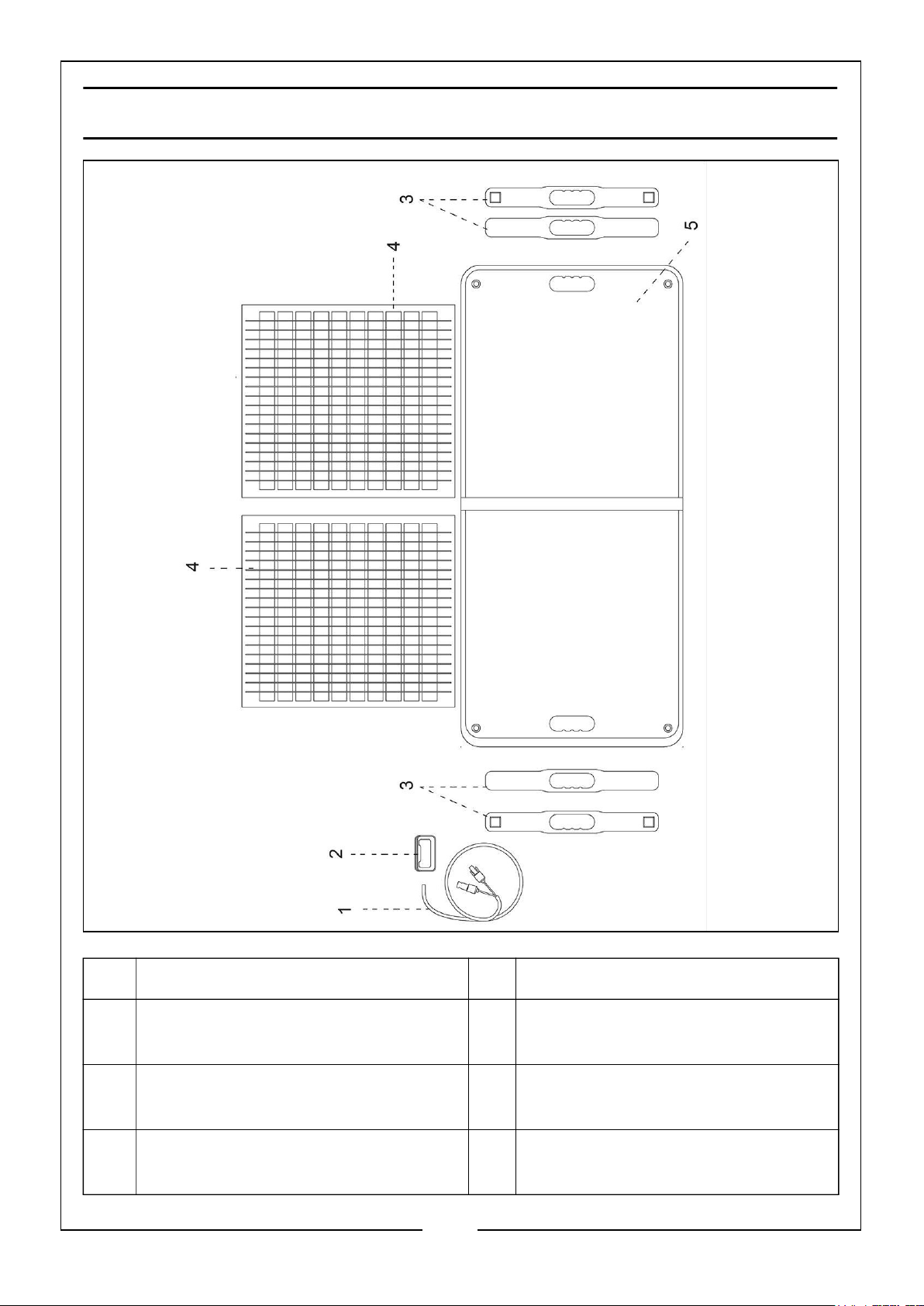
DIAGRAM
NO DESCRIPTION NO DESCRIPTION
1 Hardwired Connection Cable (with
MC4 Connectors)
2 Multifunction Junction Box (with 2 x
USB, 1 x USB-C & 1 x DC Ports)
3 Plastic Handles with Magnetic
Catches
Parts & Service: 020 8988 7400 / E-mail: [email protected] or [email protected]
4 Polyethylene Terephthalate (PET)
Solar Panels (x2)
5 Sewn Cloth Cover with Storage
Pocket and Support Arms
6 4 Way Connection Cable
(Not Shown)
9
Page 10

DECLARATIONS OF CONFORMITY - UKCA
10
Parts & Service: 020 8988 7400 / E-mail: [email protected] or [email protected]
Page 11
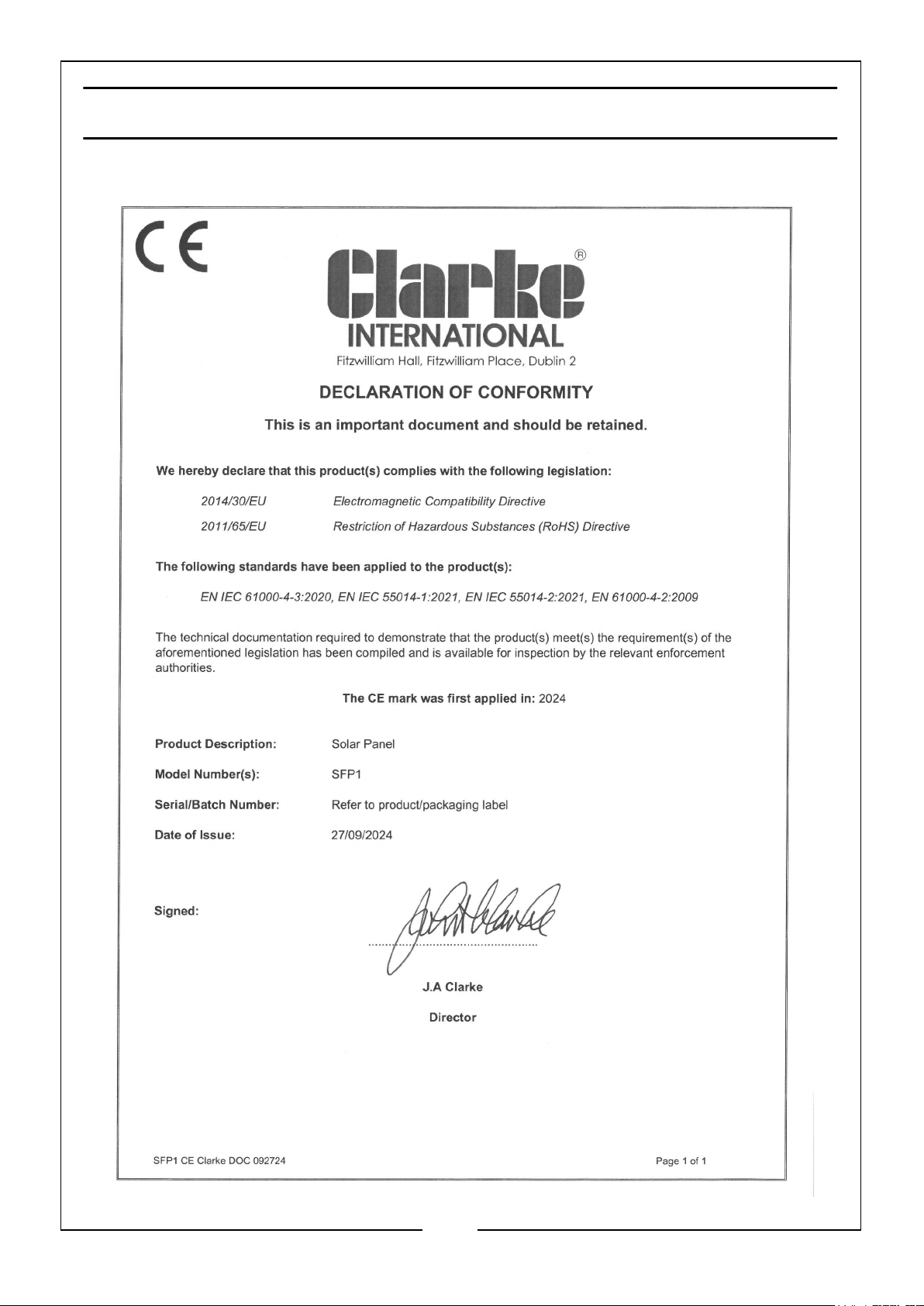
DECLARATIONS OF CONFORMITY - CE
11
Parts & Service: 020 8988 7400 / E-mail: [email protected] or [email protected]
Page 12

 Loading...