

Page 1
ENGLISH VERSION
CITO
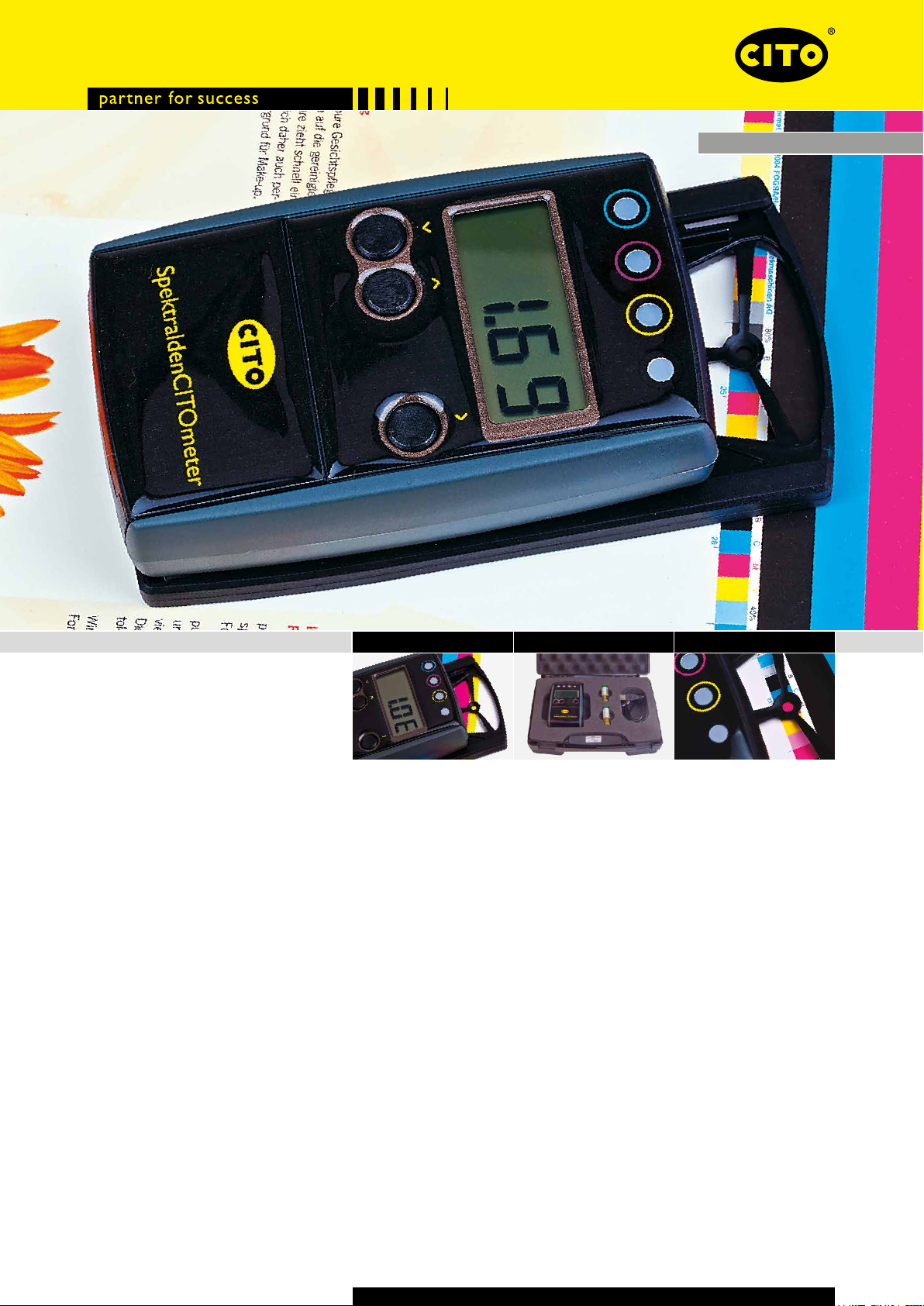
SpectraldenCITOmeter
Manual
ProcessLine
Page 2
SpectraldenCITOmeter
Usage
Zero on paper in relative density mode
0.00
1.43
Position the aperture on white paper and move the device over the aperture.
The display will show Zero Density. Hold the key while moving the device
over the aperture to force zeroing.
Measure density
Position the aperture on a solid patch and move the device over the aperture.
The dominant density will be displayed. Press the key to display the secondary
densities. Hold the key while moving the device over the aperture to force a
density measurement of the actually selected color.
The color of the dominant density is displayed by a ashing LED.
÷
o:24
÷
o:13
÷
:79
4.2E
Measure dot gain
Measure the solid density as described above.
Position the aperture on a ¾ tone patch and move the device over the aperture. A shadow dot gain value will be displayed.
Position the aperture on a ½ tone patch and move the device over the aperture. A mid tone dot gain value will be displayed.
Measure absolute dot
Measure the solid density as described above.
Position the aperture on a tint percentage patch and hold the key while moving the device over the aperture. The absolute dot% is displayed.
Measure density and balance difference
Measure the reference with the key depressed.
Measure the actual with the key depressed.
Cycle through the colors with the ke y.
Measure Delta E2000
Select Delta E mode using the key. This mode is displayed by 4 ashing
LEDs and one E in the LCD.
Measure the reference with the key depressed. Measure the sample without
pressing any key.
Press the key to display colour corrections.
Page 3
SpectraldenCITOmeter
Conguration
~
~
~
~
~
A8S
~
~
0.08
~
CAL
~
1.08
rEL
Adjust mode
Hold the key for at least 5 seconds to enter or exit the adjust mode. A ~ sym-
bol in the LCD left top corner appears.
Press the key to move through the setup functions ABS/REL, CAL, Dot Gain on/off,
¾ tone reference, ½ tone reference.
Absolute and relative density
Press the key to toggle between absolute ABS and relative rEL density.
The ~ symbol stays for ABS mode.
Absolute white calibration
Position the aperture on the absolute white reference. Move the device over
the aperture. The absolute density is displayed and LED of the actual color channel is ashing.
Press the key to decrement density, the key to increment density, the
key to select next color.
Move the device forward until ABS appears in the LCD to exit ABS calibration.
Adjust calibration
Press the key until CAL appears in the LCD. Position the aper ture on the
absolute white reference and move the device over the aperture. The display will
show ~0.00. Press the key to return to CAL.
Measure solid C,M,Y, K. The measured density is displayed and the LED is ashing.
Press the key to decrement density, the key to increment density, the key
to save and exit density adjustment. Calibrate next color as described.
~
÷
d:on
~
÷
d:oF
Dot gain ON/OFF setting
Press the key to toggle between dot gain function on and dot gain function off.
Press the key to select the reference for mid tone or shadow tone. Adjust the
reference value using the keys.
~
÷
o:40
~
÷
o:80
Page 4
SpectraldenCITOmeter
Service
Battery low
BAT
1.28
---
If B AT appears on the LCD, change the batteries. Open the battery cover and
replace batteries with 2 AA (LR6) 1.5V standard batteries.
Measurement time was too short
Keep device in front position until the measurement value appears.
Cleaning
The SpectraldenCITOmeter casing can be cleaned with a dry cloth.
Important: This manual describes the current version of the SpectraldenCITOmeter
hardware and software. Future enhancements or modications are reserved.
Safety Instructions
For safety reasons it is absolutely necessary to read through the user‘s guide and
all of the instructions it contains. If the safety recommendations and instructions
in this user guide are not complied with, measurement errors or data loss or
physical injury or proper ty damage may result.
• SpectraldenCITOmeter is not intrinsically safe. Therefore the device cannot
be used in an environment with explosive vapors where there is a risk of
spark ignition or in an area with strong electromagnetic elds. It should be
protected against chemicals, corrosive vapors, strong mechanical vibrations
and impacts.
• Use the SpectraldenCITOmeter in ambient temperatures between 15 °C
(59 °F) and 40 °C (104 °F), and do not expose to direct sun light.
• The SpectraldenCITOmeter should never be opened as there are no user
serviceable parts. Doing so voids the guarantee. Contact your authorized
dealer if repairs are necessary.
• To avoid incorrect handling, the SpectraldenCITOmeter should only be used
by trained personnel.
• Use original spare parts and accessories only. Contact your authorized dealer.
• Use the original packaging exclusively when transporting.
MEA00077
CITO-SYSTEM GmbH • Haimendorfer Str. 37+46 • 90571 Schwaig bei Nürnberg/Germany
Phone +49 911 95885-0 • Fax +49 911 95885-50 • [email protected] • www.cito.de
MEA00077-NR-2014-07-EN
 Loading...