

Page 1
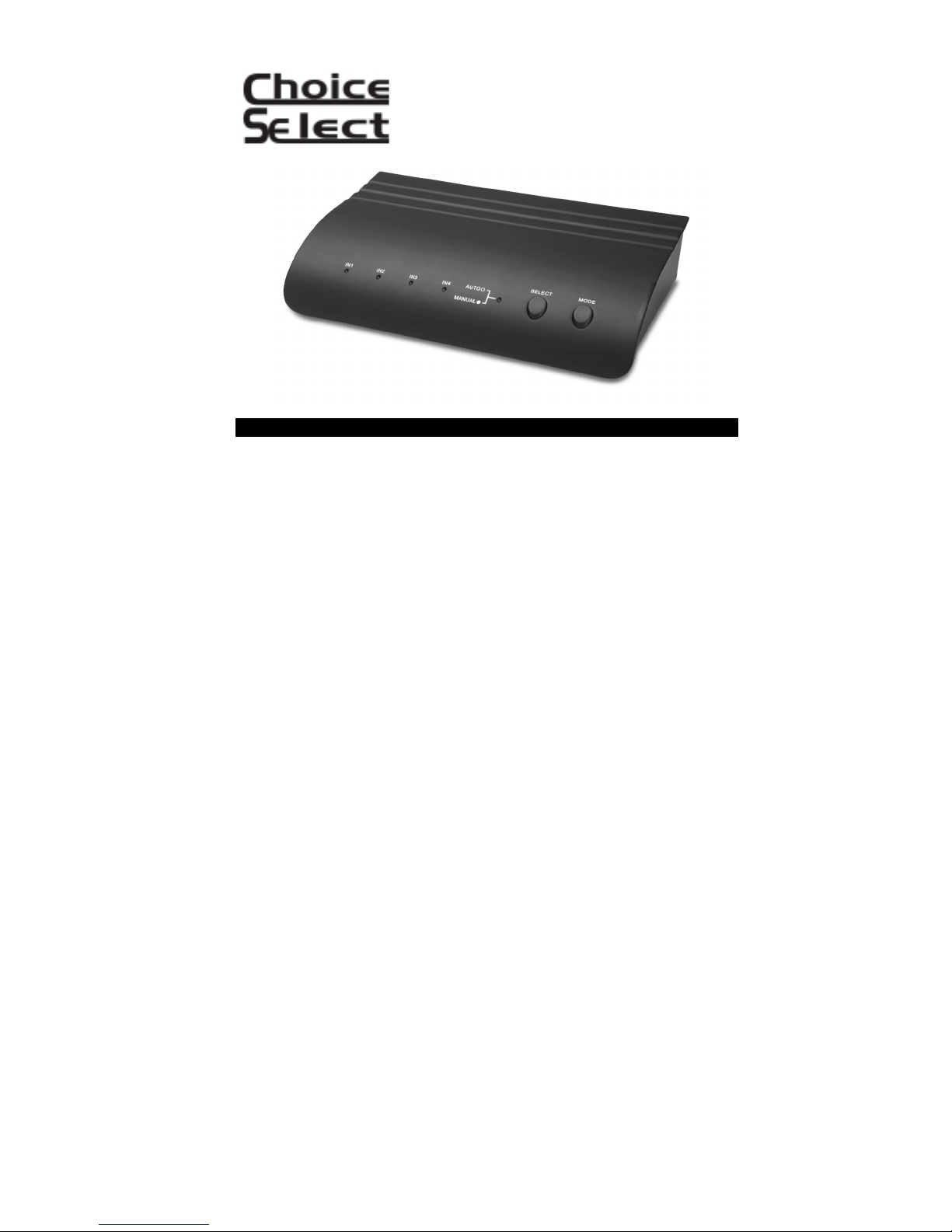
Automatic Component Video
and Audio Switcher
4 inputs / 1 output
OPERATION
This CHOICE SELECT HDTV 4-way Audio Switc her is i deal for c onnecting DVD players,
Cable boxes, Game consoles, Cam corders, VCRs etc. to one monitor, s uch as HDTV
Display, Television or other device, without switching cables. (Note: This device does
not transcode, that is, the format of the input device m ust match t he format of t he output
device. For example, input signal from a YPbPR device cannot be output to a YCbCr
device.)
Please read this manual carefull y and retain it for future reference.
FEATURES
• 4 Inputs / 1 Output
4 Component Video Inputs
4 S-Video Inputs
4 Composite Video Inputs
4 Stereo Audio Inputs
• Manual or Automatic Operating Mode
• 115VAC Power Adapter Included
• Channel Separation: 40dB (at 10MHz)
• Video Bandwidth: 30MHz
• Compatible with Progressive Scan
YPbPr 480p, 576p, 720p and 1080i
• Compatible with Interlac ed S can
YCbCr Component Video
• Dimensions: 10" W x 2" H x 6" D
PACKAGE CONTENTS
(1) CHO4005 Switcher
(1) 115VAC Power Adapter
Page 2
Front panel
Rear Panel
Home Theater
TM
XBOX
Satellite Receiver
ILLUSTRATION
CONNECTION ILLUSTRATION
DVD/Recorder
TV/Plasma/LCD
Display
Page 3

OPERATION
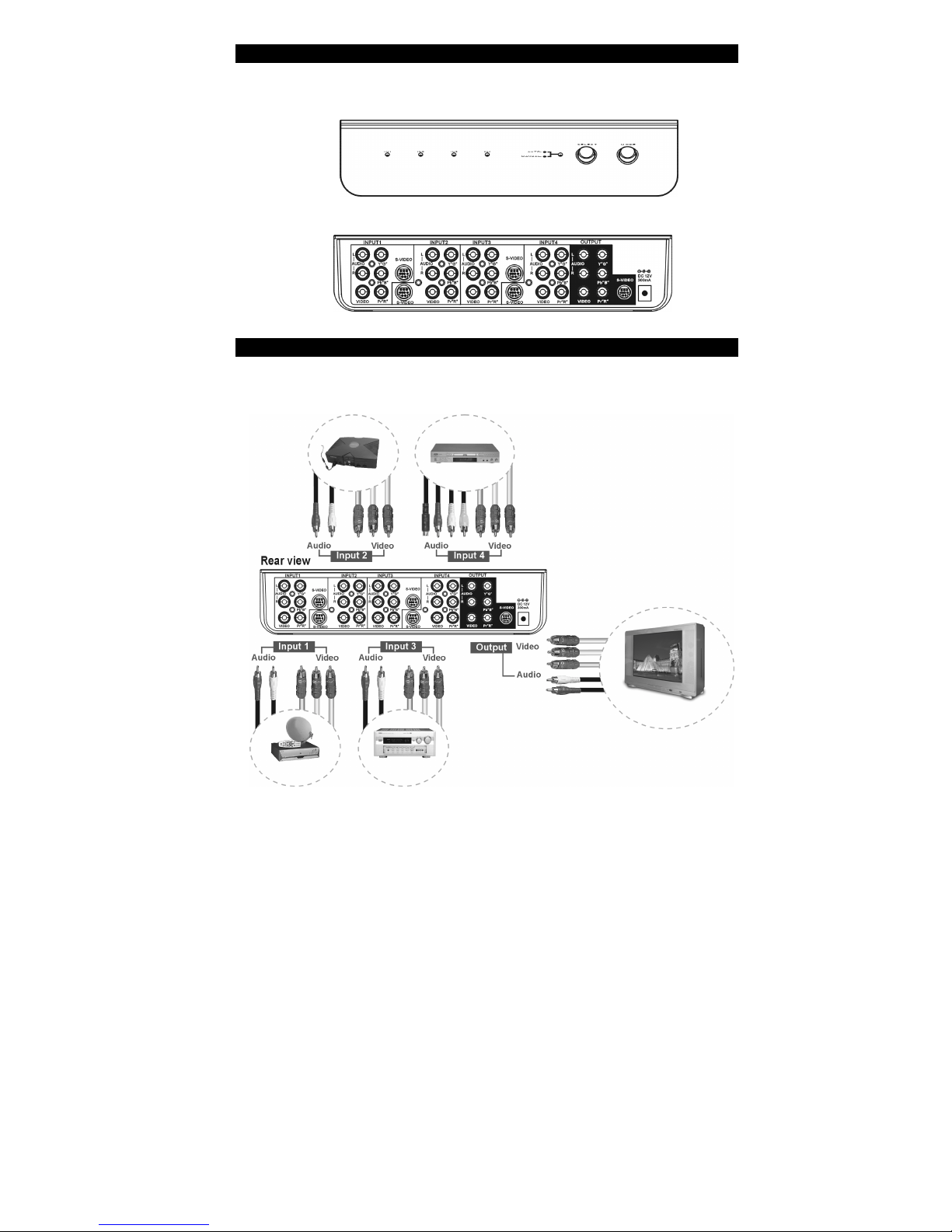
Connection:
Step 1. Connect the Component video cable (or S-Video or Com posite V ideo) and Audio
Step 2: Connect the CHO4005 output to the input of your Big Screen Display or TV,
Step 3: Connect the barrel end of the AC-DC Adaptor t o the DC input of the CHO4005
Mode Selection:
AUTO
When you power on the CHO4005, the "AUTO" LED on the front panel will light up,
indicating the device is i n "aut om atic sens ing" m ode. W hen i n " AUTO" m ode, t he device
will scan all four inputs, and route the last input f ound to the CHO4005 output.
MANUAL
You can switch to "MANUAL" m ode by pressing the "MODE" butt on once. The LED on
the front panel will turn off, indicating that the device is now in "MANUAL" mode. You
can toggle through the (4) inputs by pres sing the "SE LECT" button until the desired input
is reached, indicated by t he LE D' s on the front panels (IN1, I N2, IN3 or IN4).
R/L cable to the outputs of your video devices and the input s of the CHO4005.
(NOTE: Cables and inputs are color-c oded. Be sure t o attac h the c ables to the
proper color input, or distortion and/or loss of signal will occur.)
using the appropriate cable. Use an audio R/L cable to connect the audio
output of the CHO4005 to the input your amplifier or televisi on.
and plug the AC end into an AC Outlet. Please note: use only supplied AC
adaptor.
 Loading...