

Page 1
Channel Vision Technology will repair or replace any defect in
material or workmanship which occurs during normal use of this
p
roduct with new or rebuilt parts, free of charge in the USA, for two
years from the date of original purchase. This is a no hassle warranty
with no mail in warranty card needed. This warranty does not cover
damages in shipment, failures caused by other products not supplied
by Channel Vision Technology, or failures due to accident, misuse,
abuse, or alteration of the equipment. Thiswarranty is extended only
to the original purchaser, and a purchase receipt, invoice, or other
p
roof of original purchase date will be required before warranty
repairs are provided.
Mail in service can be obtained during thewarranty period by calling
(800) 840-0288 toll free. A Return Authorization number must be
obtained in advance and canbe marked on the outside ofthe shipping
carton.
This warranty givesyou specific legal rightsand you may have other
rights (which vary from state to state). If a problem with this product
develops during or after the warranty period, please contact Channel
Vision Technology, your dealer or any factory-authorized service
center.
500-116 rev B
A0501
REMOTE CONTROL
CVHANNEL ISION
TM
S
O
U
R
C
E
ZONE
POWER
MUTE
VOL
1
2
3
4
MODEL
A0501
POWER
Page 2
CVHANNEL ISION
TM
S
O
U
R
C
E
ZONE
POWER
MUTE
VOL
1
2
3
4
MODEL
A0501
POWER
2
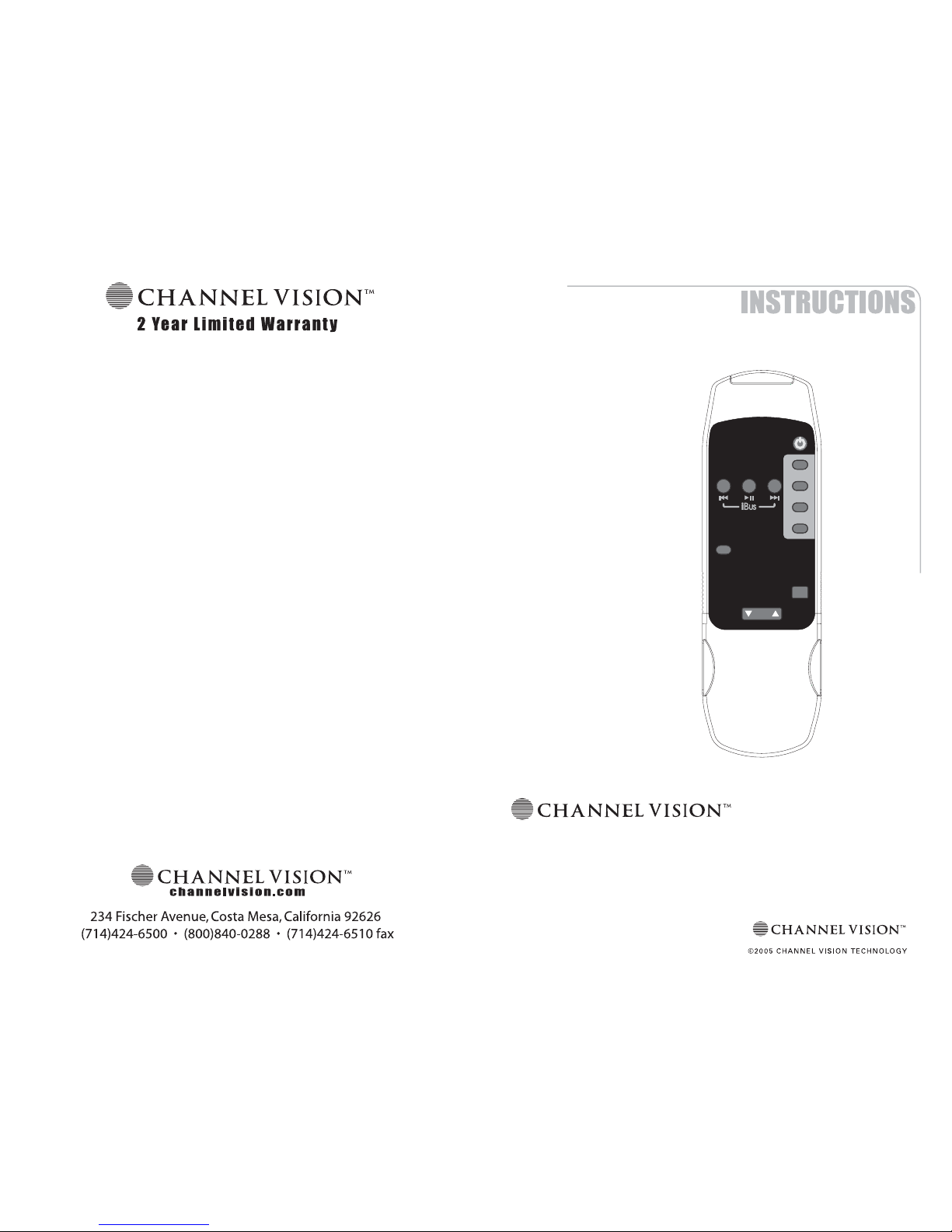
The allows you to operate many of Channel Vision’s whole-house
audio systems without needing to touch the keypad. Additionally, this
remote provides shuttle controls for the A0312 and other compatible iBus
products.
A0501
Features:
!
!
!
Easily controls your whole-house audio system
No programming necessary
Compatible with: P-1044, AB-124, A4601, and A0312
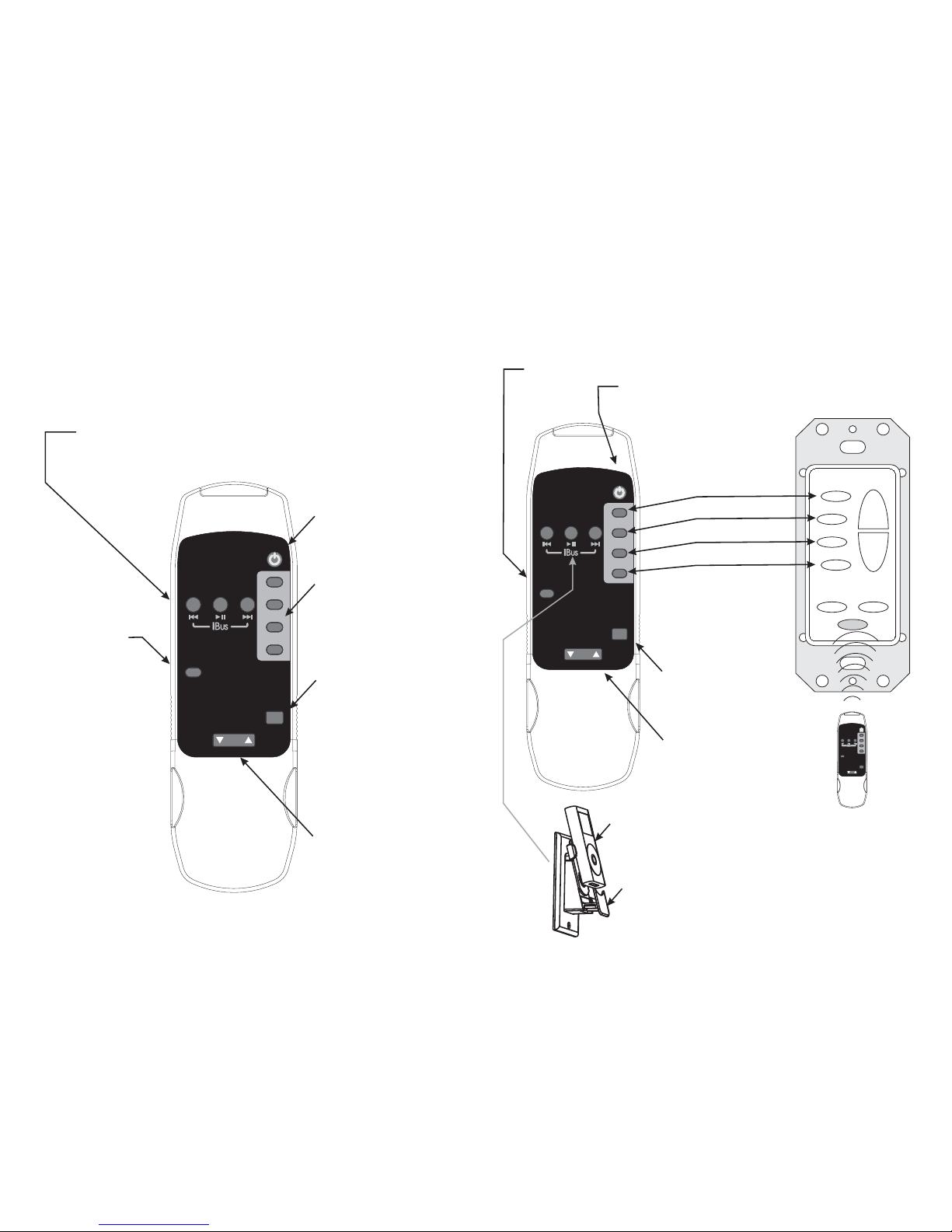
Source Selection
Buttons
Mute
Mutes audio, but video
will continue.
Volume Up/Down
Adjusts the volume
for the zone you are
in.
Zone Power
Turns off Audio
and Video for
the zone you
are in.
i-BUS Shuttle Control Buttons
Compatible with A0312 and other iBus wall docking stations.
Not compatible with AB-311
System Power Button
Turns on/off all zones of
the multi-zone audio
system.
CVHANNEL ISION
TM
S
O
U
R
C
E
ZONE
POWER
MUTE
VOL
1
2
3
4
MODEL
A0501
POWER
CVHANNEL ISION
TM
S
O
U
R
C
E
ZONE
POWER
MUTE
VOL
1
2
3
4
MODEL
A0501
POWER
3
Pwr
Mute
Vid 1
Vid 2
Vid 3
Vid 4
Vol
+
Vol
-
Using the A0501 remote control...
The A0501 is designed to allow you to control your A4601 without having to
touch the buttons on the A0127. Simply point the A0501 remote control at the
IR sensor located at the bottom of the A0127 and press the desired button.
Using the A0501 remote with iBus...
Your iPod’s shuttle controls can be operated
from the A0501 when it is docked in a
compatible iBus wall station.
Zone Power - Turns on/off the zone you are in
Power - Master power for A4601 (turns all zones on/off)
Mute - Mutes the audio
for the zone you are in
VOL - Controls volume
for the zone you are in
iPod
A0312
Source Buttons
 Loading...