

Page 1

Colour Network
Printer Unit
C1 V2.1
Consistent colour - top performance
NETWORK PRINTER UNIT
Page 2

Whether you’re printing corporate
presentations, high-resolution
graphic images or colour intensive
documents, the Colour Network
Printer Unit C1 V2.1 has everything
you need.
Colour Network Printer
Unit C1 V2.1
Fiery System 5.5 Software
The Colour Network Printer Unit C1
V2.1 offers a range of software to
improve the colour printing
performance of the CLC2620 and
CLC3220. Fiery System 5.5 software
delivers workflow enhancement and
management tools together with full
document imposition capability and
document editing and assembly. The
software also includes professional
applications for colour management,
networking, scanning and remote job
management.
Intel® Pentium 3
@ 850GHz, 20GB
HD, up to 256MB
Memory.
Total Workflow Control
™
Command Workstation
The Command WorkStation 4
centralized job management interface
software is designed for easy control
and navigation, suitable for both
beginners and professionals alike.
Within PC environments Command
WorkStation 4 makes managing
the most hectic workflows easy by
automatically identifying Fiery servers
on your network and offering new
customization options so you can
choose the most efficient way to
display information about connected
controllers. Re-print or hold jobs, view
full-screen previews, merge and
download files, archive jobs and
easily set properties for duplex or
multi-page jobs.
4
Command Workstation™4 LE
for Macintosh OS
Macintosh environments can also
benefit from greater job management
flexibility with Command WorkStation 4
LE for Macintosh environments, which
is now supported on the Colour
Network Printer Unit C1 V2.1. This new
application gives Macintosh print
professionals access to a variety of
Command WorkStation functions and
can be downloaded and installed using
Fiery WebTools™ or the Fiery User
Software CD.
Now you can create, print, scan and
manage spectacular documents with ease.
Providing complete, networked job and colour management this controller seamlessly
connects to enable you to submit jobs, monitor progress, make revisions and issue
approvals all from your PC or Macintosh, making it ideal for printing environments such
as Corporate Reprographic Departments, Copy Shops and Quick Printers.
Page 3
Advanced Handling With
Networking And System
Utilities
Fiery Netwise
Accelerate setup and connect
seamlessly on all popular network
environments with Fiery NetWise.
The Colour Network Printer Unit C1 V2.1
automatically switches between all
standard protocols and speeds,
including TCP/IP, AppleTalk and
IPX/SPX, as well as major network ports
such as 10/100Base T connections.
Depend on Fiery NetWise for consistent
technology that simplifies your
configuration and supports the needs
of any workgroup environment.
Fiery Scan
Fiery Scan incorporates the Fiery
controller as a key element of network
and distribution scanning. Scans can be
initiated remotely or at the Fiery and
stored on a local hard drive. The user
can then distribute the scans via FTP,
Internet or fax; or email to any email
account around the world, download
the file directly to the Fiery Hold queue
to build documents and save the
scanned file directly to a PC. Scans
can also be retrieved via the Fiery
WebTools™ utility, local Fiery interface
or TWAIN plug-in.
™
™
Fiery Webtools
Fiery WebTools allow you to administer
the Colour Network Printer Unit C1 V2.1
and print jobs through any Java-enabled
browser, such as Microsoft Internet
Explorer or Netscape Communicator.
The Fiery WebTools applications let you
view the current status of these jobs,
and merge, edit, preview and manage
these more efficiently. You can
also install print drivers and utilities
from workstations.
FTP Printing
This new feature allows the Colour
Network Printer Unit C1 V2.1 to work
as an FTP server allowing the user to
send files to the device through the
FTP protocol. The device will then
print the file.
Exceptional Productivity With
Enhanced Imposition
Technology
™
Fiery DocBuilder
Edit and assemble entire documents
before RIPping the files with Fiery
DocBuilder Pro – the industry’s first
server-based imposition application
based on Adobe System’s Portable
Document Format (PDF). Recent
improvements in DocBuilder Pro
include performance gains of up to
70 per cent, increased page layout
accuracy and support for mixed
page sizes, late editing and
enhanced templates.
The Colour Network Printer Unit C1
V2.1 now supports reduced booklet
printing. Reduced booklet printing is
where the user is printing A4
pages/sheets and wants to create a
booklet with A4 sheets printing each
page as A5.
Pro*
Manage Colours Effectively
ColorWise
The Colour Network Printer Unit C1
V2.1 adds flexibility and features to
help you achieve professional colour
quality results on output devices and
accurately simulate the output of other
colour devices. Designed for
extensibility, ColorWise®colour
management software allows you to
add custom and future colour profiles
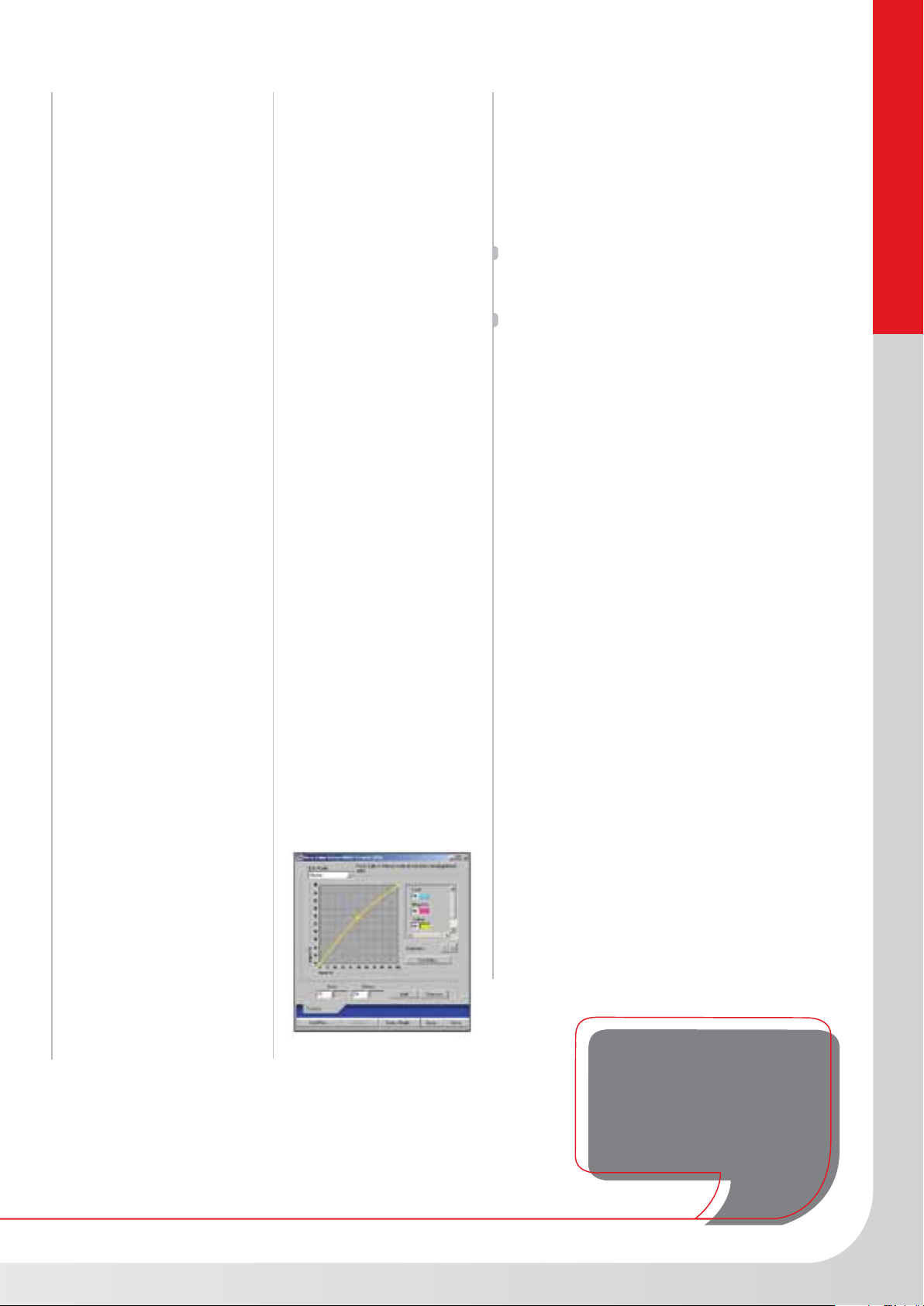
as you need them. ColorWise Pro Tools
(ICC Profile Manager, Colour Editor,
Colour SetUp and Calibrator)
ensure accurate printing in any
colour workflow.
®
Expert Level Colour Tools
Fiery Graphic Arts Package
The Colour Network Printer Unit C1
V2.1 now also includes two selected
tools from the Fiery Graphic Arts
Package, which integrate seamlessly
with ColorWise.
Auto trapping – automatically corrects
mis-registration, resulting in highest
quality output for the final printed job.
Spot-On – provides accurate and
consistent colour matching capabilities.
With Spot-On, you can manage named
colours, including all PANTONE, HKS,
Toyo and DIC names, in PostScript or
PDF documents. In addition, named
colours can be custom-created with
user-specified name and CMYK value.
High Performance Variable
Data Printing
Freeform Technology
Fiery FreeForm enables the Colour
Network Printer Unit C1 V2.1 to take
full advantage of digital printing
technology by making variable data
printing easy and fast. Any front-end
application can be deployed to create
master templates and variable
information, decreasing the learning
curve for new Variable Date Printing
(VDP) users. With Fiery FreeForm,
variable data is paired with master data
at the server. Then the master is RIPped
only once to save printing time.
Printshop Mail*
Graphic professionals can still utilize
their favorite applications and platforms
when creating VDP masters. A powerful
application, such as PrintShop Mail,
integrates design and database
functionality by simply dragging and
dropping database fields. With the full
integration of PrintShop Mail and Fiery
FreeForm technology, this represents a
unique and unprecedented option with
this package.
Canon can help you
create the highest quality
short-run documents out
of the box
NETWORK PRINTER UNIT
* Is available as Option with the Colour Network Printer Unit C1 V2.0
Page 4
Specifications Colour Network Printer Unit C1 V2.1
CLC’s Supported CLC 2620 / 3220
HARDWARE
Operating System Linux based
Supported Platforms Mac OSX, Win 98/ME/NT4.0/2000/XP/Server 2003/Unix
Processor Intel® Pentium 3 CPU @850 GHz
Hard Drive 20 GB
Memory Chips 128 MB DDR (up to 256 MB w/upgrade)
Compression ECT (Electronics for Imaging Compression Technology)
FIERY SYSTEM 5.5
Page Description Languages Adobe PostScript 3 v3015
NETWORKING FEATURES
NetWise™ Version 3 Windows Support
Auto-Switching
Protocol Support TCP/IP
Open Programming Interface SNMP Support
IMPOSITION
Fiery DocBuilder™2.2
Technology (OPTIONAL) Continuous Print
COLOR MANAGEMENT
FEATURES
ColorWise® 3
ColorWise® Pro Tools ICC Profile Manager
PCL5c
136 adobe PS fonts installed
PS Unidriver
TIFF v6
Native PDF Support (1.2, 1.3, 1.4)
EPS/EPSF
PCL/PostScript Auto-switching
Mac OS X Support
Ethernet Support 10/100 Base T (RJ-45)
Parallel Port
Novell IPX/SPX
Novell NDS Native
PServer
SMB
LPD
DHCP
BOOTP
AppleTalk
EtherTalk II
Point and Print" for Windows 95/98/NT
PrintMe
IFAX
Harmony API
FPT Printing
Port 9100
Domain name Browsing
BIOS Copy Protection
Automatic IP Configuration
IP Address
IPP Printing Support
Netware 6 Compliant (NDPS, PnP, NDPS Canon Gateway,
Email Client, Email Print)
Serial for Densitometer
Reduced Booklet Printing
RIP-While-Print®
Electronic Collation
Thumbnail Preview and Job Merging & Editing
Error-Free Printing
Save - Fast Reprint
Auto-Duplexing
PitStop technology
VDP Imposition
Error-Free Cut & Stack
Color Editor
Color SetUp
Gretag i1 Support
ED Densitometer 100 (not officially supported)
ES1000 Support (not officially supported)/X-Rite DTP 32/41
Independent RGB, CMYK, and PANTONE® controls
RGB Level I files are automatically converted to PostScript Level II
AutoCal Version 2
ColorCal
New Color Rendering Dictionaries
Image Smoothing
Canon Colour Profiles
CMYK Methods Quick Simulation
Graphic Arts Package Features Spot-On Color Editor
WORKFLOW MANAGEMENT
Command WorkStation™ 4 Job Promote / Demote
Command WorkStation™ 4 LE CWS 4 LE Functions (functions not supported in LE: Print Job Log,
VARIABLE DATA PRINTING
Fiery FreeForm™ 2
Various Languages Supported FreeForm 2
SECURITY IP Filtering (Supported through the OS GUI)
POWER SUPPLY
& CONSUMPTION Maximum Power Consumption 70W
DIMENSIONS Box fitted on back of unit
Some images are simulated for clarity of reproduction. All data is based on Canon ’s standard testing methods.
This leaflet and the specifications of the product have been developed prior to the date of product launch.
Final specifications are subject to change without notice.™ and ®:All company and/or product names are
trademarks and/or registered trademarks of their respective manufacturers in their markets and/or countries.
Full Simulation
PANTONE Spot Color Matching
RGB Separation
Combined Separations (4 Plates)
Automatic Black Overprint
Pure Black Text & Graphics
Post RIP Calibration
Color Charts and Reference Pages
Auto-trapping
Mixed Media
Chapterization
FreeForm Master Preview
Archiving
Job Log
Job Monitor (win only)
Load Balancing
Fiery Remote Scan 5
Fiery Downloader™
Tray Alignment
Member Printing
Sorting
Stapling / Saddle-Stitch
Cover Page for Booklet
Transparency Interleaving
Custom Page Sizes
Tag Bit Support
Print Active Window, Send to (Load Balancing), DocBuilder Pro,
SetUp, Manage Colour, Manage Font, Align Trays, Printing Groups,
Multiple Server Window)
Job Notes Plug-In for Mac OS X
Fiery Driver 2
Fiery WebTools™ (Status, WebSpooler™, WebScan™, WebLink™).
PPML
Creo VPS
Xerox VIPP
PrintShop Mail™
Pageflex Persona™ - Fiery Version (optional)
PowerForm (Win NT only)
MEAP MEAP Compatible
Port Blocking (Supported through the OS GUI)
Job Log Protection
SNMP Security Problem Fix
Re-Writeable Community Name
Canon Inc.
www.canon.com
Canon Europa N.V.
www.canon-europe.com
© Canon Europa NV 2004
Canon’s GENUINE logo means
quality all-round performance
 Loading...