

Page 1
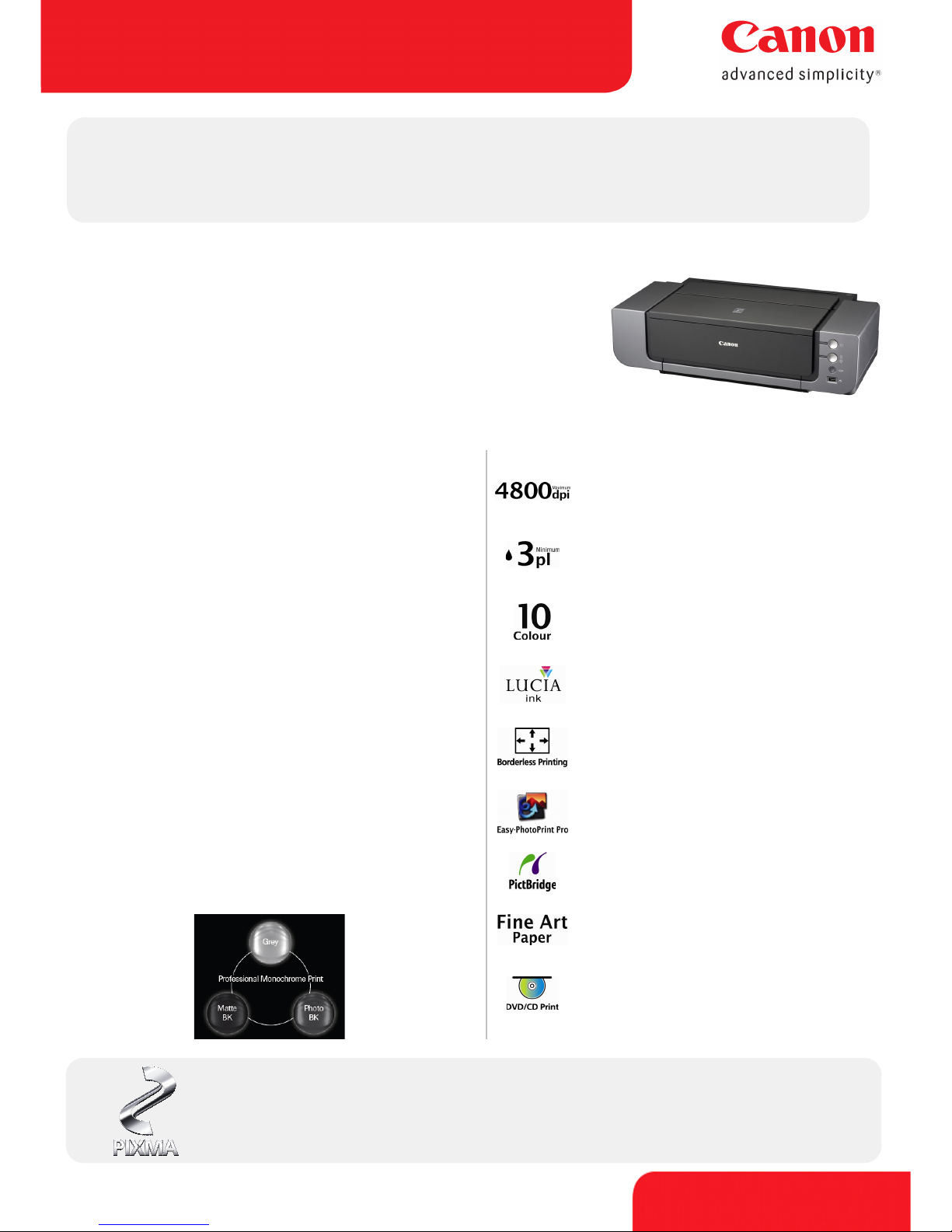
PIXMA PRO9500
Photo Inkjet Printer
canon.com.au
Pure professional performance. Archival quality photos in
black and white or colour.
PIXMA Pro Range
The Pro9500 has been designed with the DNA of Canon EOS cameras and is
built for supreme durability and reliability. The Pro9500 uses pigment-based
inks for all 10 colours, which is a first in the PIXMA series. This improves
photo expressiveness using colour space expansion and supports
professional monochrome printing. The Pro9500 features FINE print-head
technology that allows precise ejection of microscopic ink droplets as small
as 3pl for all colours. Combined with high resolution of 4800 x 2400 dpi, FINE
produces photo quality which are sharp and grain free. The Pro9500 is the
perfect printing solution for professionals who demand archival quality
photos up to A3+ in black and white or colour.
Key Features
Quality images
4800 x 2400 dpi resolution for high quality photos
and documents1
Detail
3 picolitre FINE print-head technology result in
sharper text and enhanced image detail
Efficient Individual Ink Tanks
10 individual colour ink tanks, including 3 types of
black inks producing high quality b&w photos
LUCIA pigment ink
Archival quality in excess of 100 years for colour and
200 years for black and white photos2
A3 borderless
Produce professional, borderless photo prints up to
A3+7
Advanced Software
Professional output settings, assisted by “EasyPhotoPrint Pro”
Archival Quality
LUCIA pigment ink for display permanence ratings in
excess of 100 years for colour images and greater than 200
years for black & white photos with selected Canon photo
and Fine Art paper2.
Monochrome Print Quality
3 full-time monochrome ink tanks (Photo Black, Matte
Black and Grey). No need to swap ink tanks.
The Matte Black ink provides high density true black
renditions on fine art papers; the Photo Black ink provides
high contrast and the grey ink reduces graininess and lines
and stabilises the grey balance in the print. While the grey
ink also reduces metamerism where composite grey inks
make image areas look different under different lighting
conditions.
Easy-PhotoPrint Pro Software
Simple plug-in connection from Digital Photo Professional
(DPP) or Adobe Photoshop CS/CS2/CS3
Directly print RAW images. No need to convert your data to
TIFF or JPEG
Customise and save frequently used print settings offering
the highest level of control through colour management
and monochrome printing.
Click-Connect-Print
Print photos directly from compatible digital cameras
using PictBridge technology, no need for a PC
Fine Art Paper
Supports printing onto Fine Art paper and a wide
range of print media from the front feeder
DVD/CD Print
Precise, fast, high-quality direct printing on printable
DVD/CD media
PIXMA – Print with Confidence
Canon’s PIXMA range features FINE print-head technology which places microscopic ink droplets
on the page with unparalleled accuracy and consistency. PIXMA delivers superior quality to
photographic and document printing with unsurpassed speed and reliability.
Page 2
PIXMA PRO9500
Photo Inkjet Printer
canon.com.au
PIXMA PRO9500 Technical Specifications
Consumables
Printer Functions
Printing Speed4
Photo Paper Plus Semi-gloss (11"x14"image on A3+ with border): approx. 237
seconds in standard quality; approx. 704 seconds in high quality
Printing Resolution1 4800 x 2400 dpi
Borderless Printing A3+, A3, A4, Letter, 5" x 7", 6" x 4", 8" x 10", 10" x 12", 14" x 17"
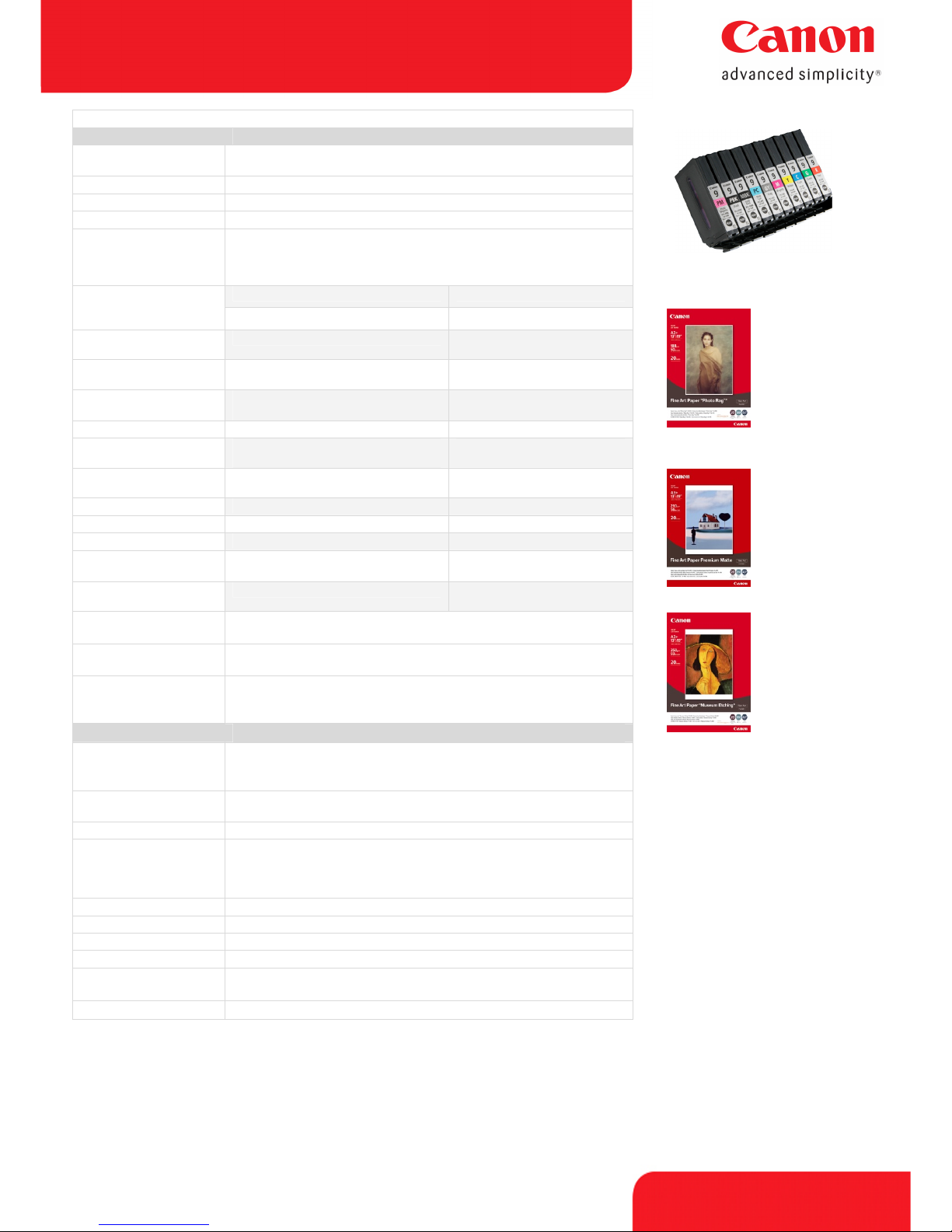
Ink Tanks PGI-9 PM/PBK/MBK/PC/GY/M/Y/C/G/R – Pigment ink tanks
Ink Yield*
11” x 14” image: PGI-9PM – approx. 37, PGI-9PBK - approx. 43, PGI-9MBK approx. 219, PGI-9PC - approx. 44, PGI-9GY - approx. 37, PGI-9M – approx. 144,
PGI-9Y – approx. 125, PGI-9C – approx. 79, PGI-9G – approx. 160, PGI-9R –
approx. 104
Plain Paper (13mm): 150 / 1
Fine Art Paper
Approx. Paper Handling
(ASF / Front Feed)
Super White Paper (SW-201): 100 / 1
Photo Paper Plus Glossy (PP-101): A3+: 1, A3/A4/5”x7”: 10, 6”x4”:
20 / A3+/A3/A4/5”x7”/6”x4”: 1
Photo Paper Plus Semi-gloss (SG-201): A3+: 1, A3/A4: 10, 6”x4”: 20 /
A3+/A3/A4/6”x4”: 1
Matte Photo Paper
(MP-101):
A3+: 1, A3/A4: 10, 6”x4”: 20 /
A3+/A3/A4/6”x4”: 1
Fine Art Paper “Photo Rag” (FA-PR1): A3+/A3+A4: 1 / 1
Fine Art Paper “Premium Matte” (FA-
PM1):
N/A / A3+/A3/A4: 1
Fine Art Paper
“Photo Rag
TM
”
FAPR1
Smooth, bright white,
100% cotton rag based
paper with a soft, velvet
texture.
Fine Art Paper “Museum Etching” (FAME1):
N/A / A3+/A3/A4: 1
Other Fine Art Paper A3+/A3+A4: 1 / A3+/A3+A4:1
Photo Stickers (PS-101): 1 / 1
Plain Paper (13mm): 150 / 1
Super White Paper
(SW-201):
100 / 1
Photo Paper Plus Glossy (PP-101): A3+: 1, A3/A4/5”x7”: 10, 6”x4”:
20 / A3+/A3/A4/5”x7”/6”x4”: 1
Fine Art Paper
Premium Matte
FAPM1
A premium heavyweight
paper with a smooth,
non-glare matte surface.
Supported Paper Sizes LDR, LDR+, A3+, A3, A5, B5, A4, B4, Letter, Legal,
Photo cards (4x6", 4x8", 5x7", 8x10")
Supported Paper Weights
ASF: 64-105g/m² (supported Photo Paper Plus Glossy 270g/m²)
Front Feed: up to 1.2mm
Recommended Printable
Area
Top Margin: 35mm / Bottom Margin: 30.5mm
Top margin :35mm / Bottom margin: 35mm (when printing on Fine Art Paper -
PhotoRag, Premium Matte, Museum Etching and Other Fine Art Paper)
General Features
Bundled Software
Windows: Easy-PhotoPrint, Easy-PhotoPrint Pro, Easy-Layout Print, CDLabelPrint
Macintosh: Easy-PhotoPrint, Easy-PhotoPrint Pro, CD-LabelPrint
Interface
PC: USB 2.0 Hi-Speed
5
Camera Direct: Direct Print Port (PictBridge)
3
Fine Art Paper
Museum Etching
FAME1
Thick, 350gsm fine art
paper with a subtle
surface texture.
Operating System Windows Vista/XP/2000, Mac OS X v 10.2.8 or later
Included as Standard
PIXMA Pro9500 Inkjet Printer, CD Tray, Setup Software & User’s Guide CDROM, 10 individual ink tanks (PGI-9PM, PGI-PBK, PGI-MBK, PGI-PC, PGI-GY,
PGI-M, PGI-Y, PGI-C, PGI-G, PGI-R), Print-head, 12 months warranty card,
power cord
Power Source AC 100-240V
Power Consumption Max: 20W6, Standby: 1.8W, Off: 1W
Acoustic Noise Level 36dB(A) in best quality mode
Operating Environment
5-35ºC, 10-90% Humidity
Dimensions (W x D x H) 660 x 354 x 191 mm
(minimum dimensions with paper trays and other extensions closed)
Weight
Approx. 15.4 kg
* Ink yield calculation is based on printing Photo (11" x 14"
image) (colour): When printing ISO/JIS-SCID N2 pattern at
11" x 14" size continuously on A3+ Photo Paper Plus Semigloss, with the default settings of Photo Paper Plus Semigloss using Windows XP printer driver and Photoshop CS2.
Ink yield may vary depending on photos printed,
applications software used, print mode and type of paper
used. This should be used as a guide only and does not
take into account ink that might be used for head cleaning
or head refreshing to maintain printer performance. Please
visit our website for further details.
Subject to change without notice
Disclaimers
1. Ink droplets can be placed with a pitch of 1/4800 inch at minimum.
2. WIR Display Permanenc e Ratings are based on accelerated testing for framed prints, under glass with 5mm air gap. Testing is conducted at 24o C, 60 % relative humidity and with a 35 lux light source.
3. PictBridge came ra direct printing requires PictBridge compatible digital cameras in order to function. Check with your digital camera manufacturer or users guide to de termine PictBridge compatibility.
4. Based on Canon standa rd pattern. Print speed may vary depending on system configuration, interface, software, document complexity, print mode, page coverage, type of paper used and does not take
into account data processing time on host computer. The default mode setting is “High” mode.
5. USB 2.0 Hi-Speed perfo rmance requires Windows Vista, XP with Service Pack 1 or Windows 2000 with Service Pack 4 with pre-installed USB 2.0 Hi-Speed port.
6. When prin ting ISO/JIS-SCIND N2 pattern bordered on A3 size plain paper with the default settings.
7. Supporte d paper types for borderless printing: Photo Paper Plus Glossy, Photo Paper Plus Semi-gloss, Matte Photo Paper
 Loading...