

Page 1

SPORTY BLUETOOTH
HEADPHONE
music & call
Muses 1 INSTRUCTION
Page 2
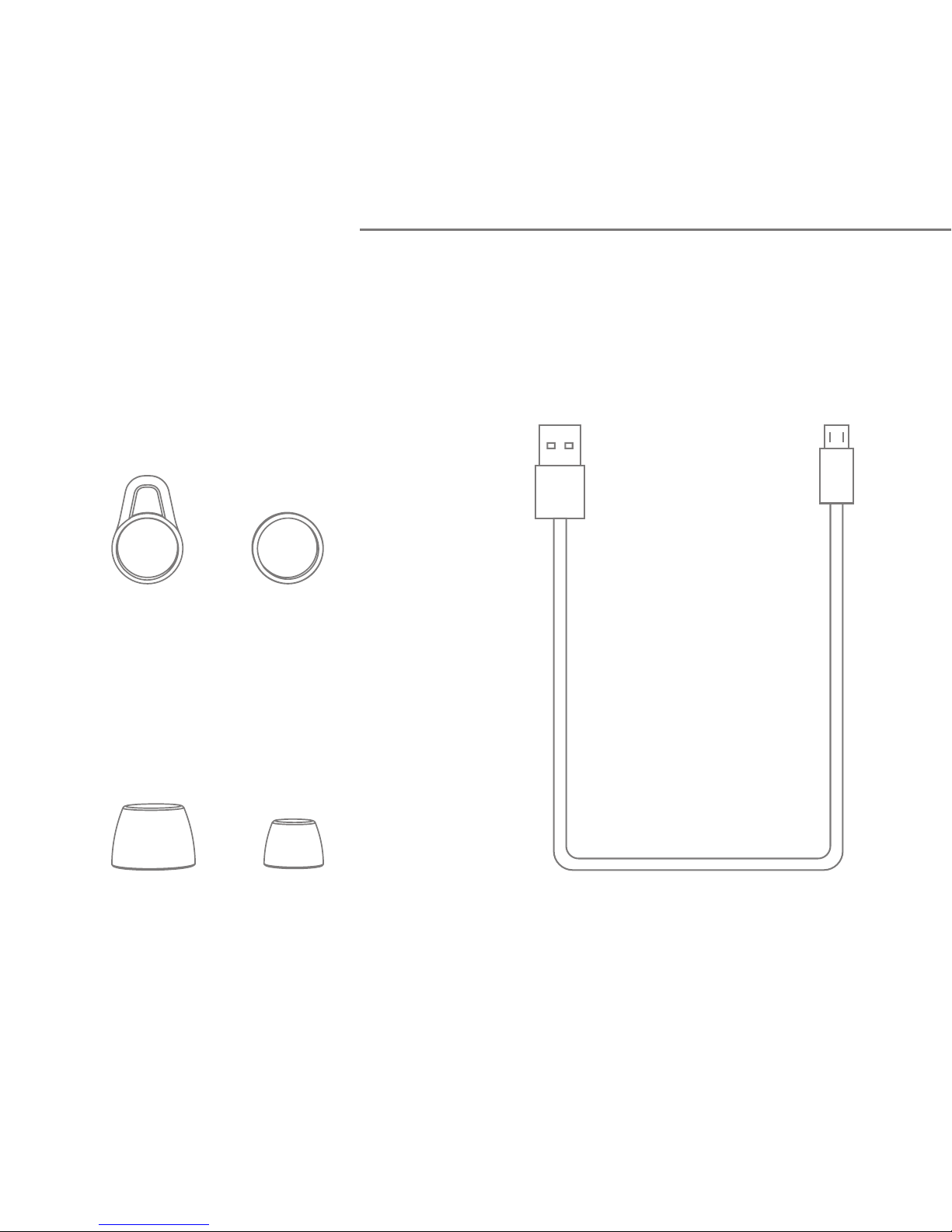
Following items are included
Start here
USB cable
Ear hoops
Ear caps
Page 3
8
6
4
1
7
2
9
3
5
10
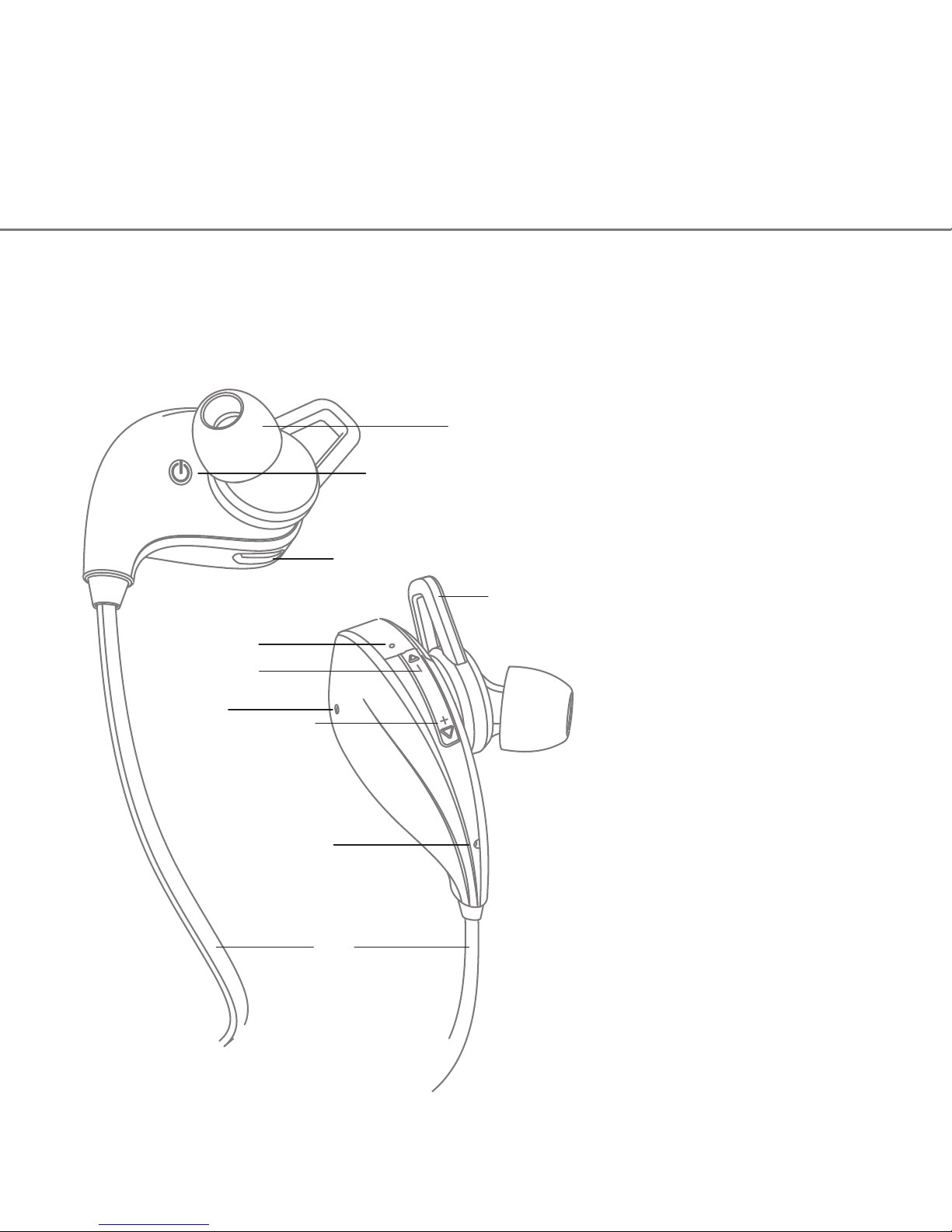
1. Ear cap
2. Multifunction button
3. Charge jack
4. Ear Hoop
5. Status indicator
6. Noise reduction mic
7. Track Back
8. Track forward
9. Talking mic
10. Line
Volume -
Volume +
Product overview
Page 4

Basic operation
Volume control
Press the "+" or "-" button to turn volume up or down, you hear
beep once reach the maximum or minimum volume.
Status indicator
Instruction
Power on
Power off
Standby
Incoming call
Pairing
LED status
Blink blue three times
Blink red three times
Blink blue once every 5 seconds
Blink blue continuous
Red and Blue alternately
Voice prompts
Power on
Power off
Pairing
/
/
Charging
Stay on red while charging,
Stay on blue after fully charged
/
Page 5
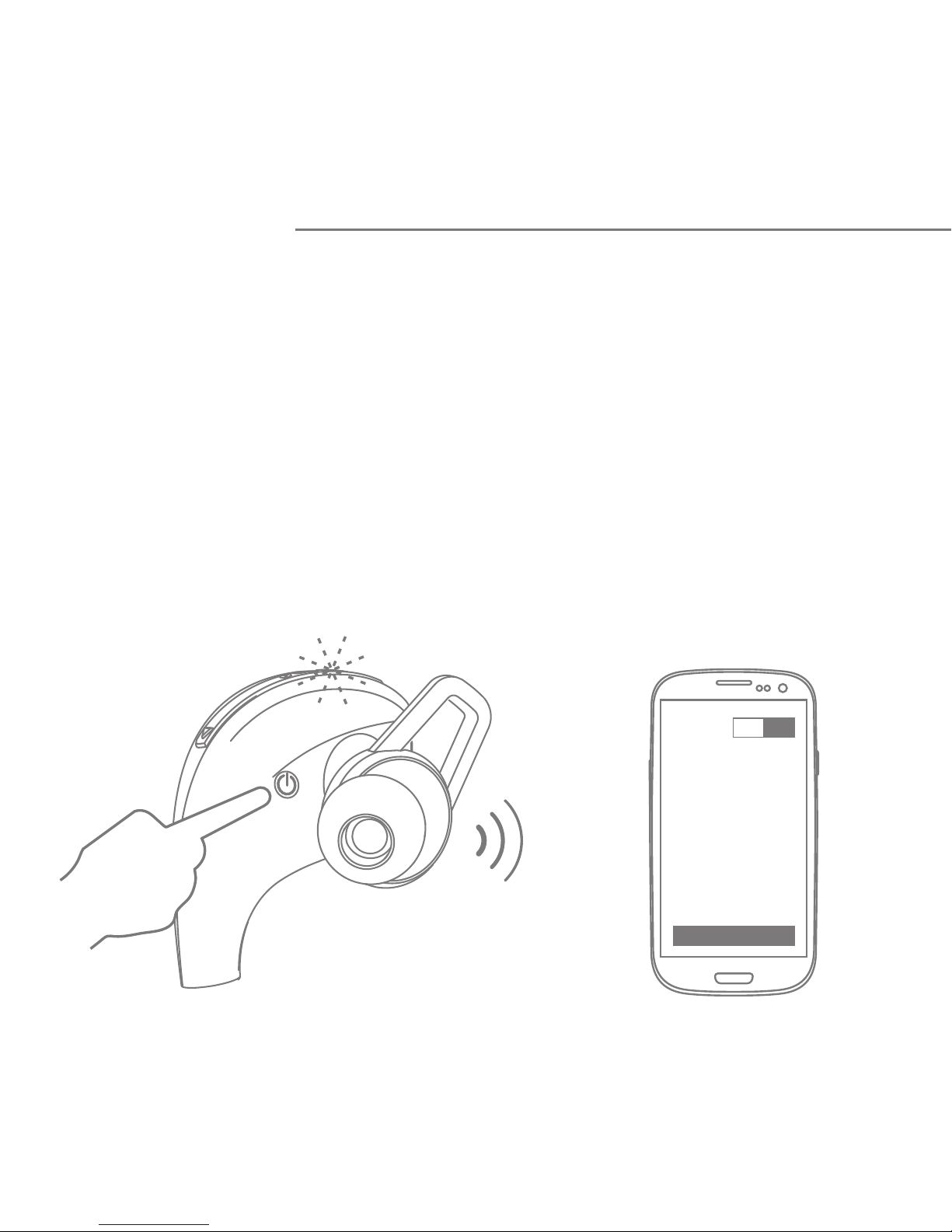
Pair one phone
1. Press and hold the Multifunction Button until LED flashes
blue and red alternately, you hear "Power on" and "Pairing",
now headphone is in pairing mode.
2. Activate Bluetooth on your phone and set it to search for
new devices.
Pairing
Bl uetooth
ON
Sc an
Page 6
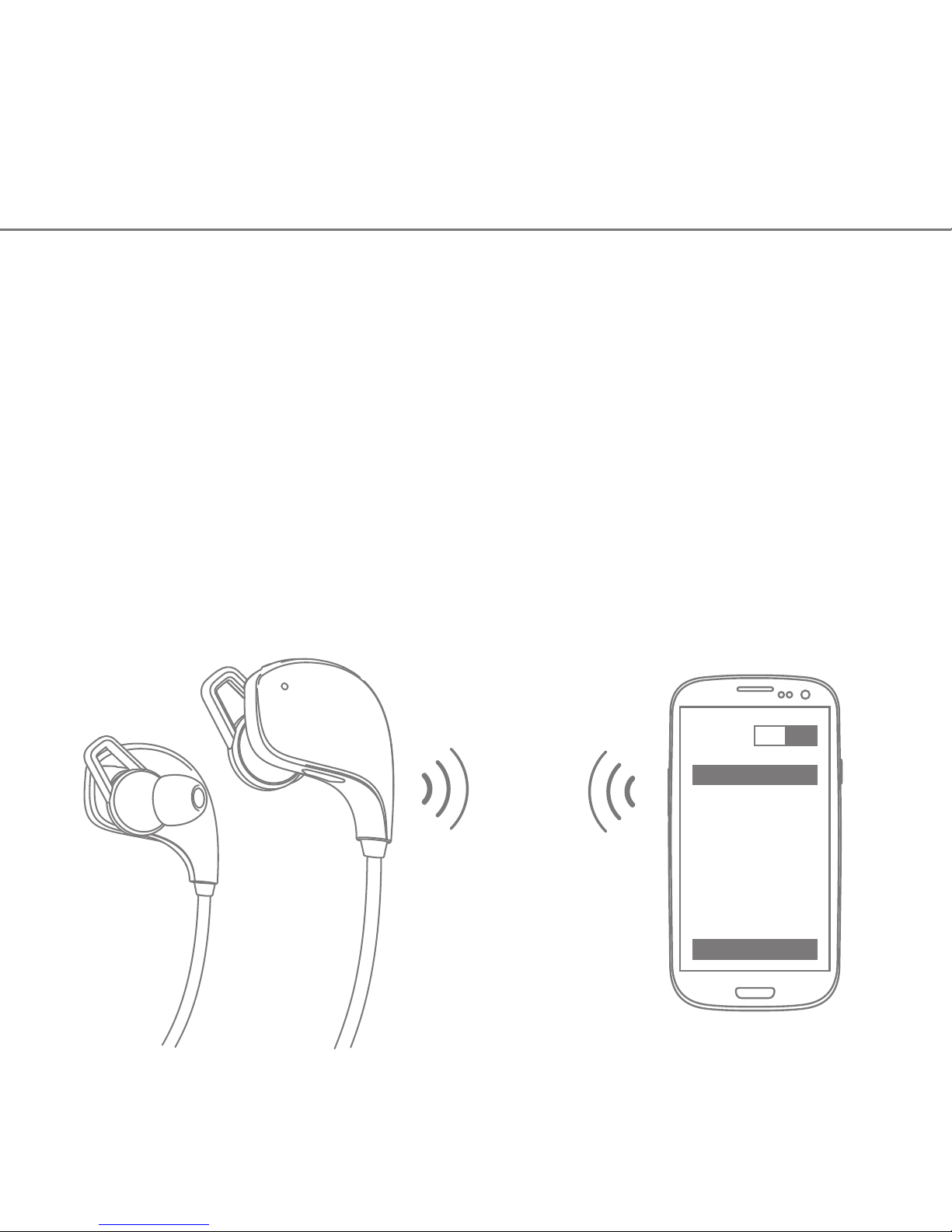
3. Select "Muse1". If your phone asks, enter 0000 (four
zeros) for the passcode or accept the connection. The LED
indicator stops flashing red and blue once successfully
paired, you hear "Connection successful". Some phone list
an option to "Play through headphone", select to use the
headphones.
ON
Co nnect
Muses1
Bl uetooth
Page 7
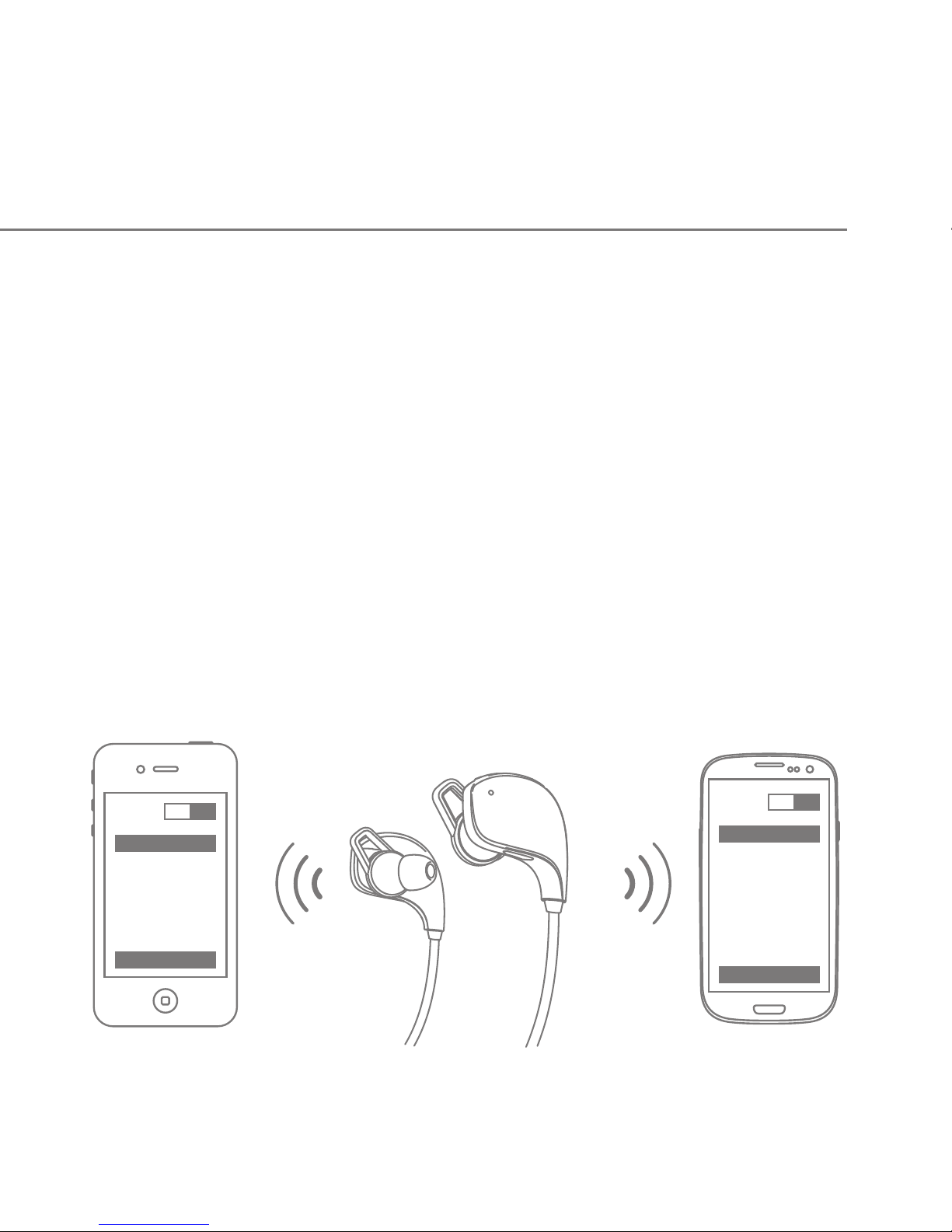
Pair another phone
Multipoint technology enables you to pair another phone and take a
call from either.
Bl ue tooth
ON
Co nne ct
Muses 1
ON
Co nne ct
Muses 1
Bl uetooth
To pair with another mobile phone, follow the steps for "Pair one
phone". After pairing successfully, restart the headphone to connect
to 2 paired mobile phone automatically.
Page 8

Call
Answer a call
Press volume button (+ or -) to answer an incoming call.
End a call
Press and hold the volume button (+ or -) for about 2
seconds to end a call.
Redial last call
Double-press the volume button "-", the mobile phone
will redial the last call number.
Automatic switch between music and calls
When a call rings during a music playing, the music
automatically pauses to allow you to answer or ignore the
call. Once the call is ignored or ends, the music is
resumed.
Page 9

(Need music player supports.)
Music
Trackback
Press and hold "▲" for about 2 seconds when playing
music, and the previous song will be played.
Trackforward
Press and hold "▼" for about 2 seconds when playing
music, and the next song will be played.
Pause/Play
Press "-" and "+" button simultaneously once to play /
pause music. (Some phones may require you to start a
media player first)
Page 10
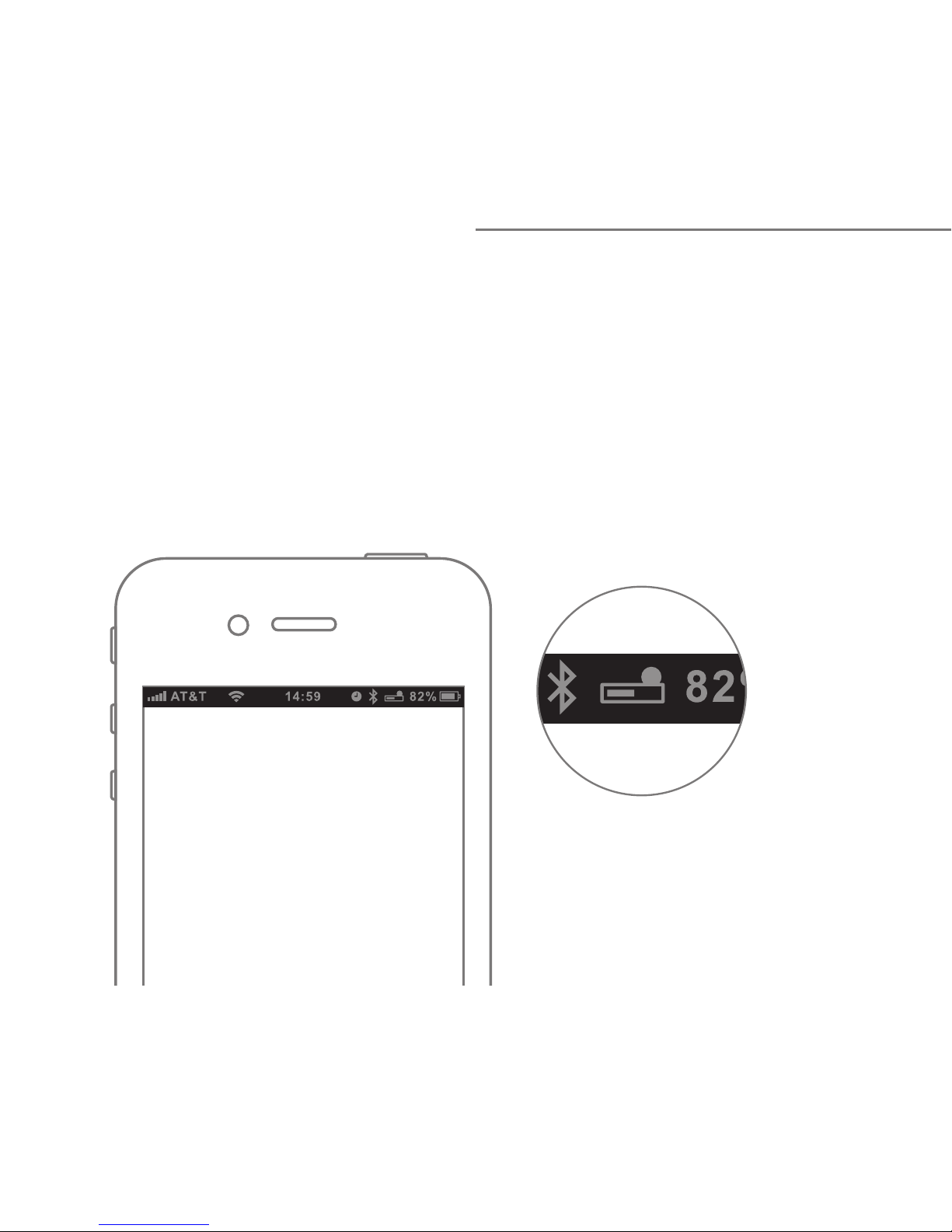
More features
Battery Indicator
When the headphone is connected to a device with iOS
system, a battery indicator will appear at the upper right of
the system, indicating battery status of the headphone.
Page 11
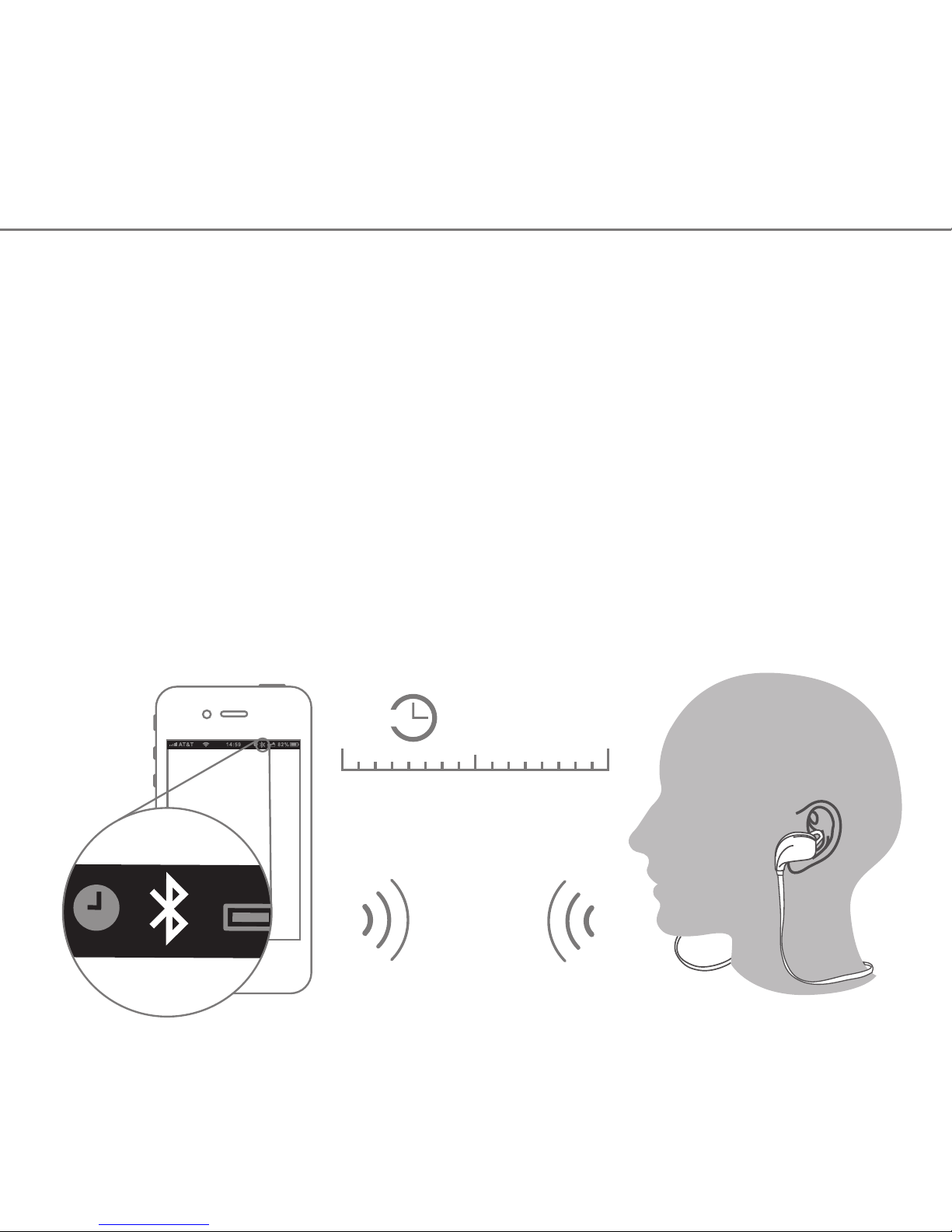
Auto power-off
When the distance between the headphone and the mobile
phone is beyond effective range, a voice prompt "Connection
lost" and headphone disconnects with the mobile phone, the
headphone will power off automatically once no active for 10
minutes.
muses1
Effective
range
30min
10min
? ?
Page 12

Automatic connection after powering on
Power off
When the headphone and phone have been paired once, they
will automatically connect when the headphone is on and
Bluetooth is activated on the phone.
To power off the headphone, press and hold the
multifunction button for about 4 seconds, the LED blink red
three times, you hear "Power off", then power off the
headphone.
Page 13

Charging
Connection standby
Your headphone has enough power to complete the pairing
and a few calls. When battery is low, you will hear the voice
prompt "Battery low". It takes 1.5 hours to fully charge the
headphone. The red LED turns on during charging. The red
LED will turn off and the blue LED will turn on after being
fully charged.
After successful pairing and connection, you will hear the
voice prompt "Connection successful". the headphone will
be in turning on mode or standby mode automatically and the
blue LED will flash once every 5 seconds, when the
headphone dis connect the phone, you will hear the voice
prompt "Connection lost".
Note: The lifetime of the battery will be significantly reduced if
your headphone is left uncharged for a long period. We
recommend that you recharge your headphone at least once a
month.
Page 14

Hard reset
In turning on mode, press and hold the multifunction button
with the charger plugged to reset the headphone. Then the
red LED will light (you can release the multifunction button 2
seconds after mounting the charger).
 Loading...