

Page 1
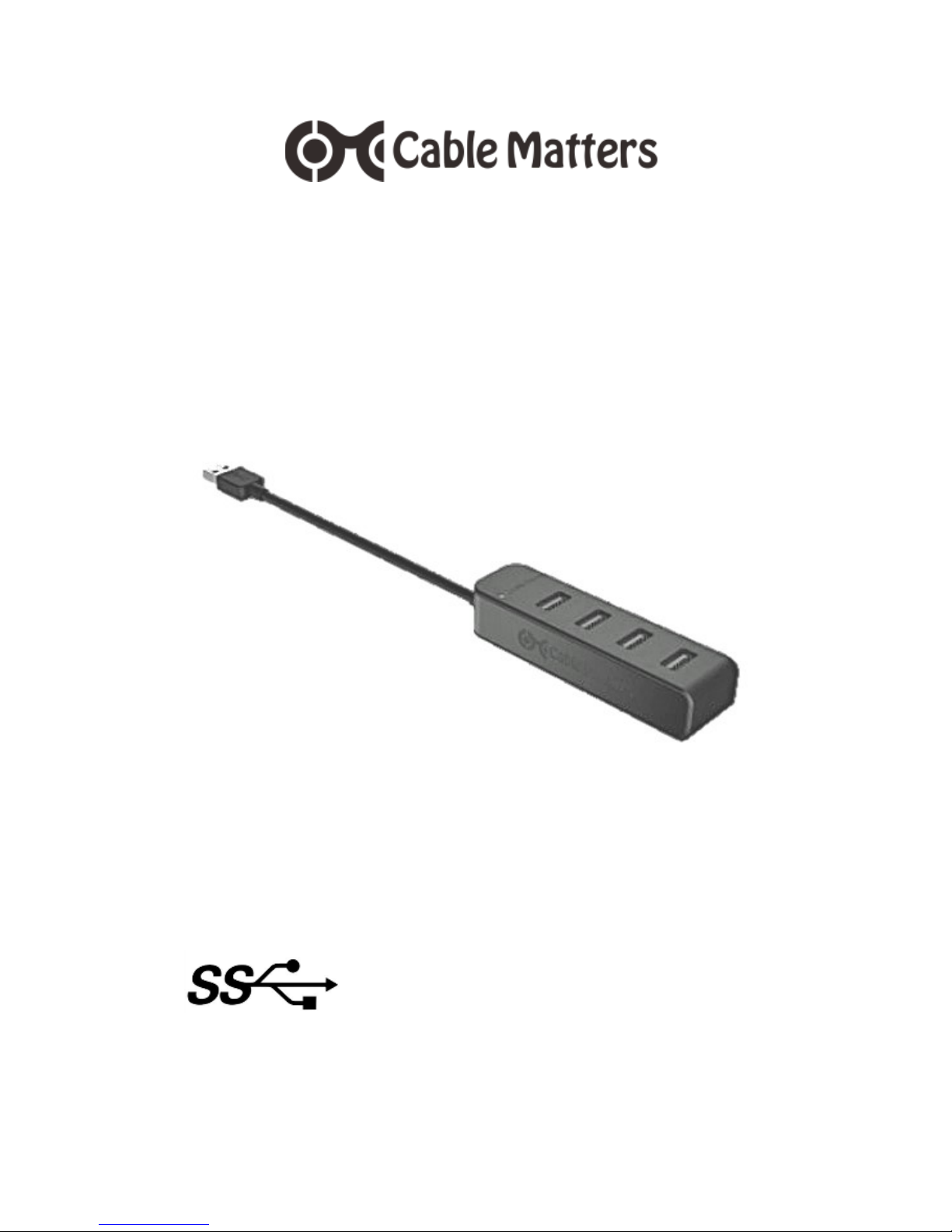
4 Port Ultra Compact USB 3.0 Strip Hub
Quick Start Guide
SuperSpeed USB 3.0 up to 5 Gbps
Compact
Lightweight
Bus-Powered
Backwards Compatible
Model 202055
Email: [email protected]
Page 2
2
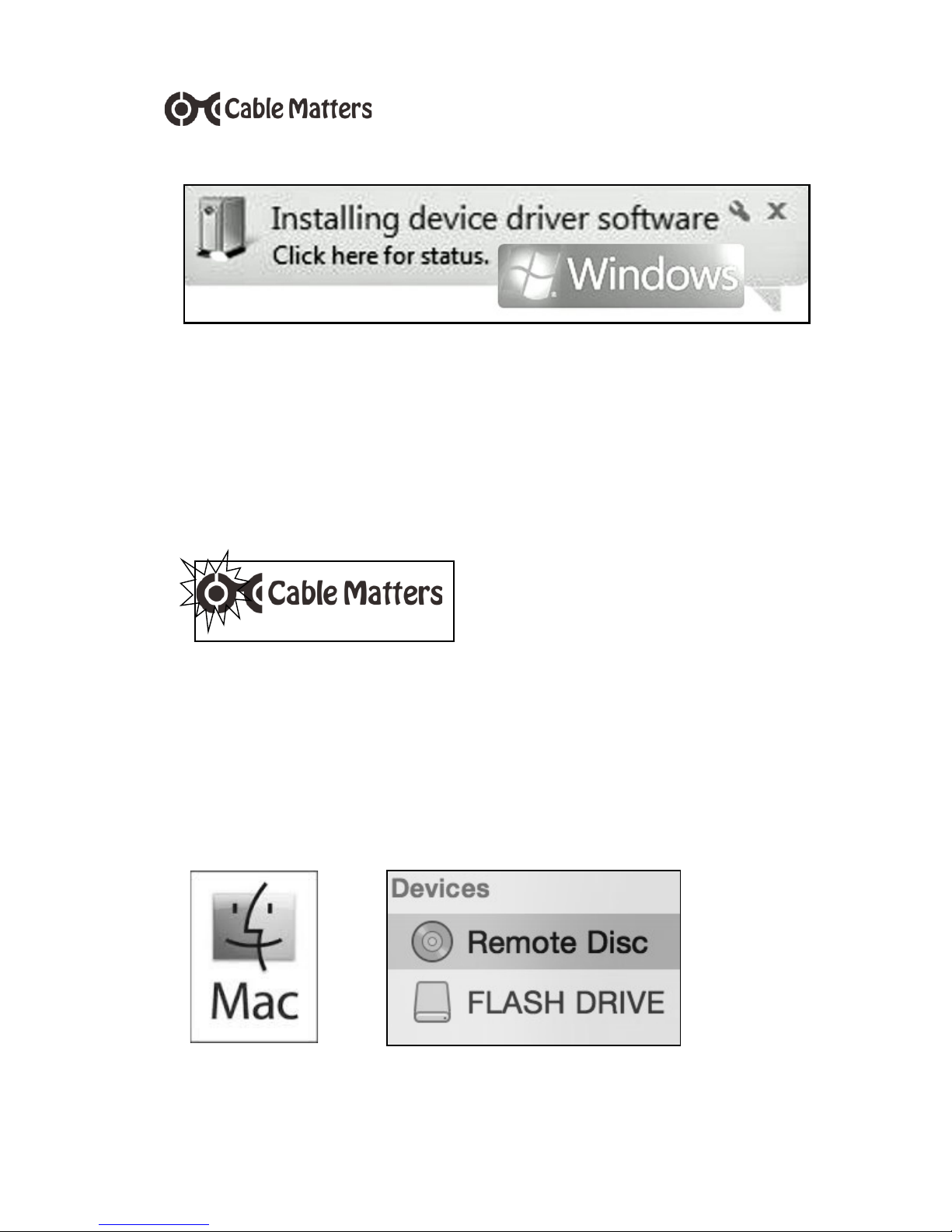
The hub should be immediately recognized
when it is connected to a USB port. Any
necessary Windows drivers should be
downloaded automatically.
QUICK START GUIDE - MODEL 202055
The blue LED in the
Cable Matters logo
should be lit indicating
that it is receiving bus power and is ready to
transfer data. The Plug & Play feature
requires no external power supply or software drivers.
Page 3

3
QUICK START GUIDE - MODEL 202055
Important Notes
This hub is not a stand-alone charger for
charging devices like a tablet
The power to all connected devices is
limited by the host computer USB port
Devices such as external hard drives may
exceed the power limit of the host computer USB port
The data transfer speed is limited by the
rating of the host computer USB port and
all connected cables
Some 2.4 GHz wireless devices such as a
mouse may cause interference with the
hub. Try a USB 2.0 port.
Some USB 3.0 devices may require a
direct connection to a USB port not
through the hub
Never disconnect any USB device while
data is being transferred
Always use the safely remove feature
when disconnecting USB devices.
Page 4
4
QUICK START GUIDE - MODEL 202055
Windows Users
If your computer does not recognize the hub and the
blue LED is lit, try the following steps:
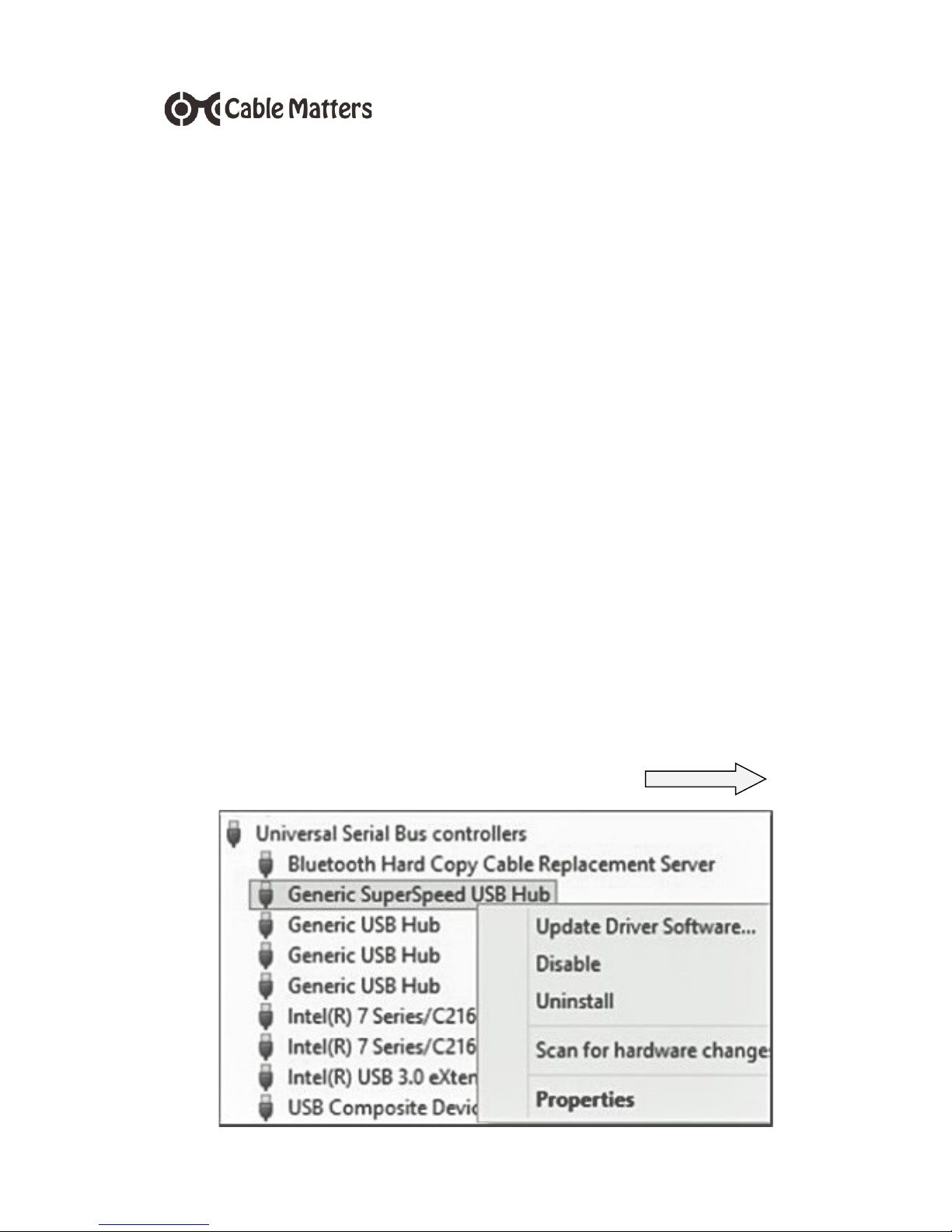
Open the Control Panel > Device Manager >
Universal Serial Bus controllers
Look for ‘Generic SuperSpeed USB Hub’ or
‘Generic USB Hub’ if connected to a USB 2.0 port
Right-click on ‘Properties’ to see if the hub is
working properly
Right-click on ‘Update Driver Software’ and reboot
your computer after downloading
In ‘Properties’ > Power Management, uncheck the
box to ‘Allow the computer’ to turn off the hub
Check the support site of your computer manufac-
turer for troubleshooting USB device problems
Continue to Troubleshooting Tips
Page 5
5
QUICK START GUIDE - MODEL 202055
Mac Users
If your computer does not recognize the hub but
the blue LED is lit, try the following steps:
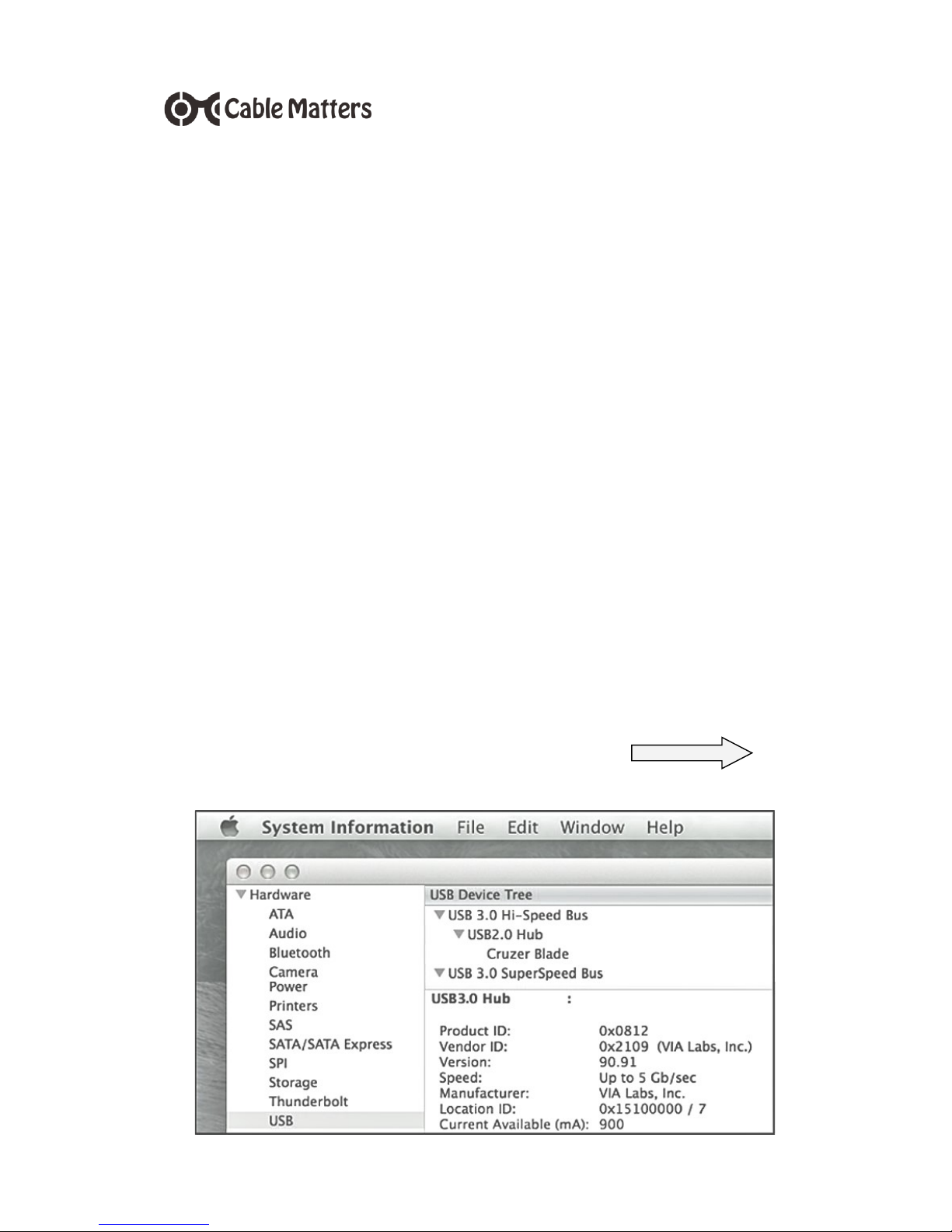
Click on the Apple Menu > About this Mac > More
Info > System Information/Report
Locate the Hardware section and click USB
Look for ‘USB 3.0 SuperSpeed Hub’ or ‘USB2.0
Hub’ when connected to a USB 2.0 port
Open Energy Saver > Battery or Power Adapter
to increase the time before sleep and uncheck
‘hard disk sleep’ and ‘Power Nap’ boxes
Check for any available software updates for
USB 3.0 and reboot after downloading
Check Apple support for USB troubleshooting
Continue to Troubleshooting Tips
Page 6

6
QUICK START GUIDE - MODEL 202055
Troubleshooting Tips
Try the following steps if your USB device is
not functioning properly
Try a different USB port to verify that the
device is working
Try a different USB cable when possible
Plug in each USB device individually
If the USB device has a power adapter try
connecting it to power
Pause for 10 seconds when plugging and
unplugging USB device
Sync files with only one device at a time
Disconnect all devices, unplug the hub,
reboot the computer and then reconnect
the hub
Contact [email protected] with a
description of your computer OS and
connected USB devices
Page 7

7
QUICK START GUIDE - MODEL 202055
Technical Specifications
Upstream Port - 1 x USB 3.0 – Male
Downstream Ports - 4 x USB 3.0 – Female
USB Rating - SuperSpeed 3.0/Type A
Hub Dimensions - 3.0 x 1.1 x 0.8 inches
Hub Weight - 1.41 ounces
Cable Length - 6 inches
OS Support - Windows, MAC, Linux
LED - Blue LED power indicator
Max Power/USB 3.0 - 900mA
Max Power USB 2.0 - 500mA
Compliance - FCC, C E
Page 8

8
QUICK START GUIDE - MODEL 202055
Warranty Information
This product is backed by a limited one-year warranty. In addition, Cable Matters warrants its products against defects in materials and workmanship
for the periods noted, following the initial date of
purchase. During this period, the products may be
returned for repair, or replaced with equivalent
products at our discretion. The warranty covers
parts and labor costs only. Cable Matters does not
warrant its products from defects or damages
arising from misuse, abuse, alteration, or normal
wear and tear.
Limitation of Liability
In no event shall Cable Matters Inc. (including their
officers, directors, employees or agents) be liable
for any damages (whether direct or indirect, special,
punitive, incidental, consequential, or otherwise),
loss of profits, loss of business, or any pecuniary
loss, arising out of, or related to the use of this
product exceeding the actual price paid for the
product. Some states do not allow the exclusion or
limitation of incidental or consequential damages. If
such laws apply, the limitations or exclusions
contained in this statement may not apply to you.
Cable Matters is a registered trademark or trademark of Cable Matters Inc. All rights reserved.
Email us with any questions at
 Loading...