

Page 1
BAD8 Daughter Card Quick Start Guide
Revision 1.0 April 04, 2017
The BAD8 requires BMBx ROM2 or later.
Important Information regarding BAD8 and BAD4 Latency:
If you plan on using BAD8s in combination with BAD4s, you must adjust the BAD8 delay to match the
BAD4 delay when using simultaneously in order to maintain phase consistency. If you are using the
BAD8 independently, (i.e. BAD8 for tracking and BAD4 for mixing) this is not a concern.
The BAD4 has a fixed delay (latency) from analog input to BMB output of 66 samples, whereas the
BAD8 delay is configurable from 7 samples to 66 samples. Adjusting the delay will change the filter
setting and it will change the sound. The factory default setting is 7 samples of delay. Not only is this
the lowest latency, but we believe this filter sounds the best.
Page 2
BAD8 Quick Start Guide
BURL Audio
April 04, 2017
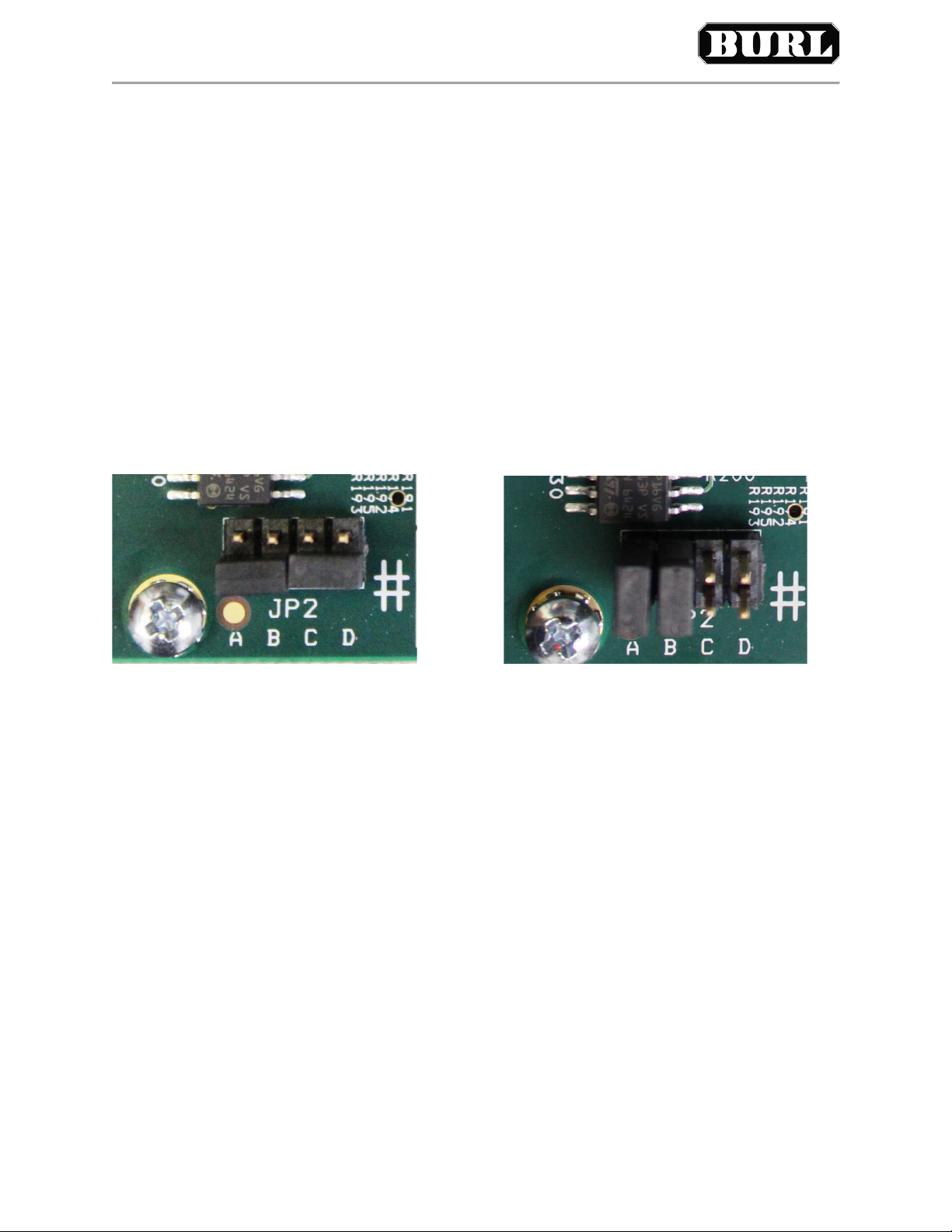
In order to match the BAD4 delay, you must set two jumpers. Jumper A adds a raw delay of 21 samples
and Jumper B switches to a longer delay filter of 45 samples. Both combined add to the 66 samples of
delay necessary to match BAD4.
NOTE: All ADCs and DACs have a delay which is inherent in their conversion from high speed sigmadelta data to PCM data. There is digital signal processing involved that requires a low pass digital filter.
Each type of filter has its own sound and its own delay. When in doubt, just go with the default setting.
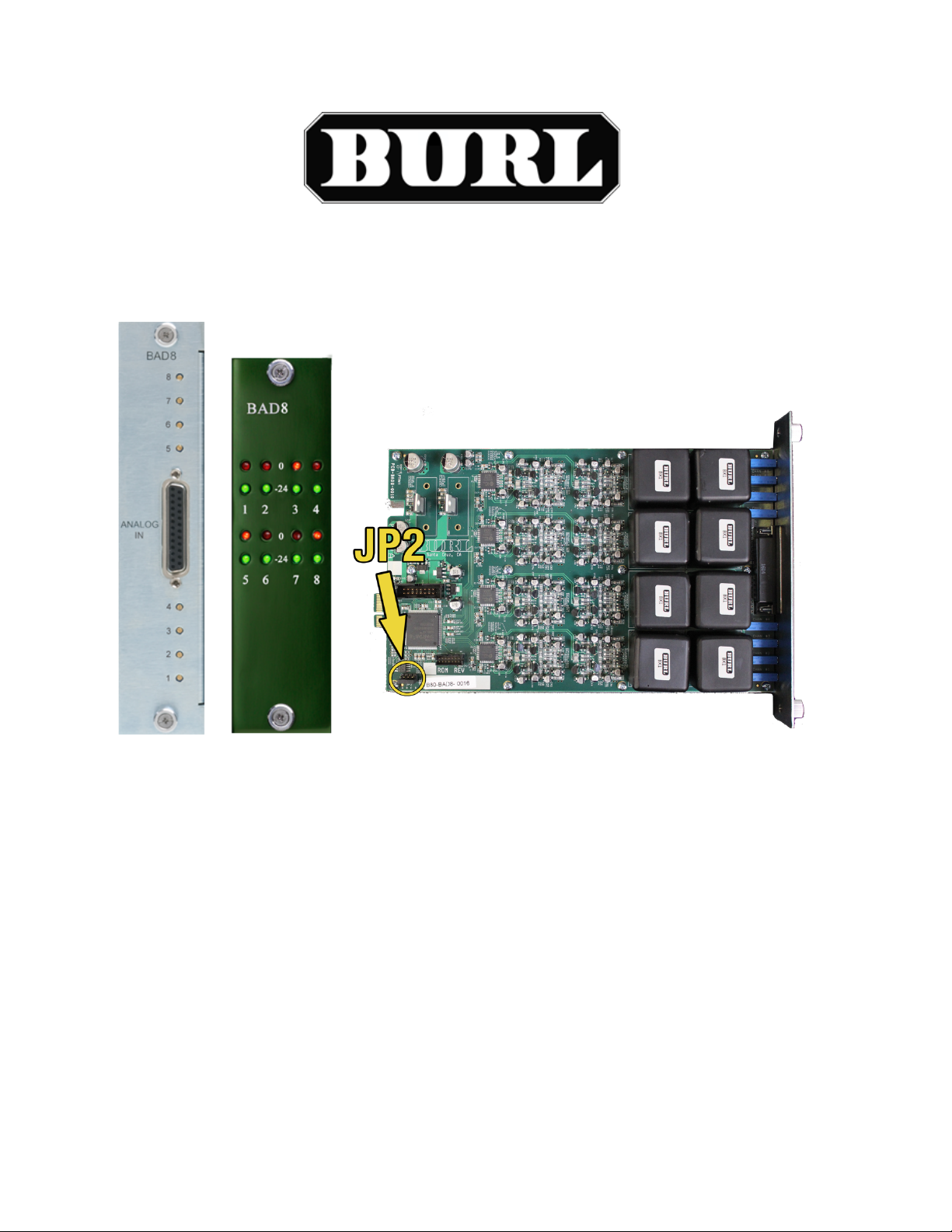
Here are the Jumpers (JP2) and their effect. To match BAD4, jumper A and B.
No Jumper set – 7 samples of delay, default short filter
Jumper A – 21 samples of delay (just adds delay)
Jumper B – 45 samples of delay, long filter
Jumper C – 16 samples of delay, alternate short filter
Jumper D – High pass filter by-pass (not recommended)
Default Jumper Settings, 7 samples of delay BAD4 matched, 66 samples of delay
In addition to the low pass filter settings, we allow the user to by-pass the high pass filter (low cut filter).
The high pass filter is normally used to cut out any DC offset that is in the analog audio. The high pass
filter has a very low cutoff point. By-passing the high pass filter will give you slightly better low end, but
it can have negative side affects if not used carefully. If you plan on processing the audio data with
plug-ins or boosting the signal in any way, the DC offset can increase and cause undesirable clicks and
pops in the audio, especially if auto fade in/out is not enabled on playback.
If you are using the BAD8 as just a record and playback device (for example, in mastering) or if you plan
to use a high pass filter plug-in, experimenting with the high pass filter by-pass might be worth checking
out. Again, proceed with caution.
For more information regarding BAD8 and MOTHERSHIP delay and Pro Tools hardware inserts, refer to
burlaudio.com/bad8 for more details.
 Loading...