

Page 1
www.burg.de
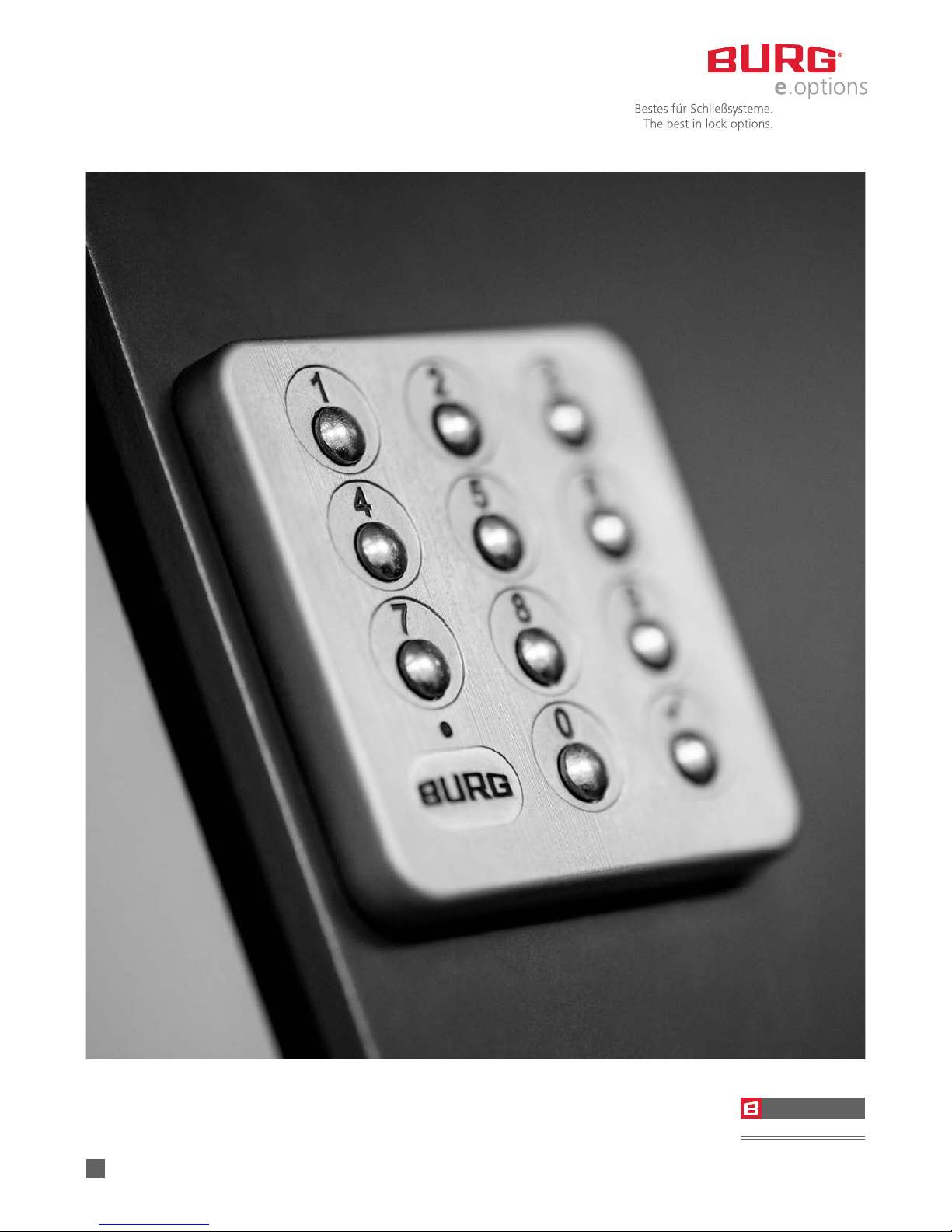
B-Smart-Lock Keypad
BSL Keypad 1.1
-SMART- LOCK
-SMART-LOCK
KEYPAD
Operating manual
GB
Page 2
B-Smart-Lock Keypad | April 2015
English | 2
B-Smart-Lock Keypad
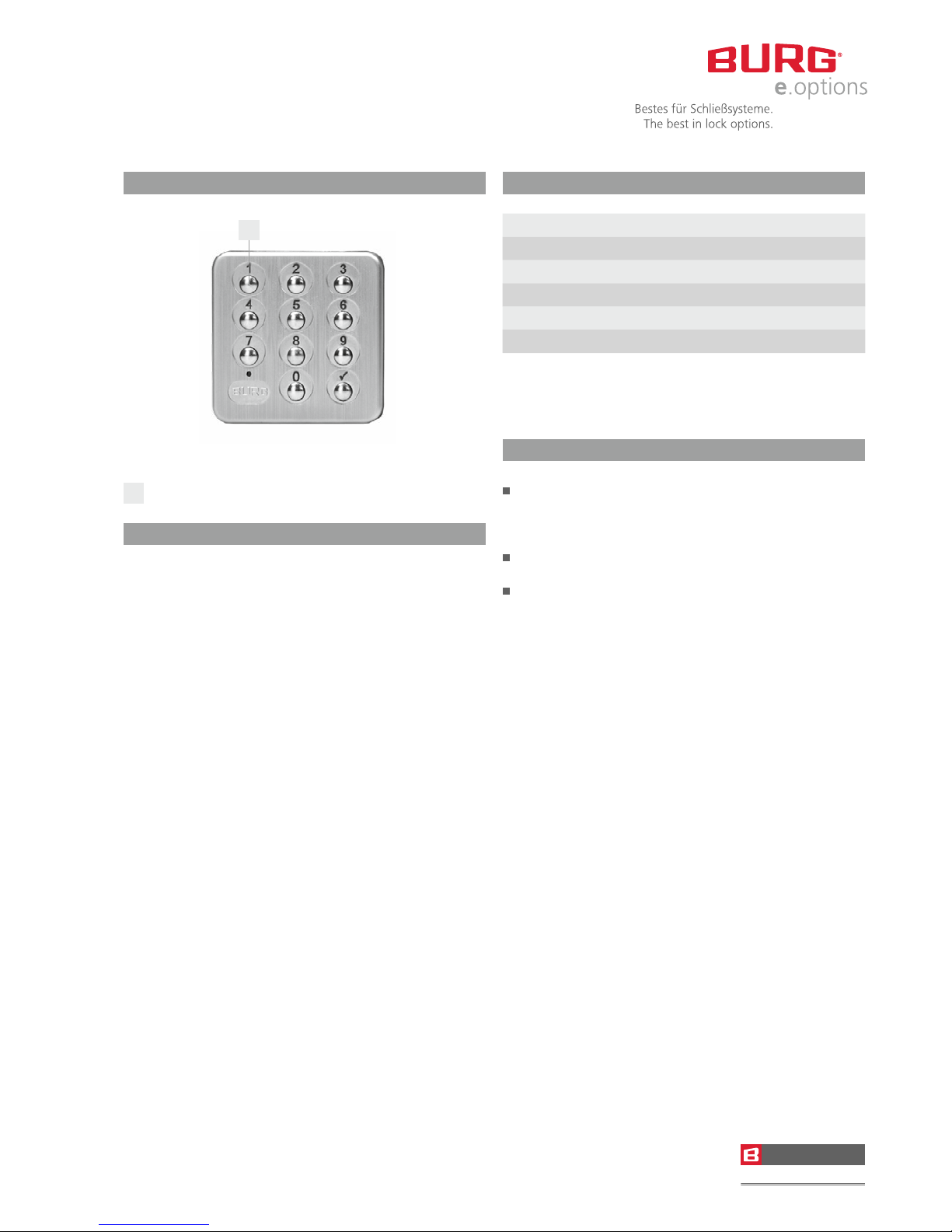
A
number key
Introduction
Dear Customer
Thank you for choosing the B-Smart-Lock Keypad
electronic locker and furniture lock. This lock is
particularly robust and of a high quality. It enables
organisations to secure cabinets, display cases and
lockers and allows for the convenient management
of a large number of users.
Important: Please read and observe all warnings and
instructions before you begin programming.
We hope you will enjoy your new locking system.
Yours faithfully,
BURG F. W. Lüling KG
Factory Default
Master Code 934716
Modus Multi User
PIN-Länge 4
Lock Mode On
Status Display Off
Verification Code Off
For your own security, please programme your own
Master Code on the lock before use in order to prevent
any interference from other customers.
General
With each step in the programming, there will be a
single or double LED flash. It is therefore essential
that you wait for the flash before beginning the next
step in the programming!
If a user forgets their code, the lock can be opened
with the Master Code. Enter: √√ 1 MasterCode √
When programming each step, it is essential not to
allow more than 5 seconds to elapse between
pressing each button. If this happens, the programme
you have started will be aborted. To indicate this, the
LED will flash once.
Incorrect Entry: After 3 incorrect entries, the lock will
be disabled for 1 minute. To signal the lock-out period,
the LED on the lock will flash red for 2 seconds. Every
additional incorrect entry will disable the lock for
another minute.
-SMART- LOCK
-SMART-LOCK
KEYPAD
A
Page 3
B-Smart-Lock Keypad | April 2015
English | 3
Technical Data
Inner housing
dimensions
60 x 60 x 22 mm
Keypad
dimensions
58.2 x 58.2 x 6.5 mm
Battery Lithium battery 3 V, CR123A
Service life 30,000 locking
cycles
Permiss. temperature 0°C – 40°C (no formation
of condensation)
Code length 4 or 6
Programming Private mode (permanent
code) and multi user
(hotel mode)
Material Keypad material: Zamak
Lock housing: Plastic
Locking
direction
R/L and LaD
Lock fastening 4 screws
Programming
Setting Private Mode
Enter Master Code √√ 1 MasterCode √
Select Private Mode √√ 5 0 √
Enter Master Code √√ 1 Master Code √
Set Private PIN √√ 3 Private PIN (6-digit) √
Setting your private PIN
Enter Master Code √√ 1 Master Code √
Set Private PIN √√ 3 Private PIN (6-digit) √
50 PINs are possible.
Multi User change from 4 to 6-digit and vice versa
Enter Master Code √√ 1 Master Code √
Determine
number of digits
√√ 0 x √ (x = 4 or 6)
If you have forgotten the Multi User Code,
put the lock back into Private Mode.
You can subsequently change back into
Multi User Mode.
Change from Private to Multi User
Enter Master Code √√ 1 Master Code √
Select Private Mode √√ 5 1 √
Enter Master Code √√ 1 Master Code √
Determine
number of digits
√√ 0 x √ (x=4 or 6)
Necessitate use of Verification Code Entry in
Multi User Mode
EnterMaster Code √√ 1 Master Code √
Activate Verification
Entry
√√ 2 1 √
In order to remove the verification entry again,
press 1 instead of 0 in step two.
Turn off / on Lock Mode
EnterMaster Code √√ 1 Master Code √
Turn off Lock Mode √√ 6 1 √
In order to turn lock mode back on,
press 1 instead of 0 in step two.
Set Individual Master Code
EnterMaster Code √√ 1 Master Code √
Enter new Master Code √√ 7 new Master Code √
The Master Code must have 6 digits.
Turn on / off Status Display
EnterMaster Code √√ 1 Master Code √
Turn on Status Display √√ 8 1 √
In order to turn off status display,
press 1 instead of 0 in step two.
Delete Private PINs
EnterMaster Code √√ 1 Master Code √
Delete Code √√ 9 xxxxxx
(Code to be deleted) √
The code is deleted.
-SMART- LOCK
-SMART-LOCK
KEYPAD
Page 4
B-Smart-Lock Keypad | April 2015
English | 4
Optional Functions
Users have the option of adjusting the lock to their
own requirements. There is a series of functions which
can be switched on or off.
Lock Mode
The lock automatically closes after 3 seconds.
Latch Mode
The lock closes only after entering a pin code.
Multi User or Private Code
Decide which mode to use for the lock. Multiple users
can use the lock, which will close with each code that is
entered in the open position. Or you can choose yourself
who is allowed to open the lock by assigning a fixed
code.
Code Length
You can decide whether the code has four or six digits.
This applies for both the multi user as well as the
private code mode. The master code must always,
however, be 6 digits long.
Inputting Verification Code
On the Internet a password must be entered again as
confirmation that you are sure to use this password.
You can also use this function for the multi user mode.
Status Display
If you need to see whether a lock is locked or not
(without turning the knob), you can configure it so a
red LED flashes every second.
Disposal of the B-Smart-Lock Keypad
Electrical equipment may not be disposed
of with household waste! At the end of its
useful life, please take the equipment to a
designated collection point.
BURG F. W. Lüling KG
Hegestraße 6 – 16
D-58300 Wetter (Germany)
Fon + 49 (0) 23 35 / 63 08-0
Fax + 49 (0) 23 35 / 63 08-999
[email protected]
www.burg.de
-SMART- LOCK
-SMART-LOCK
KEYPAD
 Loading...