

Brother P-touch PT-1400, PT1400 - Labelmaker, Commercial/Field, Portable, 4-1/2""x9-1/4""x3-1/4 Quick Reference Manual
...Page 1
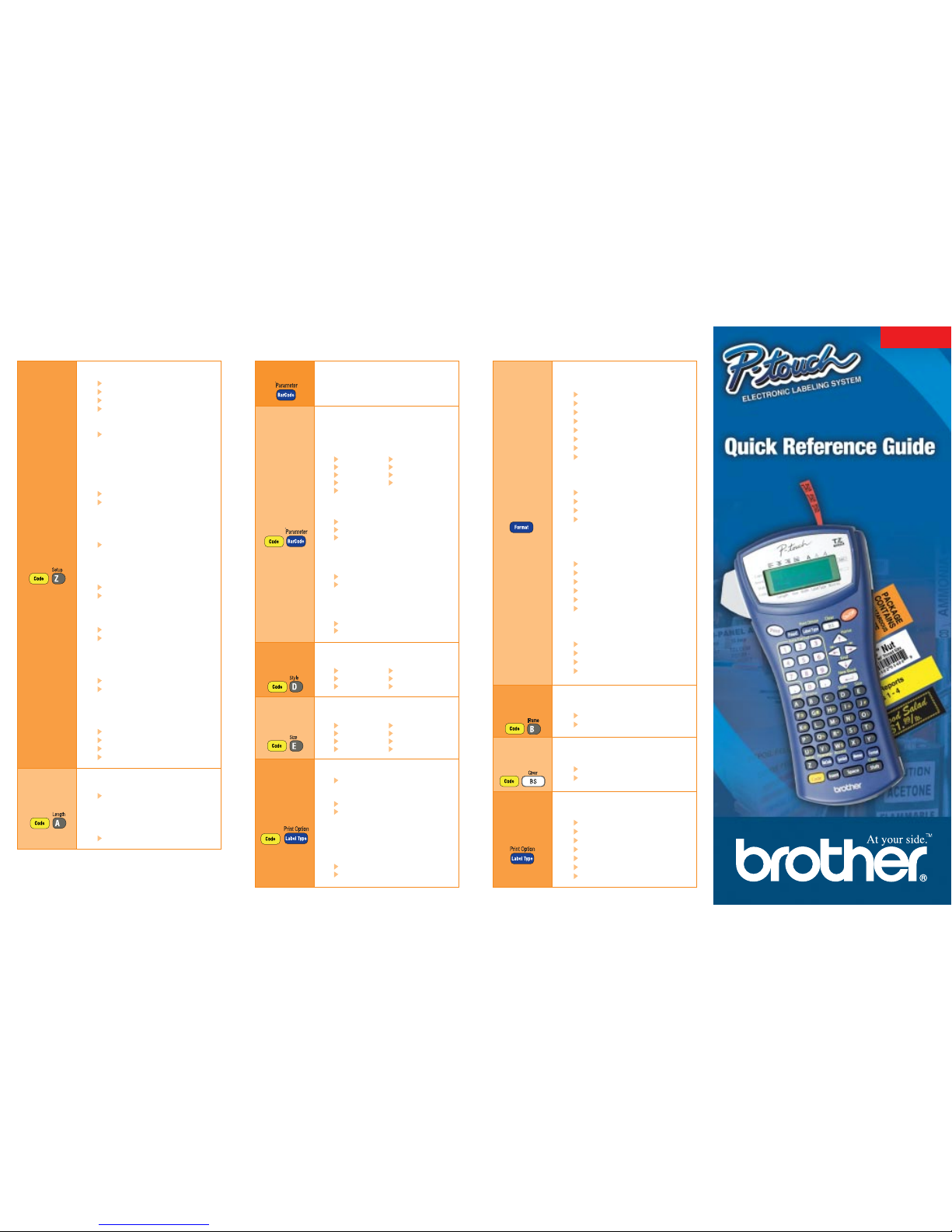
Model PT-1400
1. Parameter Settings
Set settings for bar code.
A. Protocol
Specify protocol.
Code 39 UPC-A
Code 128 EAN8
EAN128 EAN13
CODABAR I-2/5
UPC-E
B. Width
Specify width of bar code graphic.
Small
Medium
Large
C. Under Number
Specify whether the number is printed
under the bar code.
On
Off
D. Check Digit
Code 39, I-2/5 and CODABAR only,
specify Check Digit on/off.
On
Off
1. Style
Set font style.
Normal Italic
Bold Italic + Bold
Outline Italic + Outline
1. Size
Set the size for an individual line.
Auto 4mm
1mm 6mm
2mm 9mm
3mm 12mm
1. Copies
1-99
2. Number (sequential labels)
Off
1-99
3. Block No.
Choose the block numbers (start/end)
to print.
4. Mirror (print text in reverse order)
Off
On
Common Functions & Commands
1. Cut
1 (1 = cut-pause; no chain print)
2 (2 = no cut-pause; no chain print)
3 (3 = cut-pause; chain print)
4 (4 = no cut-pause; chain print)
2. Contrast
+ 2 to –2 ( 0 = default, +
= darker,
— = lighter)
3. Auto Reduction
If label is set to AUTO size, text size
or width will change based on label
length.
Text Size
Text Width
4. Length Adjustment
Increase or decrease the label length
if the length differs from actual.
+3 to -1, 0 = default
5. Symbol Save
Personal Category is full, symbols
will be added (on) or not (off).
On
Off
6. Units
Set unit for measurement.
inch
mm
7. Language
Set language for menus, settings
and messages.
English
Français
8. Version Info
Version information for P-touch
software & symbol set.
Main
Boot
Char-Set (Character Set)
Symb-Set (Symbol Set)
1. Length
Specify label length.
Auto / 0.30 - 39.00inch
(Auto / 6 - 999mm)
2. Margin
Specify margin.
0.10 - 4.00inch (2 - 99mm)
Setup
Menu
(Line)
Style
(Line)
Size
Format
(Label)
Length
Print
Options
Label
Type
Bar Code
Functions
(Label)
Frame
(Label)
Clear
©2003 Brother International Corporation, 100 Somerset Corporate
Boulevard, Bridgewater, NJ 08807. All rights reserved. All trademarks
and registered trademarks referenced herein are the property of their
respective companies. LN4393001
Bar Code
1. Bar Code
Type in bar code data.
1. GLB (Global) Size
Set font size for label.
Auto
1mm
2mm
3mm
4mm
6mm
9mm
12mm
2. GLB (Global) Wide
Set label font width.
Minimum
Narrow
Normal
Wide
3. GLB (Global) Style
Set label font style - individual line
style overrides settings.
Normal
Bold
Outline
Italic
Italic + Bold
Italic + Outline
4. Align
Specify text alignment.
Left
Justify
Right
Center
1. Frame
Choose from 14 different borders.
Off
1 – 14
1. Clear
Clear text (and font) to start new label.
Text & Format
Text Only
1. Label Type
Specify type of label printed.
Normal
Rotate
Rotate-Repeat
Port
Panel
Flag
Vertical
®
Page 2
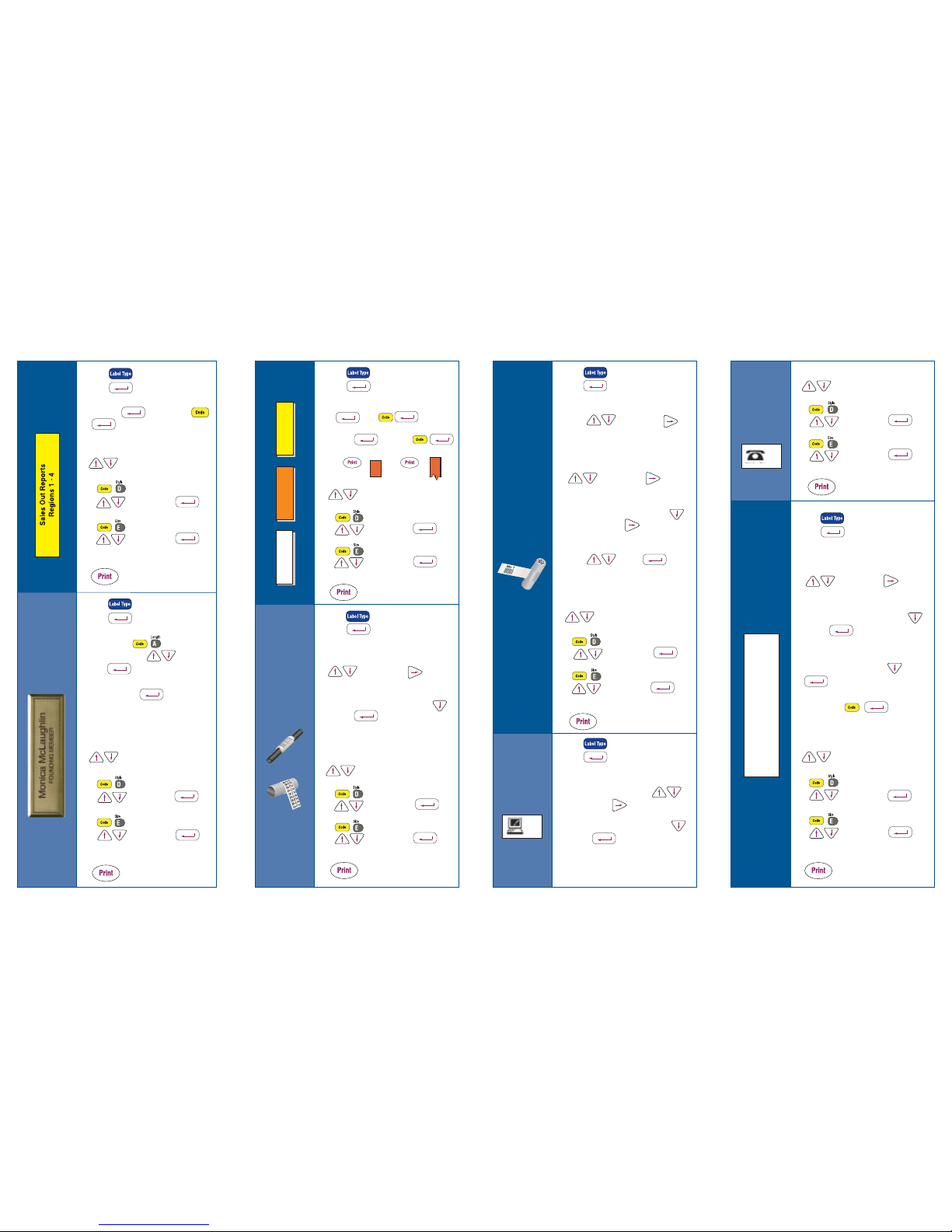
1. Press – until Vertical.
Press to select.
2. Type Text. Enter more than one line of text with
A) or B) . Text will
be added to previous text. Example by typing:
3. To change text style or size per specific line, use
to place cursor on line to be
changed. Use
– to specify different font types.
to choose. Press
to enter.
– to specify different font sizes.
to choose. Press
to enter.
4.
1. Press – until Rot-Rep.
Press to select.
2. Set the length of the label with (BLK LEN ), use
number pad to type length or arrows
to select, arrow to the
next option.
3. Choose frame (FRAME ) option - Arrow
to select, to end.
4. Type Text.
5. To change text style or size per specific line, use
to place cursor on line to be
changed. Use
– to specify different font types.
to choose. Press
to enter.
– to specify different font sizes.
to choose. Press
to enter.
6.
1. Press – until Normal.
Press to select.
2. Type Text ( for new line, or
to place a block of text to the right).
3. To change text style or size per specific line, use
to place cursor on line to be
changed. Use
– to specify different font types.
to choose. Press
to enter.
– to specify different font sizes.
to choose. Press
to enter.
4.
1. Press – until Normal.
Press to select.
2. Set label length – use number
pad to type length or to specify.
Press to enter.
3. Type Name. Press for new line.
4. Type Company.
5. To change text style or size per specific line, use
to place cursor on line to be
changed. Use
– to specify different font types.
to choose. Press
to enter.
– to specify different font sizes.
to choose. Press
to enter.
6.
Creating & Printing Commonly Used Labels
General
Name
Badge
1. Press – until Flag.
Press to select.
2. Set the diameter of the cable/wire (FLAG O)
arrows to select, arrow
to next option.
3. Set the length of the label (FLAG LEN ), use
number pad to type length or arrows
to select, arrow to the
next option.
4. Choose frame (FRAME ) option - Arrow
to select frame, arrow to next option.
5. Choose to have text rotated or not (ROTATE),
arrows to select, to end.
6. Type Text.
7. To change text style or size per specific line, use
to place cursor on line to be
changed. Use
– to specify different font types.
to choose. Press
to enter.
– to specify different font sizes.
to choose. Press
to enter.
8.
1. Press – until Port.
Press to select.
2. Set the length of the label (BLK LEN ),
use pad to type length or arrows
to select, arrow to the next option.
3. Choose frame (FRAME ) option - Arrow
to select, to end.
4. Type Text.
(continue to next column)
5. To change text style or size per specific line, use
to place cursor on line to be
changed. Use
– to specify different font types.
to choose. Press
to enter.
– to specify different font sizes.
to choose. Press
to enter.
6.
1. Press – until Panel.
Press to select.
2. Set the length of the label with (BLK LEN ), use
number pad to type length or arrows
to select, arrow to the
next option.
3. Choose frame (FRAME ) option - Arrow
to select, to end.
4. Choose print option - front of a panel or for
the reverse of a panel — arrow to select,
to end.
5. Type Text. Use to separate
port information.
6. To change text style or size per specific line, use
to place cursor on line to be
changed. Use
– to specify different font types.
to choose. Press
to enter.
– to specify different font sizes.
to choose. Press
to enter.
7.
Vertical
Cable/
Wire
Wrap
Cable/
Wire
Flag
Port
Label
Port
Label
(cont.)
Panel
Label
I
A)
1. 123 1. 123
2. 456 2. 456
3. 3.
B)
1
2
7C-A01 7C-A02
4 1
5 2
6 3
1
2
3
(Two Column)
(One Column)
Output: Output:
R
E
P
O
R
T
W
I
R
E
2
4 1
5 2
6 3
 Loading...