

Page 1
INSTALLATION GUIDE
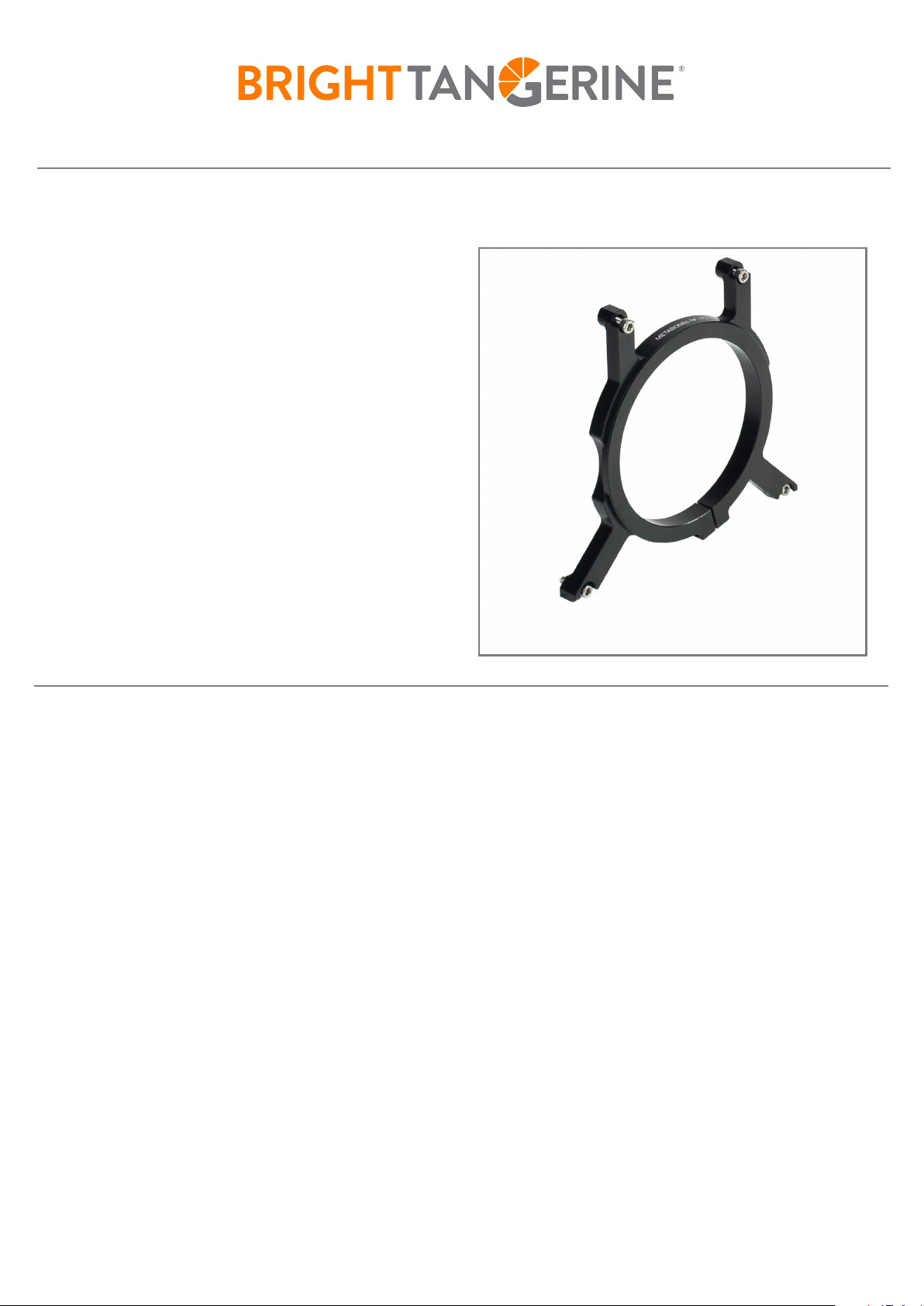
B4002.1021 - RED KOMODO METABONES RF-PL SUPPORT
The RF mount on the Komodo is a sprung mount
system, and relies on small springs inside the
A
mount to pull the adapter into the right place.
A
If the adapter support is installed incorrectly, it can
result in the lens adapter being pushed or tilted in
the wrong direction, which can result in focus and
other optical issues.
The following installation sequence must be
A
followed in order to ensure that the adapter is
supported correctly on the camera body.
B
You will need to use a 2.5mm Hex Key.
A
A - Mount Screw - M3x10mm - 2.5mm Hex
B - Clamp Screw - M3x10mm - 2.5mm Hex
Step 1 - Prepare the RED Komodo with the required plates. Ensure all the plates are secured and tight.
Step 2 - Using a 2.5mm Hex key, mount the support to the camera using the four screws (A) but do
not tighten fully at this point.
Step 3 - Install the lens adapter into the camera, allowing it to twist onto the camera body and click
into place.
Step 4 - Using the 2.5mm Hex key, gently tighten the clamping screw (B) on the support so that it
starts to hold onto the adapter.
Step 5 - Tighten up the mounting screws (A) on the side & top plate in a criss-cross pattern.
Step 6 - Fully tighten the clamp screw (B) on the adapter support.
Step 7 - To remove the support. First, loosen the clamp screw (B) before loosening the mounting
screws (A) on the side & top plate.
For further assistance, contact the support team at [email protected]
DOCUMENT DATE: 05/27/21
 Loading...