

Page 1
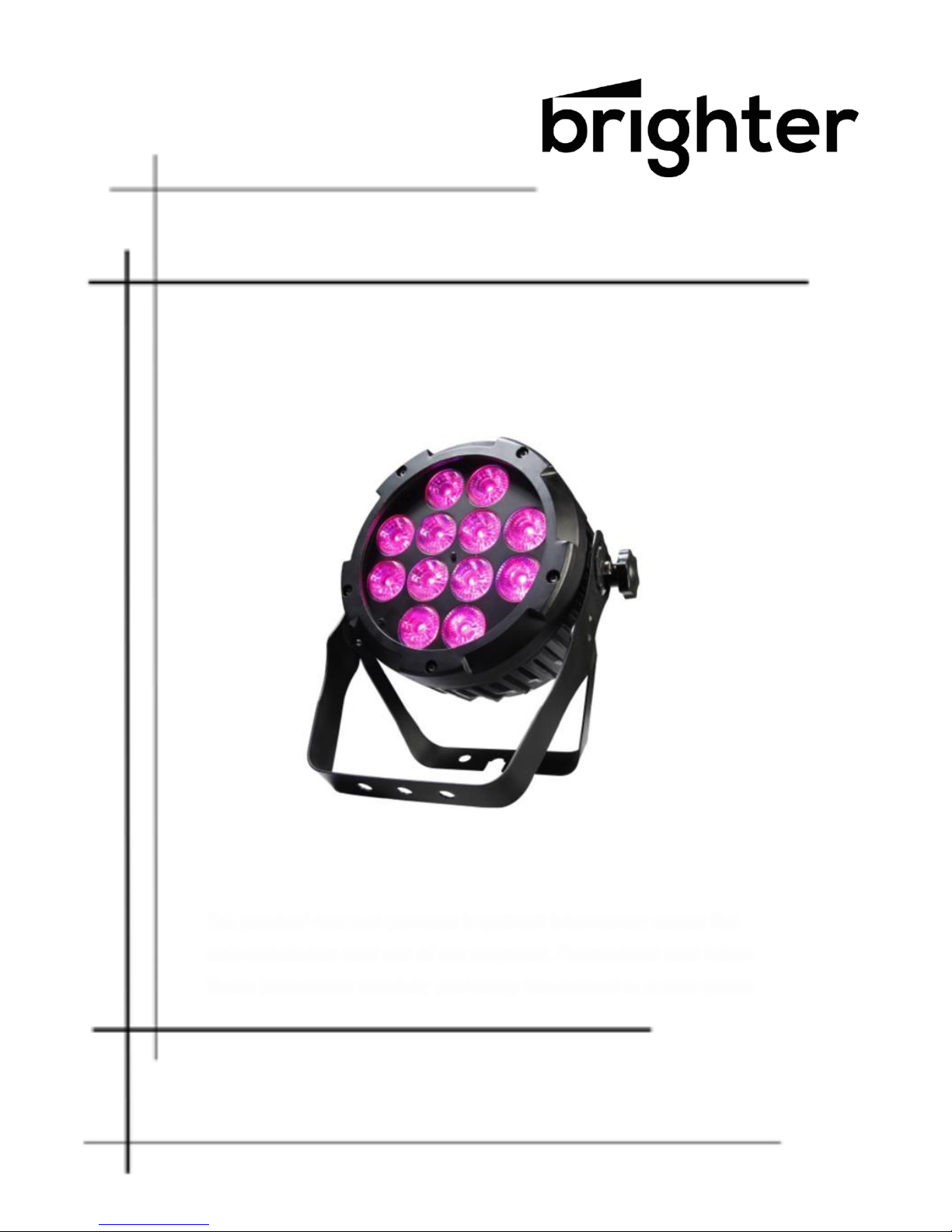
Led Par 12IP
WATERPROOF PAR
This product manual contains important information about the
safe installation and use of this projector. Please read and follow
these instructions carefully and keep this manual in a safe place
User manual
Please read the instructions carefully before use
Page 2
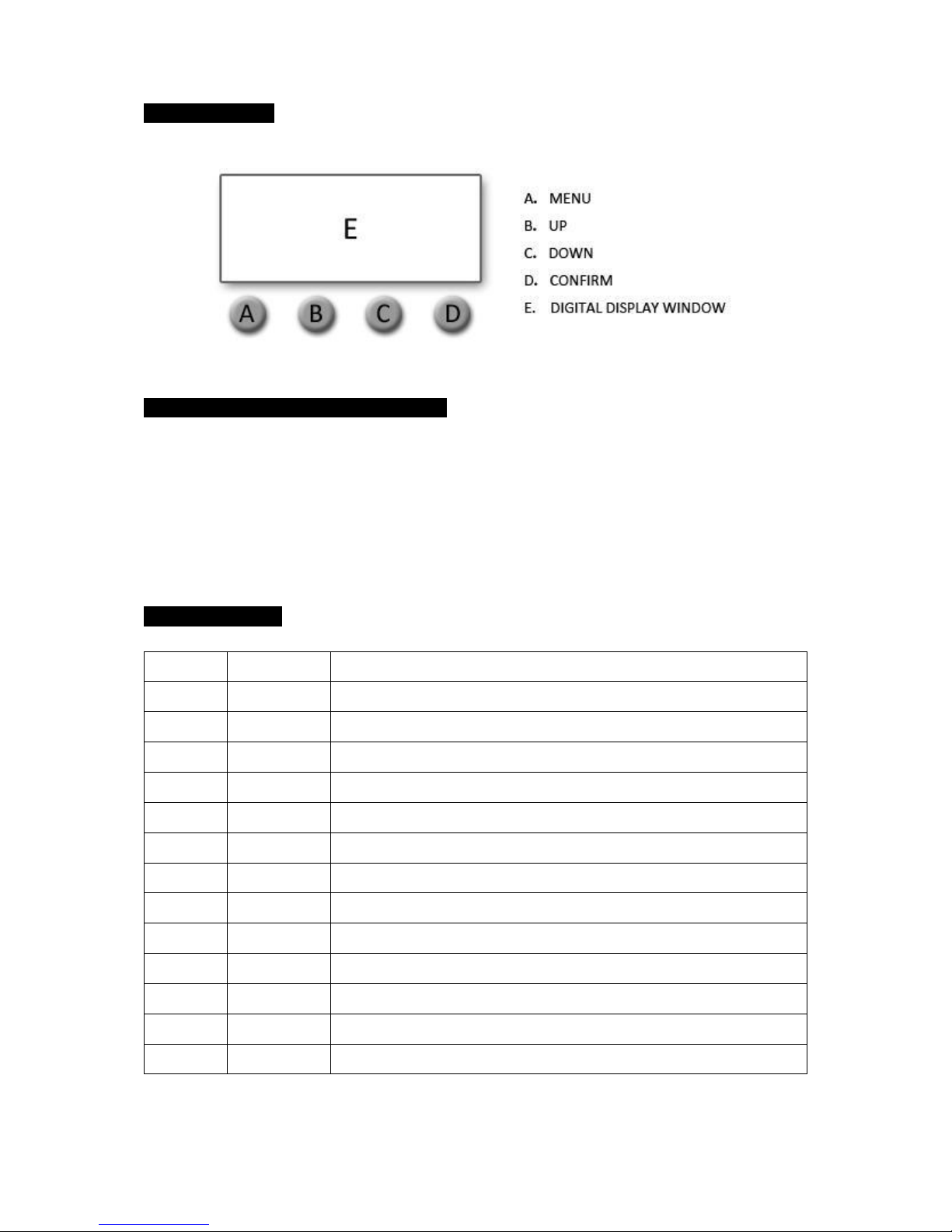
1.DIAGRAM I
2.HOW TO OPERATE THE DEVICE
Press A button, there are 12 different functions.
The first two letters stands for functions (refer to Diagram II) The last two letters stands for
DMX address, speed, or mode.
You can modify it with B or C button. Press D button to confirm.
3.DIAGRAM II
1
d001
5 channels, address adjustment by B & C buttons (001--511)
2
d.001
9 channels, address adjustment by B & C buttons ( 001--511)
3
CC01
Color change, speed adjustment by B & C buttons (01—99)
4
CP01
Color gradient, speed adjustment by B & C buttons (01—99)
5
dE01
Color pulse, speed adjustment by B & C buttons (01—99)
6
dENo
Color combination
7
BEbE
Sound control
8
r255
Red Color manual dimmer
9
g255
Green Color manual dimmer
10
b255
Blue Color manual dimmer
11
w255
White color manual dimmer
12
A255
Amber color manual dimmer
13
Y255
UV color manual dimmer
14
dr01
Dimmer mode (1~5)
Page 3
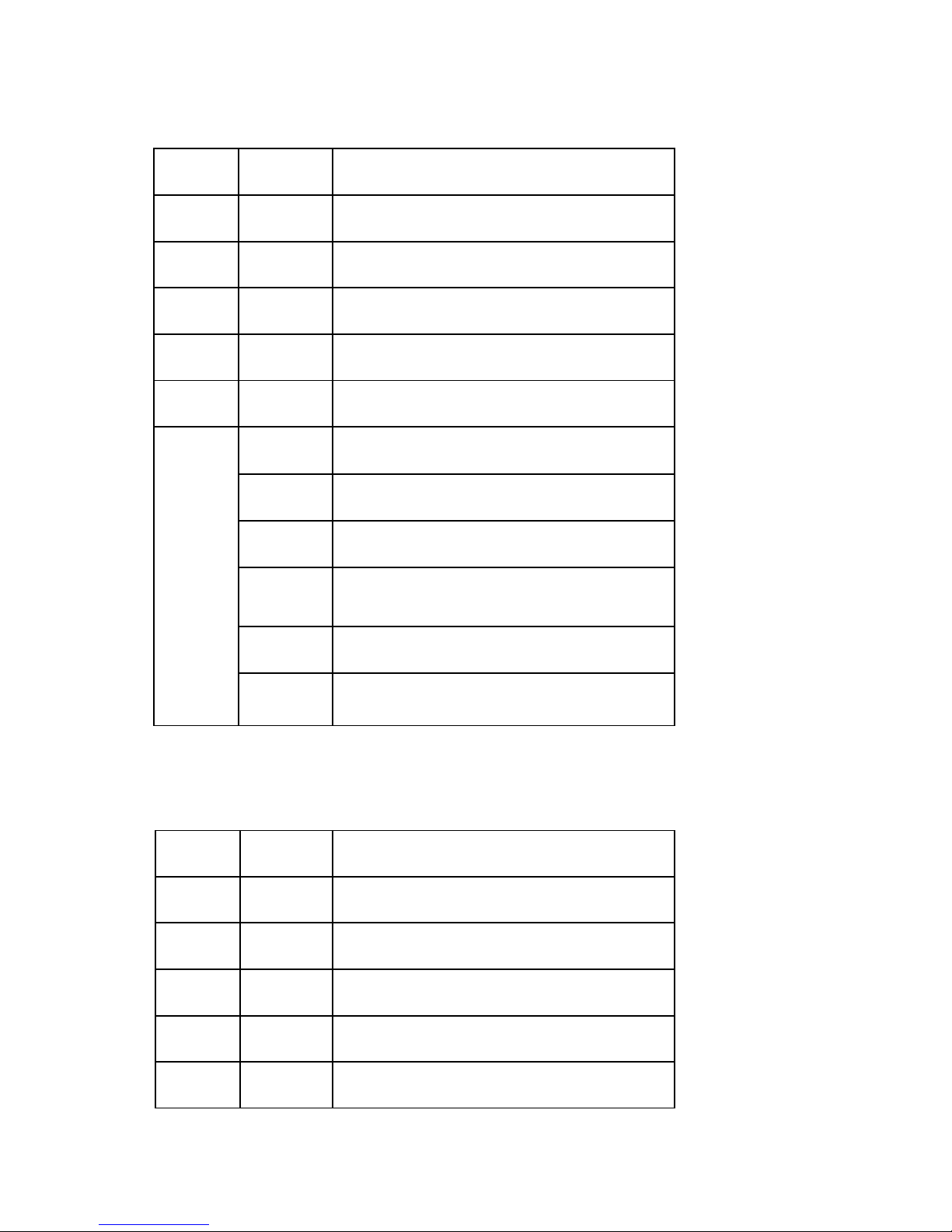
DMX 7 CHANNELS
CH1
0~255
Red Color
CH2
0~255
Green Color
CH3
0~255
Blue Color
CH4
0~255
White Color
CH5
0~255
Amber Color
CH6
0~255
UV Color
0~9
SET DIMMER MODE ON MENU
10-50
DIMMER MODE 1: LINEAR DIMMING
CH7
51-101
DIMMER MODE 2: WITHOUT FADING DIMMING
102-152
DIMMER MODE 3: LOW GRAY SOFT DIMMING
153-203
DIMMER MODE 4: LINEAR DIMMING SLOW
204-255
DIMMER MODE 5: LOW GRAY SOFT DIMMING
SLOW
DMX 11 CHANNELS
CH1
0~255
Red Color
CH2
0~255
Green Color
CH3
0~255
Blue Color
CH4
0~255
White Color
CH5
0~255
Amber Color
CH6
0~255
UV Color
Page 4
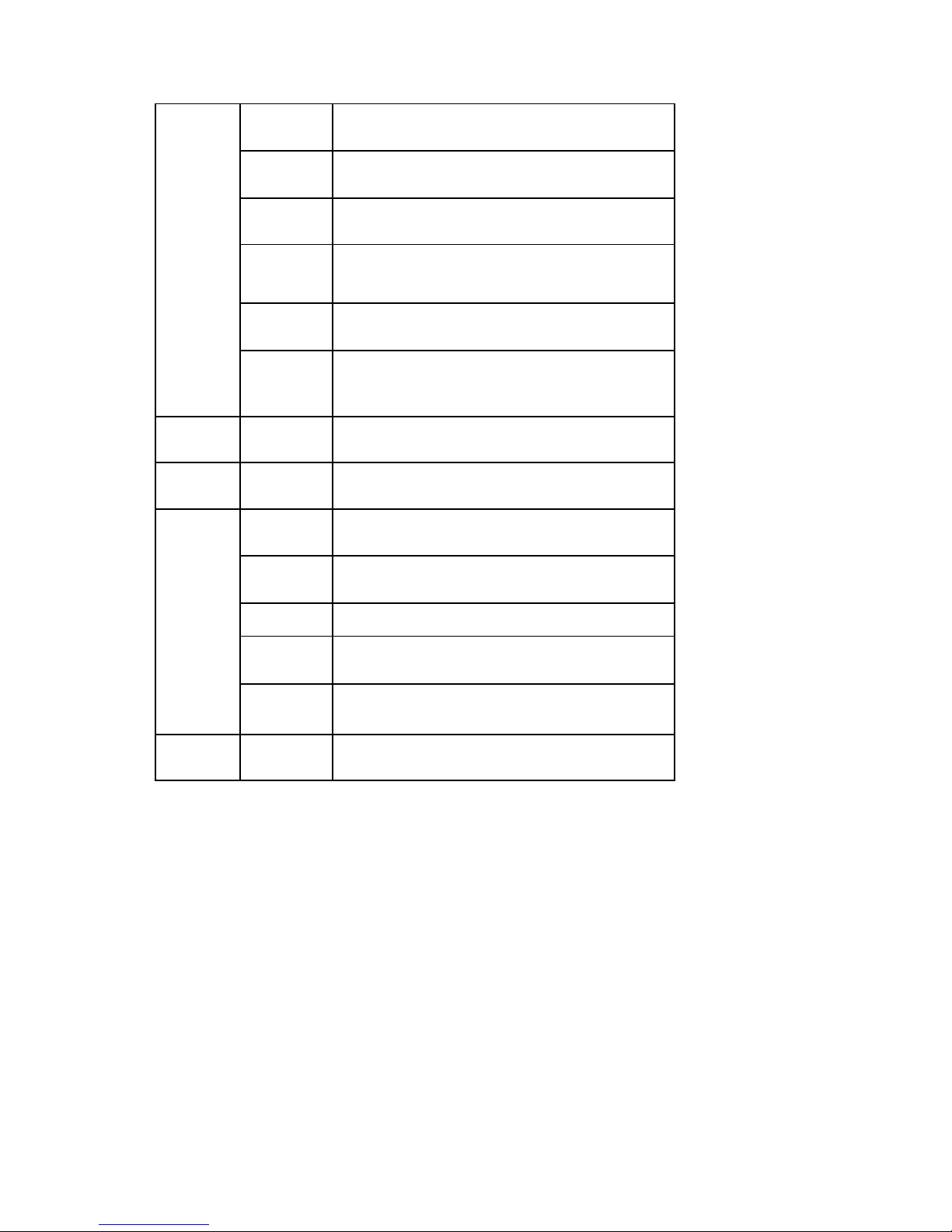
0~9
SET DIMMER MODE ON MENU
10-50
DIMMER MODE 1: LINEAR DIMMING
CH7
51-101
DIMMER MODE 2: WITHOUT FADING DIMMING
102-152
DIMMER MODE 3: LOW GRAY SOFT DIMMING
153-203
DIMMER MODE 4: LINEAR DIMMING SLOW
204-255
DIMMER MODE 5: LOW GRAY SOFT DIMMING
SLOW
CH8
0~255
DIMMER
CH9
0~255
STROBE
10~50
COLOR CHANGE
51~100
COLOR GRADIENT
CH10
101~150
COLOR PULSE
151~200
COLOR COMBINATION
201~255
SOUND CONTROL
CH11
0~255
SPEED (CH10)
 Loading...