

Page 1

One Blue Hill Plaza, 16th Floor, PO Box 1546
Pearl River, NY 10965
1-800-PC-AMERICA, 1-800-722-6374
(Voice) 845-920-0800 (Fax) 845-920-0880
Brecknell Scales Configuration Steps
Power on scale by pressing the Red Zero On/Off button.
After scale boots press and hold the [Hold] and [Zero On/off] buttons for 3 seconds.
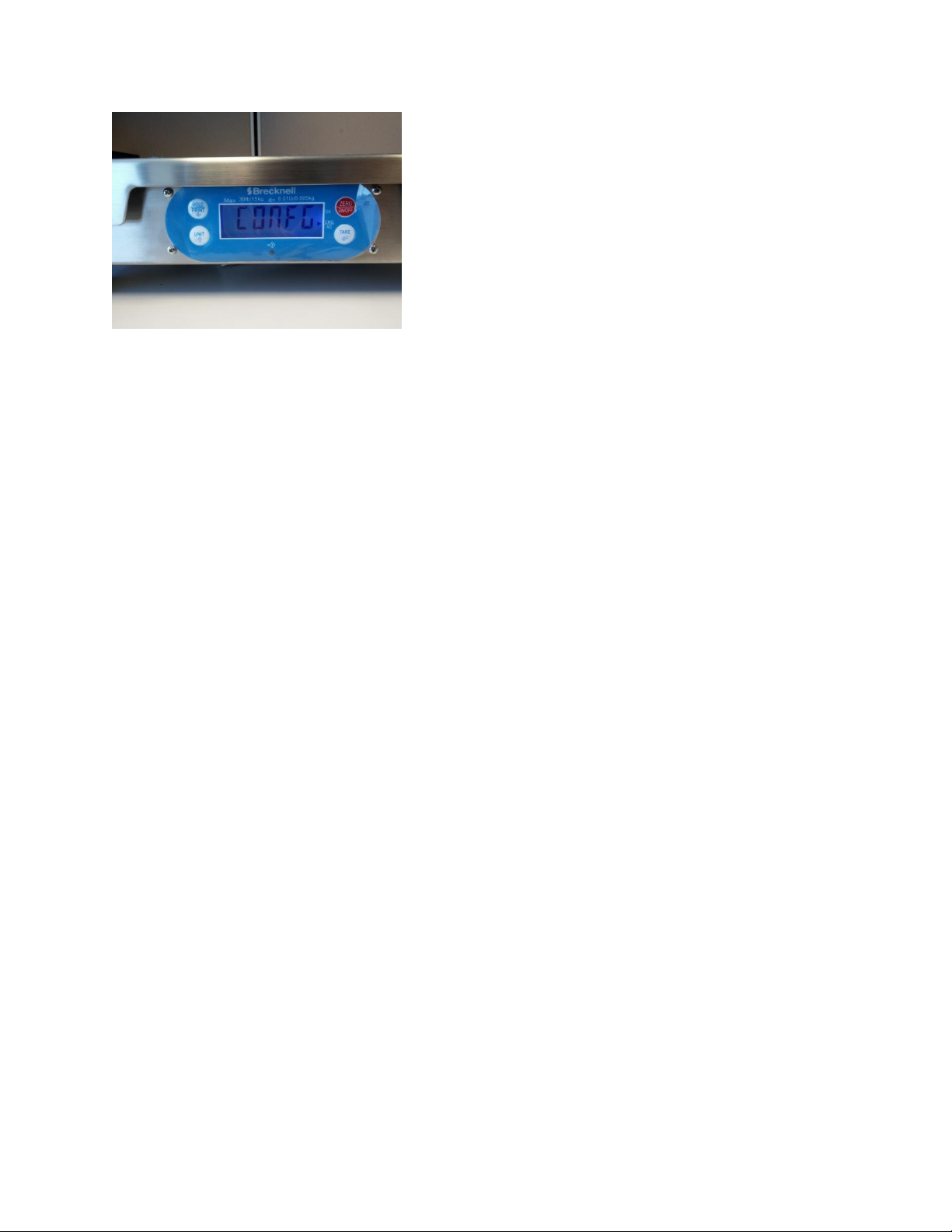
Next, Confg will show on the screen.
Use the Unit button to cycle to User.
Select User menu using the Tare button.
Cycle by pressing the Unit (3 times) to show Con2.
Select Con2 option using Tare.
Cycle using Unit (3 times) to show Lyout.
Select Lyout option using Tare.
Now use the HOLD/PRINT button to configure (the text on the display will start blinking).
Cycle through using the Unit button to show SCP02.
When showing and blinking on the screen select the option using Tare.
Now you are brought back to the Lyout option, use the Red Zero/On/Off button (4 times) to Exit.
Again press Zero/On/Off to Exit and restart the scale.
Page 2
Brecknell Scales Configuration Steps to Lock Unit Type
*This configuration is optional to prevent cycling through other Units(KG,Lbs,G,etc.) of measure.
Power on scale by pressing the Red Zero On/Off button
After it boots press and hold the [Hold] and [Zero On/off] buttons for 3 seconds
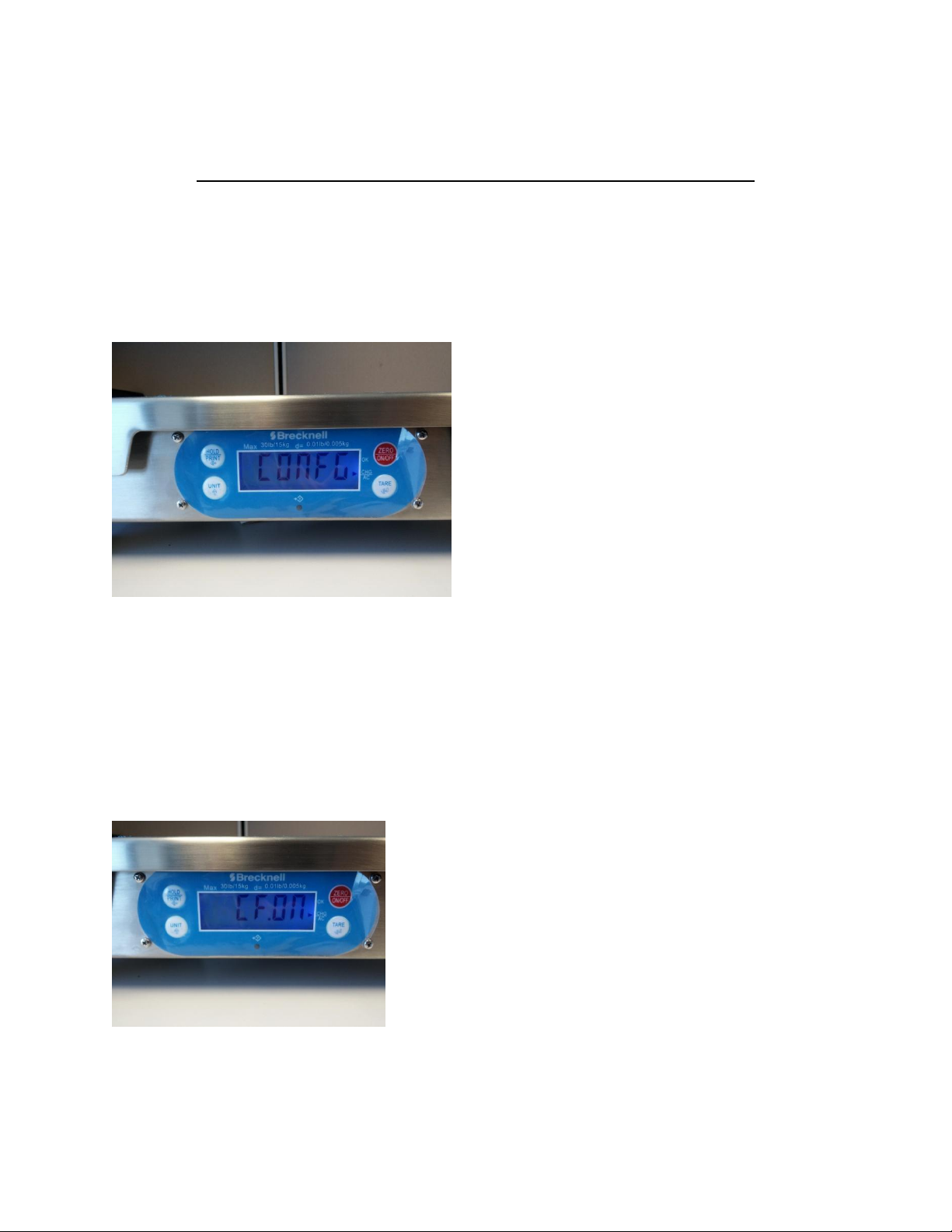
Next, Confg will show on the screen
Confg
Press the Unit key this will enter you into the configuration menu.
Now you will scroll through these options using the Unit key. Keep pressing the unit key until you reach
the Units screen this is where you will turn On or Off each unit. Press the Unit button 12 times to reach
Units, if you go too far you can use the Hold/Print button to go back a screen.
Press Unit
CF .ON
Page 3
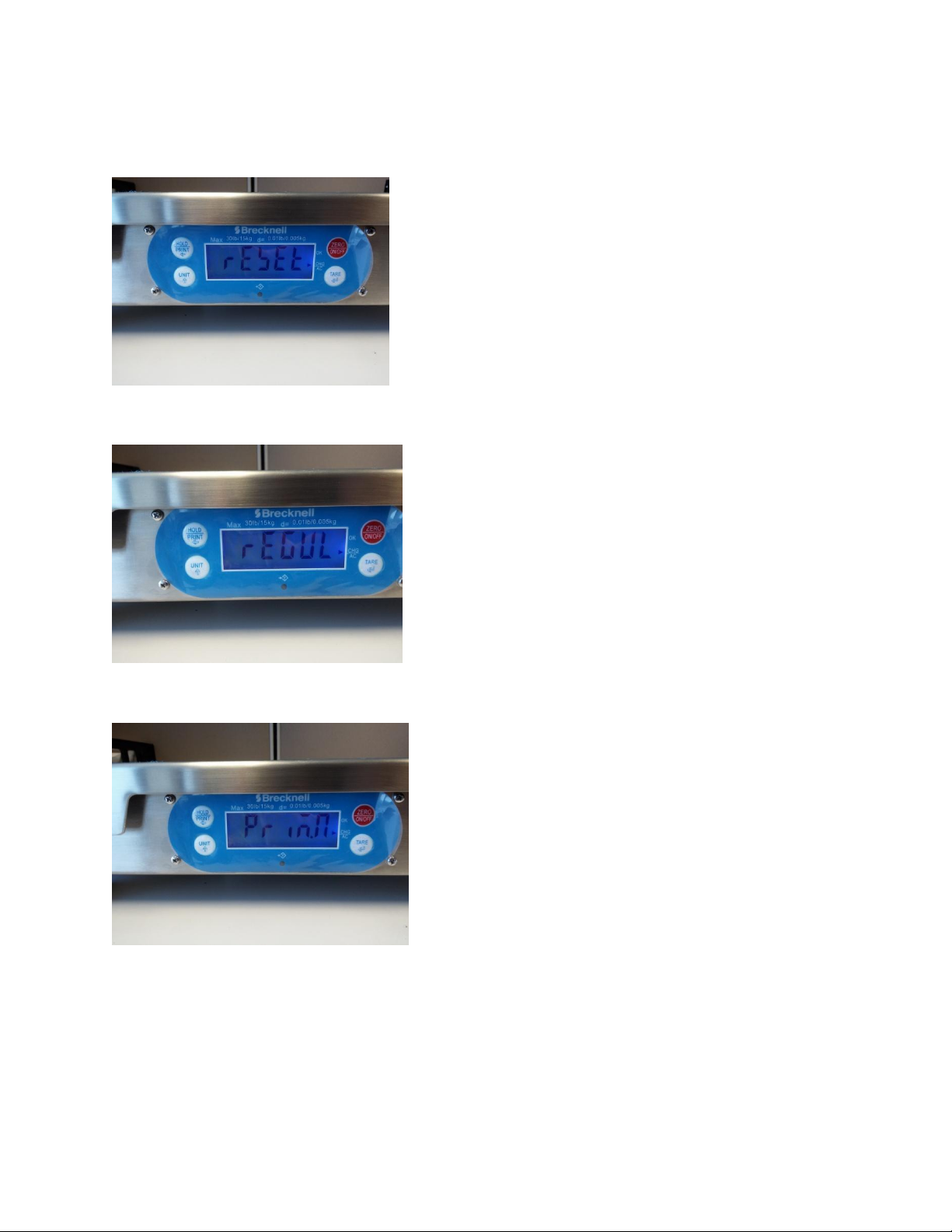
Press unit
Reset
Press Unit
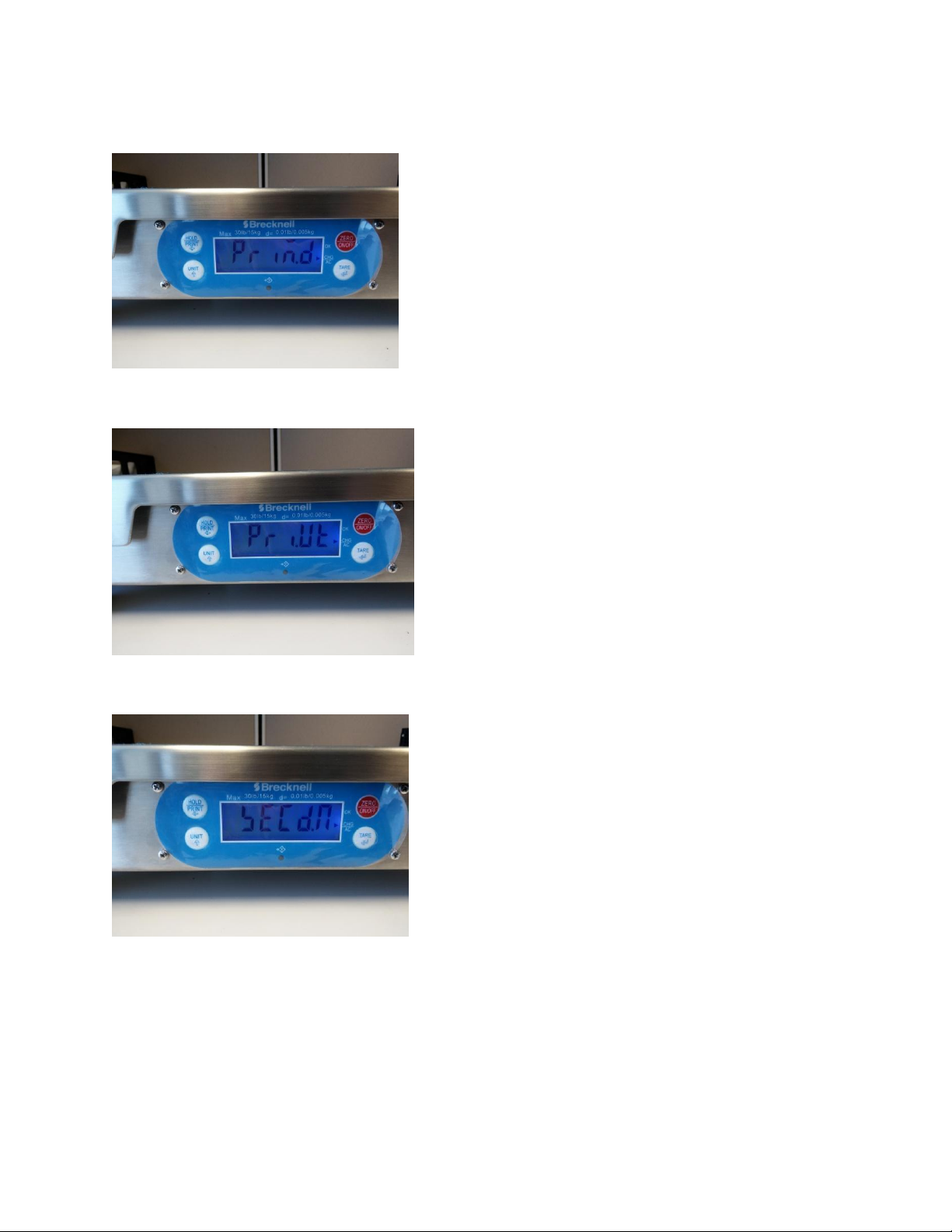
Regul
Press Unit
PriM.N
Page 4
Press Unit
PriM.D
Press Unit
Pri.Ut
Press Unit
Secd.N
Page 5
Press Unit
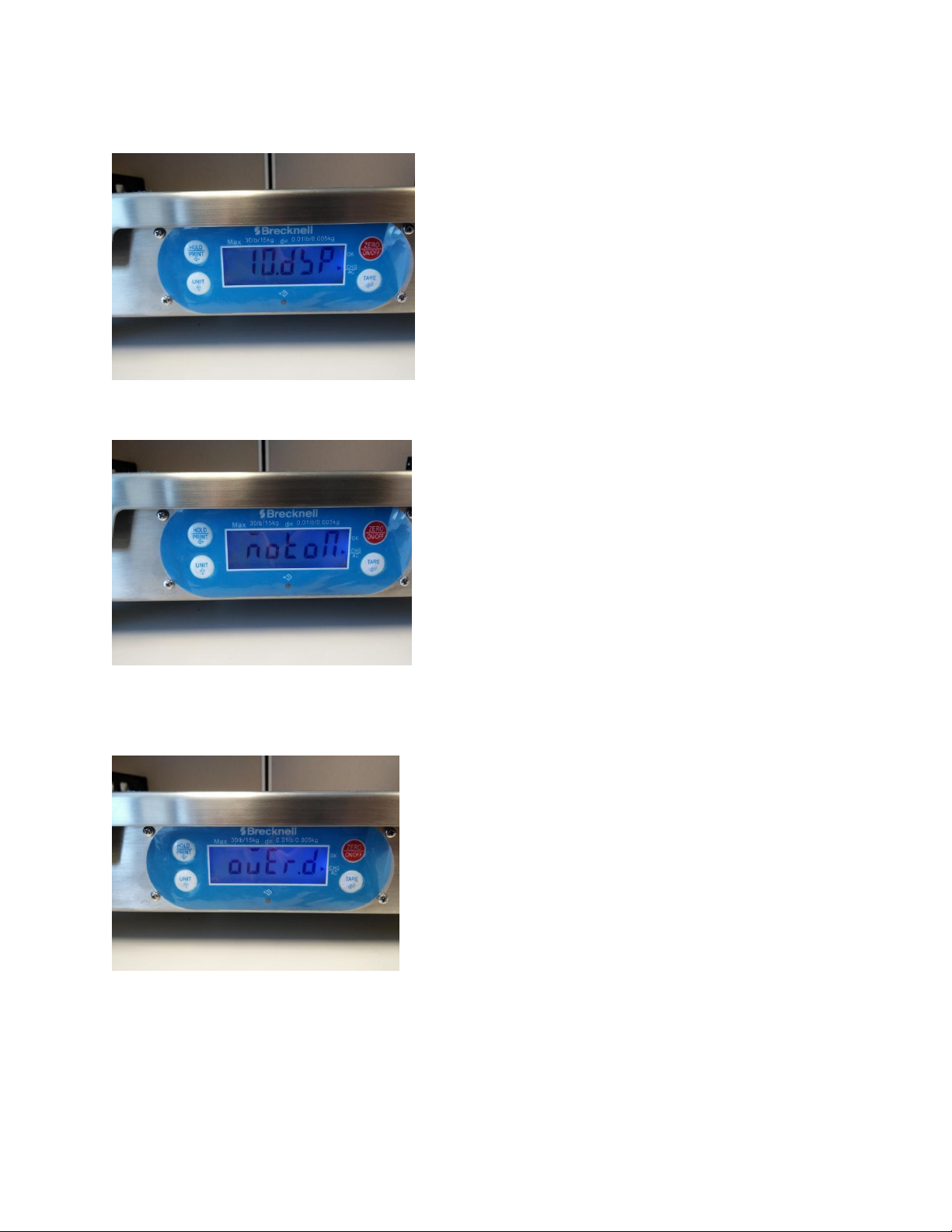
10N.DSP
Press Unit
Motion
Press Unit
Over.D
Press Unit
Page 6
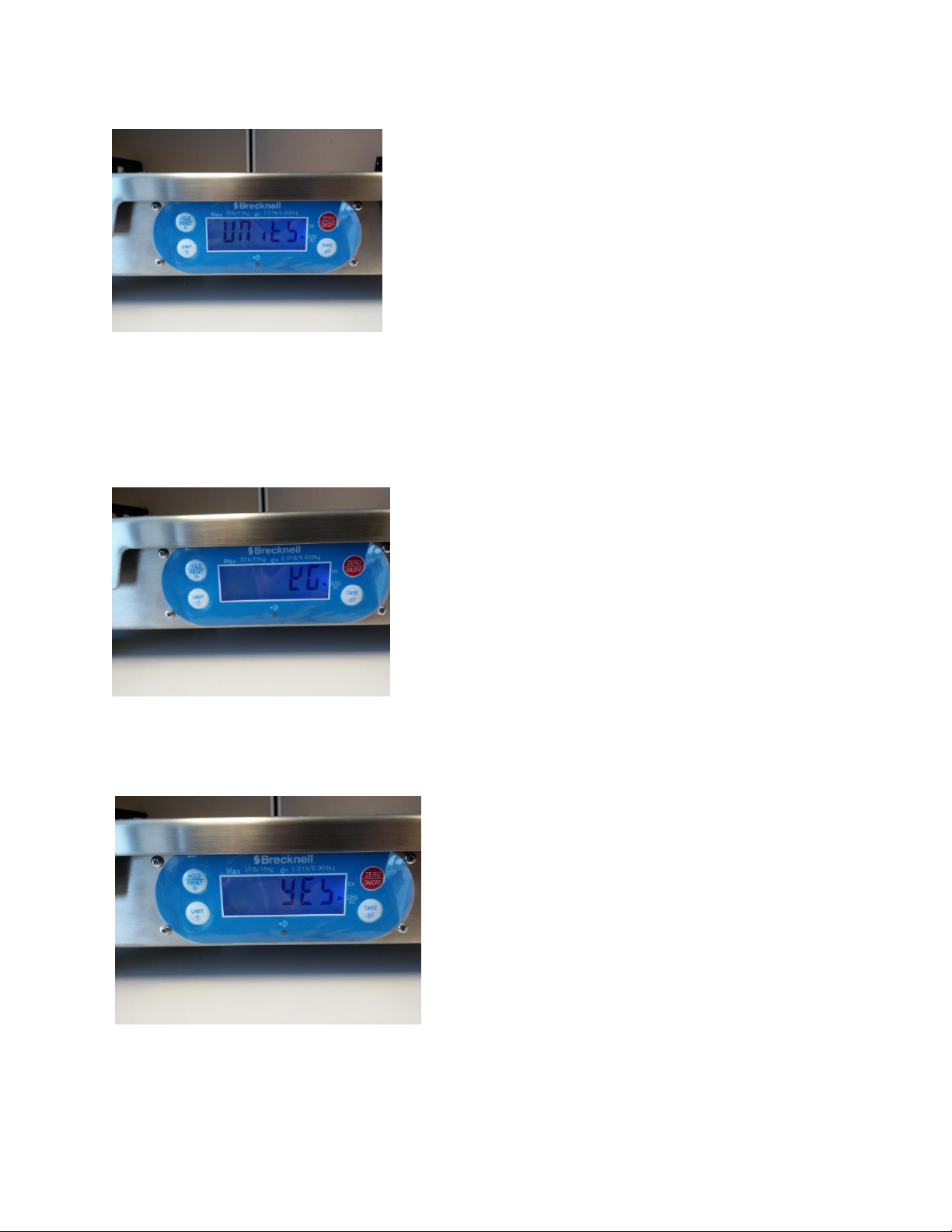
Units
Now Press Tare to display the units you would like to turn on or off, all units are on by default. Press
Unit to skip to the next unit of measure.
KG
Press Tare again to select the unit displayed and turn off.
Yes
*Pres unit to toggle between Yes or No ( No will Blink Until you save it by pressing Tare again.) Follow
this process to configure each unit of measure.
Page 7
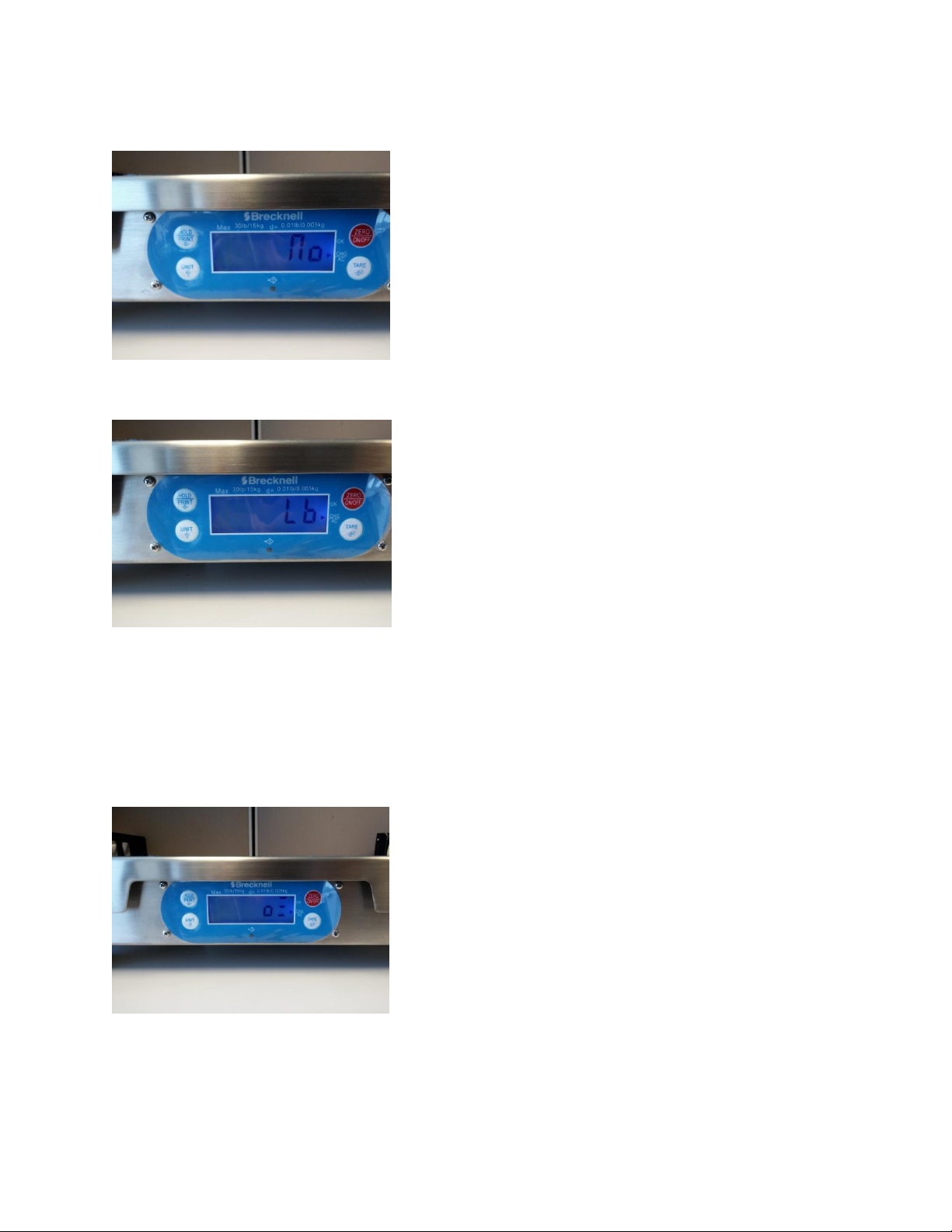
Press Tare to go back to KG and save either Yes or No selection.
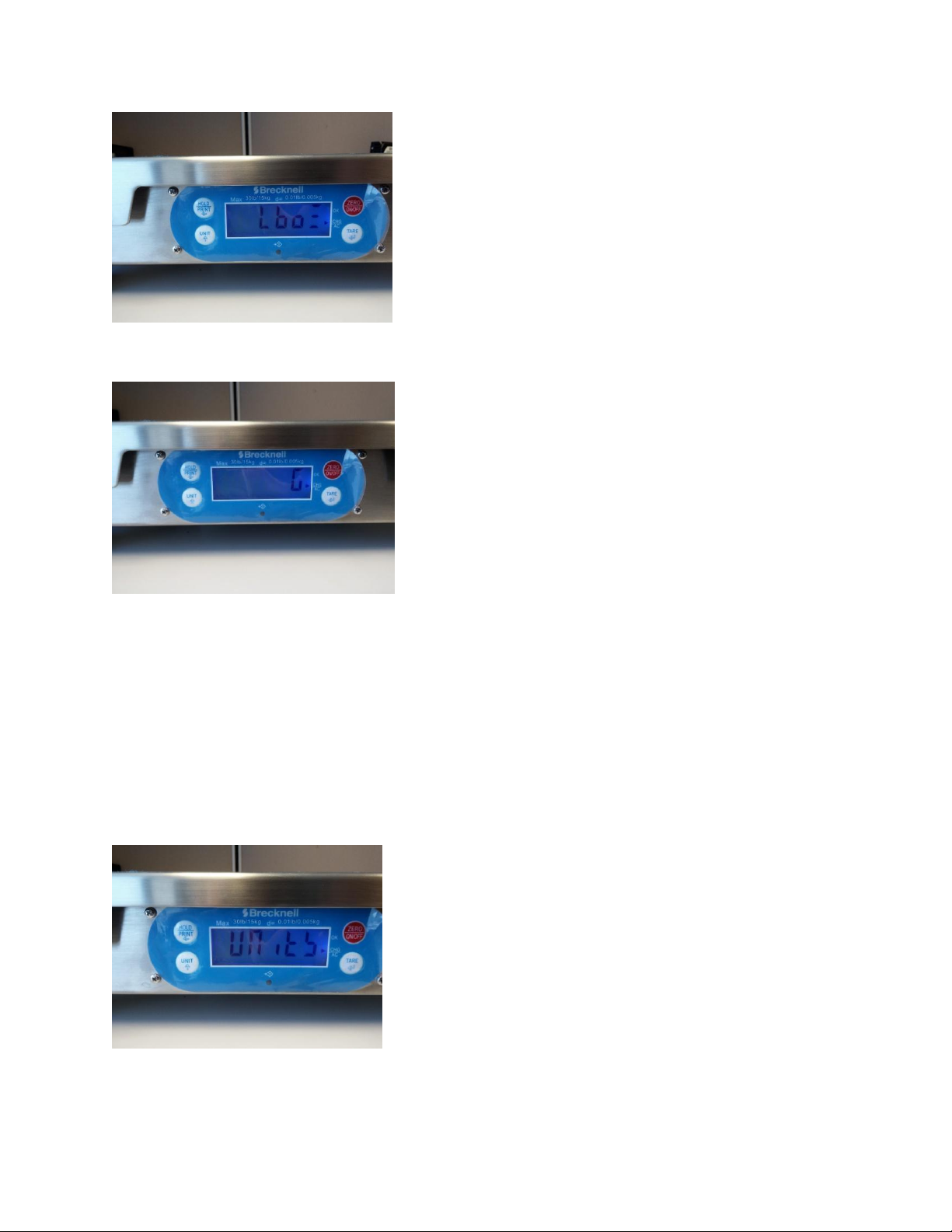
Press Unit, Press Tare if you would like to configure
LB
Press Unit, Press Tare if you would like to configure
OZ
Press unit, Press Tare if you would like to configure (Not Supported)
LB:Oz
Page 8
Press unit, Press Tare if you would like to configure (Not Supported)
G
Press Zero On/OFF (this takes you back up to Units selection)
Units
Press Unit
13 zro/PT
Page 9
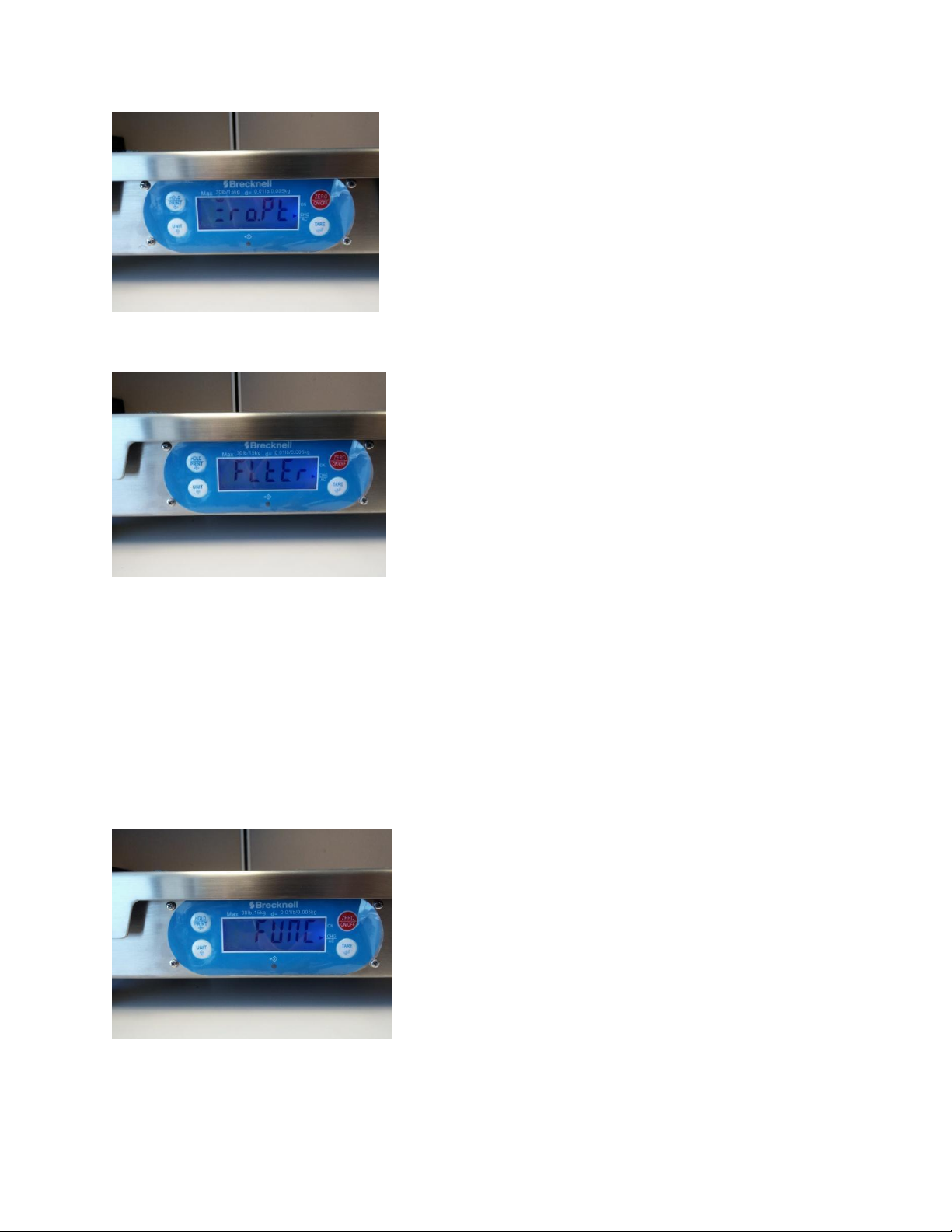
Press Unit
FLter
Press Unit
Func
Press Zero On/Off to go back to the Confg Menu
Page 10
Press and hold Zero On/Off to save configuration.
The Screen will flash off on the screen and then the backlight will turn off.
Turn the scale back on ensuring the only weight on the scale is the platter.
You have successfully programmed the scale to lock unit/s of measure.
*You can lock a single unit or specific multiple units to scroll through. If you chose multiple units, when
the scale is powered off it will turn on to the first unit in the configuration menu.
Setting up the Brecknell scales in CRE/RPE
Page 11
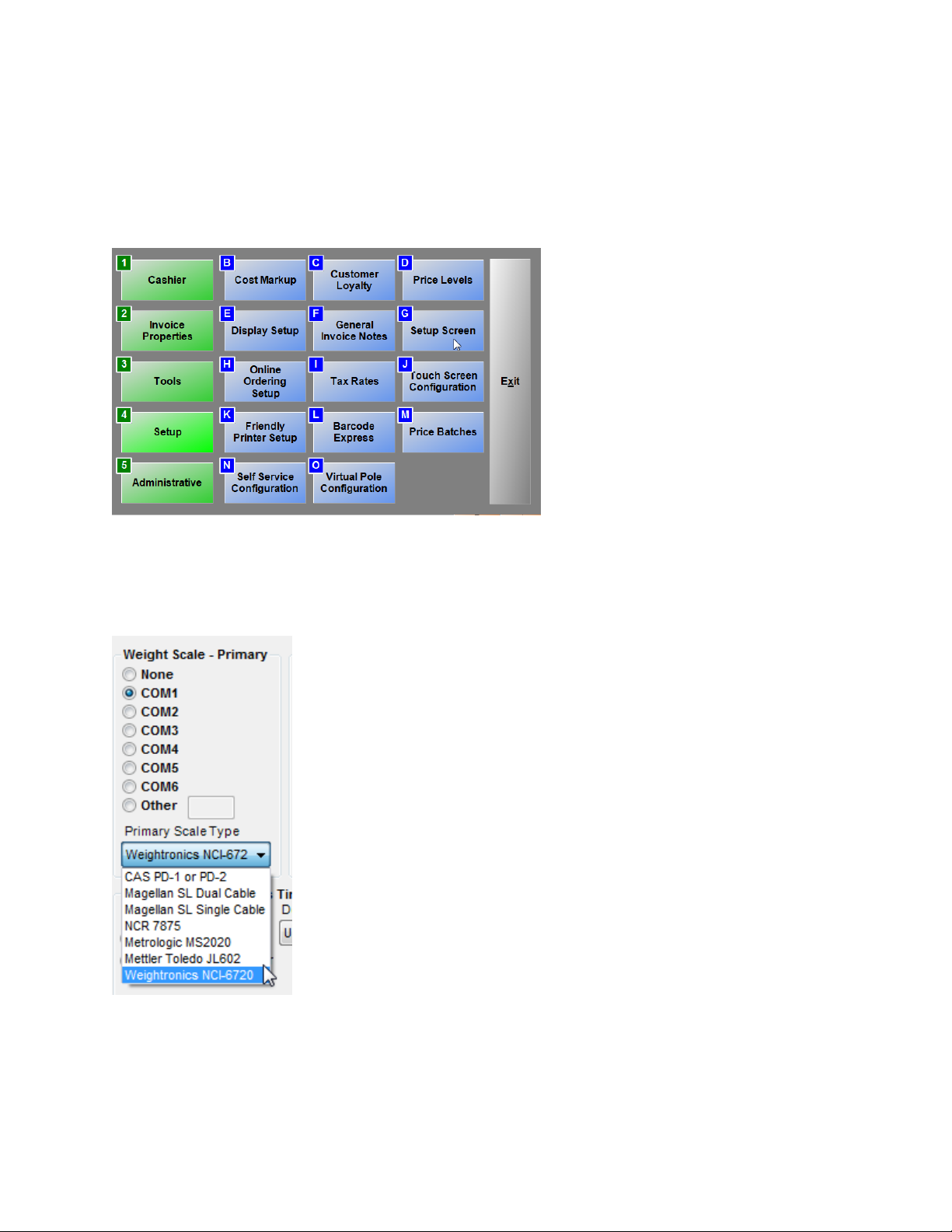
Once the Brecknell 6710/6720U is setup, connected to the computer, and powered on you can
configure in CRE/RPE.
To configure the scale in CRE/RPE
Select Setup and then Setup Screen
Under the Hardware tab, use the Weight Scale Type as Weightronics NCI-6720 then selecting the
appropriately matching COM port.
 Loading...