

Page 1
QUICK START GUIDE
Page 2
Welcome to the Boundless Life!
We’ve written this guide to help
you get the most out of your vape.
With the CF 710, we’re excited to
bring you a revolutionary device
for wax, oils, and concentrates,
that will change how you dab forever.
No more dangerous fire. No more
fragile glass. Just hold and dab.
Thanks for purchasing, and welcome to the Boundless Life!
- The Boundless Crew
Page 3

Power On / Power Off
Press the Power Button 5x to Power On/Power Off.
The battery capacity indicator light (located above the
USB port near the mouthpiece) will flash once to indicate that you have turned it on or off.
Page 4

Press Power 5x to power on/off
Page 5

Heat and Enjoy
The CF 710 is On Demand so you simply hold the
power button down to start heating.
The safety timer will shut off the device after 15 seconds to prevent overheating.
Press the button 3x to enter Mode B and the CF 710
will heat up for 15 seconds without having to hold the
button down. Exit Mode B by pressing the power
button once.
Page 6

HOLD the Power Button down to begin heating
Press 3x to heat for 15 seconds without having
to hold the button down
Page 7

Changing the Tip
Unscrew the attached heating element counterclockwise off the CF 710.
Replace with the other heating element and screw
on clockwise.
Press the Power Button 5x to Power On/Power Off.
The battery capacity indicator light (located above the
USB port near the mouthpiece) will flash once to indi-
cate that you have turned it on or off.
Page 8
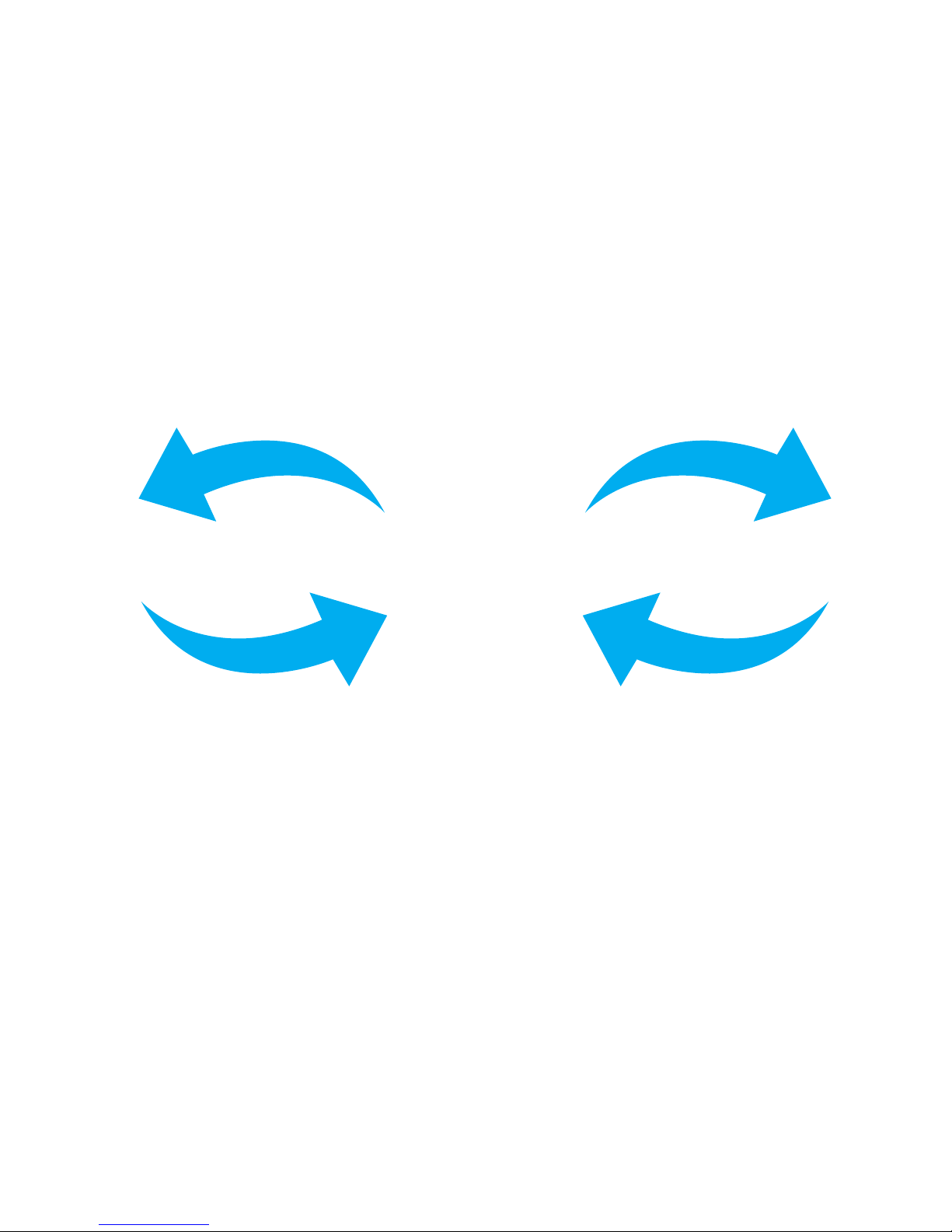
Counterclockwise
to Remove
Clockwise to Install
Page 9

Rapid USB Charging
Our rapid charge technology allows you to reach a full
charge in 2 hours.
A red LED light will display while charging and turn
off once fully charged.
The CF 710 is On Demand so you simply hold the
power button down to start heating.
The safety timer will shut off the device after 15 sec-
onds to prevent overheating.
Press the button 3x to enter Mode B and the CF 710
will heat up for 15 seconds without having to hold the
button down. Exit Mode B by pressing the power
button once.
Page 10
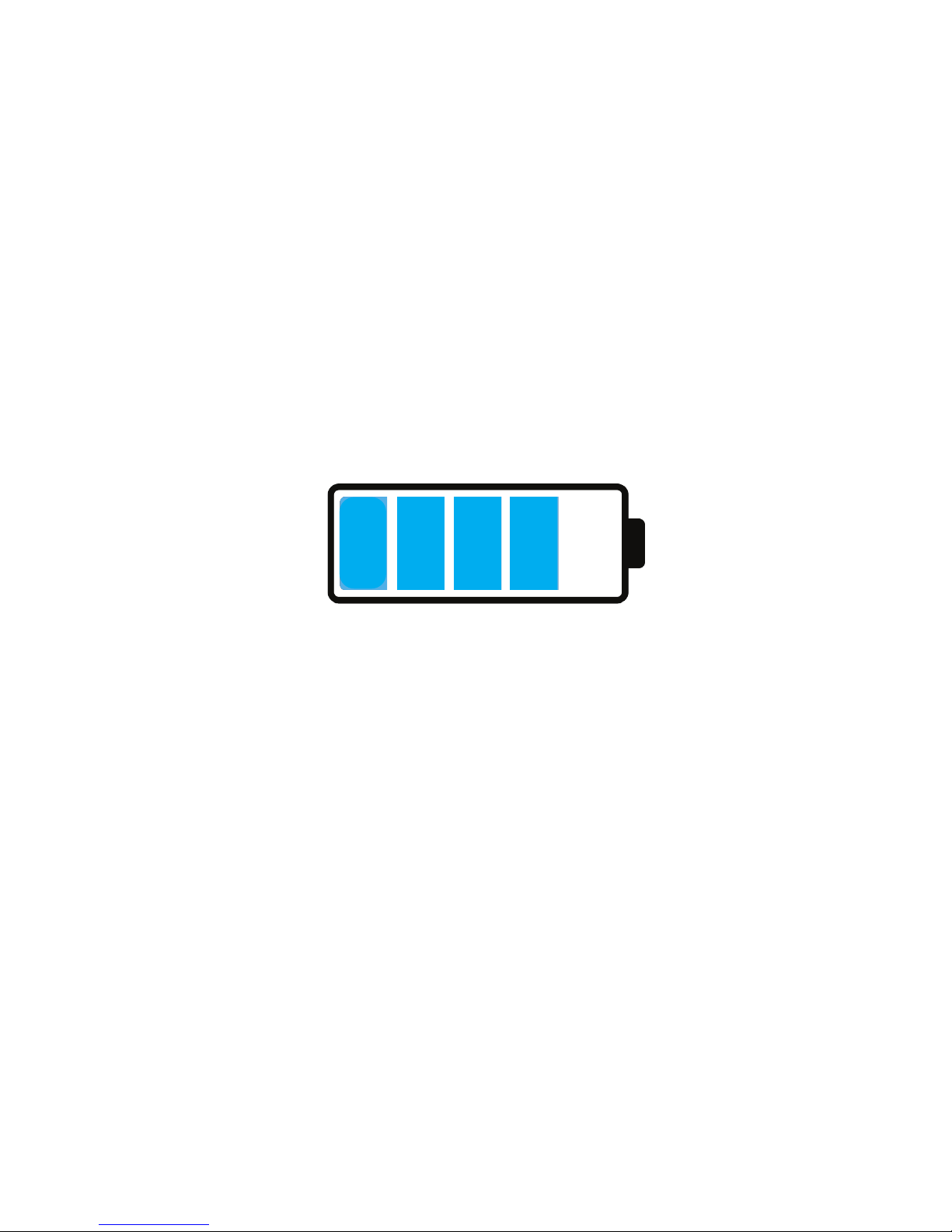
2 hours to Fully Charge
Page 11

Long Battery Life
The 710 is powered by a battery that can run for
about 10 sessions on a full charge so you can enjoy up
to 60 minutes of concurrent vaping.
Unscrew the attached heating element counterclock-
wise off the CF 710.
Replace with the other heating element and screw
on clockwise.
Page 12

Enjoy up to 60 minutes of concurrent vaping
Page 13

Battery Capacity Indicator
100% - 67% Charge = Green Light
66% - 34% Charge = Blue Light
33% - 0% Charge = Red Light
Our rapid charge technology allows you to reach a full
charge in 2 hours.
A red LED light will display while charging and turn
off once fully charged.
Page 14
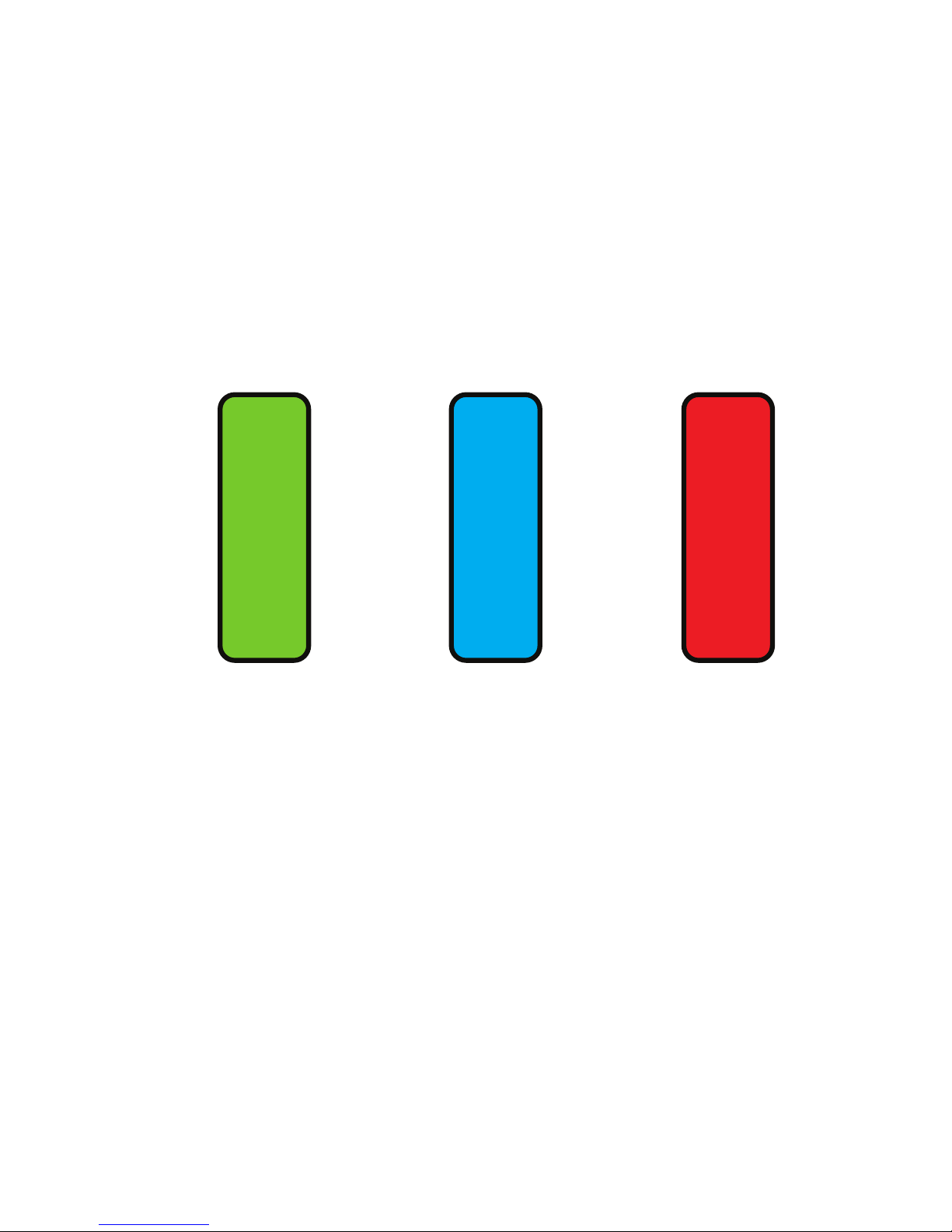
Blue
66% - 34%
Green
100% - 67%
Red
33% - 0%
Page 15

The 710 is powered by a battery that can run for
about 10 sessions on a full charge so you can enjoy up
to 60 minutes of concurrent vaping.
Cleaning Your Device
Start by holding your device over the concentrate dish
to catch any falling residue.
Press the power button 3x while the unit is on to
enter Mode B and “burn off” any excess material that
has built up on the heating element.
Clean every 3-4 charges to prevent excess build up.
Page 16

Press 3x to initiate “burn off”
Page 17
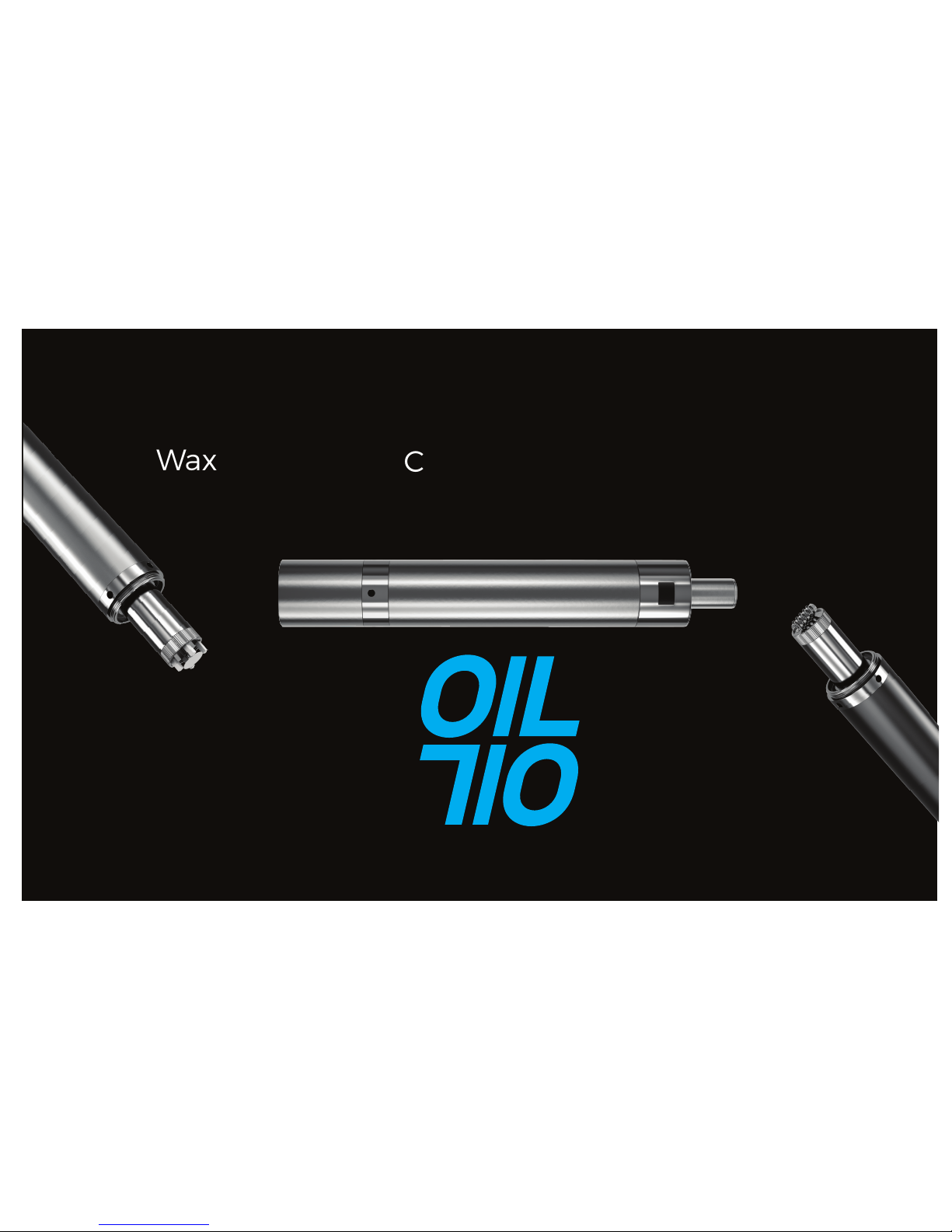
Wax
Oil
Concentrates
100% - 67% Charge = Green Light
66% - 34% Charge = Blue Light
33% - 0% Charge = Red Light
Page 18
BOUNDLESS
TECHNOLOGY
 Loading...