

Page 1
Manual
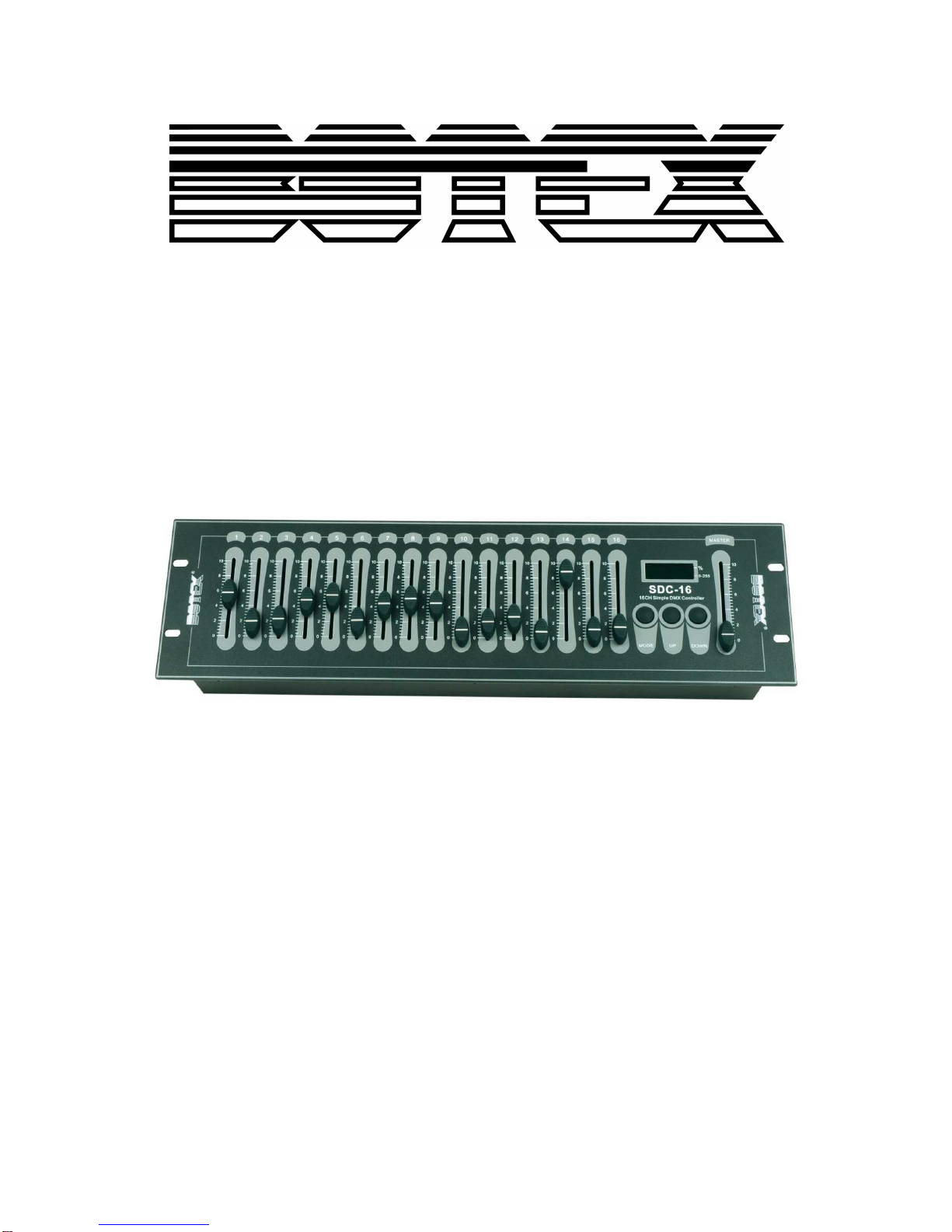
Controller DMX
SDC-16
Page 2

2 / 8
Table of contents
1. Safety instructions ............................................................................................................................ 3
1.1. FOR SAFE AND EFFICIENT OPERATION ............................................................................ 3
3. Control .............................................................................................................................................. 5
4. Technical data .................................................................................................................................. 6
Page 3
3 / 8
1. Safety instructions
• Read the safety instructions and also this manual carefully.
• Keep the manual.
• Observe all red flags.
• Observe the manual.
• To prevent fire or electric shocks, protect the device against rain and
humidity
• Pull the plug before opening the housing.
• To prevent an electric shock you should not remove the cover.
• Do not operate the device in the near of water.
• Use only a dry cloth for cleaning.
1.1. FOR SAFE AND EFFICIENT OPERATION
Be careful with heat and extreme temperature
Avoid exposing it to direct rays of the sun or near a heating appliance.
Not put it in a temperature bellow 40°F /5°C, or exceeding 100°F /30°C.
To avoid placing on un-stable location
Select a level and stable location to avoid vibration.
Do not use chemicals or volatile liquids for cleaning
Use a clean dry cloth to wipe off the dust, or a wet soft cloth for stubborn dirt. Pull the plug before
cleaning.
If out of work, contact sales agency immediately
Any troubles arose, remove the power plug soon, and contact with an engineer for repairing, do not
open the cabinet by yourself, it might result a danger of electric shock.
Take care with the power cable
Never pull the power cable to remove the plug from the receptacle, be sure to hold the plug. When not
using the device for an extended period of time, be sure to disconnect the plug from the receptacle.
Safety
Do not remove the grounding. It is for your safety. If you remove the grounding it can cause electric
shocks.
Page 4

4 / 8
Accessory
Please use only the accessory which is set by the manufacturer.
Important
Damages caused by the disregard of this user manual are not subject to warranty. The dealer will not
accept liability for any resulting defects or problems. Make sure the electrical connection is carried out
by qualified personnel. All electrical and mechanical connections have to be carried out according to
the European safety standards.
Page 5
5 / 8
3. Control
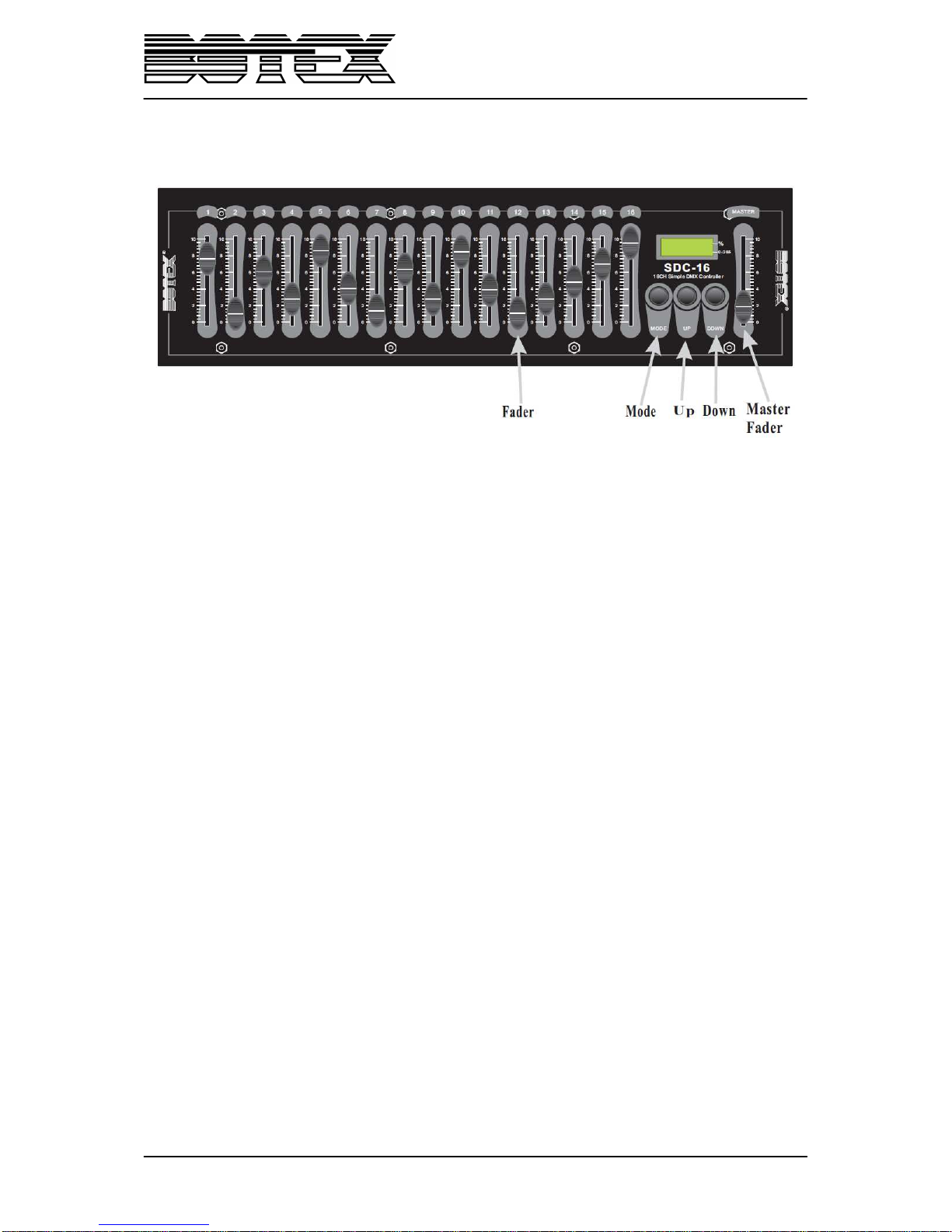
1. When switching on the power supply, the display will show the start DMX channel address. It
can be “A001”. If there are no character and number display, check the power whether it’s
correctly connected.
2. The default start address for controlling the DMX channels is channel 1. To adjust the initial
start address, you can press the “Up” key to increase it by 1. When holding the “Up” key for 1
second, the start address will increase rapidly from the initial value to the desired value. You
can also press the “down” key to decrease the present value by 1. When holding the “down”
key for 1 second, the present value will decrease rapidly to the desired value.
Note: Whenever you want to adjust the start address, press „Up“ key or „Down” key to shift the
start address setting mode. In this case, you may change the start address temporarily. You
can control the continual DMX channels from the beginning of the starting address. The start
address must be 1-512.
3. Pushing the channel fader, one of the 16 channel faders, can allow you to adjust the relative
channel value. The display shows the value temporarily with the default mode of decimal (0-
255) when sliding the fader. For percent display mode, you can press the “mode” key. In this
case, the indicating LED of the right lower corner will be out in the display and the indicating
LED of the right higher corner will be lit up.
After you have set the 16 channel value, waiting about 10 seconds, the display will
automatically show the start address.
4. Pushing the master fader can control the output values of all 512 channels.
The output can be set to 0-255 by the master fader. There are also two display modes,
including decimal and percent mode. You switch between these two modes by pressing the
“Mode” key.
Page 6
6 / 8
4. Technical data
Power supply
DC 9V; 300 mA min.
DMX Output
3 pin female XLR
Measurements
482x132x80
Weight
2,3kg
Page 7

7 / 8
Page 8
8 / 8
Importer:
B & K Braun GmbH
Industriestraße 1
D-76307 Karlsbad
www.bkbraun.com
 Loading...