

Page 1
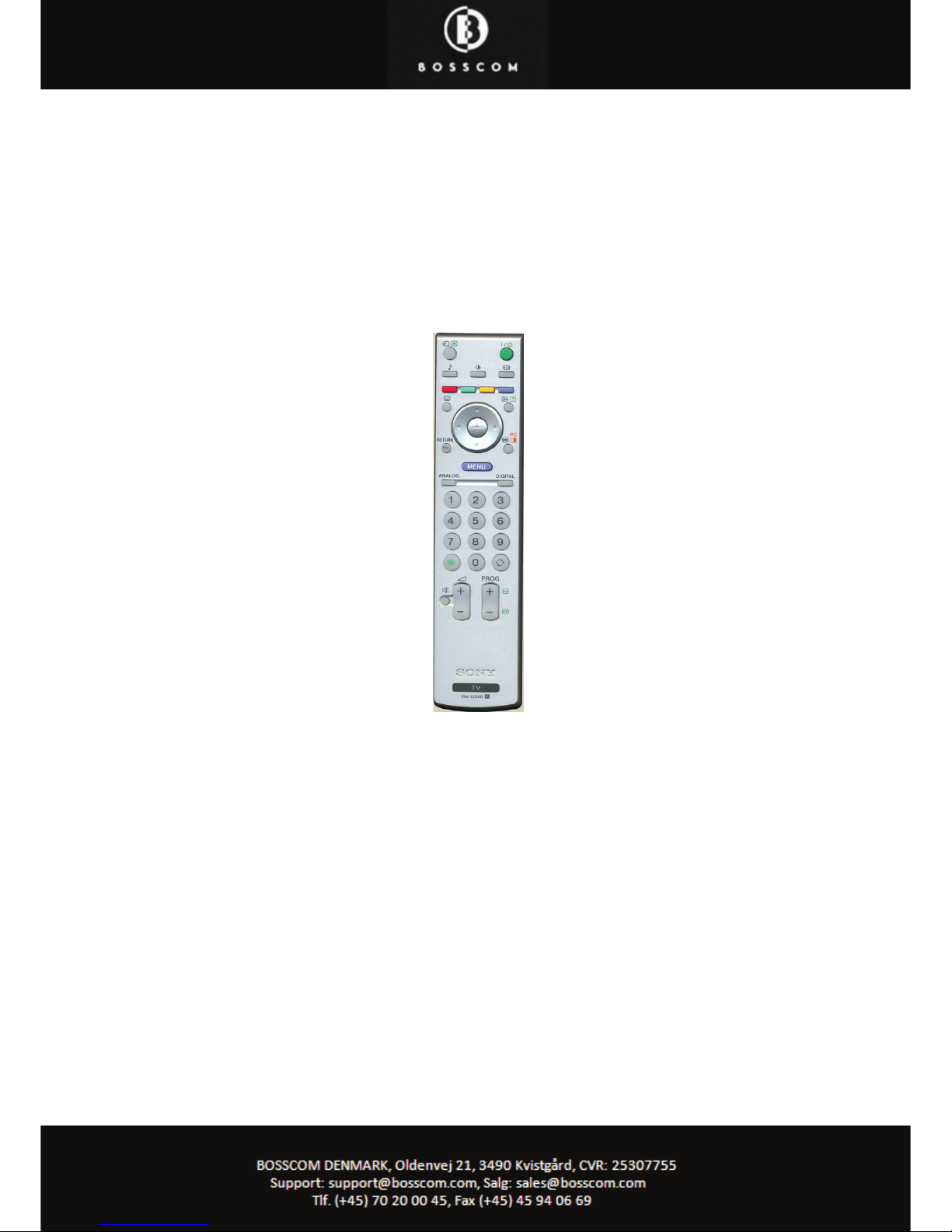
Beokompatible functions
BOSSCOM Interface type 4340
Sony LCD-TV
made in the EU by www.bosscom.com
Page 2
Congratulations
With the Bi1
interface module from
www.
boss
com.com
installed inside to your B&O
Beo4 remote control terminal, you can
directly operate your Sony TV. This user
guide tells you how.
Operating with Beo4
B
eo4 does not have as many keys as the
TV’s original remote control. Thus certain
Beo4 keys have got alternative
functionality. To get to this O has to be
pressed , i.e. followed by
on the Beo4 corresponds to the actual red
button on the original remote control.
The table on the opposite side shows how
special Beo4 key operations translate to
operations of the original remote control.
To be able to operate the TV correctly with
the Beo4 the user has
to be familiar with
operations with the original remote
control as described in the TV’s user
manual.
Options
T
he TV can be a part of di erent setups i.e.
with original B&O products. In order to
handle this, the Beo4 has to be programmed
with certain options. This only has to be
done in the installation phase, not during the
daily use.
To set an option, simply type in a sequence of 5 special
but
tons, as seen in the table below.
Record-list-TV-0-0:
Volume buttons will always transmit in beolink
format. Use this when sound is handled by a
Bang & Olufsen audiomaster.
Record-list-TV-0-1:
factory.
Volume buttons will always transmit in Sony
format. Use this when the TV handles sound.
Record-list-TV-8-0:
When Vtape, Sat, Vaux or DVD is selected, from
the TV viewing mode, no commands are
transmitted to the Philips TV.
Record-list-TV-8-1:
factory
When Vtape, Sat, Vaux or DVD is selected, from
the TV viewing mode, the Philips TV shift to TV
programme 0. Hereafter all commands are
transmitted in beolink format.
Record-list-TV-9-0:
Disable conversion of commands.
Record-list-TV-9-1:
factory
Enable conversion of commands.
Page 3
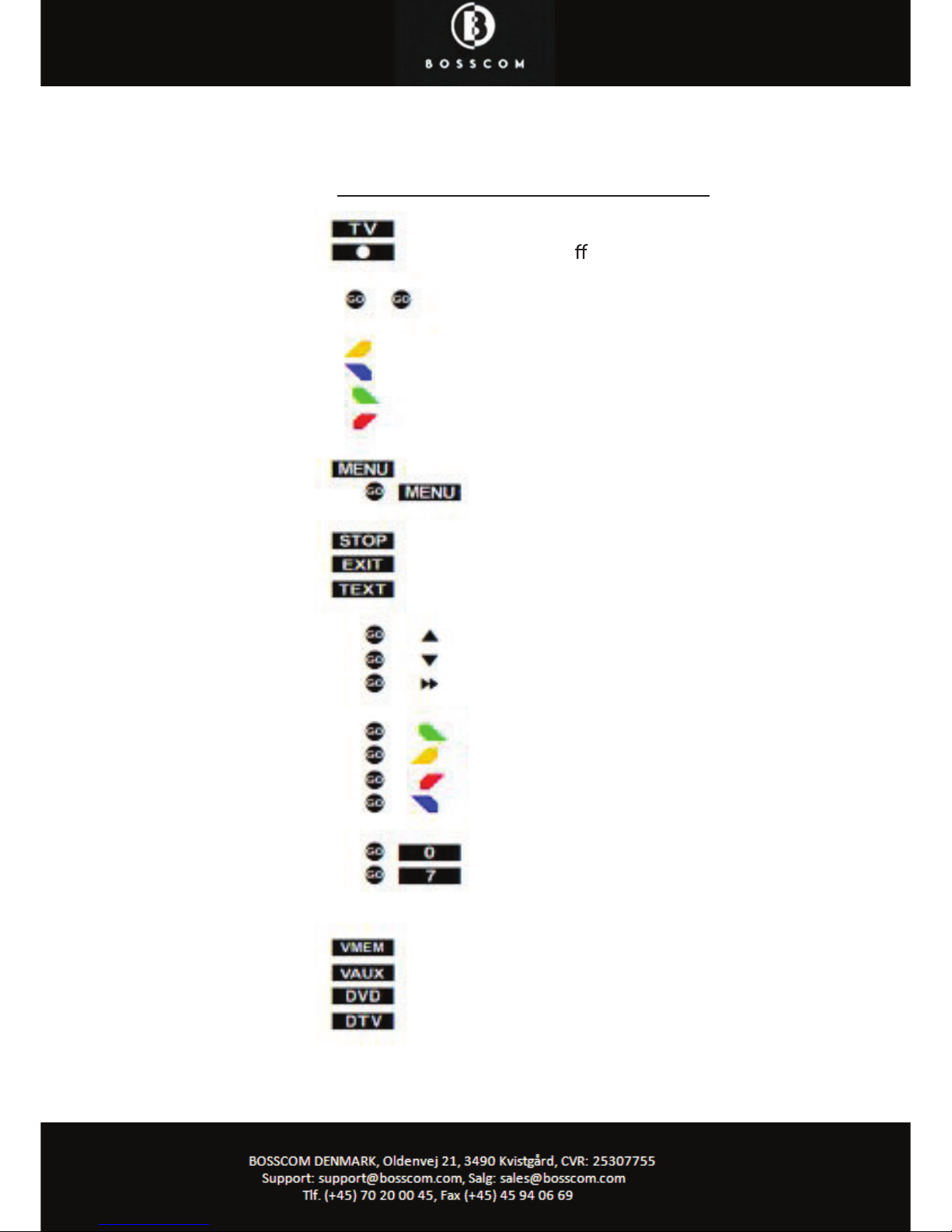
Beo4 Function
Power on
Power o
OK
P+
PDigital
Analog
Menu
Tools
Format
Back
Text tv
i+
Return
Book
Grøn
Gul
Rød
Blå
Reset
A/B
AV
Video 1
HDMI 2
HDMI 1
 Loading...