

Page 1

boland
Tap Menu button to bring up three vertical menu tabs. Use Arrow keys left and right moves sideways across the three vertical lists, chosen list is yellow.
Right Arrow Key (acts like Enter key) selects and enters sub-menus. Up/Down keys for navigating up and down. L/R Arrows increment/decrement value.
Menu text is Arial-like font, mixed case, in yellow (active item) and grey text over translucent cyan, justified in upper right corner.
Menu Operation: Menu with Picture Tab in yellow; Rotation moves left/right between Picture/Input/Setup Tabs; second push selects up up/down movement and
Note: Monitor will be in a calibrated condition when BCCHS are all at 50 (calibration procedure is described below°°).
makes menu single column (hides other two columns); Rotation then selects line making selected text yellow, another push activates line by showing out pop-up to right, etc.:
SE Menu Operation
selected active input shows in yellow (SDI 2)
Picture Input Setup
Backlight 100 SDI 1
Bright 50 SDI 2
Contrast 50 HDMI
Color 50 VGA
Hue 50 Component
Sharpness 50 Y/C
Peaking 0 Composite 1
Markers Off Composite 2
Clip Display Off
Volume 0
Info SDI 2 1080i59
boland
Waveform Off
Vectorscope Off
Audio 5
Meters Setup 8
Peaking Setup Off
Hot Key Setup Off
Aspect & Views Off
More Setups
F/W: 01v70
123456789101112131415161718 192021
boland
3/20/2011 BCI_MENU.XLS page 1
Page 2

Below: Menu button push brings up Menu, Down Arrow for vertical movement, Right Arrow activated Color pop-out saturation value (49 currently), L/R Arrow keys
will increment/decrement saturation value, and Menu pushes here will back out of the Menu will back out of menu fully and clear the screen. Menu Timeout will also clear the screen (see that sub-menu).
Picture
Backlight 100
Bright 50
Contrast 50
Color 49 49
Hue 50
Sharpness 50
Peaking 0
Markers Off
Clip Diplay Off
Volume 0
Info SDI 2 1080i59
boland
3/20/2011 BCI_MENU.XLS page 2
Page 3

Selecting an input does not require the left or right columns to be removed from the screen (because there is no needed room for pop-out submenu).
Inputs without a Direct Access button can be selected here. Push Right Arrow to confirm choice."Return" may not needed because another push of knob will backout of menu or Return Button or TimeOut will fully exit.
Picture Input Setup
Backlight 100 SDI 1
Bright 50 SDI 2
Contrast 50 HDMI
Color 50 VGA
Hue 50 Component
Sharpness 50 Y/C
Peaking 0 Composite 1
Markers Off Composite 2
Waveform Off
Vectorscope Off
Audio 5
Meters Setup 8
Peaking Setup Off
Hot Key Setup Off
Aspect & Views Off
More Setups
Clip Display Off
Volume 0
Info SDI 2 1080i59
boland
F/W: 01v70
boland
3/20/2011 BCI_MENU.XLS page 3
Page 4

Setup Menu also has several sub-menu choices.Below: First long push brings up Menu, a second push changes to vertical movement, one encoder knob click and a push activated Layout, etc.
Setup
Waveform Off Layout Normal Normal
Vectorscope Off Waveform Off Wavefrm
Audio 5 Size Medium Vector
Meters Setup 8 Position U L WAV
Peaking Setup Off Display Type Transparent ALM16
Hot Key Setup Off Y Overlimit 105.0% Quad
Aspect & Views Off Y Underlimit -0.9%
More Setups Histogram Off
L position LR
Info SDI 2 1080i59
boland
3/20/2011 BCI_MENU.XLS page 4
Page 5
Boland Menu Tree Off Off
Items in Red are Future items. 4:3 Small
Items in Green are Default Values 16:9 Medium
Picture Aspect [value] 1.85:1 Level
Markers [On/Off] (Off) 4:3+16:9 Large
Backlight 100 (100) Center Cross [On/Off] (Off) 2.35:1 Clear
Bright 50 (50) Safe Area [0ff, 80~99] (90) 1.85&4:3 75%
Contrast 50 (50) Border [On/Off] (Off) 2.35&4:3 50%
Color 50 (50) Cross Hatch [value] 25% 1
Hue 50 (50) Transparency [value] Black 2
Sharpness 50 (50) Line Thickness [value] 3
Peaking 0 (0) Line Color [value] Dark
Markers [On/Off] Gray
Clip Display [On/Off] Display [On/Off] (Off) White
Volume 0 (0) Mode [value] Y Adaptive
Zebra [Zebra/Fill] (Zebra) Y Mono
Y Top [89~109%] (101) C
Y Bottom [-7~+10%] (-1) C Mono
C Top [200~255] (240) Y&C
C Bottom [0~50] (16)
Y&CMono
(Rotate to select, push to accept, Return or TimeOut to Exit)
Input
SDI 1 (SDI 1)
SDI 2
HDMI
VGA
Component
Y/C
Composite 1
Composite 2
boland
3/20/2011 BCI_MENU.XLS page 5
Page 6
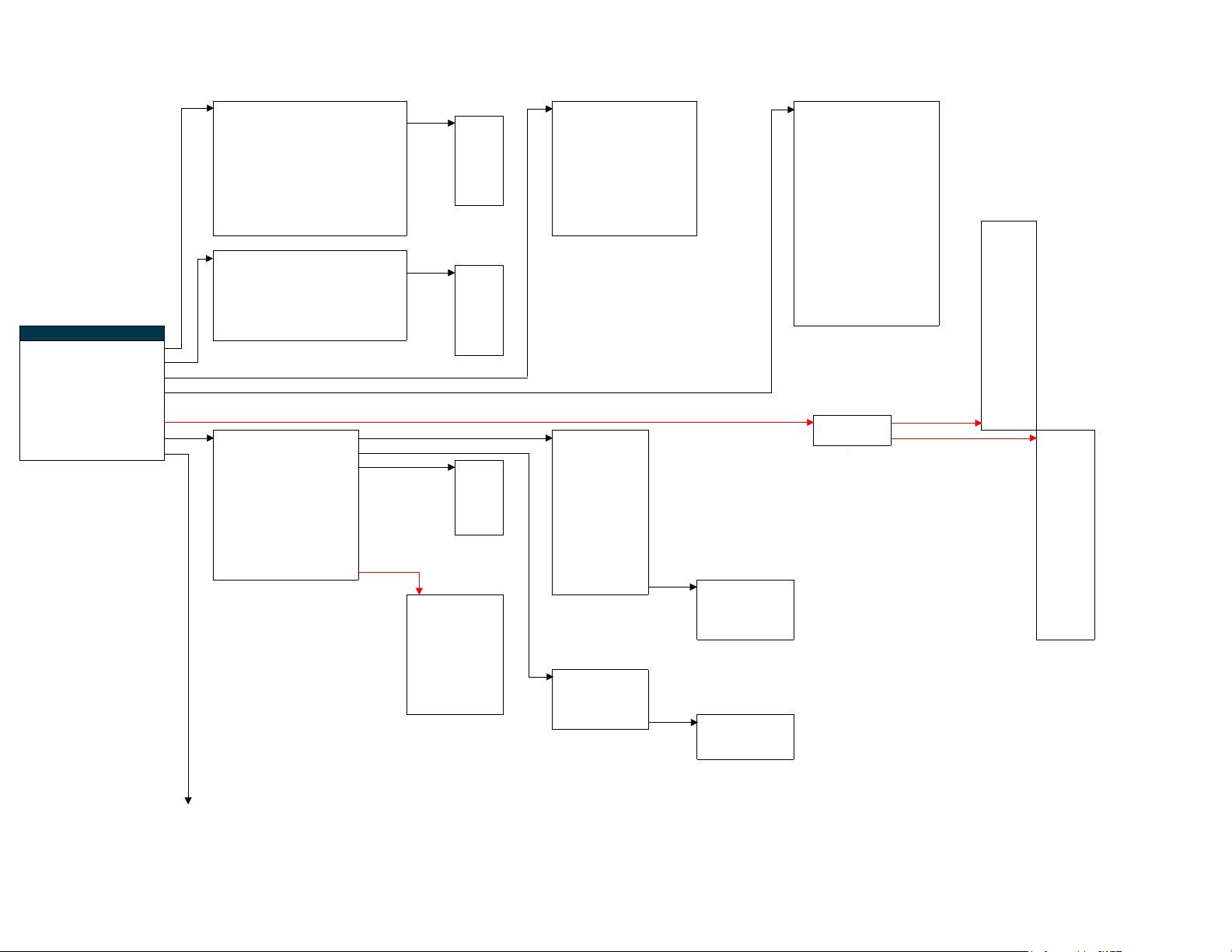
Waveform [On/Off] (Off) Volume [0~40] (5) -Background [On/Off] (Off)
Layout [value] Wfm Pip Meters [On/Off] (Off) -Decay [Fast/Med/Slo] (S)
Size [Sm/Med/Lg] (S) Wfm Full L Listen [1~16] (1) -No. Channels [1~16] (8)
Position [UL/UR/LL/LR] (UR) Vec Full R Listen [1~16] (2) -Display Ch [All/Active] (Act)
Display [Transparent/Opaque] (Tr) W A V Headrom Bot [-20] (Fixed at -20dbFS) -Columns [Dual/Quad] (D)
Y Overlimit [105.0%] (105.0) ALM 16 Headrom Top [0] (Fixed at Zero) -Display
Y Underlimit [-0.9%] (-0.9) Quad Save Preset [1~8] (1) Peak Log [On/Off] (Off)
Histogram [On/Off] (Off) Load Preset [1~8] (1) -Log Speed [4~300s] (4s)
L position [UL/UR/LL/LR] (LR) Lock [On/Off] (Off) -Size [Sm/Lg] (S) Backlight
-Position [UL/UR/LL/LR] (LL) Volume
Vectorscope [On/Off] (Off) Phase Monitor [Off~x8] (Off) Brightness
Boland Menu Tree Layout [value] Vec Pip -History [1~16 Frames] (4) Contrast
Items in Red are Future items. Size [Sm/Med/Lg] (S) Wfm Full -Size [Sm/Med/Lg] (M) Color
Items in Green are Default Values Position [UL/UR/LL/LR] (LR) Vec Full -Position [UL/UR/LL/LR] (UL) Hue
Display [Transparent/Opaque] (Tr) W A V -Display
[Transparent/Opaque] (Tr)
[Transparent/Opaque] (Tr) Inputs
Setup Gain [0.7~4.7~0.7] (1.0) ALM 16 Aspect
Waveform Off Quad Zoom
Vectorscope Off Freeze
Audio 5 PiP Size
Meters Setup 8 PiP Swap
Peaking Setup [Norm/Mono] (Normal) Auto Setup
Hot Key Setup >>> Left Pair v ^
Aspect & Views 16:9 Aspect FAR Fill Screen Right Pair < > Backlight
More Setups >>> Scan Exact Fill to Aspect Volume
Color Channel RGB All RGB All AFD/WSS Brightness
Pulse Cross [On/Off] Red 4:3 Contrast
H Delay [-127~127] Green 16:9 Color
V Delay [-127~127] Blue 16:10 Hue
Time Code
Freeze Image [On/Off] (Off) 2.35:1 Aspect
SDI Errors
3D [value] 2:1 Freeze
[LTC-VITC1/2-Off] (Off) Mono 1.85:1 Inputs
[On/Count/Display] (Off) 1:1 Zoom
Custom* H Size [0~100] (50) PiP Size
Left Eye *If Custom is chosen, all H Pan [-50~+50] (0) PiP Swap
Right Eye Scan choices below are V Size [0~100] (50) Auto Setup
L+R Eye greyed-out (unavailable). V Pan [-50~+50] (0)
Luma Diff
Color Anaglyph
Half Color Exact 0% (fixed value)
Optimized Over 2% (fixed value; shows 'OVER' text on screen next to input name)
Gray Under -2% (fixed value)
Zoom [value] Zoom [x0.9~x4] (1) (17 steps)
H Pan [-32~+32] (0) (65 steps)
V Pan [-32~+32] (0) (65 steps)
No Function
No Function
boland
Next Page
3/20/2011 BCI_MENU.XLS page 6
Page 7
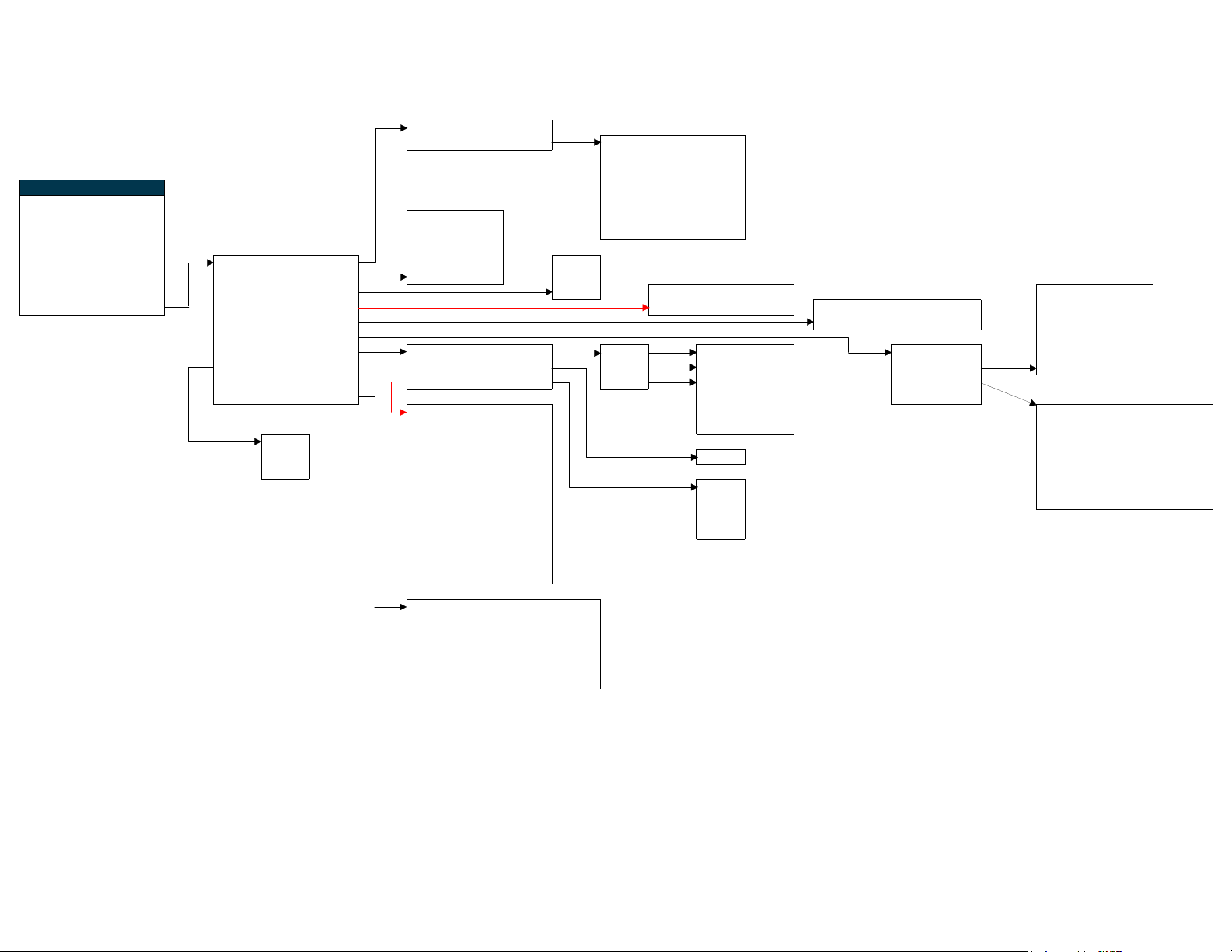
Boland Menu Tree Auto Seek [On/Off] (Off)
Items in Red are Future items. Seek Setup >>> SDI 1 On
Items in Green are Default Values SDI 2 On
Setup VGA Off
Waveform [On/Off] Component Off
Vectorscope [On/Off] Auto Off No Sync Y/C Off
Audio Setup [5] 10 Min Composite On
Meters Setup [8] 20 Min
Peaking Setup [Norm/Mono] Auto Source Seek Off 1 Hour Auto
Hot Key Setup >>> Auto Power Auto Always On NTSC
Aspect/View [16:9] Video Standard NTSC PAL Lower ImageQ/Low Latency RS-232 [On/Off] (On)
More Setups >>> De-Interlace/Hi-Q Hi High ImageQ/Medium Latency OSD Auto Timeout [On,10.20,60] (On) Baud
OSD On Transparency [Trans/Opaq] (Trans) Bits 5~8 (8)
Remote IR/232/IP Parity {O/E/N/M/S] (N)
Color Temp D65/709 Color Temp [D65] D65 R Gain [0~100]
Fan Speed A/H/O Gamma [2.2] D93 G Gain [0~100] (80)
UMD-IMD Off Matrix [value] User B Gain [0~100]
Store Settings >>> (3 CT Tables)°° >> R Bias [-20~+20]
UMD-IMD On G Bias [-20~+20]
Mode UMD B Bias [-20~+20] (0) * RS-232 ~ TCP/IP command (Off) DHCP [On/Off]
Auto Protocol ImageVideo list is for all menu functions. Name [Boland1]
Hi ID No. 001 [1.6~2.8} (2.2) IP Address [192.168.254.001]
Lo Group No. 001 °° Color Temp Gains and Offsets Mask [255.255.255.0]
(If a fan is Installed, Serial No. 1234567 Auto are used to factory calibrate screen while Gateway [192.168.1.1]
otherwise not showing) Baud Rate 300~115200 601 Contrast & Brightness are set to 50, 50. DNS Addr [192.168.254.101]
Tally Mode T1 709
Default Color GRN Bypass
Alignment C
Default Characters ABCDEF
Tally Source IV 422
HDMI On
[2400~115200] (9600)
(80) IR [On/Off] (On) Stop [1~2] (1)
(80)
(0) None [value]
(0) (On) TCP/IP [On/Off]
RS-232 [value] Flow [X/Hdw/N] (None)
*
TCP/IP [value]
*
boland
Controls Lock [Lock/Unlock] (Unlock)
Save Settings 1 [Save/Cancel]
Recall Settings 1 [Recall/Exit]
Save Settings 2 [Save/Cancel]
Recall Settings 2 [Recall/Exit]
Recall Calibrated Setup [Recall/Exit]
3/20/2011 BCI_MENU.XLS page 7
 Loading...