

Page 1
Order toll-free in the U.S.: Call 877-877-BBOX (outside U.S. call 724-746-5500)
FREE technical support 24 hours a day, 7 days a week: Call 724-746-5500 or fax 724-746-0746
Mailing address: Black Box Corporation, 1000 Park Drive, Lawrence, PA 15055-1018
Web site: www.blackbox.com • E-mail: [email protected]
CUSTOMER
SUPPORT
INFORMATION
SEPTEMBER 2003
RM399
RM403
RM410
RM589
Fixed, Vented Server Shelves for
Elite Series Data Cabinets
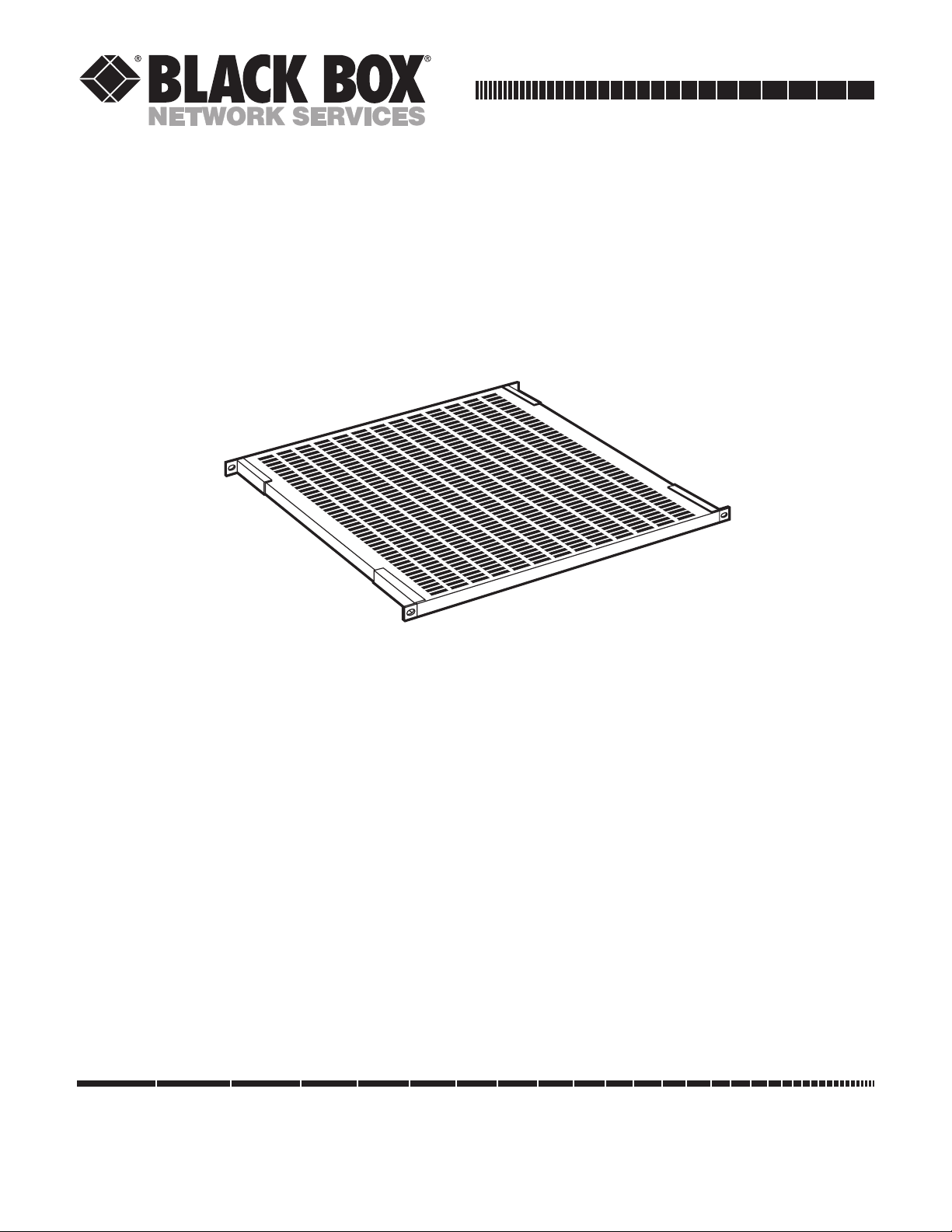
This installation sheet covers four models of Fixed, Vented Server Shelves for use with the Elite Series Data
Cabinets:
• The RM399, RM403, and RM410 are the proper width for mounting in a cabinet assembled with 19"
(48.3-cm) rack rails. The RM399 supports equipment weighing up to 200 lb. (90.7 kg) and is 22.25"
(56.5 cm) deep. The RM403 and RM410 both support equipment weighing up to 150 lb. (68 kg); the RM403
is 27.25" (69.2 cm) deep and the RM410 is 30" (76.2 cm) deep.
• The RM589 is the proper width for mounting in a cabinet assembled with 23" (58.4-cm) rack rails. It
supports equipment weighing up to 200 lb. (90.7 kg) and is 22.25" (56.5 cm) deep.
Each of these shelves has four “mounting ears”: two at the front and two at the back. To mount one of them in
the cabinet, first tilt the shelf far enough sideways to get past the cabinet’s rails, then maneuver it through the
cabinet until its front and rear mounting ears are even with the cabinet’s front and rear rails. Straighten the shelf
back to level so that its front ears are flush against the front of the cabinet’s front rails and its rear ears are flush
against the back of the cabinet’s rear rails. Align the holes in the mounting ears with an appropriate set of holes
in the cabinet’s rails, then secure the shelf to the rails using the included mounting hardware.
© Copyright 2003. Black Box Corporation. All rights reserved.
 Loading...